Script Planner Assistant▸
 AI Apps
 AI News

VGO.PUB – Download HD Videos from 100+ Sites
VGO.PUB – Download HD Videos from 100+ SitesIntroduction
What is 麦壳下载 VGO.PUB?
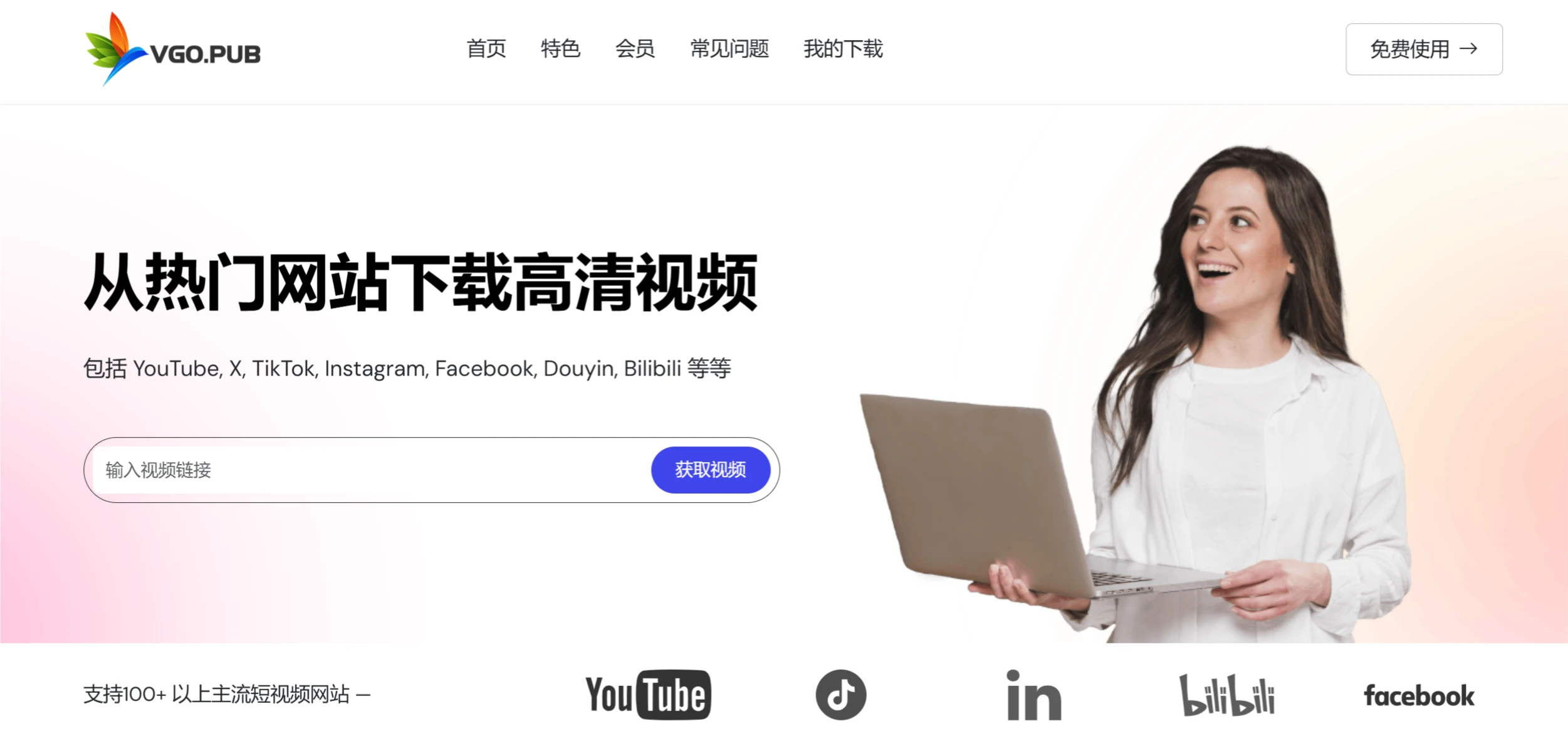
麦壳下载 VGO.PUB is an online video download tool that focuses on downloading HD videos and audio from over 100 popular video platforms. It supports multiple video resolutions, including HD 720p, 1080p, as well as 4K and 8K quality, meeting the needs of users who want to watch HD videos on different devices. 麦壳下载 VGO.PUB is ad-free and easy to use, requiring no software installation—users can simply access it through a browser.
麦壳下载 VGO.PUB Features
Multi-platform support: Supports downloading videos and audio from over 100 popular video platforms, including YouTube, TikTok, Instagram, Facebook, Bilibili, Vimeo, SoundCloud, Niconico, Flickr, DailyMotion, Naver TV, Likee, and Tumblr.
HD video download: Supports downloading videos in multiple resolutions, including 720p, 1080p, 4K, and 8K quality, suitable for viewing on HD devices.
One-click watermark removal: Offers a one-click feature to remove watermarks from videos, allowing users to clean up videos with simple operations.
Ad-free experience: The interface is clean with no ads, allowing users to focus on downloading without interruptions.
No installation required: As an online tool, there is no need to install any software on your local device. Users can simply access the website through a browser, making it convenient and quick.
Fast and stable: Specialized in online video parsing for 5 years, with over 4 million users served cumulatively and 400,000 monthly active users. The website is continuously optimized and upgraded, running stably and reliably.
麦壳下载 VGO.PUB Use Cases
Self-media creators: Quickly obtain watermark-free HD video materials for content creation, improving video quality and professionalism.
Students and educators: Download HD teaching videos and remove watermarks for use in teaching demonstrations or creating educational materials.
Business users: Download high-quality video materials for creating promotional videos or product introductions.
General users: Download favorite videos and remove watermarks for personal sharing.
How to Use 麦壳下载 VGO.PUB
Copy the video link: Open the video or image you want to download in the short video APP or official website, tap the "Share" button, and then tap "Copy Link".
Paste the video link: Open your browser and visit 麦壳下载 VGO.PUB, paste the copied video link into the input box, and click the "Get Video" button.
Select quality and download: The website will parse the video link and display the available video quality options. Users can select the desired quality and click the "Download" button; the video will be saved to your computer.