
 Script Planner Assistant▸
 AI Apps
 AI News
Agent TARS: Open-Source Multimodal AI Agent by ByteDance
Agent TARS: Open-Source Multimodal AI Agent by ByteDanceIntroduction
What is Agent TARS?
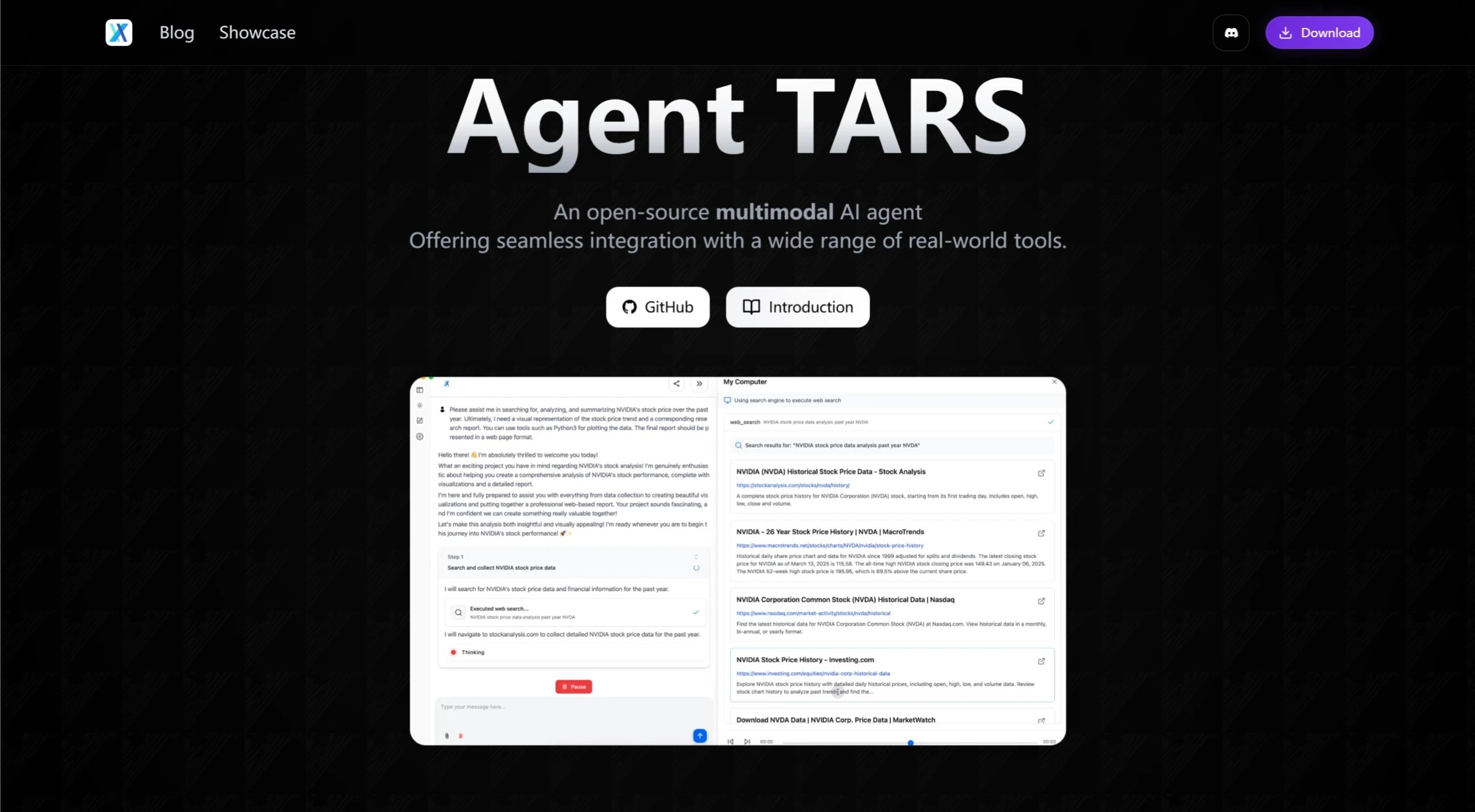
Agent TARS is an open-source multimodal AI agent tool by ByteDance that can interpret web content visually, enabling smooth browser operations. It also integrates seamlessly with the command line and file system. As mentioned in the article, the core functionality of Agent TARS is to use a sophisticated agent framework to create workflows that help users plan and execute tasks, such as searching, browsing, and exploring links, and to connect with the UI through Event Stream to synthesize information and produce the final output.
Agent TARS Features
Advanced Browser Operations: Execute complex tasks through the agent framework, such as in-depth research and operational capabilities, enabling comprehensive planning and execution.
Comprehensive Tool Support: Integrates search, file editing, command line, and Model Context Protocol (MCP) tools to handle complex workflows.
Enhanced Desktop Application: A brand-new UI design including browser display, multimodal elements, session management, model configuration, conversation flow visualization, and browser/search status tracking.
Workflow Orchestration: Seamlessly connects GUI agent tools such as search, browse, and explore links, and synthesizes information into the final output.
Developer-Friendly Framework: Simplifies integration with UI-TARS and the creation of custom workflows for GUI agent projects.
Agent TARS Applications
Automated Task Execution: Agent TARS can control a computer or mobile device through natural language instructions to complete tasks such as opening apps and searching for information.
In-Depth Research: Helps users efficiently gather and analyze complex information.
Complex Workflows: Suitable for complex tasks that require multi-step operations and cross-platform interaction.
Code Development Assistance: Helps developers quickly generate and optimize code through code generation and explanation features.
Using Agent TARS
Installation
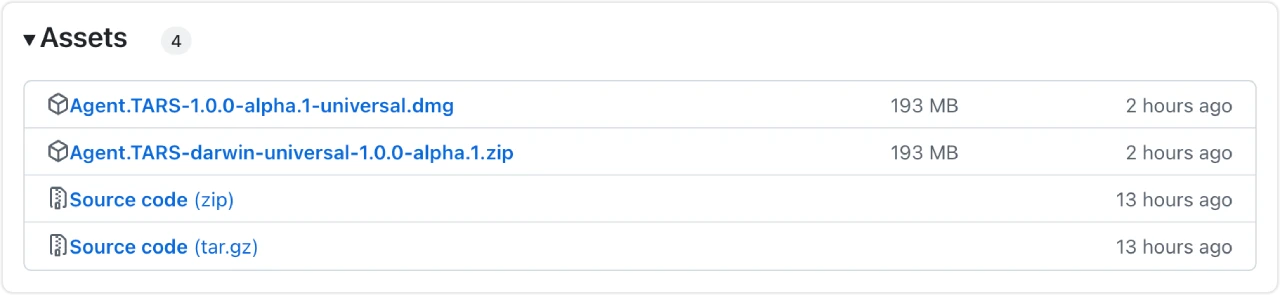
Download from the GitHub releases page: Visit the GitHub releases page and select the latest version to download.
Install using Homebrew: If Homebrew is installed, you can install it by running the command brew install --cask agent-tars .
Configuration
After installation, the necessary configuration is required:
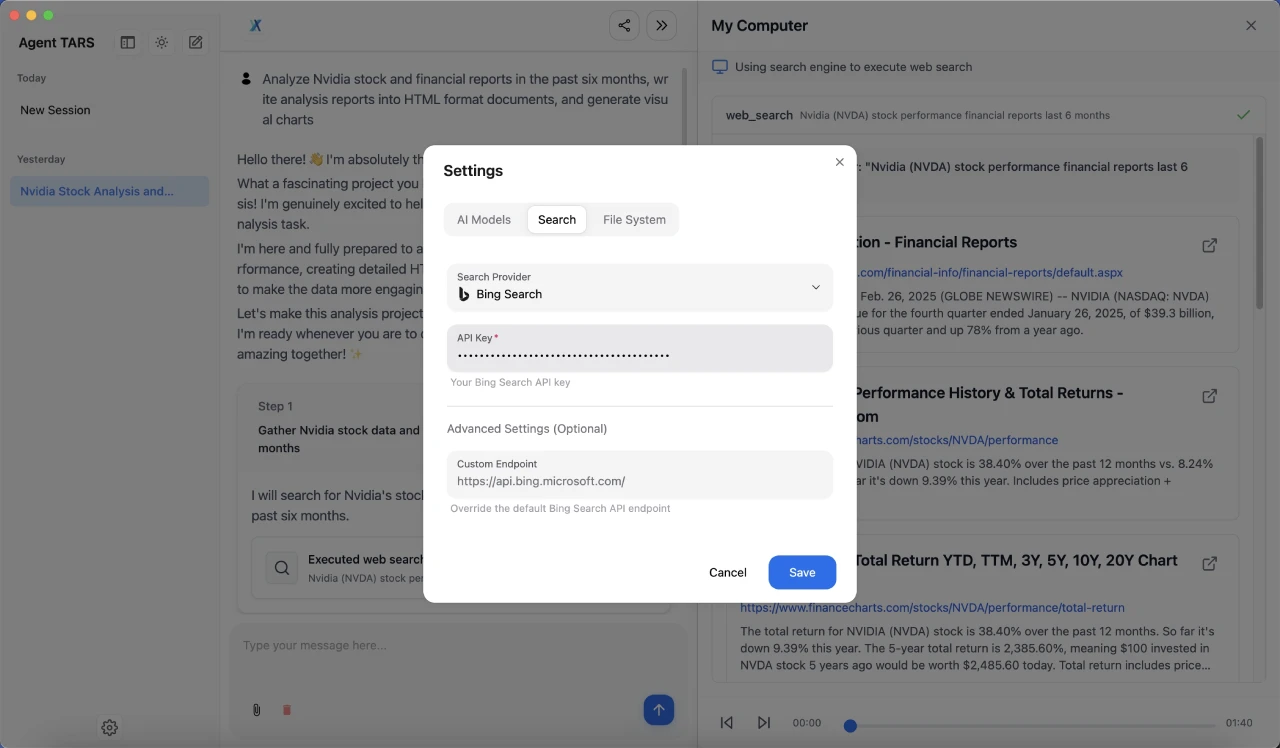
Set up model providers: Agent TARS supports multiple model providers. Users need to choose a suitable model provider based on their needs and configure the corresponding API key.
Configure tools: Agent TARS integrates search, file editing, command line, and Model Context Protocol (MCP) tools. Users can configure them based on their needs.
How to Use
Users can enter a question in the input box and press Enter to start using Agent TARS. Agent TARS also supports a "Human In the Loop" feature, allowing users to interact with the agent during the workflow through the input box, and even insert their own ideas through a special input box at the top.
Agent TARS is currently still in the technical preview stage and has not yet stabilized. It is not recommended for use in production environments.
Related Links
Project Website: https://agent-tars.com/
Use Cases Page: https://agent-tars.com/showcase
GitHub Repository: https://github.com/bytedance/UI-TARS-desktop/tree/main/apps/agent-tars
Related News:
Recommended 10 excellent free, open-source AI Agent frameworks














