
 Script Planner Assistant▸
 AI Apps
 AI News
LangFlow: A Low-Code Visual Tool for Building and Experimenting with LangChain Pipelines
LangFlow: A Low-Code Visual Tool for Building and Experimenting with LangChain PipelinesIntroduction
What is LangFlow
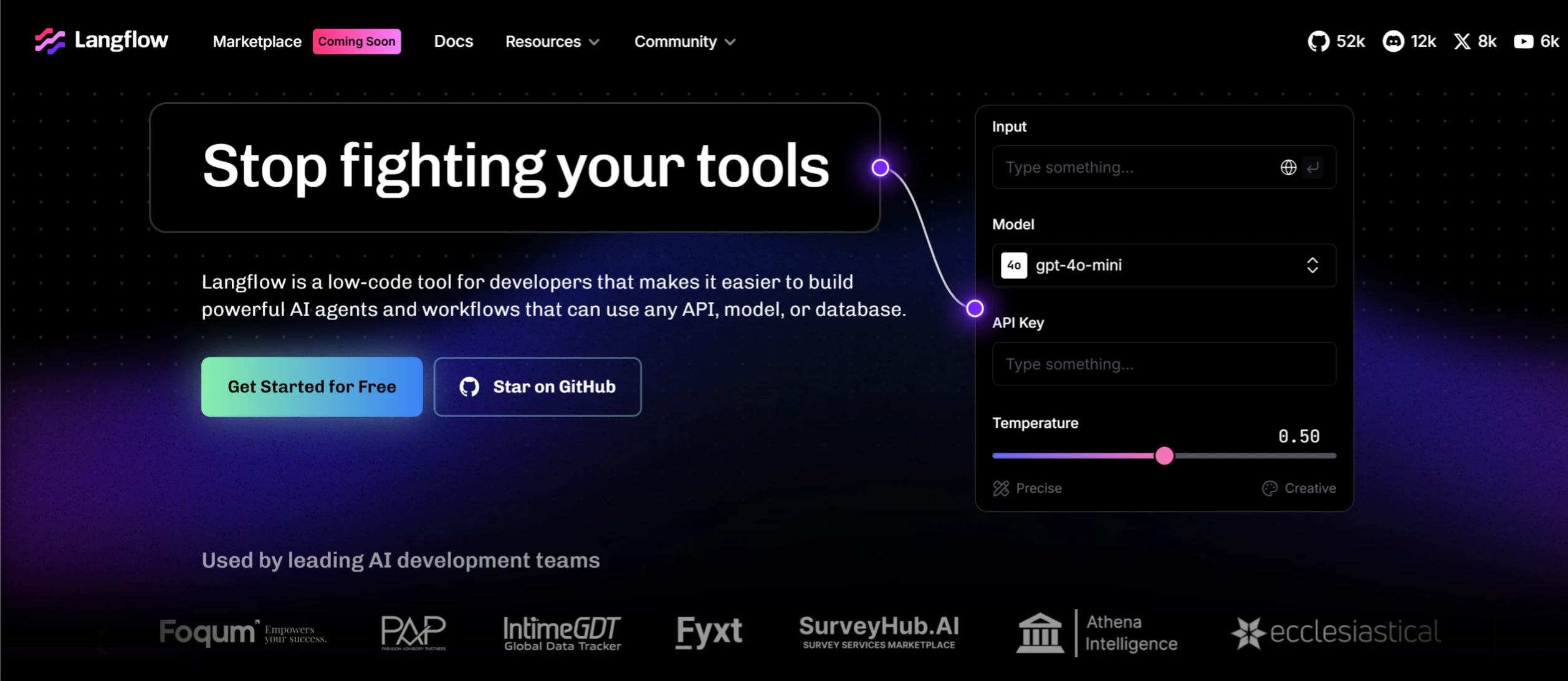
LangFlow is a low-code, visual AI application builder tool, primarily used for quickly building and experimenting with LangChain pipelines. It uses a drag-and-drop interface that allows users to easily create complex AI workflows without writing extensive code. LangFlow supports multi-agent conversation management and RAG (Retrieval-Augmented Generation) applications, making it suitable for building intelligent chat bots, document analysis systems, and content generation tools.
LangFlow Features
Visual Workflow Building: Users can easily create complex AI workflows by dragging and dropping components.
Multi-Agent Support: Supports orchestration, conversation management, and information retrieval for multiple agents.
Python Customization: Users can customize components using Python code.
Pre-built Components: Provides hundreds of pre-built components and templates for quick project starts.
Instant Testing Environment: The built-in Playground feature allows users to test and iterate workflows in real time.
Cloud Deployment and Local Running: Supports free deployment on the DataStax Langflow cloud platform, as well as local running.
API Publishing and Export: Users can publish workflows as APIs or export them as Python applications.
Ecosystem Integration: Supports integration with tools such as LangSmith, LangFuse, or LangWatch, providing enterprise-grade security and scalability.
LangFlow Use Cases
Intelligent Document Q&A Systems: Through RAG technology, long documents are chunked and stored in vector databases, enabling efficient semantic retrieval and Q&A functionality.
Automated Content Generation: Supports inputting daily records or data into workflows and generating standardized documents through preset templates.
Multi-Agent Conversation Systems: Supports orchestration and conversation management of multiple agents, capable of building complex chatbots or customer service systems.
How to Use or Install LangFlow
How to Use
Create a Flow: Drag and drop components from the sidebar onto the canvas and connect them together to create a pipeline.
Edit and Test: Explore by editing prompt parameters, linking chains and agents, tracking the agent's thinking process, and exporting the flow.
Export and Integrate: Once finished, you can export the flow as a JSON file and then load it for use in Python.
Installation Methods
Install via Docker:
docker run -p 8080:8080 langflow/langflow:latest
After installation, visit http://localhost:8080 to start using it.
Install from Source Code:
1. Clone the LangFlow GitHub repository:
git clone https://github.com/langflow-ai/langflow.git
2. Enter the project directory and install dependencies:
cd langflow
pip install -r requirements.txt
3. Start the LangFlow service:
uvicorn langflow:app --reload --host 0.0.0.0 --port 8080
Then visit http://localhost:8080 to start using it.
Related Links for LangFlow:
LangFlow Official Documentation: https://docs.langflow.org
LangFlow GitHub Repository: https://github.com/langflow-ai/langflow
LangFlow Experience Address on Hugging Face: https://huggingface.co/spaces/Logspace/LangFlow
GitHub Repository for LangFlow's Integration with Streamlit: https://github.com/yaitec/langflow-streamlit














