
 Script Planner Assistant▸
 AI Apps
 AI News

AutoGen: Microsoft's Open-Source Framework for Building LLM-Based Multi-Agent Systems
AutoGen: Microsoft's Open-Source Framework for Building LLM-Based Multi-Agent SystemsIntroduction
What is AutoGen?
AutoGen is an open-source framework launched by Microsoft, designed for building and managing multi-agent systems based on large language models (LLMs). It allows users to create multiple autonomous agents that can collaborate through conversation to complete complex tasks. AutoGen aims to simplify the orchestration, automation, and optimization of LLM workflows, improving the efficiency and flexibility of task processing.
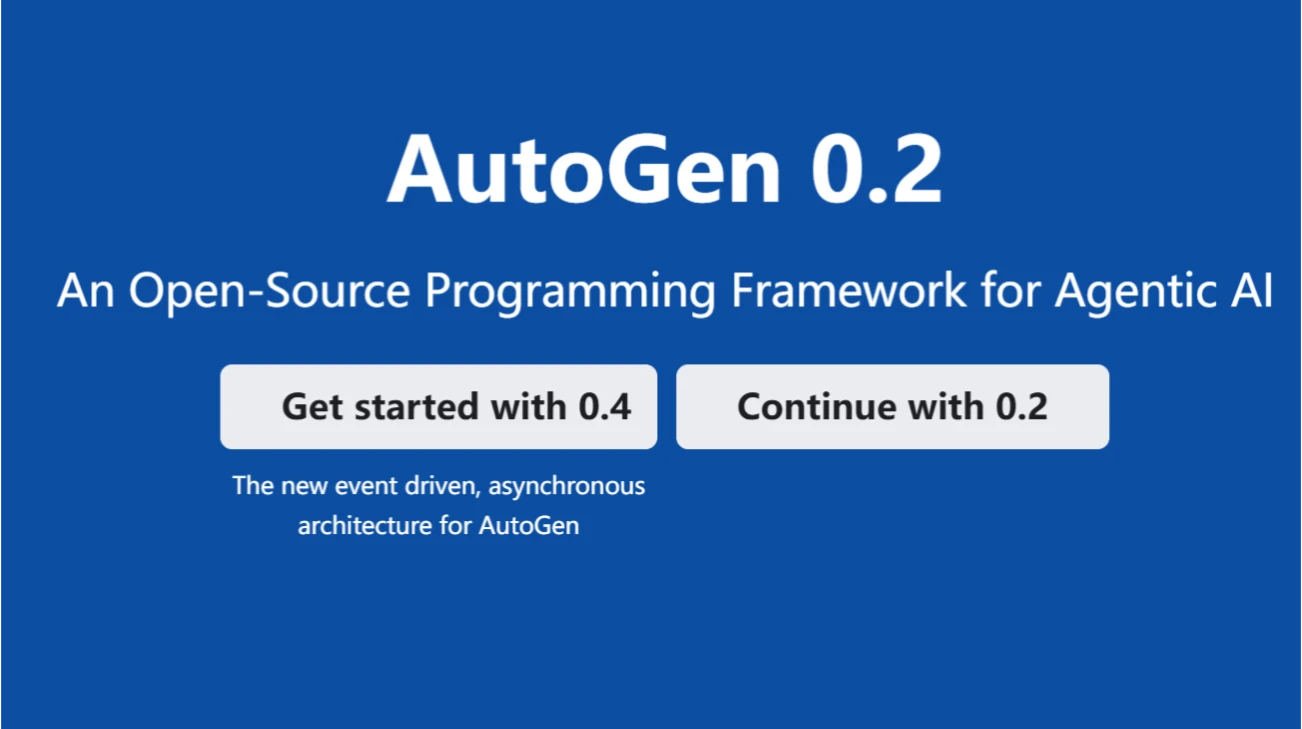
AutoGen Features
Multi-Agent Collaboration: Supports the creation of multiple agents with different roles and functions, which can interact by sending and receiving messages.
Simplified Workflow: Encapsulates complex operations such as model invocation, parameter configuration, and conversation management, allowing developers to focus only on business logic.
Modular Design: Adopts a modular architecture, enabling developers to easily create custom agents and combine them as needed.
Enhanced LLM Inference: Provides utilities such as API unification and caching, along with features like error handling and multi-configuration inference.
Supports Multiple Operating Modes: Supports both autonomous operation and human-supervised modes.
Asynchronous Messaging: Agents communicate through asynchronous messages, supporting event-driven and request/response interaction patterns.
Cross-Language Support: Currently supports Python and .NET, with more languages to be supported in the future.
AutoGen Applications
Intelligent Customer Service: Build intelligent customer service agents that can understand user questions and provide accurate answers.
Software Development: Act as an automated coding assistant to generate code snippets, perform code reviews, and optimize code.
Complex Problem Solving: Organize multiple agents to be responsible for different tasks, such as data analysis involving data collection, analysis, and report generation.
Creative Writing: Act as a creative partner to provide inspiration and suggestions to aid in creation.
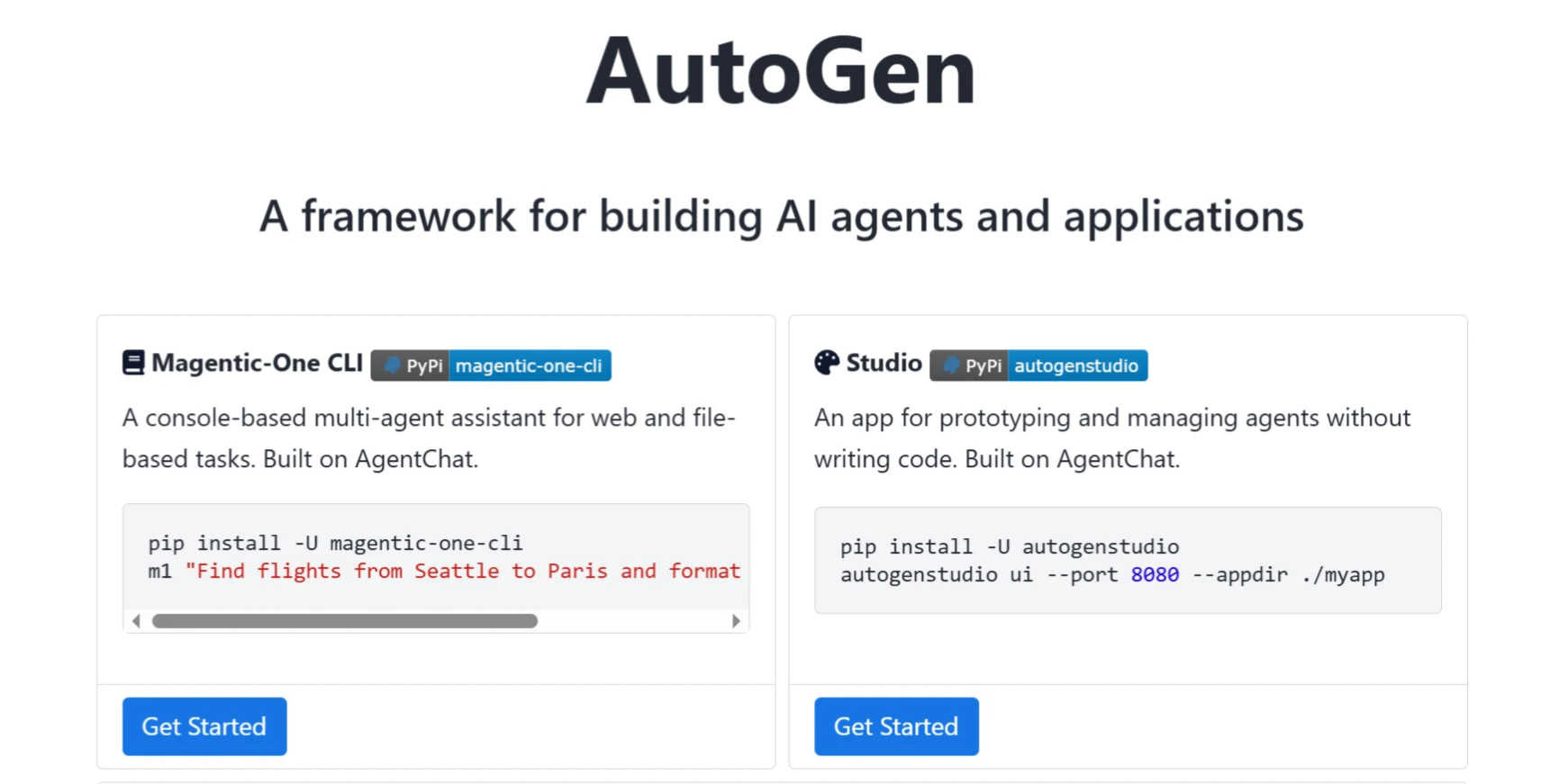
AutoGen Installation and Usage
1. Installation Environment: Linux or macOS systems are recommended; Windows environments may encounter compatibility issues.
2. Create a Python Virtual Environment: Create a new Python virtual environment to avoid dependency conflicts.
3. Install AutoGen: Execute the following command in the command line to install AutoGen and its dependencies:
pip install pyautogen
4. Configuration and Usage: After installation, define agents and their roles as needed, and configure how they work together.
By following the above 4 steps, you can set up and use the AutoGen framework to implement LLM applications with multi-agent collaboration.
AutoGen Installation Guide: https://microsoft.github.io/autogen/stable/user-guide/autogenstudio-user-guide/installation.html
AutoGen Project Homepage: https://microsoft.github.io/autogen/0.2/
AutoGen GitHub Repository: https://github.com/microsoft/autogen
Usage: https://microsoft.github.io/autogen/stable/
Related Information:
Recommended 10 Excellent Free, Open-Source AI Agent Frameworks














