Script Planner Assistant▸
 AI Apps
 AI News

V2OB Online Tool: Free Short-Video Watermark-Free Parsing & Downloader
V2OB Online Tool: Free Short-Video Watermark-Free Parsing & DownloaderIntroduction
What is V2OB Online Tool?
V2OB Online Tool is a completely free, safe, and efficient short video parsing tool that helps users quickly download high-definition watermark-free videos. It supports multiple mainstream platforms including Douyin, Kuaishou, Xiaohongshu, Xigua Video, Pipixia, Bilibili, AcFun, and Huya Video. V2OB Online Tool provides a completely free video parsing service, allowing users to access all features without registration or payment.
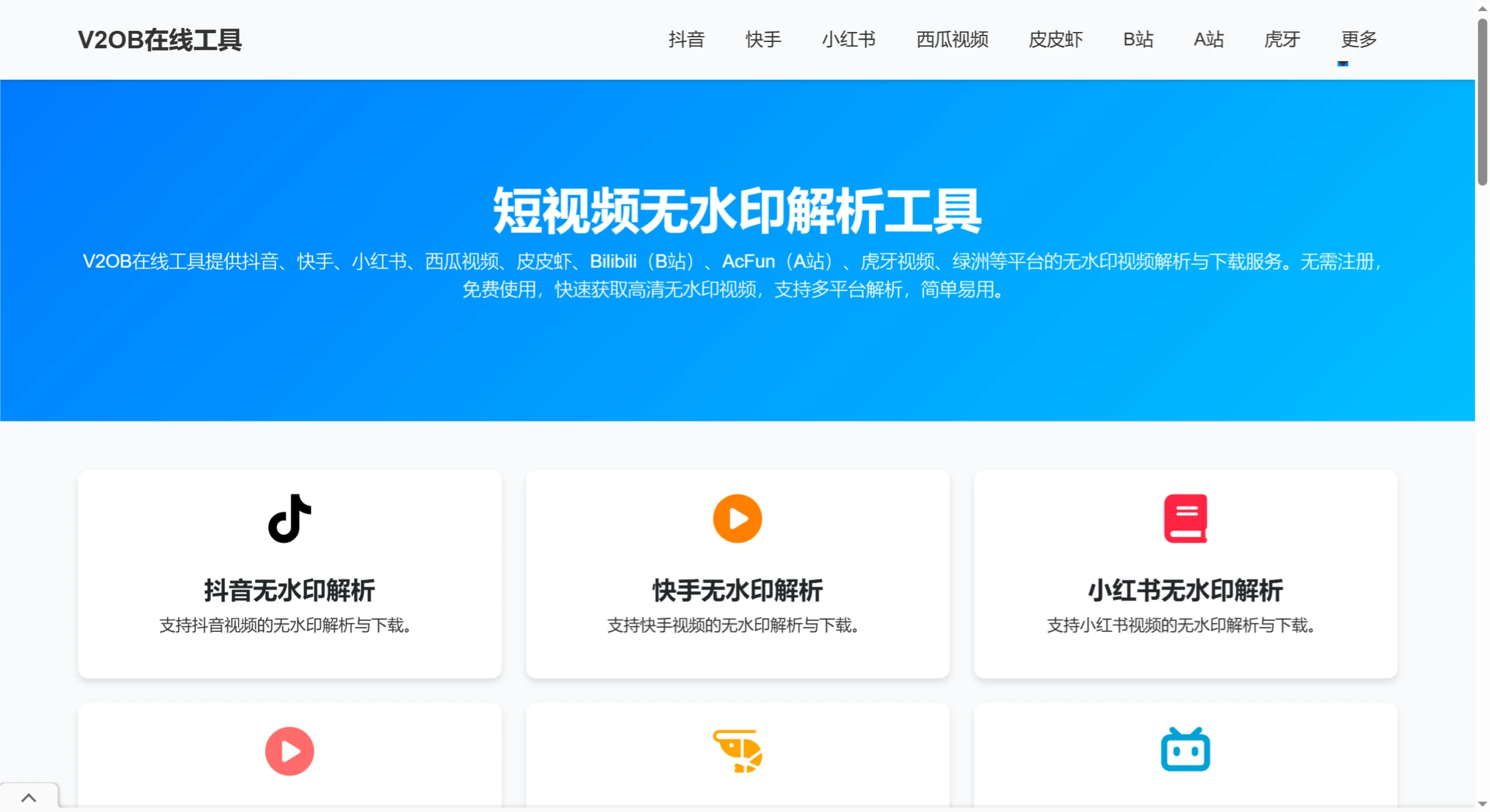
V2OB Online Tool Features
Multi-platform support: Covers multiple mainstream short video platforms.
Lightning-fast parsing: Uses high-performance servers for fast parsing speed.
High-definition watermark-free: Parsed videos are clear in quality with watermarks completely removed.
Safe and reliable: Does not store user data and automatically clears records after parsing.
Completely free: All features are available without registration or payment.
V2OB Online Tool Applications
V2OB Online Tool is suitable for short video creators, educators, and general users. It can be used for video collection or secondary creation, but copyright issues should be noted.
How to Use V2OB Online Tool
Now we will use V2OB Online Tool to download a watermark-free video from Douyin as an example:
Visit the official website: Open the V2OB official website.
Copy the video link: Find the video you want to download in the Douyin APP, click the "Share" button, and select "Copy Link".
Paste the link: Return to the V2OB official website and paste the copied video link into the input box on the homepage.
Click the "Parse" button: The system will automatically parse the video link, usually completing within a few seconds.
Download the watermark-free video: After parsing is complete, click the "Download" button to save the high-definition watermark-free video to your device.
The usage method for other platforms (such as Xiaohongshu, Bilibili, etc.) is similar; just copy the video link from the corresponding platform and paste it into the V2OB tool, then click "Parse".