
 Script Planner Assistant▸
 AI Apps
 AI News

Codiga: An AI-Based Static Code Analysis Tool for Real-Time Issue Detection, Code Quality, and Security
Codiga: An AI-Based Static Code Analysis Tool for Real-Time Issue Detection, Code Quality, and SecurityIntroduction
What is Codiga?
Codiga is an AI-based static code analysis tool designed to help developers detect code issues in real time, improving code quality and security. It supports multiple programming languages and can be integrated into mainstream IDEs and CI/CD pipelines, offering features such as real-time code analysis, custom rules, and code snippet management to help teams efficiently develop high-quality code.
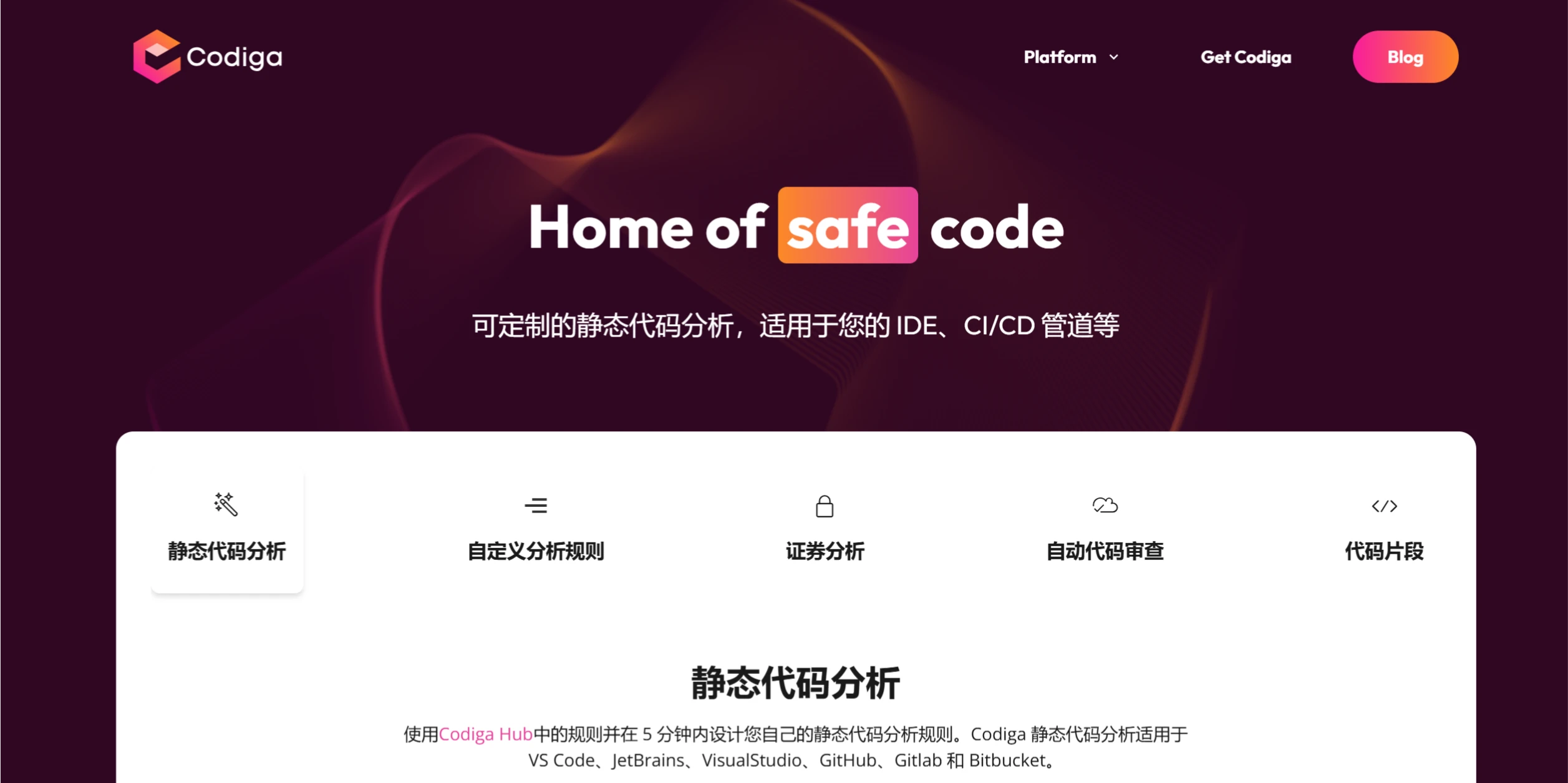
Codiga Features
Real-time Code Analysis: While developers write code, Codiga scans the code in real time, promptly identifying potential issues such as code smells, security vulnerabilities, and performance problems.
Automated Code Review: During code commits and pull request stages, Codiga can automatically analyze code, flagging violations, duplicate code, overly long or complex functions, and other issues.
Security Vulnerability Detection: Supports security standards such as OWASP Top 10, SANS CWE Top 25, and Mitre CWE, helping developers identify and fix security vulnerabilities.
Multi-language Support: Supports more than 12 mainstream programming languages, including Python, JavaScript, Java, and PHP.
IDE Integration Support: Provides plugins for integration with mainstream IDEs such as VS Code, JetBrains, and Visual Studio, and supports CI/CD pipelines on GitHub, GitLab, Bitbucket, and more.
Custom Rules and Templates: Users can define custom code inspection rules and templates based on their team's specific needs.
Codiga Use Cases
Individual Developers: Quickly improve code quality and security.
Development Teams: Boost team collaboration efficiency through automated code reviews and shared code snippets.
Enterprise Applications: Integrate into CI/CD pipelines to ensure code quality.
Codiga Advantages
Improved Development Efficiency: Real-time feedback and automated reviews reduce the time spent on manual reviews.
Enhanced Code Quality: Helps developers spot and fix issues instantly during coding.
Improved Security: Detects and fixes security vulnerabilities, reducing security risks.
Team Collaboration: Supports team members in sharing code snippets, improving code reusability.
How to Use Codiga
Install the Plugin: Install the Codiga plugin in your IDE (such as VS Code or JetBrains) and enter the API key to complete the configuration.
Real-time Code Analysis: While writing code, Codiga automatically scans and flags issues, providing fix suggestions.
Custom Rules: Create custom rules on the Codiga platform to meet your team's development standards.
Code Snippet Management: Create, search for, and use code snippets in the IDE, with team-sharing support.
Integrate into CI/CD Pipelines: Connect Codiga with CI/CD tools such as GitHub and GitLab to automate code reviews.
View Reports: Check the code quality dashboard to understand metrics such as code defects and duplicate code.
Codiga has been acquired by Datadog and integrated into its platform, further enhancing observability of the development workflow.
Related News:
2025 Latest Roundup: 20+ Best AI Programming Tools and AI Coding Assistants












