
 Script Planner Assistant▸
 AI Apps
 AI News

Hocoos AI – AI-Powered No-Code Website Builder for Professional Sites & Online Stores
Hocoos AI – AI-Powered No-Code Website Builder for Professional Sites & Online StoresIntroduction
What is Hocoos ai?
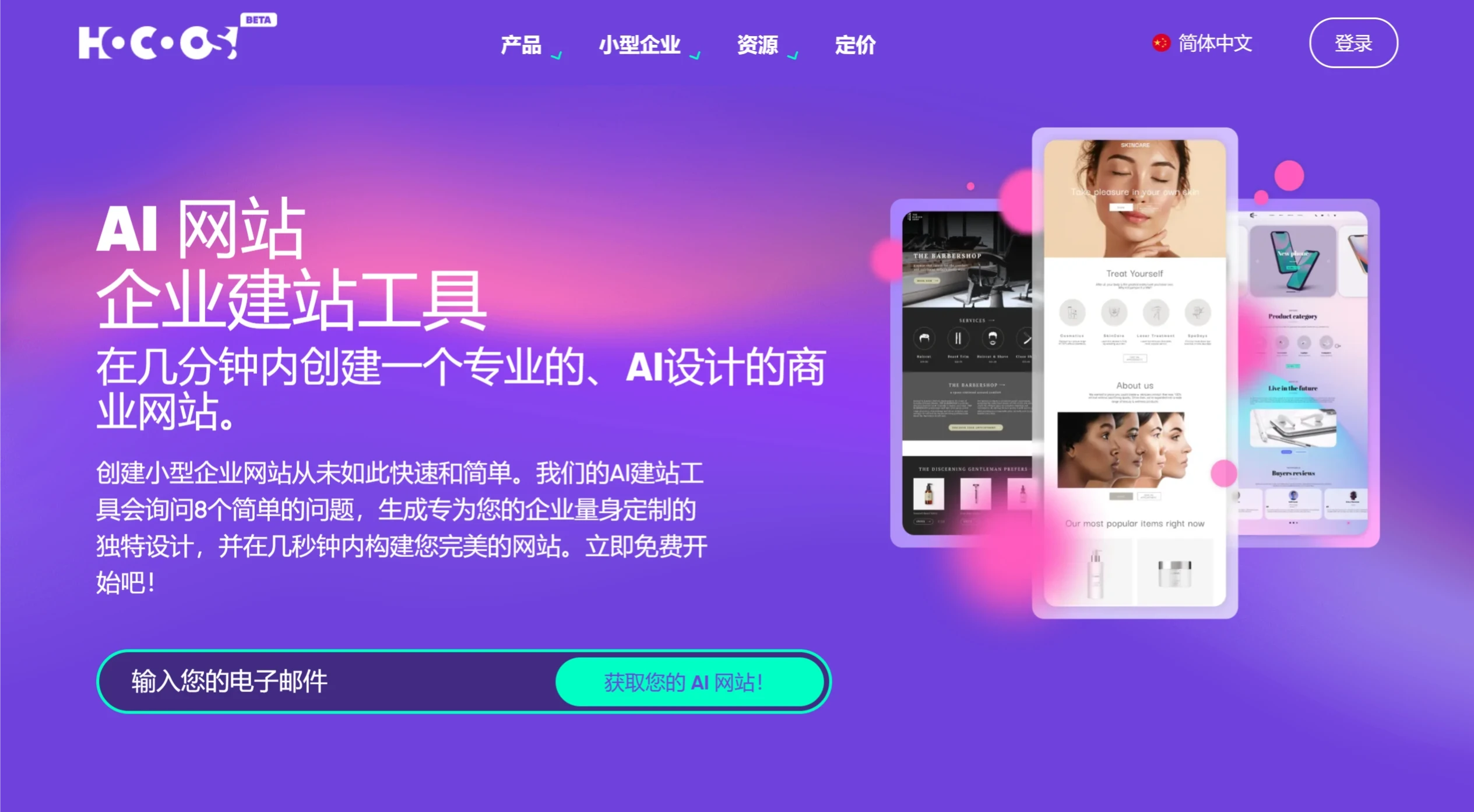
Hocoos is an AI-powered no-code website generator designed for quickly creating professional websites and online stores. Through AI-driven templates and a drag-and-drop editor, users can build personalized websites or online stores within minutes without any coding skills, making it ideal for small and micro businesses, individual users, and e-commerce sellers.
Main Features of Hocoos AI
AI-Driven Website Generation: Users only need to answer a few simple questions, and Hocoos's AI system can generate a personalized website within minutes.
No-Code Operation: Provides an intuitive drag-and-drop editor with no coding skills required, allowing users to easily edit websites through a visual interface.
Rich Template Library: Offers a variety of industry-specific templates covering e-commerce, services, personal blogs, and more.
AI-Assisted Design Tools
AI Logo Generator: Create professional logos in seconds.
AI Image Editor: Quickly optimize website visuals.
AI Content Generator: Automatically generate high-quality page and blog content.
E-commerce and Business Features: Supports online store creation, product listing, payment integration, suitable for small merchants.
SEO and Analytics Tools: Provides search engine optimization features and data analysis, helping users improve website rankings and understand user behavior.
Mobile Optimization: All templates support mobile devices, ensuring websites provide a good experience across different devices.
Use Cases for Hocoos AI
Small Businesses: Quickly build branded official websites to promote business.
Individual Users: Create personal blogs or portfolios.
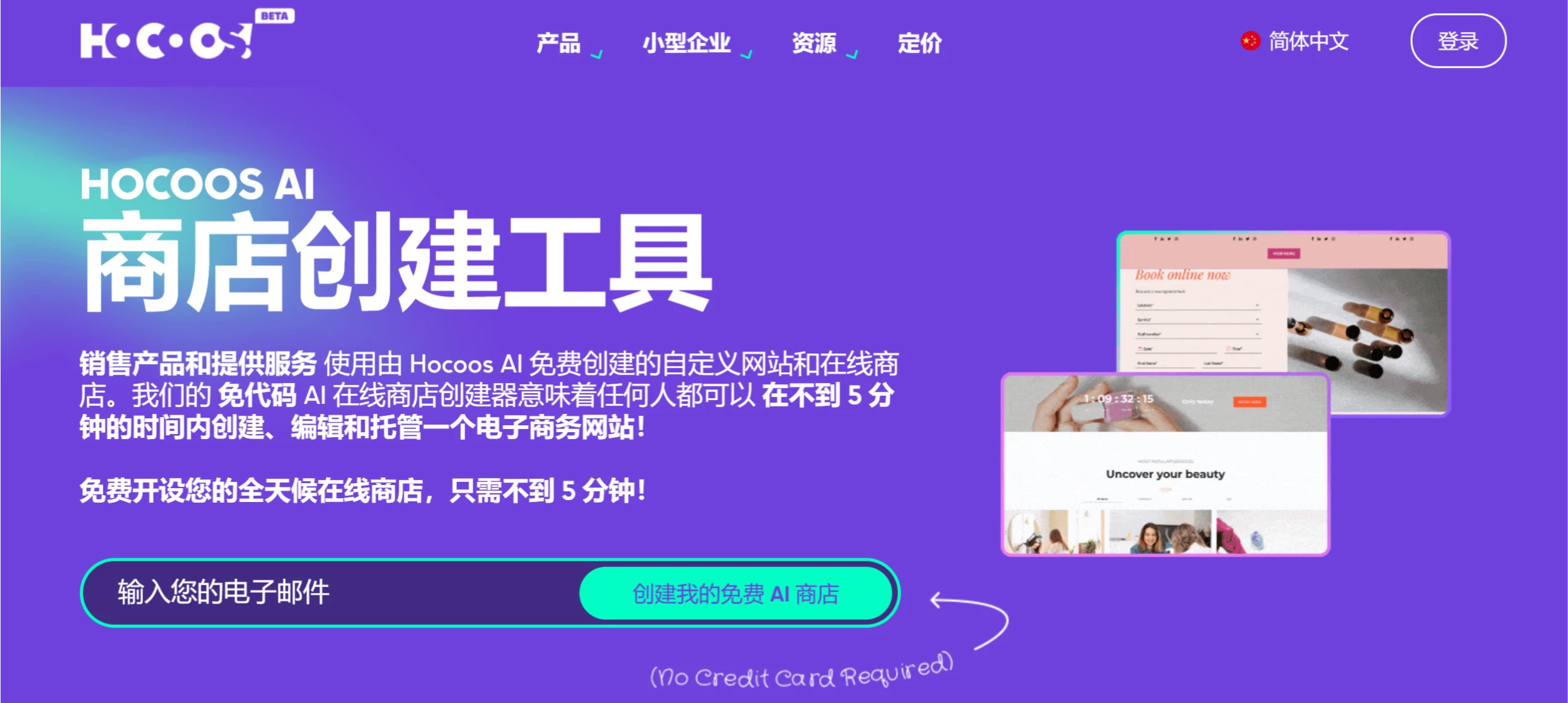
E-commerce Sellers: Create online stores and enable online payments.
How to Use Hocoos AI
Register an Account: Visit the official website and sign up.
Choose a Template: Select the appropriate template based on your needs.
AI Generation: Answer a few questions and let AI automatically generate the basic website.
Edit the Website: Use the drag-and-drop editor to modify text, images, and layout.
Add Features: When e-commerce functionality is needed, add products and payment methods.
Publish the Website: Click publish after editing and choose a hosting plan.
Monitor and Update: Monitor traffic after publishing and update content regularly.
Hocoos AI Pricing and Features
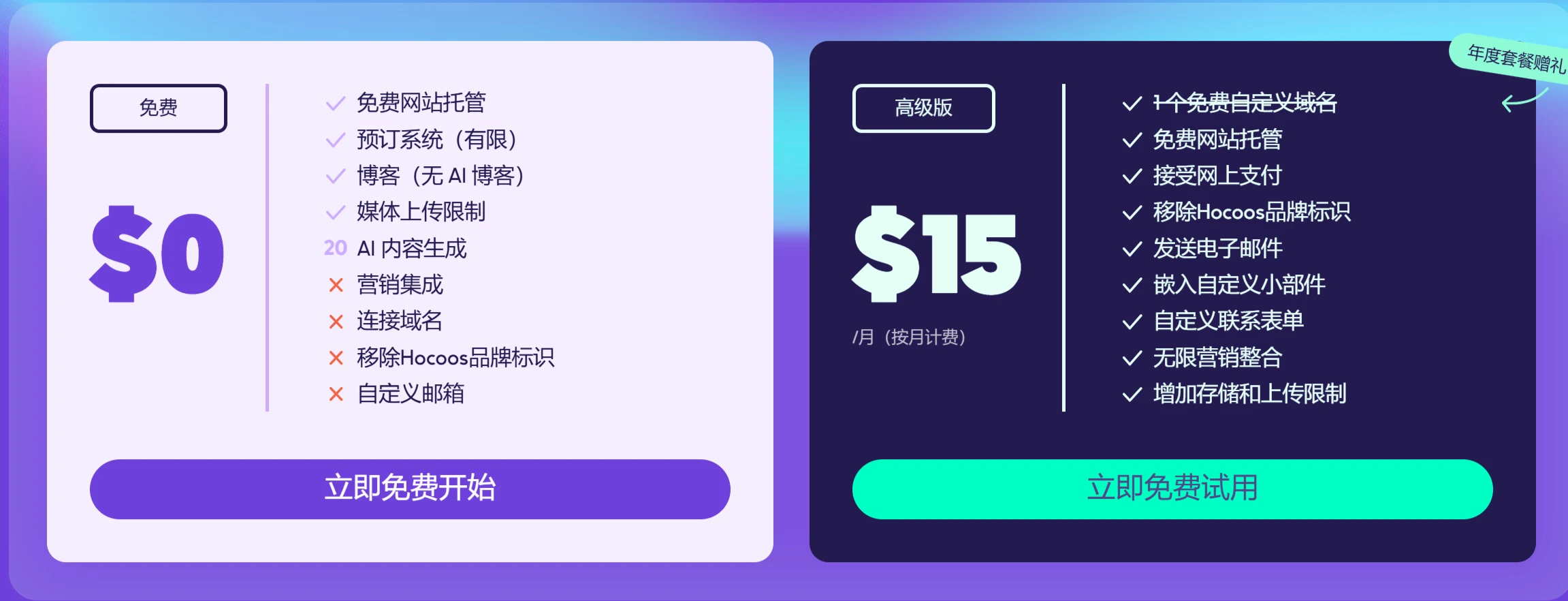
Free Version: Basic features are free, allowing users to quickly create and host websites.
Free Website Hosting
Booking System (Limited)
Blog (No AI Blog)
Media Upload Limits
Premium Version: Pay $15 per month to unlock all premium features.
Free Website Hosting
Accept Online Payments
Remove Hocoos Branding
Send Emails
Embed Custom Widgets
Custom Contact Forms
Unlimited Marketing Integrations
Related Information:
2025 Latest Compilation: 20+ Best AI Programming Tools and AI Coding Assistants












