
 Script Planner Assistant▸
 AI Apps
 AI News

Glama AI: A Versatile Chat Tool with Multiple AI Models and Smart Agents
Glama AI: A Versatile Chat Tool with Multiple AI Models and Smart AgentsIntroduction
What is Glama ai?
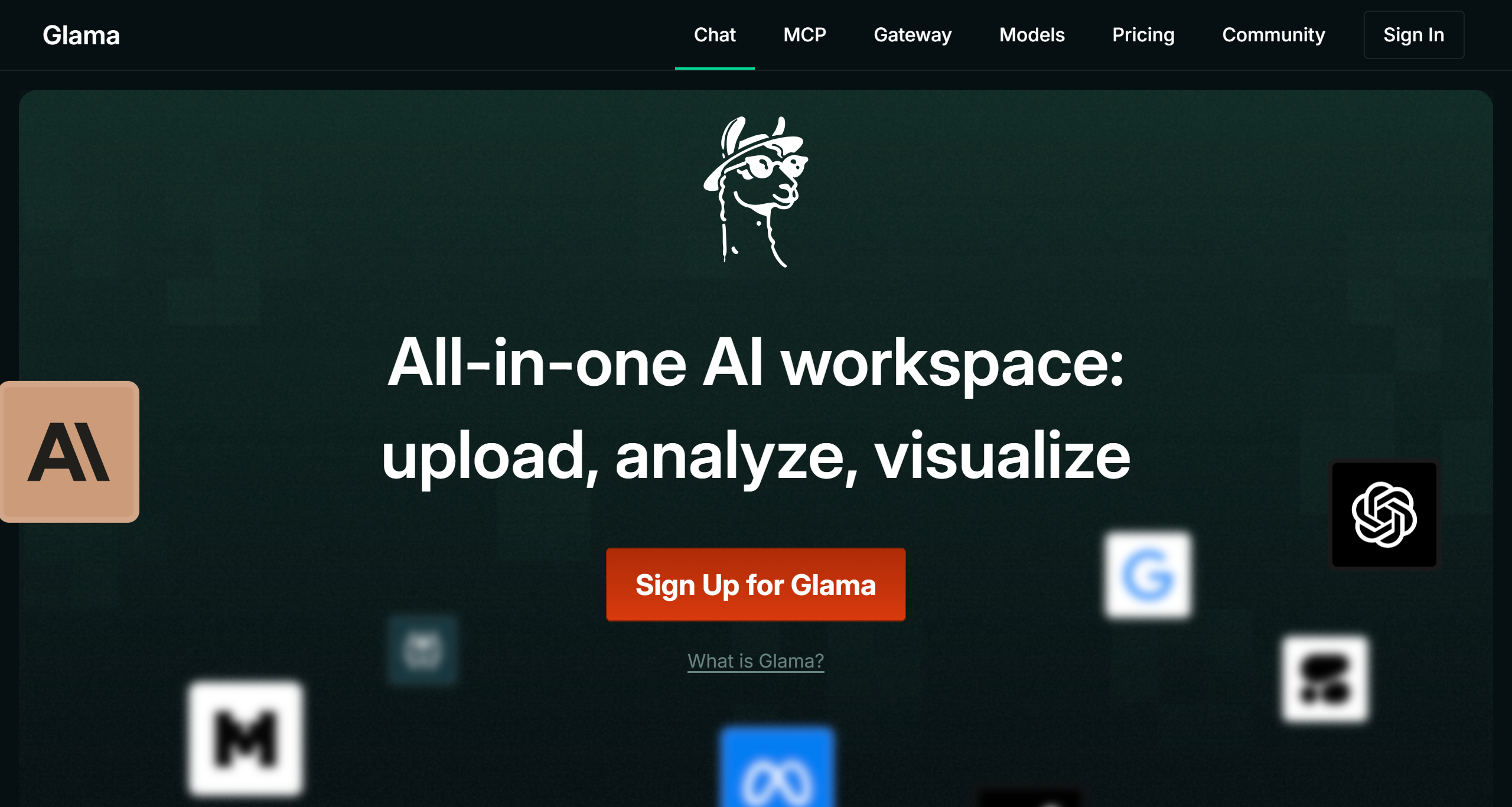
Glama AI is a versatile chat tool that integrates multiple AI models. It supports multi-model conversations, file upload and analysis, real-time web search, chart generation, and more. It also features enterprise-grade security capabilities such as AES 256 encryption and SOC 2 compliance. In addition, Glama supports API connections to external services through its MCP (Multi-Model Collaboration) feature, meeting a variety of complex needs such as code development, database operations, document search, and social media tool integration.
Glama AI Core Features
Multi-Model Conversation: Supports chatting simultaneously with multiple mainstream AI models (such as GPT-4, Claude, etc.). Users can compare responses from different models and choose the most suitable output.
File Upload and Analysis: Users can upload files in PDF, Word, TXT, and other formats. The AI will automatically analyze the file content and answer related questions, supporting keyword extraction, content summarization, and more.
Real-Time Web Search: Combines web and platform data to provide the latest information search results, helping users obtain more accurate and timely answers.
Chart Generation: Users can generate professional charts (such as bar charts, line charts, etc.) through text descriptions, suitable for data presentation and report generation.
Intelligent Agent (MCP): Connects to external services via API to complete complex tasks, such as querying databases, generating code, debugging programs, etc., greatly expanding the application scenarios of AI.
Conversation History Management: Supports saving and tagging important conversations, making it easy for users to search and review at any time.
Glama AI Key Advantages
Enterprise-Grade Security: Provides AES 256 encryption and SOC 2 compliance certification to ensure the security and privacy of user data.
Efficient Collaboration: Designed for enterprise teams, developers, and individual users, supporting team collaboration, code debugging, study and research, and many other scenarios.
Glama AI Use Cases
Team Collaboration: Enterprise teams can upload project documents, and the AI quickly answers questions, saving meeting and communication time.
Developer Tools: Developers can connect to code repositories via the MCP feature, with the AI helping to analyze code, generate test cases, or debug programs.
Learning and Research: Students and researchers can upload papers or research reports, and the AI extracts key content or generates study charts.
Content Creation: Bloggers and content creators can use real-time search to get inspiration and use the chart feature to present data.
How to Use Glama AI
Register and Log In: Users need to create an account, with support for email or Google account login.
Multi-Model Conversation: Select the AI model through the dropdown menu at the top and enter your question.
File Upload: Click the "Upload" icon in the left sidebar and select a file to upload.
Real-Time Search: Type "Search: keyword" to invoke web search.
Chart Generation: Enter a data description, and the AI will generate a chart that supports downloading.
Save Conversation: Click the "Save" button at the top right of the chat window and enter a tag for easy searching.
Configure MCP: Enter the API key in the "Gateway" menu to connect to external services.















