Script Planner Assistant▸
 AI Apps
 AI News

Maple Mono: An Open-Source Monospace Font Designed for Coding
Maple Mono: An Open-Source Monospace Font Designed for CodingIntroduction
What is Maple Mono?
Maple Mono is an open-source monospaced font focused on optimizing the coding experience. It offers unlimited font weights and hand-tuned italic glyphs, with a rounded design that makes it look smooth and comfortable—perfect for long coding sessions.
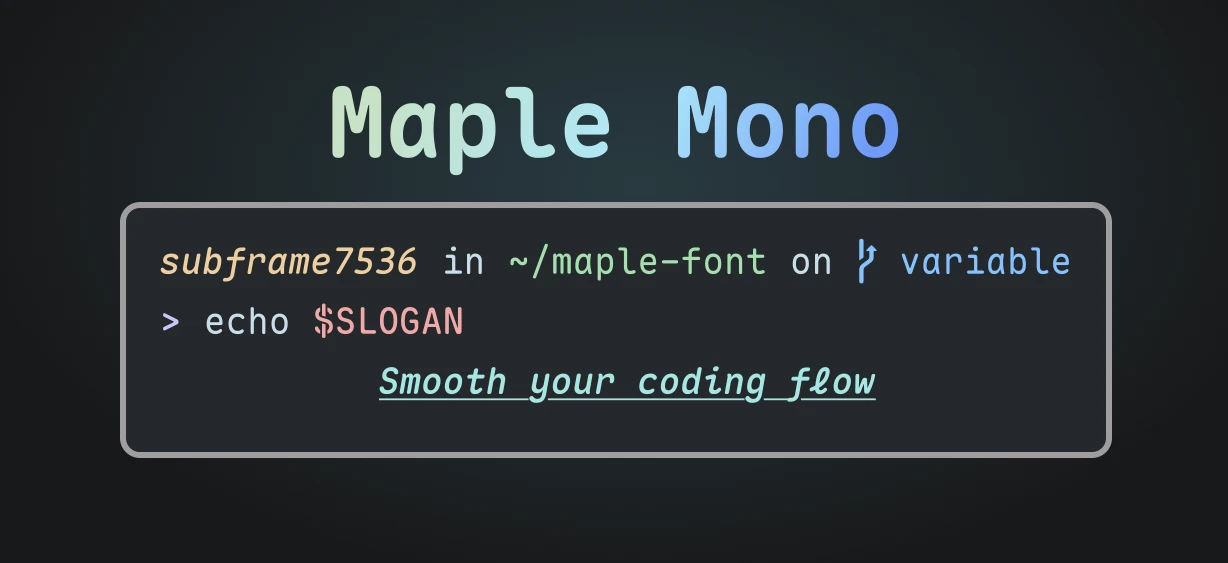
Maple Mono Font Features
Variable font support: Offers unlimited variations in font weight to suit different display needs.
Hand-tuned italic glyphs: The italic design is more elegant, suitable for code comments and document typesetting.
Rounded design: The overall style is softer, reducing visual fatigue.
Unique symbol design: Symbols such as @ $ % & Q -> are specially designed to enhance recognizability.
Handwritten-style italics: Some letters (such as f i j k l x y) adopt a handwritten style, adding more personality.
Smart ligatures: A large number of smart ligature features that improve the reading experience and reduce visual distractions.
Chinese Language Support
Complete character set: Supports Simplified Chinese, Traditional Chinese, and Japanese, suitable for multilingual development environments.
Chinese-English alignment: Chinese and English characters are aligned at a 2:1 ratio, suitable for Markdown tables and multilingual code comments.
Optimized Chinese spacing: Although the spacing is relatively large, it is more suitable for coding scenarios, avoiding character crowding.
Versions and Formats
Variable font format: Supports adjusting weight through the font's variable axes, with a small file size.
Multiple formats: Provides TTF, OTF, WOFF2, and other formats, suitable for different platforms and web loading.
Nerd-Font embedded version: Supports icon display, suitable for terminals and development tools.
Chinese version: Provides versions with Chinese and Japanese glyphs, suitable for multilingual development.
Customization
Feature toggles: Users can freely enable/disable or build OpenType font features to create a personalized font.
Custom builds: Supports customized builds through the config.json file, allowing you to adjust font features, formats, whether to include Chinese, etc.
Command-line tool: Provides command-line options with higher priority than the configuration file, allowing for flexible adjustments.
Maple Mono Use Cases
Programming development (supports multiple programming languages and editors).
Terminal and command-line tools (supports Nerd-Font icons).
Multilingual documents and Markdown writing (supports Chinese-English alignment).
Personal blogs or web design (supports WOFF2 format)
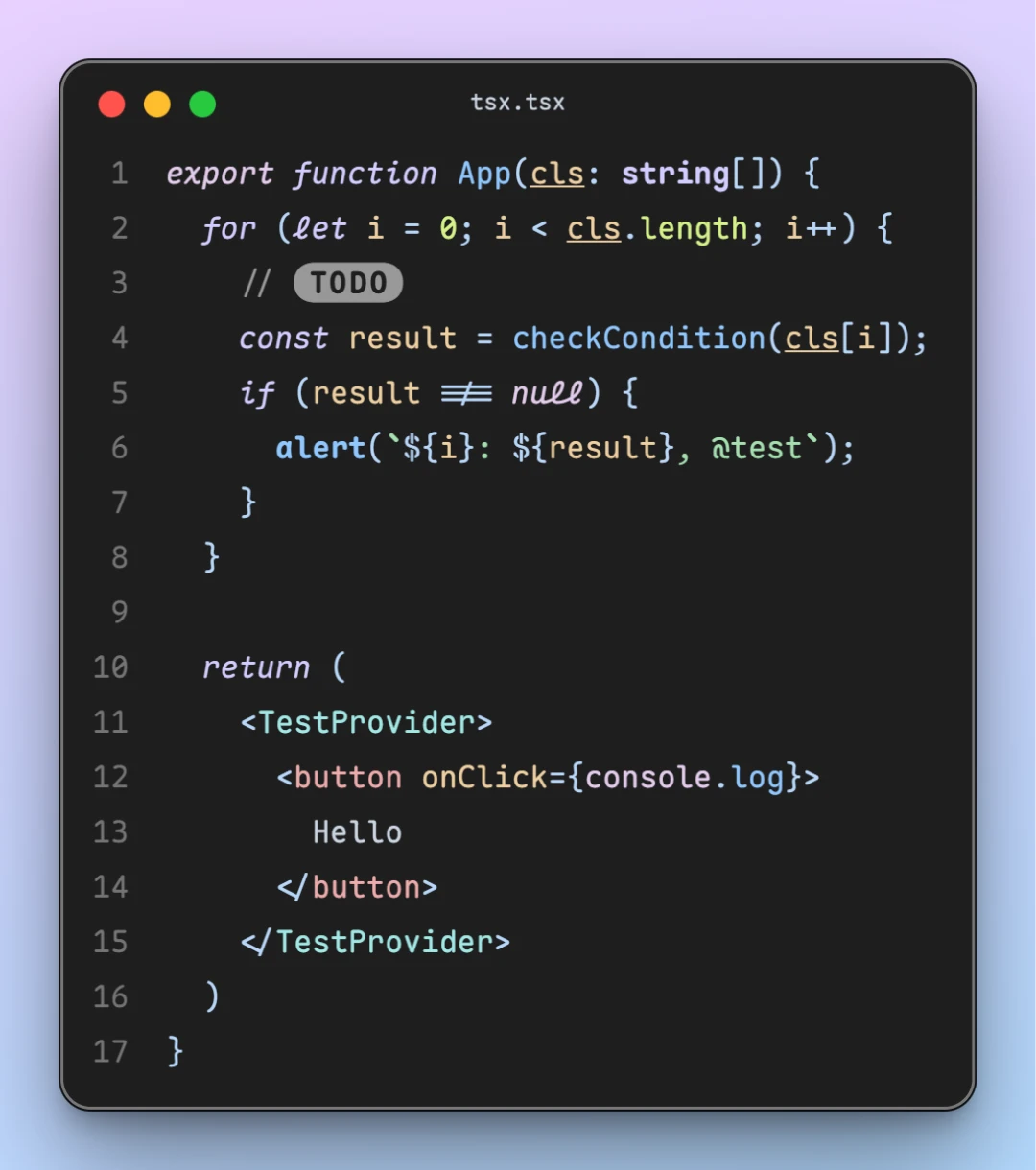
The above is a screenshot example of the Maple Mono font, showing its display effect at a font size of 16px and a line height of 1.8.
Maple Mono Download and Installation
1. Visit the Releases page:
https://github.com/subframe7536/maple-font/releases
2. Download font files:
Choose the font version according to your needs:
Maple Mono: The basic monospaced font.
Maple Mono NF: The version with Nerd-Font icon support.
Maple Mono CN: The version containing Chinese and Japanese glyphs.
Maple Mono NF CN: The complete version, including icons and Chinese support.
Download the font file in the corresponding format (such as .ttf, .otf, or .woff2).
3. Manually install the font:
Windows:
Extract the downloaded file.
Open the font file and click the "Install" button.
MacOS:
After extracting the file, double-click the font file to open the "Font Book" application, and click "Install Font".
Linux:
Copy the font file to the ~/.fonts/ directory (create it manually if it does not exist).
Run the fc-cache -fv command to refresh the font cache.
GitHub repository:https://github.com/subframe7536/maple-font