Script Planner Assistant▸
 AI Apps
 AI News

Unicorn Translator
Unicorn TranslatorIntroduction
What is the Unicorn Translator?
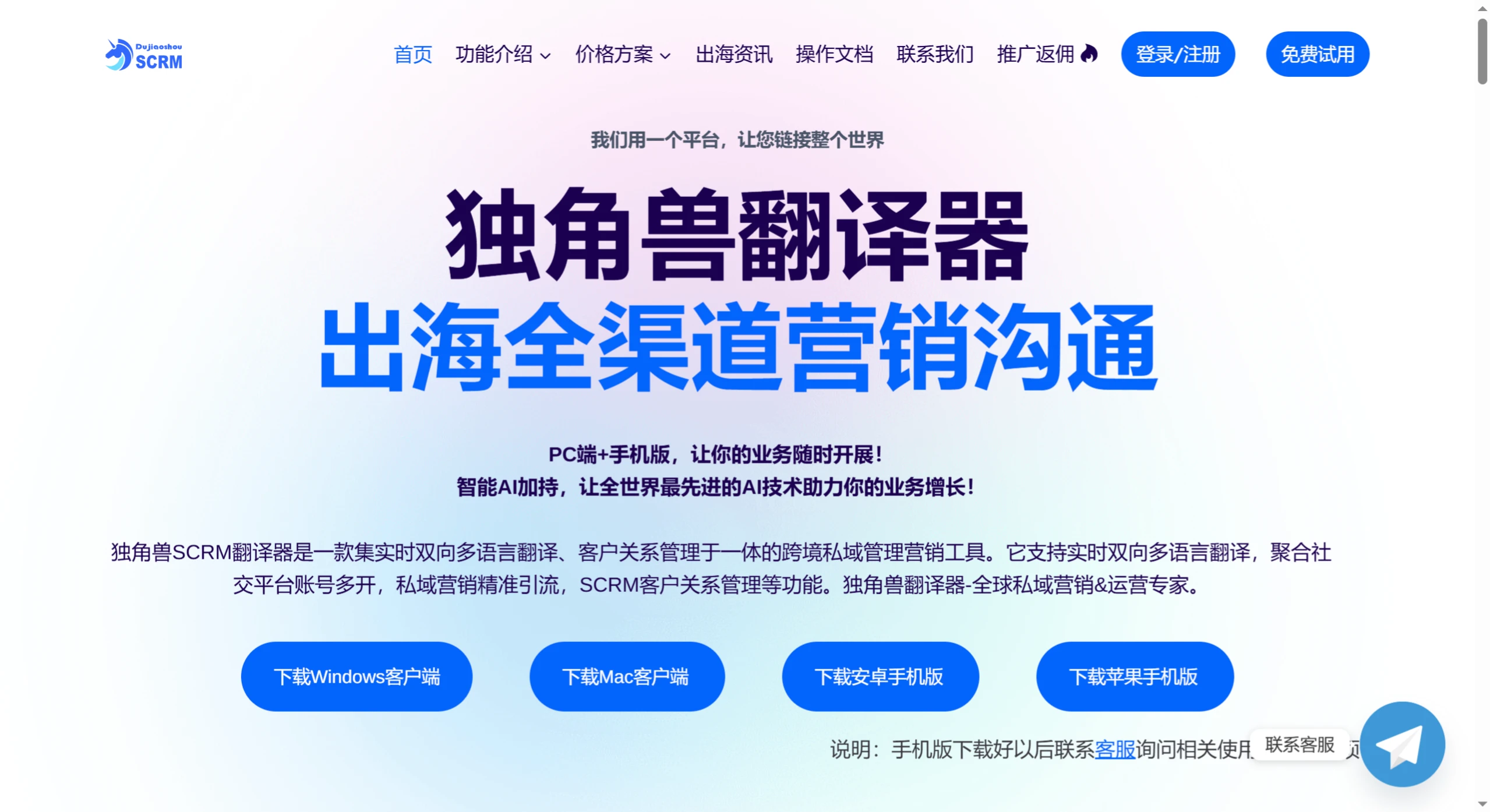
The Unicorn Translator is a powerful cross-border private domain management and marketing tool. Through features such as real-time translation, multi-platform account management, and customer relationship management, it solves language barriers and operational challenges in cross-border business. It is suitable for various scenarios such as cross-border e-commerce, cross-border traffic acquisition, and customer service management, serving as a capable assistant for enterprises going global.
Features of the Unicorn Translator
Aggregation & Multi-Login
Supports instant aggregated chatting across 13+ platforms, including WhatsApp, Telegram, Line, Zalo, Messenger, Facebook, Instagram, X (Twitter), TikTok, Google Voice, Meta Business, and more.
The same device can simultaneously log in to and run multiple accounts, eliminating the need for frequent switching and improving operational efficiency.
Real-Time Translation
Supports real-time bidirectional translation across 200+ languages worldwide, covering mainstream languages.
Connected with professional translation platforms such as Google, ensuring fast and accurate translation, helping customer service communicate effortlessly with foreign customers.
Private Domain Traffic Acquisition
Provides powerful private domain traffic acquisition features, helping enterprises guide potential customers from social media platforms into private domain traffic pools.
Through precise data analysis and personalized marketing strategies, convert potential customers into loyal customers.
Customer Management
Built-in intelligent customer management system that comprehensively records and analyzes customer interaction history, preferences, and purchasing behavior.
Provides auto-reply, customer tagging, activity detection, and other features to optimize the customer service process and improve customer satisfaction and loyalty.
Use Cases for the Unicorn Translator
Cross-border e-commerce and independent sites: Solves multi-account management challenges, improves customer service efficiency, supports multilingual communication, and helps expand cross-border e-commerce businesses.
Cross-border traffic studios: Provides multi-account login and private domain traffic management features, supports quick data sharing, and ensures successful traffic transactions.
Traditional advertisers: Leverages private domain traffic segmentation, control, and marketing SCRM features to achieve precision marketing and customer conversion.
Customer service and CRM: Improves customer service efficiency, addresses challenges such as high customer service turnover, repetitive inquiries, and customer queuing, and optimizes the customer experience.
How to Use the Unicorn Translator
1. Register and Log In to the Management Console
Users can register independently via email or log in with a Google account.
After registration, you can claim a 24-hour free trial of the full features with 3 ports on the Flagship Edition.
2. Create an Invitation Code (or Use the Default One)
After logging into the management console, create an invitation code. The invitation code is the credential for client login, similar to a sub-account. It must be created in the management console before it can be used on the client.
A default invitation code will be automatically created for newly registered accounts. Users can also manually create additional invitation codes.
3. Download the Client and Log In
Download the desktop client from the official website (choose the version corresponding to your computer's operating system).
After installation, open the client and enter the invitation code created in Step 2 to log in.
After logging in, select the desired platform (such as WhatsApp, Telegram, Facebook, etc.) and start communicating with customers.