
 Script Planner Assistant▸
 AI Apps
 AI News

Quark AI PPT
Quark AI PPTIntroduction
What is Quark AI PPT?
Quark AI PPT is a PPT generation tool launched by the Quark Browser. Simply enter a topic, and Quark PPT can generate a complete PPT with intelligent outlines, professional templates, and beautiful layouts at the click of a button. Quark AI PPT supports personalized adjustments, a variety of template options, and real-time cloud saving and sharing. It is suitable for students, professionals, academic researchers, and other scenarios. Quark AI PPT can be found on the Quark Browser homepage.

Quark AI PPT Features
One-Click PPT Generation: Users only need to enter a PPT topic, and Quark AI PPT can generate a complete PPT document within tens of seconds.
Intelligent Outlines & Structured Content: Based on the input topic, Quark automatically generates a clear and well-proportioned intelligent outline, with an average length of more than 25 pages.
Diverse Template Selection: Offers a variety of professional templates covering multiple scenarios such as graduation projects, student council reports, annual summaries, product launches, and business plans.
Personalized Content Adjustment: Users can adjust text, images, and layouts online based on the generated PPT, and can also use AI to polish specific sections of the content.
Intelligent Layout & Optimization: Quark AI PPT automatically optimizes the layout to ensure the PPT content looks beautiful and professional.
Support for Data Chart Generation: If the PPT contains data, Quark can intelligently recognize it and generate corresponding charts, such as bar charts, line charts, etc.
Cloud Saving & Downloading: Supports saving edited content in the cloud in real time or downloading directly to local storage, with support for PPTX, PDF, and long-image JPG formats.
Quark AI PPT Use Cases
Student Scenarios: Quickly generate PPTs for graduation projects, course presentations, student council reports, and more.
Workplace Scenarios: Used to create business presentations such as annual summaries, product launches, and project reports.
Academic Scenarios: Generate PPTs for academic reports, research presentations, and more.
Personal Presentations: Create PPTs for resumes, job interviews, interest sharing, and more.
How to Use Quark AI PPT
1. Download & Install: Download the app from your phone's app store or the Quark official website, or install the Quark Browser. The following instructions use the browser as an example.
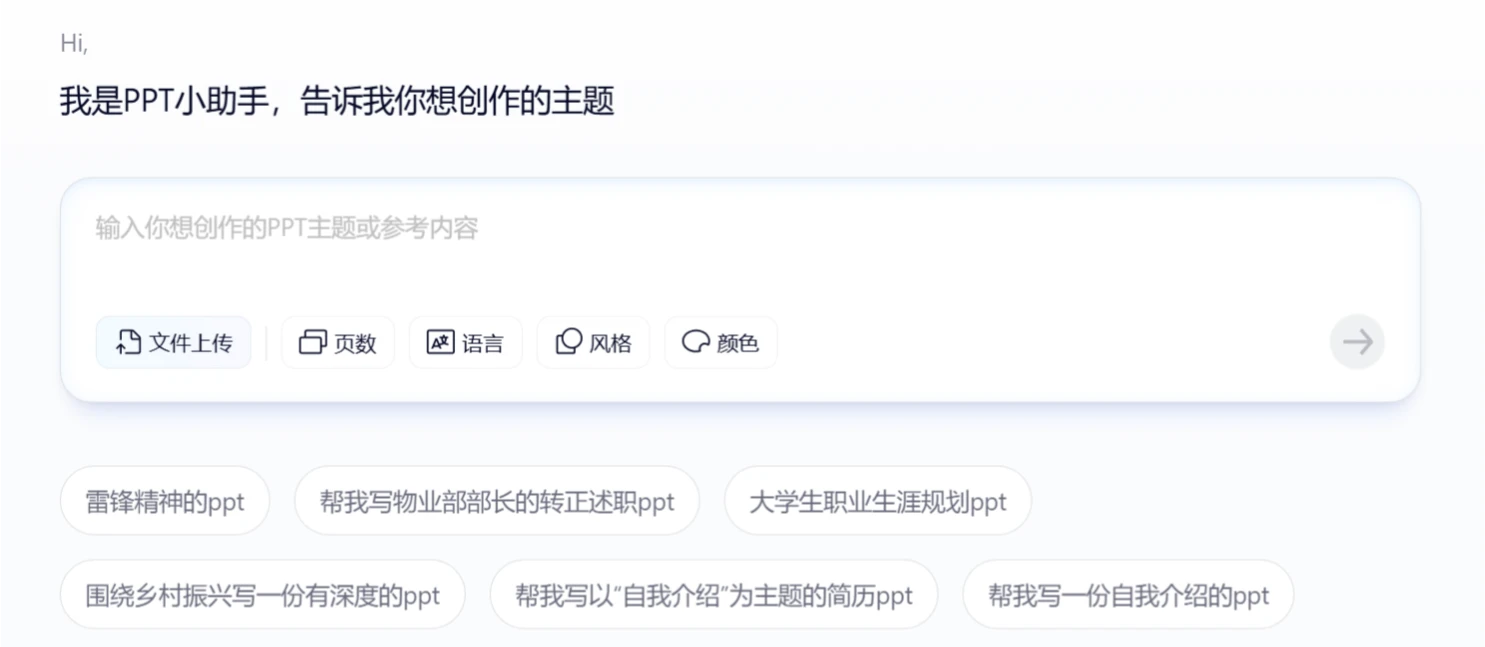
2. Enter a Topic: On the AI PPT page, enter your PPT topic or upload a file, then select the page count, language, style, and color scheme for the PPT, for example "Artificial Intelligence Development" or "Company Annual Meeting".
3. Generate Outline & Preview Template: Click the [Generate] button, and Quark will automatically generate a PPT outline and preview templates. If you are not satisfied, click [Refresh] below.
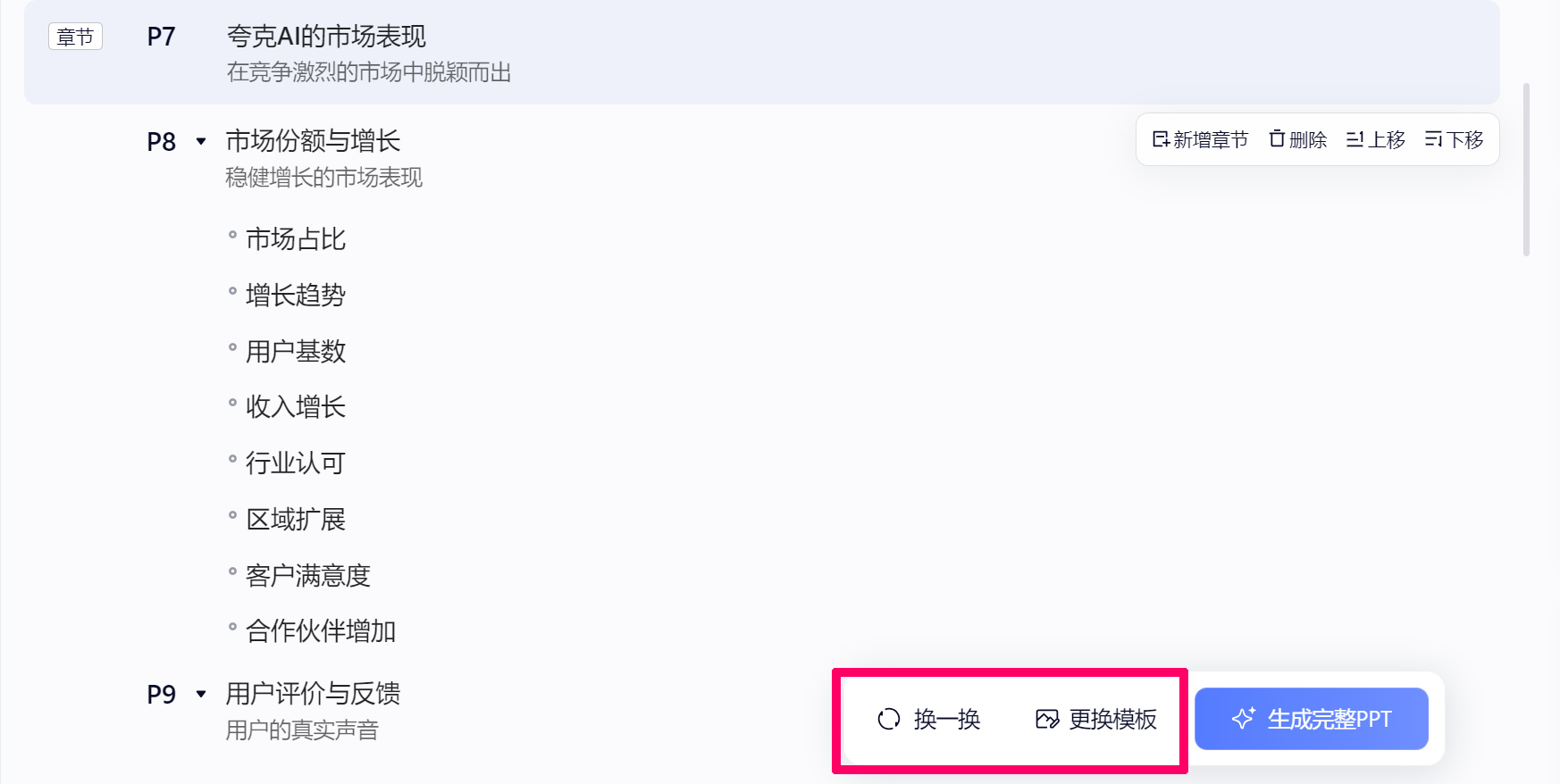
4. Change Template: If you are not satisfied with the default PPT template provided by the system, you can click [Change Template] after the outline is generated, then select a template by theme/style. Once selected, click the [Apply] button in the lower right corner.
5. Generate PPT: After selecting and applying the template, click [Generate Full PPT], and the PPT will be ready in one to two minutes. You can edit and refine the generated PPT, and even use AI to polish and expand the content on the PPT.
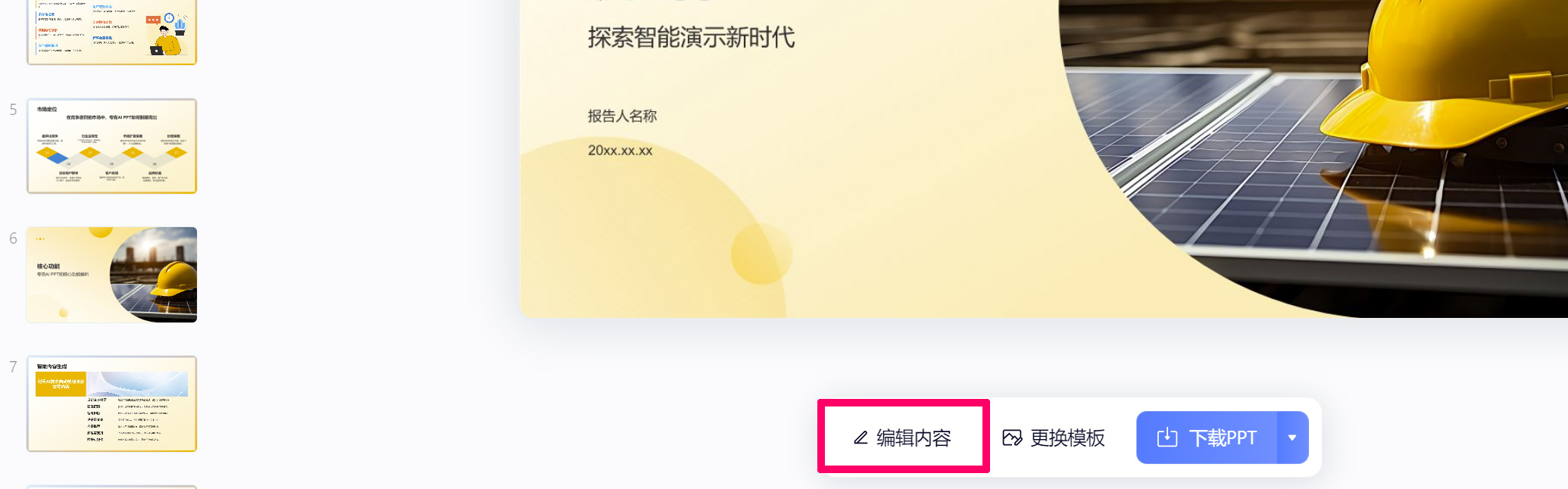
6. Save & Download: After completing the edits, download and save to local storage. In addition to PPTX format, PDF and long-image formats are also available for download.
Membership Pricing
When using Quark AI PPT for the first time, users can generate one PPT for free, but subsequent usage requires a paid membership.
Monthly Membership: Continuous monthly subscription costs 25 yuan; a single monthly plan is 30 yuan.
Quarterly Membership: 75 yuan.
Annual Membership: 198 yuan.
Membership Benefits
AI PPT Usage Rights: Members can enjoy 30 AI PPT generations per month.
PPT Download Rights: Members can download the generated PPT files.
Additional Features: Members also enjoy discounts on plagiarism checks, additional cloud storage space, and format conversion tools, among other services.















