
 Script Planner Assistant▸
 AI Apps
 AI News

Browser-use: Let AI Agents Browse, Operate & Extract Info on the Web Like Real Users
Browser-use: Let AI Agents Browse, Operate & Extract Info on the Web Like Real UsersIntroduction
What is Browser-Use?
Browser-Use is an open-source Python library that combines AI technology with browser automation capabilities, enabling AI agents to browse, operate, and extract information on web pages just like real human users. Powered by Playwright and LangChain, it supports a variety of large language models (such as OpenAI, DeepSeek, etc.), allowing AI to understand natural language instructions and complete complex web operations.
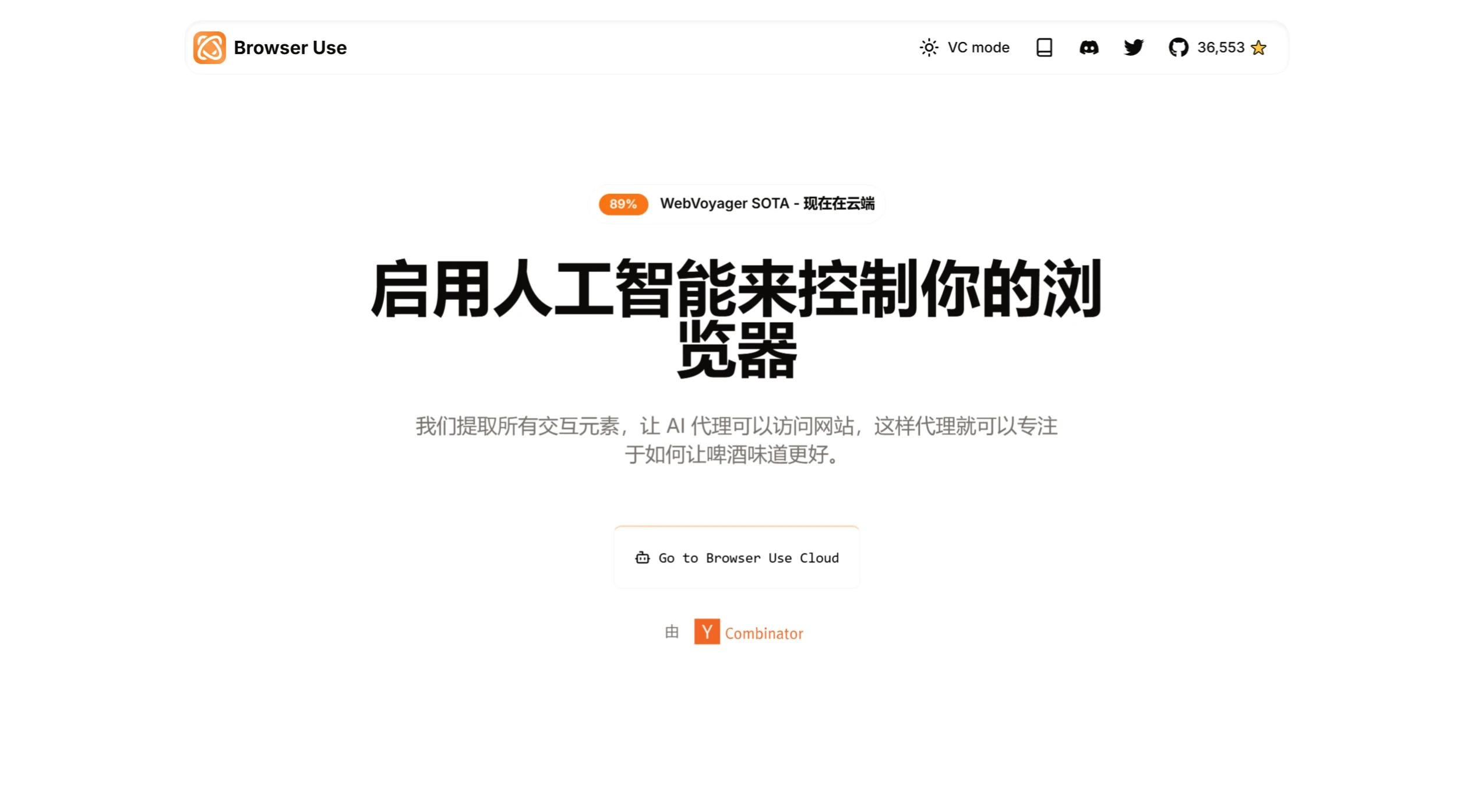
Browser-Use Features
Web browsing and operations: AI agents can browse websites, fill in forms, click buttons, and more, just like real users.
Multi-tab management: Manage multiple browser tabs simultaneously to improve task processing efficiency.
Visual recognition and content extraction: Automatically identify visual elements on web pages (such as images and text) as well as HTML structure.
Operation recording and replay: Records the AI's operation paths (such as XPath), making it easy to replay specific actions.
Custom action support: Developers can define and execute custom actions, such as saving files or pushing data to a database.
Self-correction mechanism: When errors occur during task execution, AI agents can automatically adjust their strategy or retry.
Parallel execution: Supports running multiple AI agents simultaneously, each with its own independent context.
Zero-code extension: Through decorators or Pydantic models, users can quickly register custom actions.
Technical advantages: Multimodal data collection that captures both the DOM structure and visual screenshots of web pages, breaking through the limitations of traditional tools in rendering dynamic content.
Intelligent fault-tolerance mechanism: Compared with traditional solutions, manual intervention requirements are reduced by 83%, and the operation success rate increases by nearly 60%.
Zero-code extension: Through decorators or Pydantic models, users can quickly register custom actions.
How to Use Browser-Use
Environment requirements: Ensure that Python 3.11 or higher is installed on the system.
Install the package: Run the command pip install browser-use.
Install Playwright: Run playwright install.
Configure the API key: Add OPENAI_API_KEY= in the .env file to set the OpenAI API key.
Browser-Use Use Cases
Web automation: Automatically complete repetitive tasks such as filling in forms, logging into websites, and navigating pages.
Data scraping: Extract structured or unstructured data from websites, such as prices, reviews, and product details.
Online shopping assistant: AI agents help users search for products, compare prices, and complete the purchase process.
Web testing: Simulate user behavior to test website functionality and performance.
User behavior simulation: Generate virtual user traffic or test the feasibility of user interface designs.
Chat bots and customer support: Automate the handling of customer inquiries or support tasks.
Online ticket booking: Automatically search for and book flights.
Job applications: Automatically fill in resumes and submit job applications.
Document drafting: Write documents in Google Docs and save them as PDFs.
With Browser-Use, developers can easily implement complex web automation tasks while leveraging AI's intelligent decision-making capabilities, improving the efficiency and accuracy of task execution.
GitHub repository: https://github.com/browser-use/browser-use
Related news:
NanoBrowser: An open-source AI web automation tool and Operator alternative
Browser Operator: An assistant integrated into the browser, launched by the Opera browser
autoMate: An AI-driven local automation tool that lets your computer do the work for you
OWL: An open-source general-purpose multi-agent from CAMEL-AI that replicates and surpasses Manus















