Script Planner Assistant▸
 AI Apps
 AI News

Trae (China): AI-Powered IDE by ByteDance for Chinese Developers
Trae (China): AI-Powered IDE by ByteDance for Chinese DevelopersIntroduction
What is Trae China Version
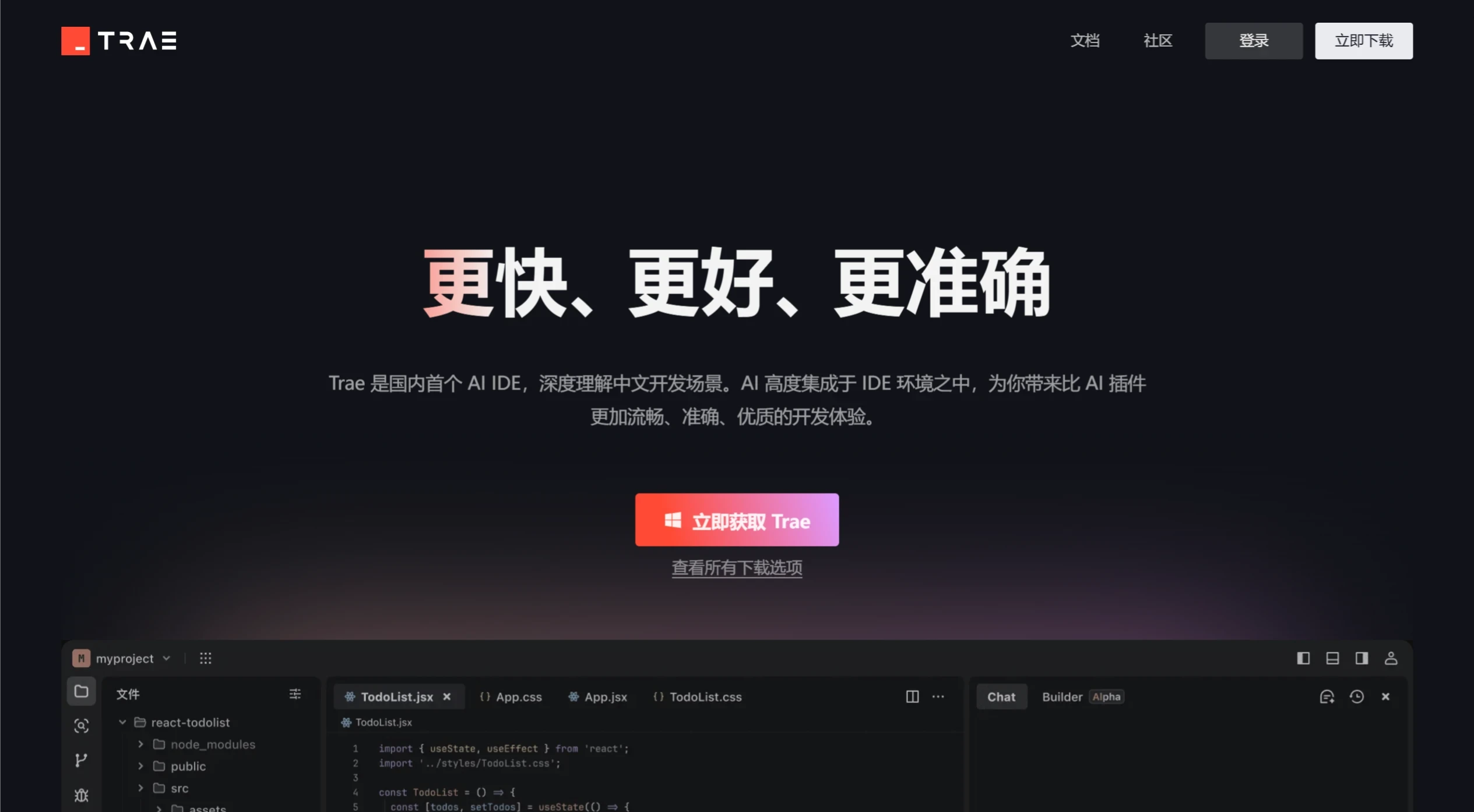
Trae China Version is an ByteDance AI-native integrated development environment (IDE) built specifically for domestic developers. It features the Doubao - 1.5 - pro model and can also switch to the full-powered DeepSeek R1 and V3 models, offering code completion, code generation, and Bug fixing capabilities. Through Builder mode, you can quickly scaffold project frameworks and generate code using natural language, while Chat mode can answer technical questions. Trae China Version features a fully Chinese interface, suits a variety of development scenarios, and can boost development efficiency while lowering the programming barrier.
Trae China Version official website is now live:https://www.trae.com.cn
Trae China Version Features
Powerful AI Integration: Comes with the Doubao - 1.5 - pro model and can switch to the full-powered DeepSeek R1 and V3. It can perform code completion, code comprehension, and Bug fixing, as well as generate code based on natural language, continuing code in real time, troubleshooting Bugs, building projects, previewing results, and solving problems.
Brand-New Builder Mode: Developers describe their requirements in natural language, and Trae can quickly scaffold project frameworks and generate usable code, automatically breaking down requirements and completing multiple rounds of coding.
Intelligent Interaction Mode: Includes Chat mode, which can answer code questions, provide code update suggestions, and supports migrating configurations and plugins from VS Code or Cursor.
Native Chinese Support: Built from the ground up to support Chinese, with a fully Chinese interface for the convenience of Chinese-speaking developers.
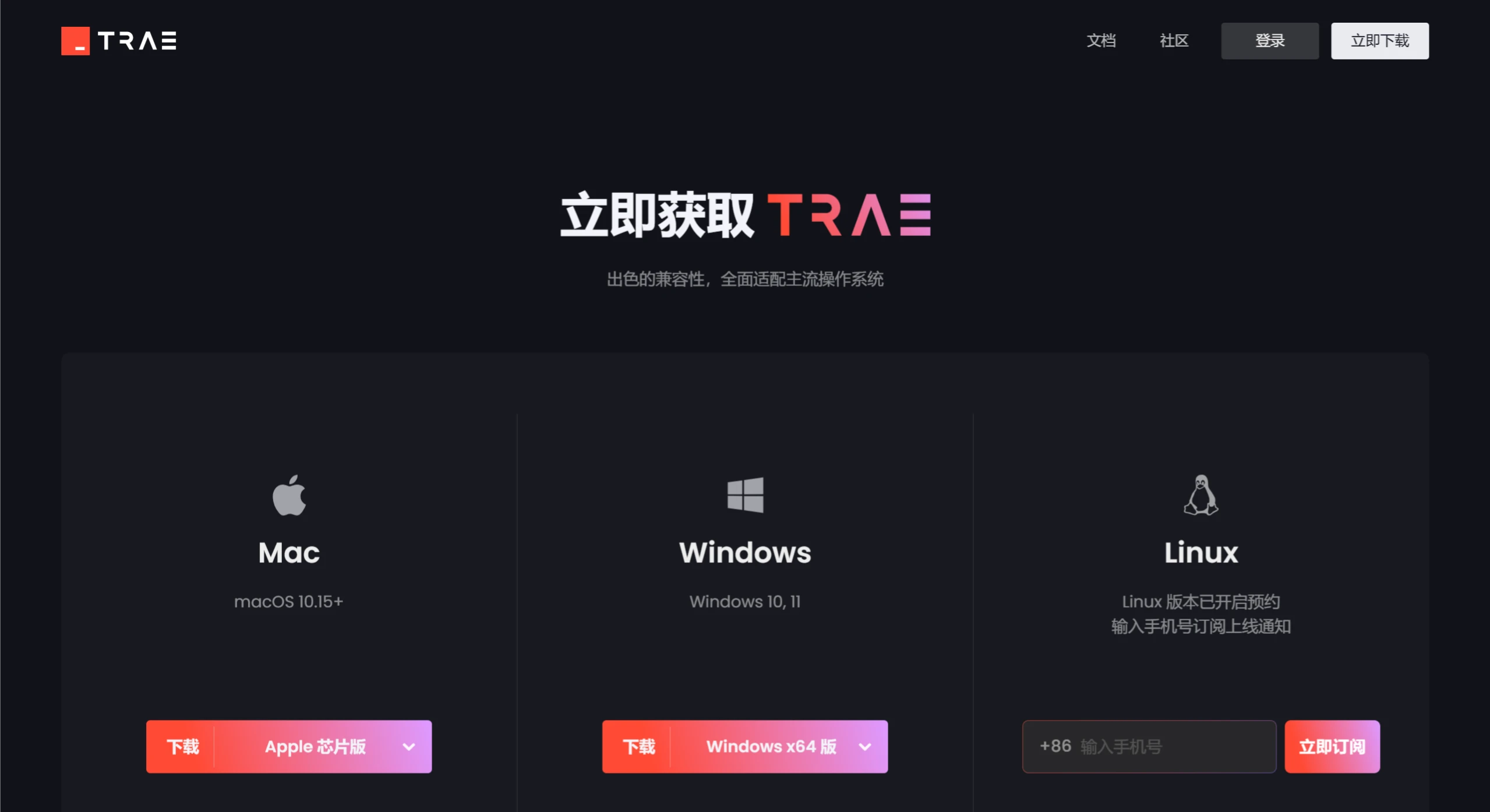
Multi-Platform Support: Available for Mac (macOS 10.15 and above) and Windows (Windows 10, 11), with a Linux version to be released later.
Trae China Version Use Cases
Web Development: Quickly generates code for static pages or dynamic web applications, and supports front-end page preview and debugging.
Game Development: Can generate basic code for simple games and integrates with mainstream game engines.
Data Processing: Can generate code for data cleaning, analysis, and machine learning data preparation.
API Development: Quickly generates API request and backend interface code, as well as API documentation and test code.
Tool Development: Generates practical utility code such as image compression and file encryption based on descriptions.
Learning and Teaching: Generates basic code examples in multiple programming languages to help beginners understand syntax and logic.
How to Use Trae China Version
Install and Launch: Visit the Trae China official website (http://trae.com.cn/) to download the installer. After opening Trae, you can set the interface language and theme on first launch.
Sign Up and Log In: Register and log in with a domestic phone number, or use a Juejin account to log in.
Chat Mode: Use keyboard shortcuts (such as Cmd + i or Cmd + u) to bring up the Chat feature. Type your question or code requirement in the dialog box and wait for code suggestions or answers.
Builder Mode: Briefly describe your requirement (for example, "Generate an image compression tool"), and Trae will automatically generate project code, asking for your input along the way.
Code Preview and Debugging: With the Webview feature, you can preview web pages directly within the IDE, making front-end development easier.
Context Referencing: In Chat, you can reference code blocks, files, folders, or entire projects for precise interaction.
Command Line Tool: Trae's command line tool can be installed in your local terminal.
Related Articles:
What features were updated in ByteDance Trae v1.3.0?
2025 Latest Roundup: 20+ Best AI Programming Tools and AI Coding Assistants
What are the differences between the Trae Chinese domestic version and the overseas English version?