Script Planner Assistant▸
 AI Apps
 AI News

Feishu Knowledge Q&A: A Knowledge Management & Q&A Tool by Feishu
Feishu Knowledge Q&A: A Knowledge Management & Q&A Tool by FeishuIntroduction
What is Feishu Knowledge Q&A?
Feishu Knowledge Q&A is a knowledge management and Q&A tool launched by the Feishu intelligent office platform. Leveraging ai technology, it helps enterprises integrate and retrieve internal knowledge resources, improving the efficiency of knowledge sharing. Feishu Knowledge Q&A uses the DeepSeek R1 large model to bring together documents, files, knowledge bases, and other resources within the Feishu account, building a unified knowledge base and providing a natural language conversational search and Q&A function.
Features of Feishu Knowledge Q&A
Intelligent Q&A:
Natural Language Understanding: Capable of understanding questions posed by users in natural language and quickly providing accurate answers.
Multi-source Data Connection: Supports connecting local files (such as Excel, PDF, Word, etc.), Feishu cloud documents, enterprise business systems, and databases, integrating knowledge from multiple sources.
Real-time Web Search: Combines real-time web search capabilities to obtain the latest information for generating answers, ensuring knowledge timeliness.
Standard Q&A Library:
High-frequency Question Accumulation: Users can enter frequently asked internal questions and their standard answers into the system to build a knowledge base.
Improved Answer Efficiency: Quickly matches questions through the standard Q&A library and provides consistent answers, reducing repetitive responses.
Knowledge Tuning:
Terminology Tuning: Optimizes professional terminology and specific expressions within the enterprise, making Q&A better aligned with actual business needs.
Rule Intervention: Users can set rules to intervene and adjust Q&A results.
Multi-modal Answers:
Text Combined with Charts: Supports displaying answers in multiple forms such as text, images, and tables, making complex information more intuitive and easier to understand.
Intelligent Answer Method Deduction: The system automatically selects the optimal answer method based on the type and content of the question.
Group Interaction: In Feishu groups, users can initiate questions by @-mentioning the bot to quickly get answers.
Knowledge Management and Accumulation:
Knowledge Integration: Integrates scattered internal knowledge into structured Q&A pairs, making it easy for employees to consult at any time.
Continuous Updates: Combined with real-time web search and data source updates, ensures dynamic updates to knowledge base content.
Use Cases of Feishu Knowledge Q&A
Enterprise Knowledge Management: Quickly integrates and retrieves knowledge resources within Feishu, improving the efficiency of internal knowledge management.
Intelligent Customer Service: Serves as an intelligent customer service application, providing efficient and accurate answers for enterprise employees and customers.
Team Collaboration: Initiate questions in Feishu groups by @-mentioning the bot, promoting knowledge sharing and discussion within the group.
Data Insight and Analysis: Quickly generate data analysis and chart presentations through conversational interaction.
Business Process Management: Combined with the process management capabilities of Feishu's intelligent companion, used for tracking and reminders of business processes.
How to Use Feishu Knowledge Q&A?
Visit the Platform: Use a browser to access the Feishu Knowledge Q&A official website.
Log In: Enter your Feishu account and password to log in and start using it.
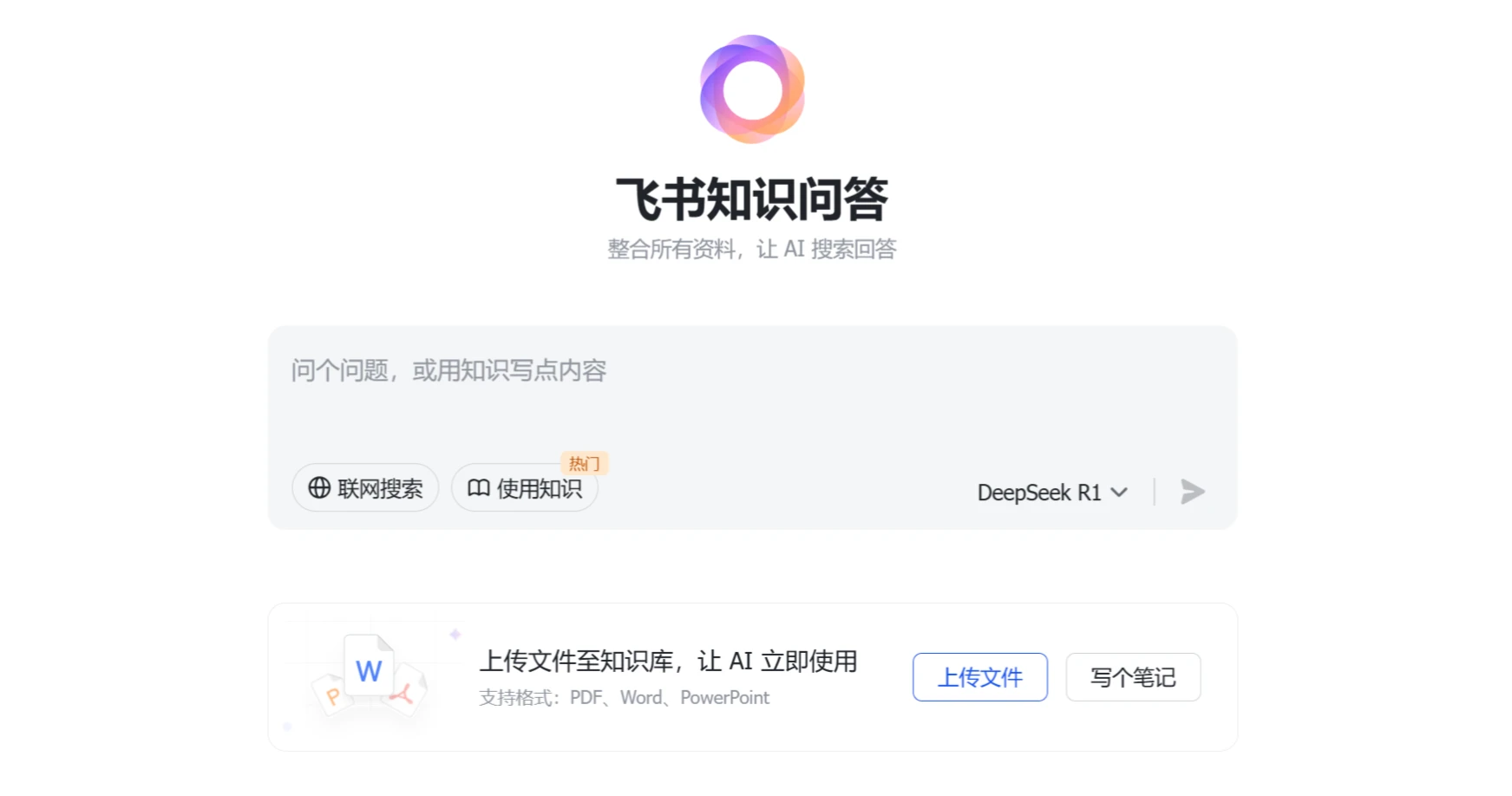
Upload Materials: Click the "Upload File" button and select local PDF, Word, or ppt files to upload; you can also use the "Write a Note" feature to create a new Feishu document that is automatically saved to the knowledge base. However, after uploading a document, I wasn't sure how to use it.
Ask Questions and Query: Enter a question in the search box, check the "Use Knowledge" option, select the model to use (DeepSeek R1 by default), click send, and the AI will understand the question, retrieve materials, and generate an answer.
View and Manage Answers: Answers are displayed in a clear structure. You can click citation tags within the text to jump to the original source, and favorite, share, or follow up with additional questions.