
 Script Planner Assistant▸
 AI Apps
 AI News

VideoFusion: Open-Source, Free Batch Video Processing Tool
VideoFusion: Open-Source, Free Batch Video Processing ToolIntroduction
What is VideoFusion?
VideoFusion is a ready-to-use short video stitching software that requires no dependencies. It is easy to operate and powerful in functionality. Its main features include automatic black border removal, automatic frame synchronization, and automatic resolution adjustment. It also supports batch conversion of videos to landscape or portrait formats. It is well suited for footage organization, daily vlogs, compression, batch video merging, video/audio noise reduction, simple video enhancement, and other scenarios.
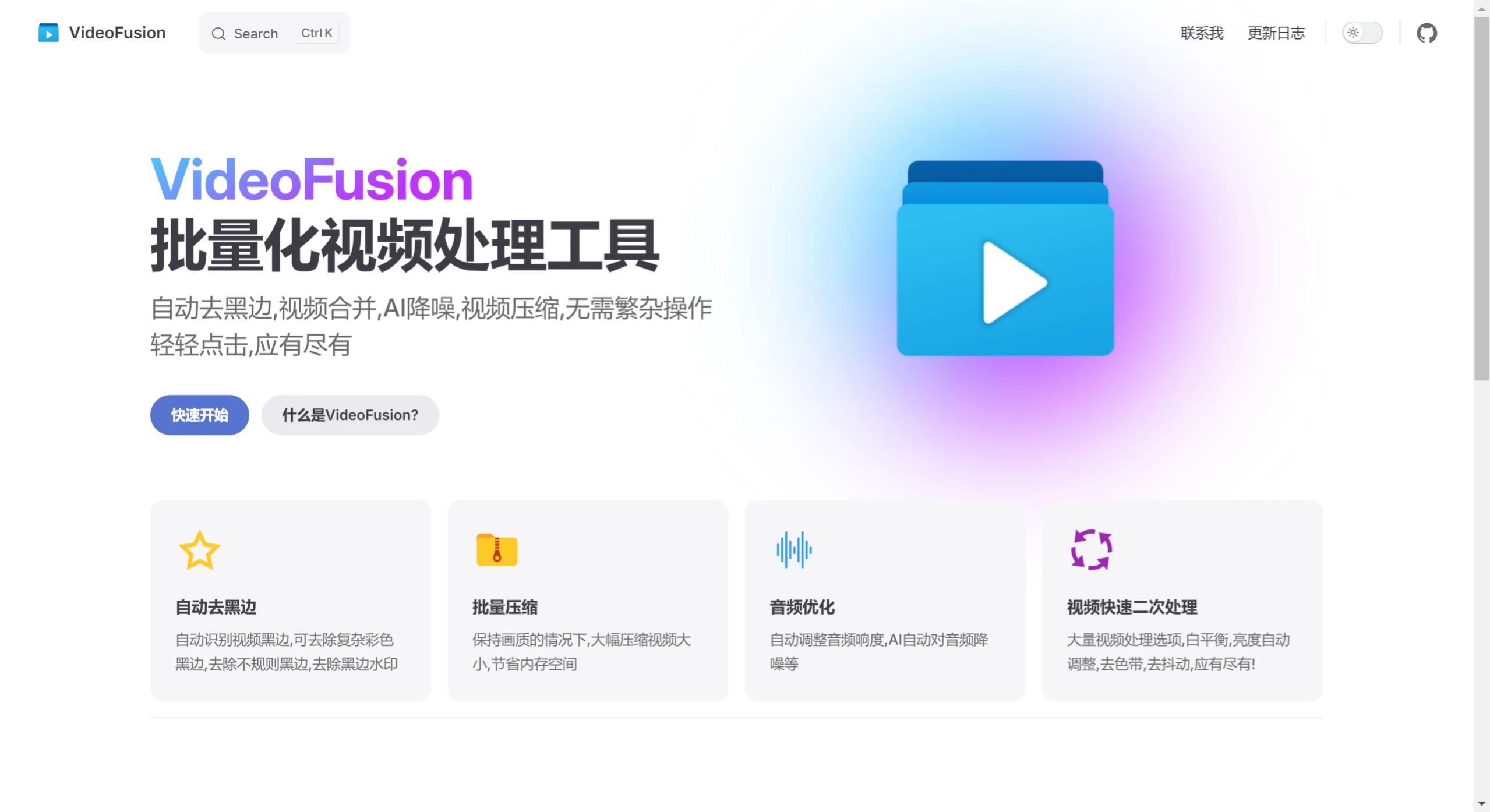
Main Features and Highlights of VideoFusion
Automatic Black Border Removal: Automatically detects and removes black borders in videos, including complex colored borders and irregular borders, ensuring a clean and tidy picture.
Batch Processing: Supports batch processing of multiple videos, automatically adjusting parameters such as resolution, frame synchronization, white balance, and brightness to enhance overall video quality.
Smart Stitching: Automatically merges multiple video clips, intelligently calculates the optimal resolution and stitching method, ensuring that the black border area in the merged video is minimized.
Video Compression: Significantly compresses video file size while maintaining image quality, saving storage space.
Audio Optimization: Automatically adjusts audio loudness and performs noise reduction to ensure clear sound quality.
Frame Interpolation and Stabilization: Supports frame interpolation to make video playback smoother, while removing camera shake to improve video stability.
VideoFusion Use Cases
Footage Organization: Quickly organize and optimize large amounts of video footage.
Daily Vlogs: Quickly optimize everyday vlog recordings without the need for complex editing.
Video Compression: Compress large video files to save hard drive space.
Batch Video Merging: Combine multiple video files into a single one for easier management and sharing.
Video/Audio Noise Reduction: Automatically remove noise from videos to improve sound quality.
Simple Video Enhancement: Quickly enhance videos to improve the viewing experience.
How to Use VideoFusion
Download and Install: Download VideoFusion from the official website and complete the installation.
Import Videos: Launch the software and import the video files you want to process. Batch import is supported.
Select Functions: Choose the appropriate editing functions as needed, such as video stitching, audio noise reduction, picture adjustment, and more.
Parameter Settings: For some functions, you can adjust specific parameters through an intuitive interface to meet personalized needs.
Preview Effects: After editing, preview the video to ensure it meets your expectations.
Batch Processing: Set unified editing parameters and perform batch operations to efficiently process multiple videos.
Export Videos: After editing, choose an appropriate resolution and format to export the video and complete the entire workflow.
VideoFusion is a software focused on simplifying the video processing workflow. Through preset parameters and automated processing, it helps users quickly and efficiently optimize videos in batches. It is suitable for daily vlogs, footage organization, video compression, and other scenarios, making it especially ideal for non-professional users and those who value efficiency. Although it cannot replace professional editing software, as a pre-processing tool, VideoFusion can significantly improve the efficiency of video processing.
GitHub:https://github.com/271374667/VideoFusion















