
 Script Planner Assistant▸
 AI Apps
 AI News

Meijian AI Creative PPT: One-Click Generation and Smart Beautification
Meijian AI Creative PPT: One-Click Generation and Smart BeautificationIntroduction
What is 美间ai Creative ppt?
美间's AI Creative PPT is an AI design platform that can generate high-quality PPTs with a single click. Through simple operations, it can generate various types of PPTs with one click, including work summary report PPTs, training courseware PPTs, marketing PPTs, and graduation defense PPTs. It also provides features such as beautifying PPTs, generating PPTs from documents, and generating PPTs from links.
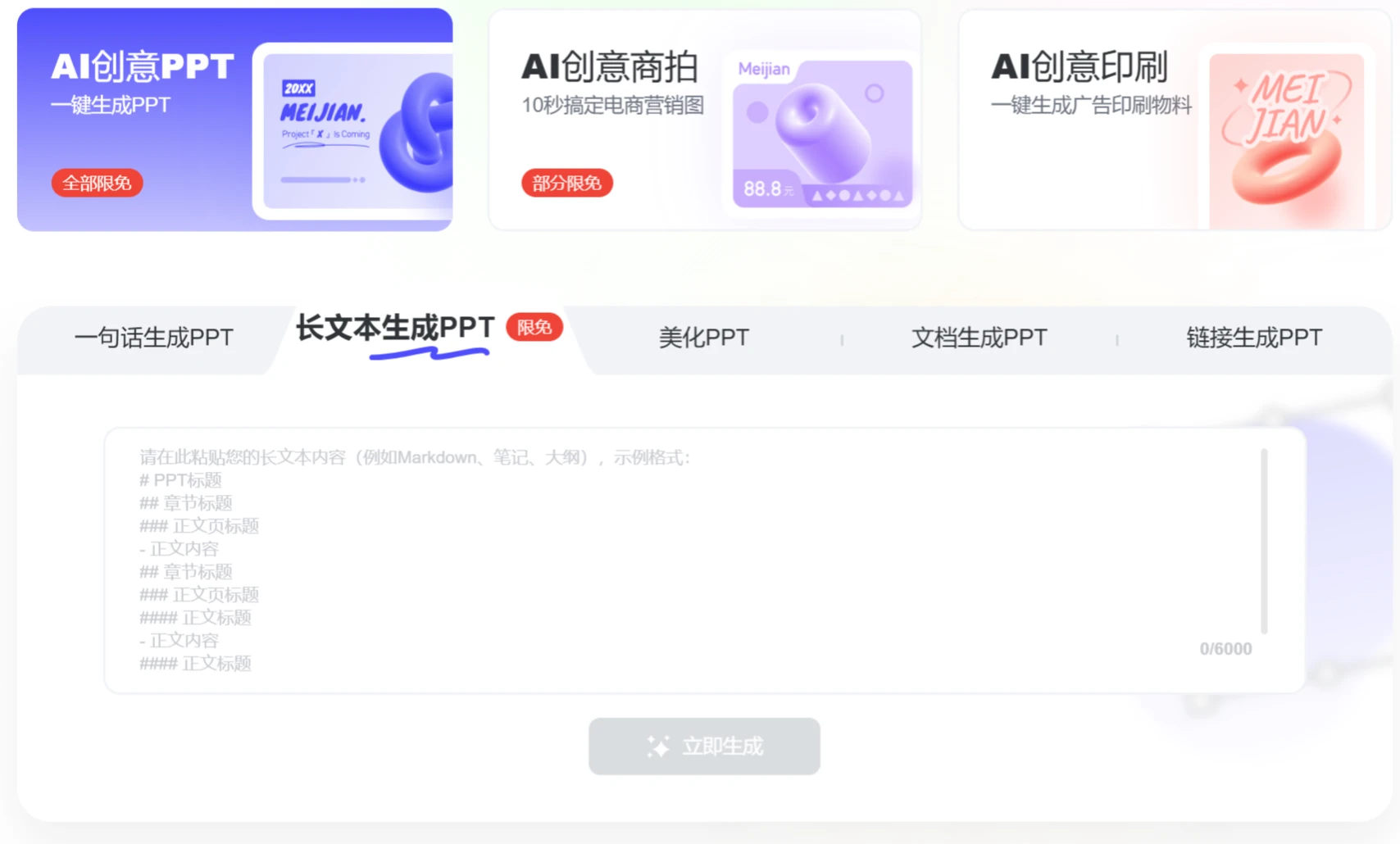
Main Features of 美间 AI Creative PPT:
One-Sentence PPT Generation: Users choose the number of PPT pages, target audience, and tone, then input a topic, and a PPT is generated in 10 seconds, complete with images, copy, and layout—professional and efficient.
PPT Beautification: Supports importing PPTs and gives them a brand-new look with a single click. It intelligently recognizes content, automatically adjusts layout and color schemes, and automatically adjusts the position and color matching of text, charts, and images to ensure every page of the PPT is visually professional and beautiful. It also supports preserving the original text and AI polishing.
Document-to-PPT Generation: Supports importing Word, Txt, PDF, and other documents, intelligently parsing them and automatically matching images to generate PPTs.
URL-to-PPT Generation: Supports WeChat public account and Jianshu links, parsing web content to output PPTs.
Rich Template Library: Backed by tens of millions of indoor and outdoor design inspiration images and a massive library of high-quality templates, 美间 AI can automatically match or generate corresponding PPT templates based on users' specific content needs, supporting automatic layout to ensure the design meets professional standards while being creative.
AI Copy Generation: Copy that feels flat and boring? Let AI write it for you. "Polish, expand, condense"—modify freely and accurately capture the key points of your report.
Applicable Scenarios of 美间 AI Creative PPT:
Corporate Reporting: Suitable for business reports and project summaries.
Education and Training: Educators can quickly create PPTs for training and teaching.
Marketing Planning: Marketers can showcase marketing plans and proposals through professional PPTs.
How to Use 美间 AI Creative PPT:
Use DeepSeek to Generate an Outline: Enter a command in DeepSeek: Generate a complete outline including [Basic Concepts - Layout Impact - Color Guidance - Material Selection - Case Analysis] and output it in Markdown format.
Generate PPT in 美间 AI: Open 美间 AI Creative PPT, select [Long Text to PPT], paste the outline generated by DeepSeek into the input box, choose a template, and generate the PPT.
Edit and Export PPT: After the PPT is generated, you can edit and modify it online, and it supports exporting in multiple formats, such as PDF, JPG, PNG, PPT, etc.
美间's AI Creative PPT platform not only focuses on PPT generation and beautification but also provides a series of other AI tools, such as AI image cutout, AI erasing, and AI image expansion, which can help users handle images and design elements when making PPTs.
Related News:
Kimi Tutorial on How to Generate PPT Templates
Full Workflow of Using Deepseek + Kimi to Create Professional PPTs















