
 Script Planner Assistant▸
 AI Apps
 AI News

Typral: A High-Efficiency, Ultra-Fast AI Writing Assistant Browser Extension
Typral: A High-Efficiency, Ultra-Fast AI Writing Assistant Browser ExtensionIntroduction
What is Typral?
Typral is an efficient ai writing browser extension that offers a variety of features to enhance your text processing experience. It can perform text polishing, simplification, translation, and AI replies. It is also very easy to use—just select the text you need to process and choose the corresponding AI text operation, and it will automatically replace it. In addition, this assistant can help quickly optimize articles, daily reports, and other types of text.
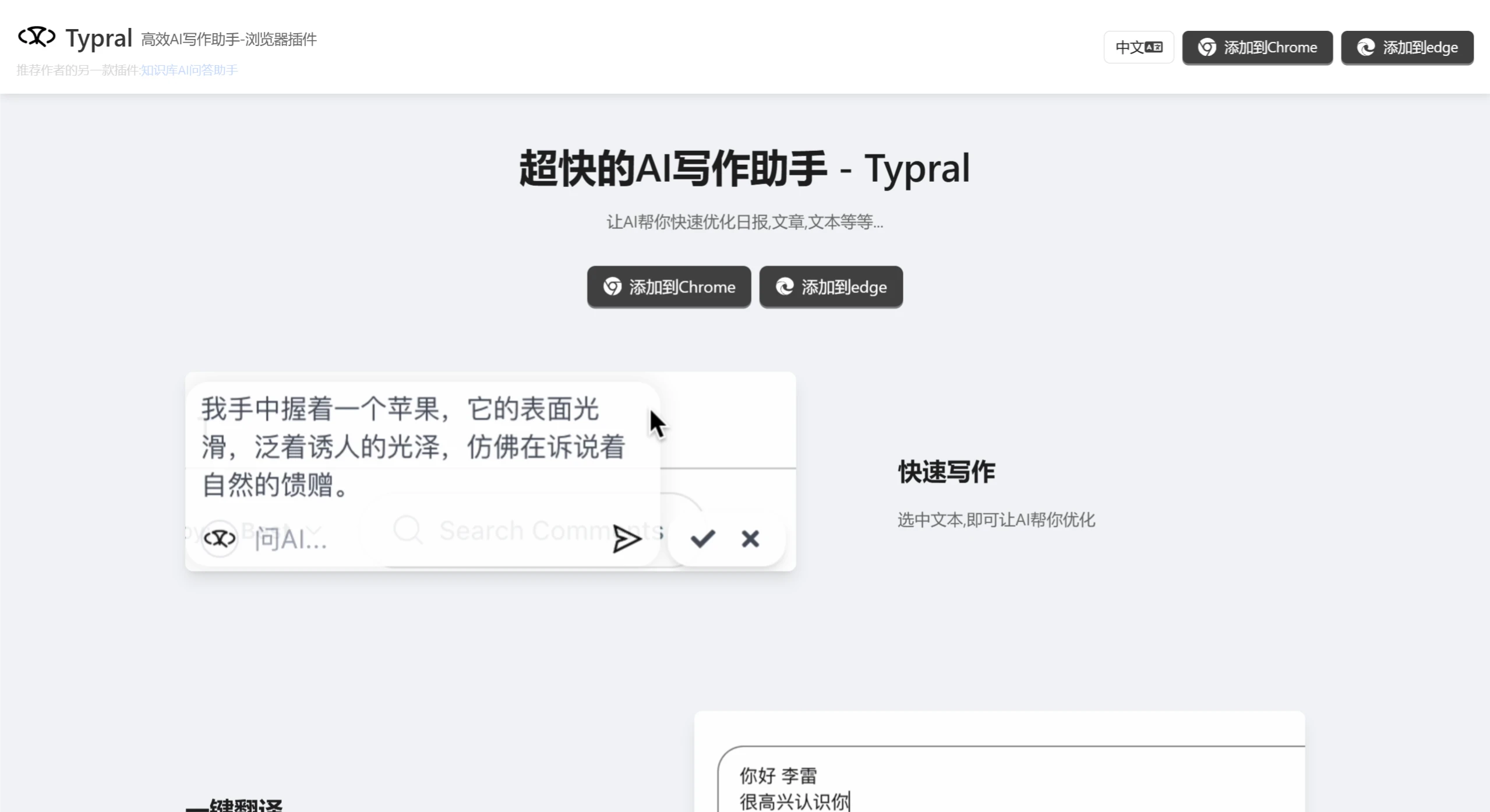
Features of Typral:
Quick Text Optimization: Typral can quickly analyze and optimize the text you select, including daily emails, reports, articles, or other writing content.
Text Simplification: For complex sentences or paragraphs, it can simplify the text to help readers understand the content more easily.
AI Answers: Supports intelligent responses based on user-input questions or topics, providing relevant information.
One-Click Translation: Makes it easy for users to quickly translate selected text into multiple languages, improving writing and translation efficiency.
Applications of Typral
Academic Writing: Helps students and researchers improve the language quality of their papers.
Business Documents: Provides fast and professional document writing support for business professionals.
Everyday Writing: Suitable for individual users for writing emails, logs, or other everyday texts.
Multilingual Work: For users who need to handle multilingual content, Typral's one-click translation feature is very convenient.
How to Use Typral
1. Install the Typral browser extension, currently supporting Chrome and Edge.
2. Start Writing: Begin your writing in any text editor or online document. When you need to optimize or translate text, select the target text.
3. Activate the Assistant: After selecting the text, choose the operation you want to perform in the pop-up Typral menu, such as text polishing, simplification, translation, etc.
4. Review and Apply: Typral will provide the optimized text or translation result. You can adjust the settings as needed, and Typral will provide modification suggestions in real time. Users can directly replace the original text.
5. Continuous Optimization: You can repeatedly use Typral to adjust the text as needed until you achieve satisfactory quality.
In addition, Typral can be integrated with other tools and applications to meet users' more complex writing needs. For example, with the support of the DeepSeek model, it can provide deeper assistance in semantic understanding, helping to generate high-quality and accurate content.















