
 Script Planner Assistant▸
 AI Apps
 AI News

HiveChat: Free Open-Source AI Chatbot Supporting DeepSeek and More
HiveChat: Free Open-Source AI Chatbot Supporting DeepSeek and MoreIntroduction
What is HiveChat?
HiveChat is an open-source AI chatbot bot project designed specifically for small and medium-sized teams. It supports a variety of mainstream AI models such as Deepseek, OpenAI, Claude, and Gemini, and offers features including LaTeX and Markdown rendering, DeepSeek chain-of-thought display, image understanding, cloud data storage, and AI agents.
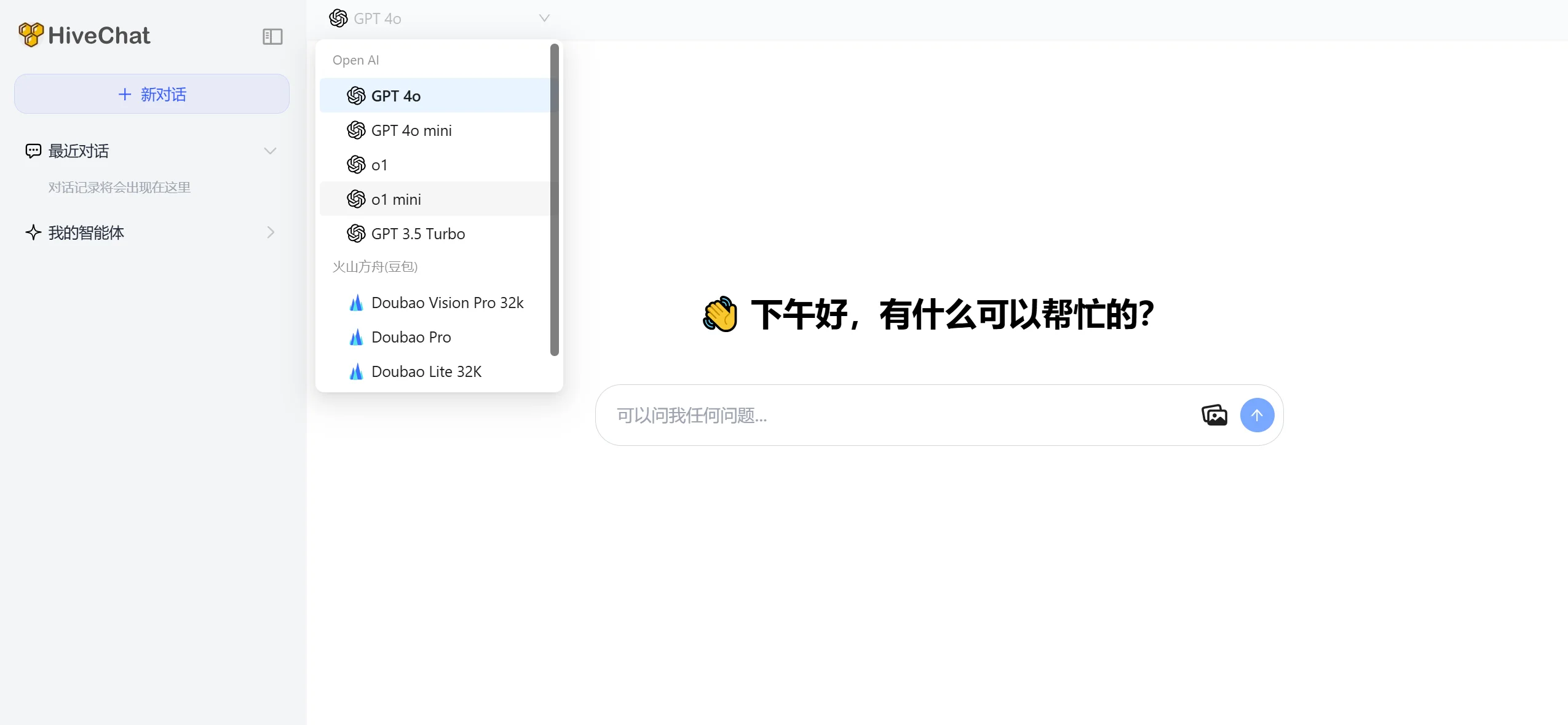
Features of HiveChat:
Multi-AI Model Support: HiveChat supports a variety of mainstream AI models such as Deepseek, OpenAI, Claude, and Gemini, allowing users to freely choose the intelligent interaction model that best suits their needs.
Image Understanding: Capable of processing and interpreting image content, providing teams with multimedia communication capabilities and enhancing the richness of information exchange.
LaTeX and Markdown Rendering: Supports elegant display of scientific formulas and code formatting, making it suitable for technical teams to discuss and share professional documents.
AI Agents: Integrated AI agents can automatically handle routine tasks, improving work efficiency.
Cloud Storage: Provides cloud-based data storage options, ensuring data security and easy accessibility.
Flexible Deployment: Supports multiple deployment methods, including on-premises, Docker containerization, and serverless architecture, adapting to enterprise environments of different scales and types.
Permission Management: Built-in management tools allow administrators to configure models and manage user permissions, ensuring order and security in team communication.
Applications of HiveChat:
Team Collaboration: In daily work, HiveChat can serve as an instant messaging tool to facilitate project discussions and decision-making.
Technical Support: Technical teams can leverage its AI capabilities to quickly answer technical questions or automate document searches.
Customer Service: Internal customer service teams can use HiveChat to quickly respond to employee inquiries and improve service efficiency.
Education and Training: Educational institutions can leverage its rich format support to share and discuss teaching materials.
Knowledge Management: With AI agents, teams can organize and retrieve knowledge bases more effectively.
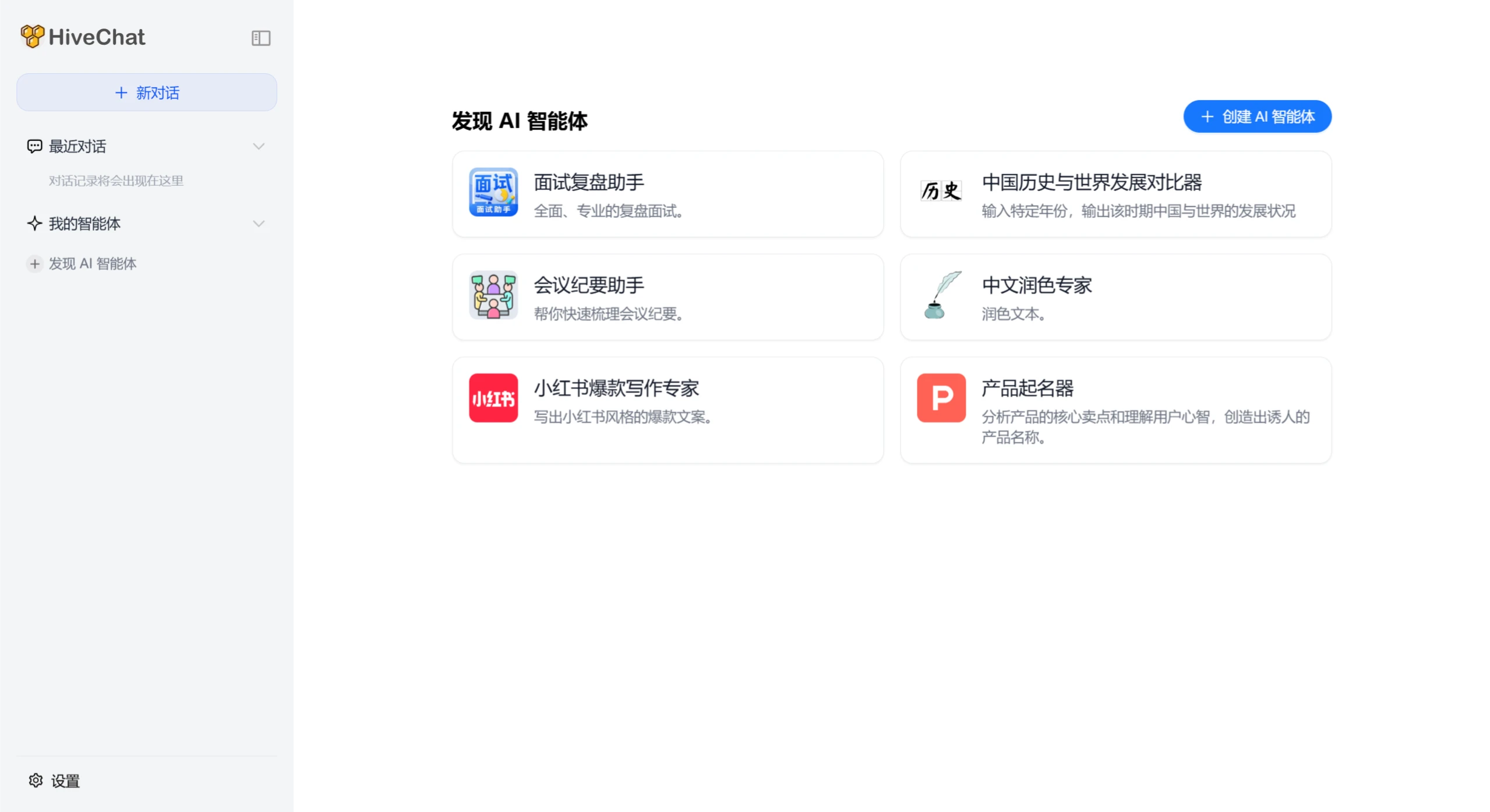
How to Use HiveChat:
Deployment: Depending on the team's technical capabilities, choose an appropriate deployment method (on-premises, Docker, or serverless) and follow the detailed installation guide provided officially to set it up.
Account Login: Team members start using HiveChat by registering or logging into their accounts.
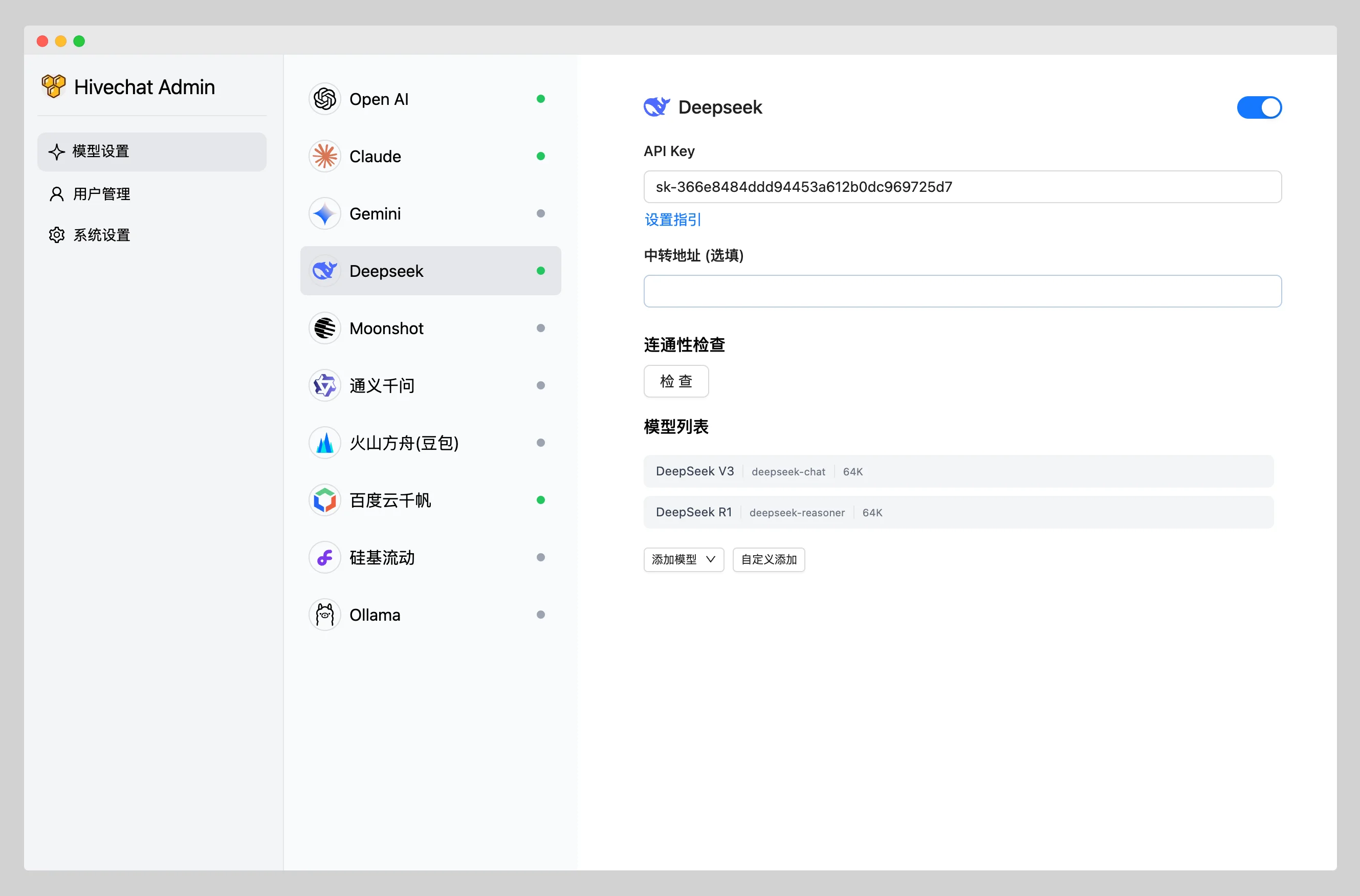
Backend AI Model Configuration: Administrators enter the backend, select and configure AI models according to team needs, ensuring that every user has access to the necessary intelligent services.
Permission Settings: Administrators manage user permissions to ensure that sensitive information is only visible to authorized personnel.
Frontend Chat: Users can input text, send images, or use specific formats (such as LaTeX code) directly in the chat interface to communicate.
Intelligent Interaction: Utilize AI capabilities such as asking questions, retrieving information, and performing simple automated tasks to improve work efficiency.
GitHub Repository:https://github.com/HiveNexus/HiveChat














