
 Script Planner Assistant▸
 AI Apps
 AI News

NeuraPress: Free Open-Source Markdown Editor for WeChat Official Accounts
NeuraPress: Free Open-Source Markdown Editor for WeChat Official AccountsIntroduction
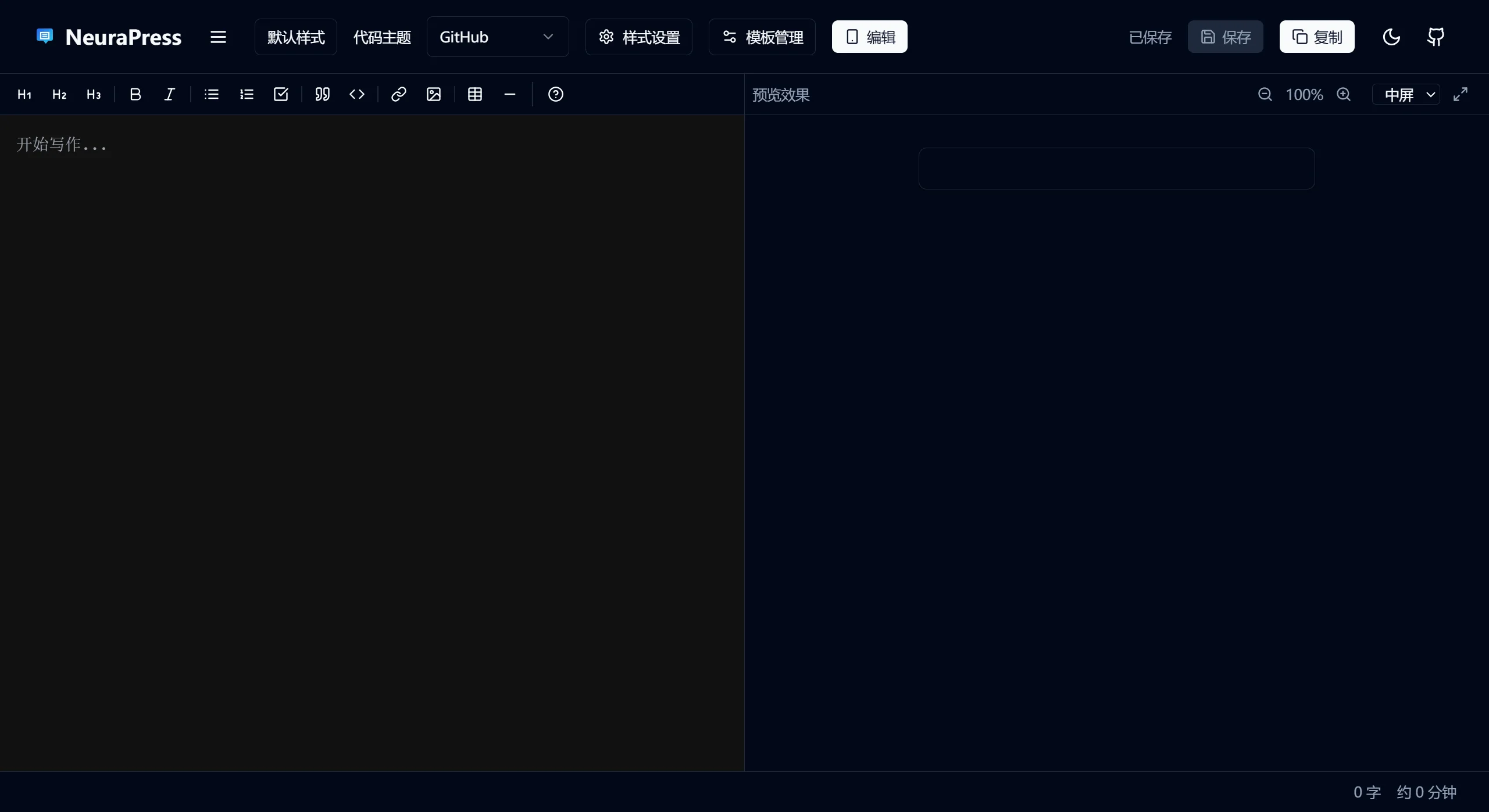
NeuraPress is a Markdown editor focused on WeChat Official Account formatting, featuring a responsive design that supports mobile devices. By pairing it with DeepSeek and WeChat Official Account assistants, you can use your fragmented time to edit and publish WeChat Official Account articles with formatting effects directly from your phone.
NeuraPress Features
Modern Markdown Editing: Supports clean Markdown syntax, allowing bloggers to quickly write text with clear article structure.
Real-Time Preview: Delivers a WYSIWYG editing experience, making it easy for bloggers to intuitively perform formatting operations.
Responsive Interface: Smooth editing on both computers and mobile devices, adapting to different screens for editing anytime, anywhere.
WeChat Official Account Formatting Optimization: Built-in templates and styles for WeChat Official Account articles, ensuring a professional and consistent presentation on the WeChat platform.
DeepSeek Integration: May provide advanced search features to help users find resources and inspiration, boosting creative efficiency.
WeChat Official Account Assistant Compatibility: Allows direct publishing from the editor to WeChat Official Accounts, simplifying the workflow, and may also support previewing.
Utilizing Fragmented Time: Designed with mobile use cases in mind, creators can edit and publish anytime as long as they have an internet connection.
Convenient Copy Function: Supports copying preview content with formatting, which can be pasted directly into the WeChat Official Account editor.
Template System: Built-in variety of formatting templates that users can switch with one click to quickly complete layout and improve efficiency.
NeuraPress Use Cases
Personal Blog and WeChat Official Account Operations: Ideal for individual bloggers and WeChat Official Account operators who frequently update content.
Remote Team Collaboration: Team members can collaboratively edit documents, plan and edit content together, suitable for remote work.
Quick Notes and Knowledge Management: Users who enjoy recording in Markdown can efficiently organize and share content here.
Learning and Education: Students and teachers can use NeuraPress to write course materials, papers, or study notes, especially for those who prefer using the Markdown format.
Tech Bloggers: Perfectly presents code snippets, architecture diagrams, and API documentation.
Steps to Use NeuraPress
Register and Log In: Register an account on the NeuraPress platform and log in.
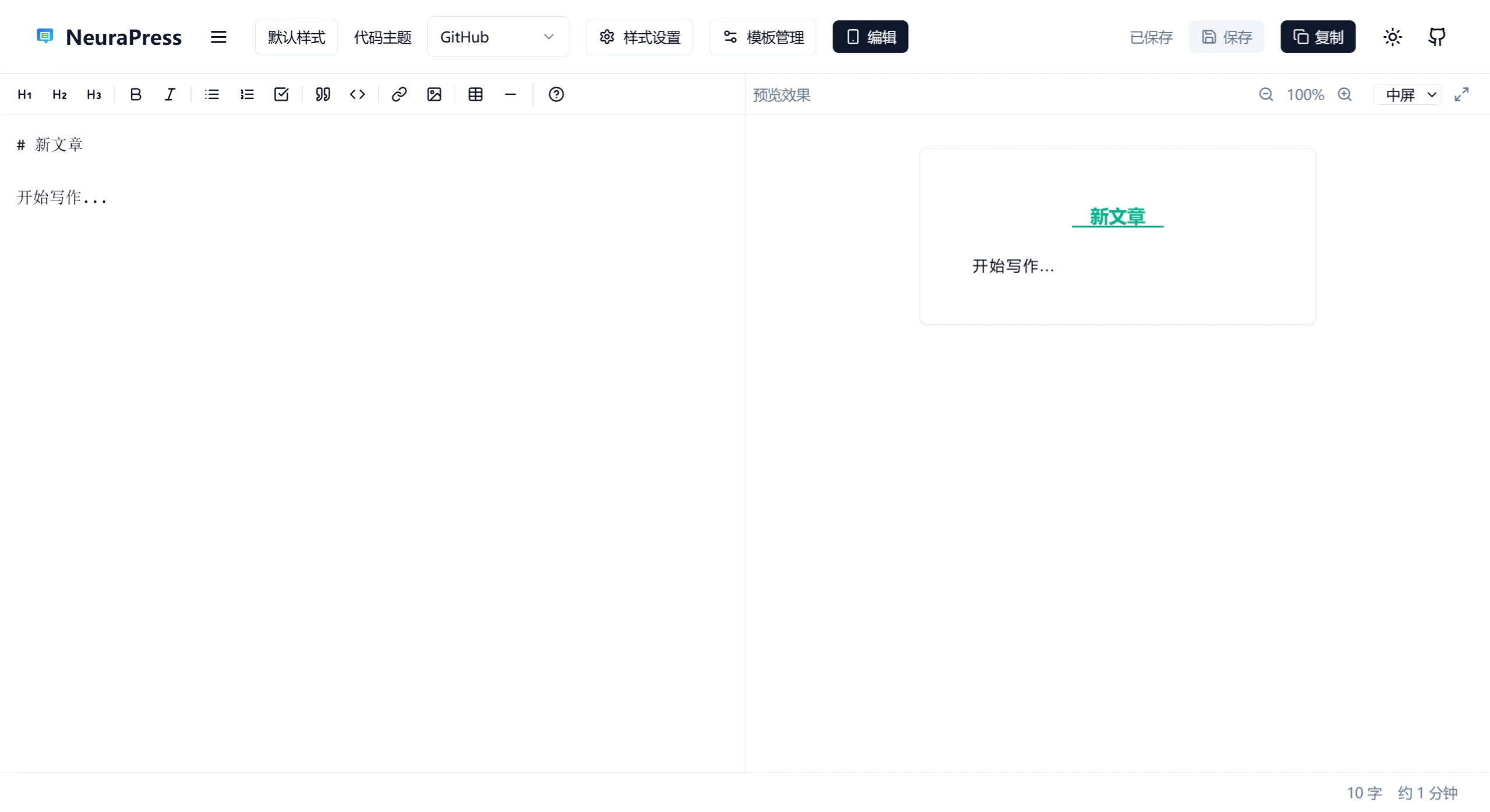
Create New Document: Enter the editing interface to create a new document, and write content using Markdown syntax.
Formatting Preview: Use the real-time preview feature to adjust format and layout to match the WeChat Official Account style.
Integrate Tools: Use DeepSeek to find resources, and preview and publish articles through the WeChat Official Account assistant.
Save and Sync: Auto-save during editing, supports multi-device sync, making it convenient to switch environments.
Publish Content: After editing, you can directly publish to WeChat Official Accounts, or export Markdown files for further processing.
NeuraPress User Guide
Edit Content: The left side is the Markdown editing area, supporting standard Markdown syntax and GFM (GitHub Flavored Markdown), making writing and editing easy.
Preview Content: The right side is the real-time preview area, displaying the WeChat display effect. You can toggle the visibility of the preview window.
Style Settings: Select preset templates through the style selector, or use the style configuration dialog to customize, supporting modifications to fonts, colors, spacing, etc.
Copy Content: Click "Copy Source Code" to get the HTML source code; click "Copy Preview" to get formatted content, which can be pasted directly into the WeChat Official Account editor.
How to Get and Use NeuraPress
NeuraPress is an open-source project, free to use, easy to operate, and requires no complex configuration to start creating.
Official Website:https://md.leti.ltd
GitHub Repository:https://github.com/tianyaxiang/neurapress
Related Information:














