
 Script Planner Assistant▸
 AI Apps
 AI News

WeChat Bot – An Open-Source AI WeChat Robot That Auto-Replies to Messages
WeChat Bot – An Open-Source AI WeChat Robot That Auto-Replies to MessagesIntroduction
WeChat Bot, a WeChat bot built on Wechaty integrated with services like DeepSeek / ChatGPT / Kimi / iFlytek and other ai services, can help you automatically reply to WeChat messages, manage WeChat groups and friends, and detect zombie followers.
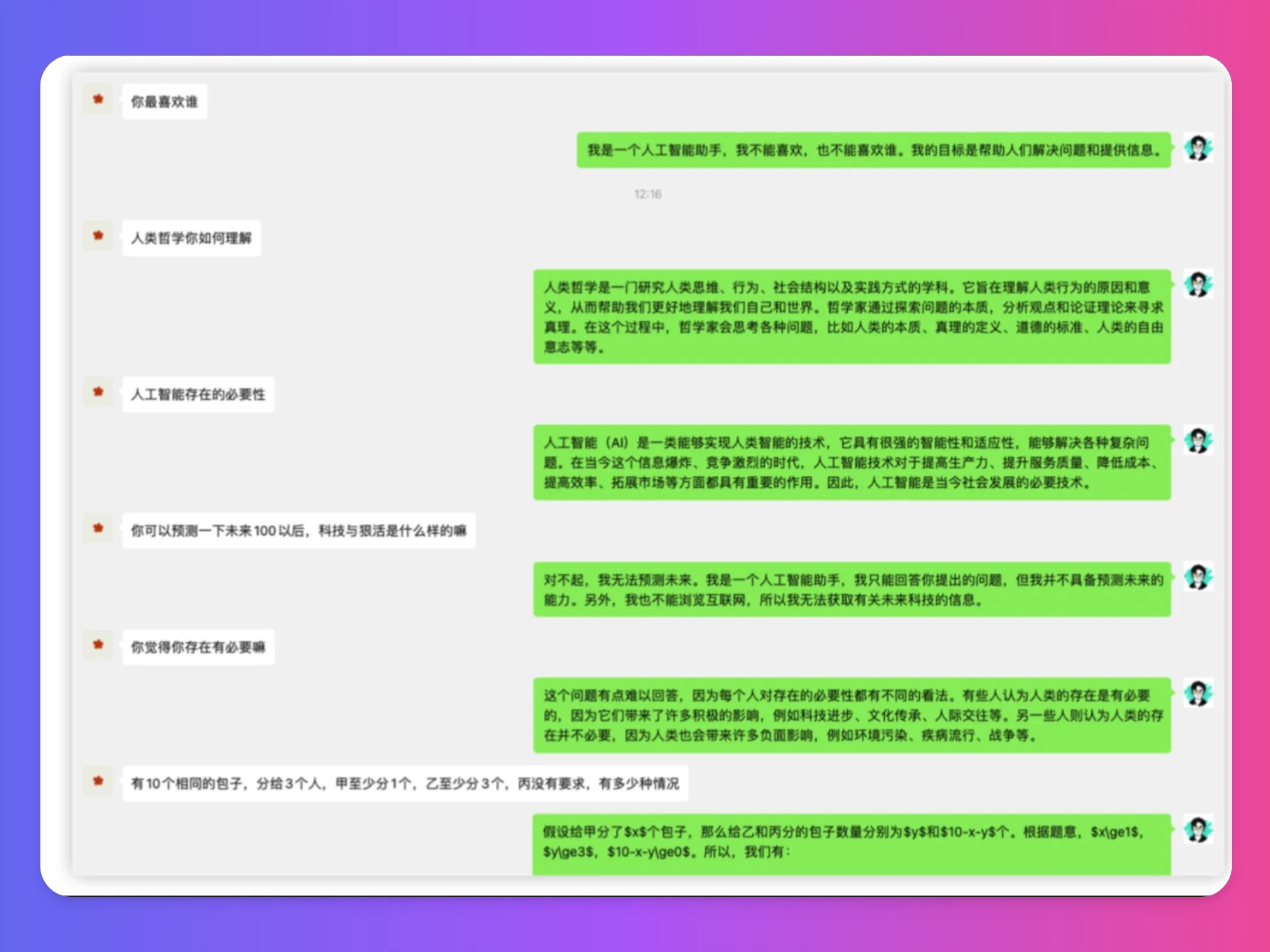
WeChat Bot Features:
Auto-reply to messages: It can automatically handle and reply to messages from WeChat groups and friends, making communication more efficient.
Group management: It can manage WeChat groups, including automatically detecting and handling zombie followers.
AI service integration: It supports integration with multiple AI services, so you can choose the appropriate API as needed (such as ChatGPT, Kimi, etc.) to enhance the bot's intelligent reply capabilities.
Custom reply logic: If you have specific needs, you can modify the program code to implement your own business logic.
Configuration file: You can conveniently set the bot's working parameters through the .env file, such as API keys, whitelist management, etc.
AI Services Supported by WeChat Bot:
ChatGPT: You need to purchase an API Key, then configure it in the .env file.
Tongyi Qianwen: An AI service provided by Alibaba Cloud. Get the API Key and configure it in the .env file.
deepseek: Get the API Key and configure it in DEEPSEEK_FREE_TOKEN in the .env file.
iFlytek: Apply for an API Key, and each model comes with 2 million free tokens.
Kimi: Get the API Key, but its request limits are relatively strict.
dify: You can get an API Key after creating an app, and it also supports private deployment.
Ollama: A localized AI service, with a configuration slightly different from online services.
302.AI: An AI aggregation platform that supports multiple models and APIs.
Application Scenarios of WeChat Bot:
Personal assistant: It can serve as your personal assistant, handling daily message replies.
Enterprise customer service: It can connect to customers' WeChat groups to enable intelligent auto-replies, making customers more satisfied.
Community management: It can help community administrators manage information interaction and content monitoring within groups.
How to Use WeChat Bot:
Step 1: Install Node.js and npm.
# Install dependencies
npm i
# Yarn is recommended, as npm installation sometimes encounters issues with wechaty internal dependency installation failures
yarn
Step 2: Use npm to install WeChaty and related dependencies.
Step 3: Configure the .env file and add the required API keys.
Step 4: Execute npm run dev or start the Docker container.
# Start the service
npm run dev # or npm run start
# Start the service
yarn dev # or yarn start
Step 5: Then you can scan the code to log in, and modify the relevant logic files according to your needs.
It should be noted that this project supports multiple AI services, with interfaces including ChatGPT, DeepSeek, Tongyi Qianwen, iFlytek, Kimi, dify, Ollama, 302.AI, and Claude. Developers can select and configure these services based on their needs. When accessing, make sure to correctly obtain and configure the corresponding API keys, which are set in the .env file. Simply fill in the parameters according to the requirements of the AI service being integrated. This diverse AI integration allows the bot to adapt to different scenarios with greater flexibility and intelligence. In addition, developers need to pay attention to WeChat's review system. Do not use the free version protocol, as the account may be banned. It is recommended to use the pad protocol or enterprise version protocol for integration.
Related News:
wechatDownload: A tool for batch downloading WeChat public account articles














