
 Script Planner Assistant▸
 AI Apps
 AI News

PhotoG: AI Product Photo Tool for E-commerce Sellers
PhotoG: AI Product Photo Tool for E-commerce SellersIntroduction
What is PhotoG?
PhotoG is an AI commercial photography tool designed specifically for e-commerce sellers, aiming to help users effortlessly create professional-grade product images. Through custom backgrounds and optimized visual effects, PhotoG can effectively boost sales growth without relying on expensive equipment or professional expertise. Using PhotoG can streamline your workflow and make your store stand out in the market.
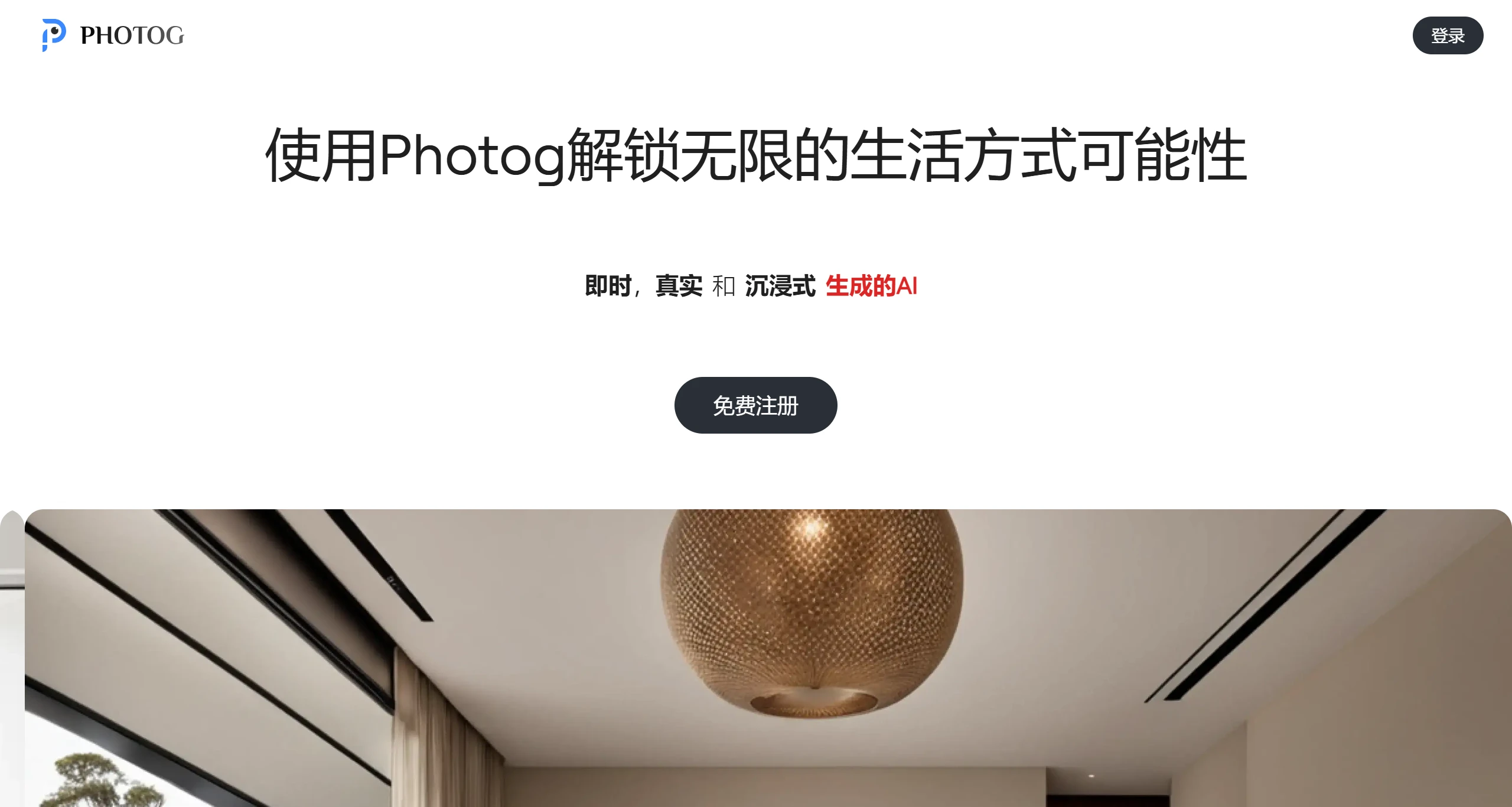
Features of PhotoG:
Highly Controllable Generation: Meets precise demands in complex scenarios, achieving perfect control over product position, angle, and details.
Hyper-Realistic Effects: Provides highly credible visual content through material reproduction and lighting simulation technology.
Full-Workflow Optimization: Significantly shortens content production cycles, reduces costs and risks for brands, and injects new vitality into e-commerce marketing.
Image Generation Modes: Offers two image generation modes—Free-mode and Precise-mode.
Partial Redrawing: Users can select products from the product library and place them into a designated scene or an AI-generated scene with one click.
Parameter Adjustment and Optimization: Users can modify parameters such as the product's horizontal angle, pitch angle, lighting fusion level, and size to adjust the presentation effect.
Prompt-Based Generation: Users can generate images featuring products through prompts (prompt-to-image).
Product Library Upload: Users can upload 360-degree product videos or 3D models to add their products to the product library.
Pre-Decision Assistance: Supports users in uploading their own environments to swap in different items, enabling cool features such as "furniture in my home" and "clothes on me," helping users make pre-purchase decisions.
Use Cases of PhotoG:
E-commerce Platforms: Help merchants generate product images and improve product presentation.
Designers and Creators: Leverage PhotoG's powerful features for creative design and visual presentation.
Home Improvement Enthusiasts: Use PhotoG to preview the look of various objects in home improvement projects.
Online Store Owners: Increase sales and customer satisfaction by showcasing products in different scenarios.
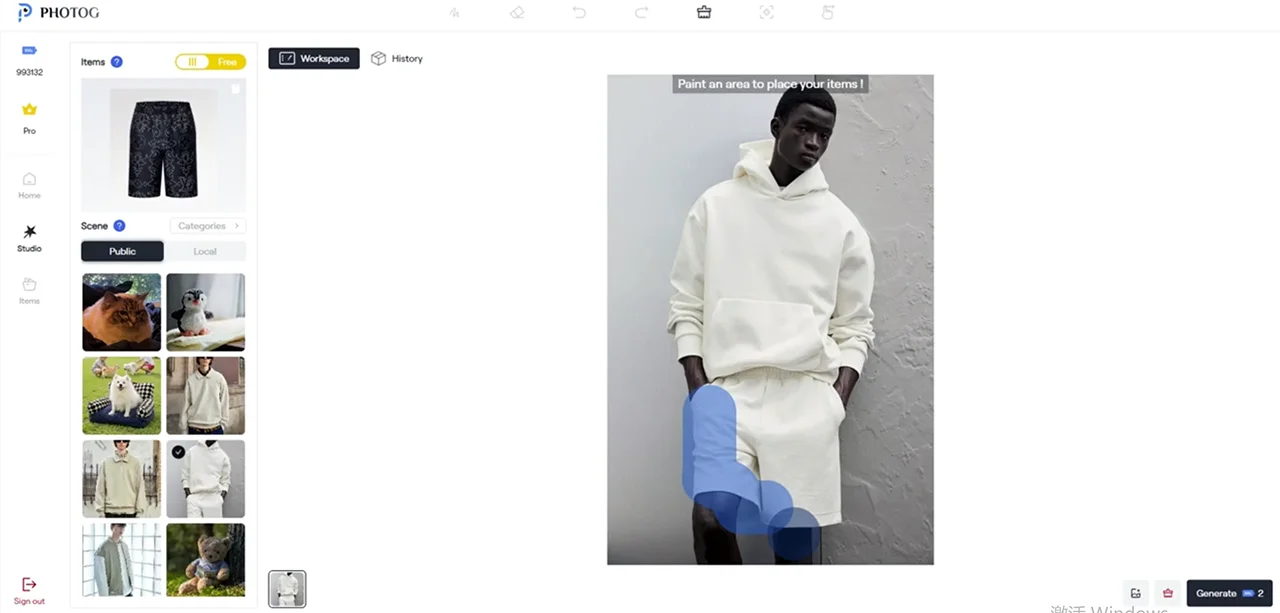
How to Use PhotoG:
1. Register an Account: Visit the PhotoG official website and register an account.
2. Upload Scene and Product Images: After signing in, upload a scene image on the home page and upload a product image in the upper-left corner.
3. Brush Over the Area to Be Replaced: Use the tool to brush over the product area in the scene that needs to be replaced.
4. Generate the Image: If satisfied, click the 'Generate' button to generate the image, then download and use it.
PhotoG Pricing:
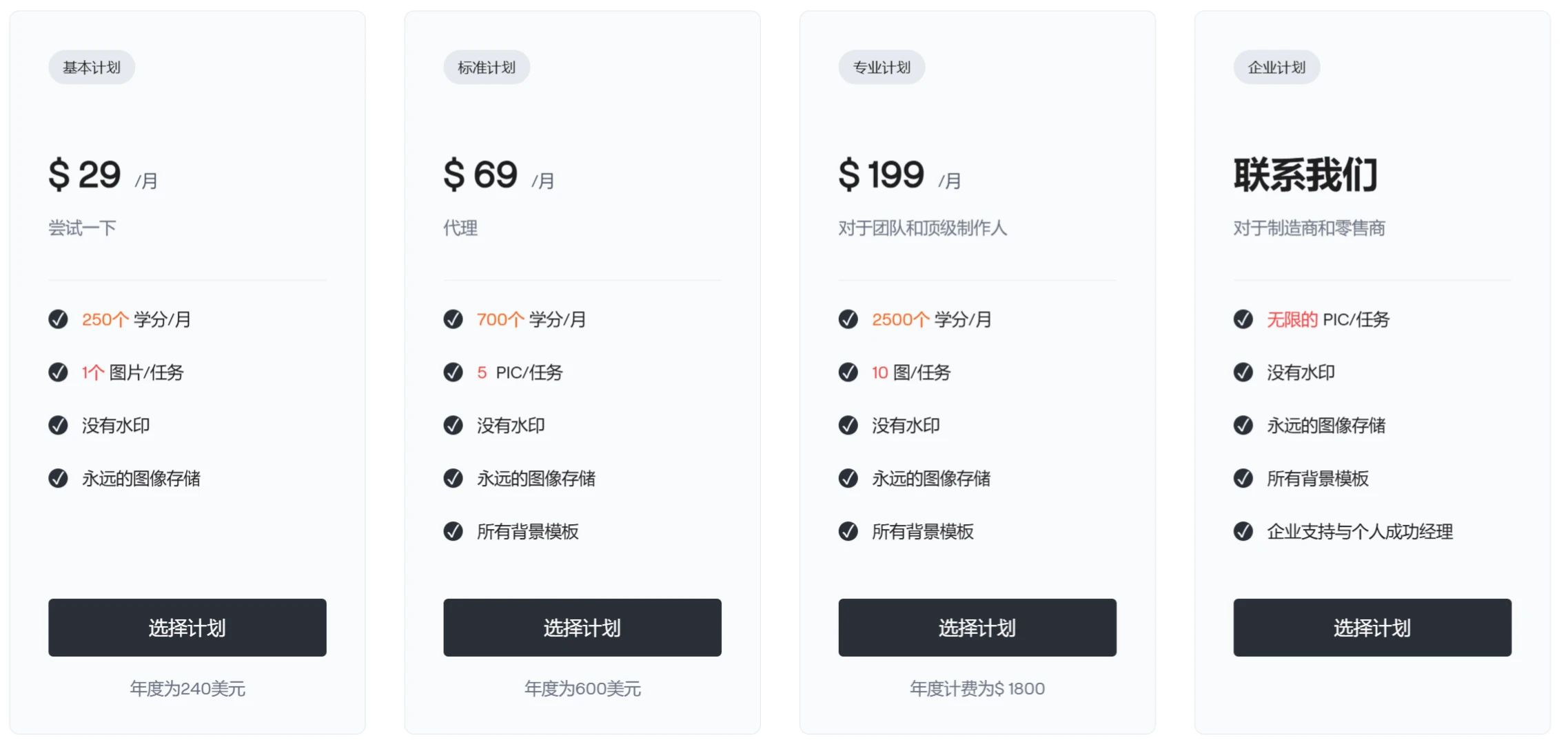
Basic Plan: $29/month
Standard Plan: $69/month
Professional Plan: $199/month
















