
 Script Planner Assistant▸
 AI Apps
 AI News

UIGEN-T1: An Open-Source UI Design Generation Tool
UIGEN-T1: An Open-Source UI Design Generation ToolIntroduction
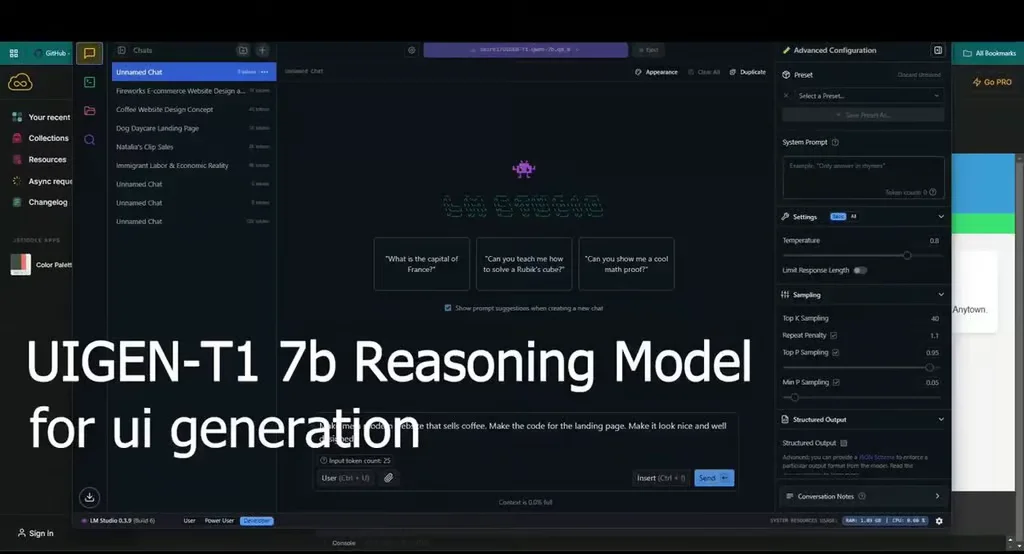
UIGEN-T1 is an open-source UI design generation tool fine-tuned based on the Qwen2.5-Coder-7B model. It can generate well-structured and standard-compliant HTML and CSS code based on user-provided prompts, making it especially suitable for generating fundamental front-end pages such as dashboards, login pages, and registration forms.
UIGEN-T1 Features
Automated Reasoning Generation
Chain-of-Thought: Generates high-quality UI layouts through complex reasoning processes.
Clear Structure
Well-Organized Code: The output HTML and CSS code has a rigorous structure and is easy to maintain.
Multi-Purpose Support
Versatility: Especially suitable for common applications such as dashboards, login pages, and registration forms.
Fine-Tuned Based on Qwen2.5-Coder-7B
High-Performance Model: Uses a fine-tuned powerful language model to ensure high accuracy and reliability.
Transformer Architecture
Advanced Technical Support: Leverages modern deep learning architectures to enhance performance and quality.
Code Generation
Effective Output: The automatically generated valid code can be used directly in projects.
UIGEN-T1 Use Cases:
Prototyping
Rapid Prototyping: Quickly create initial prototypes of applications to validate design concepts.
MVP Development
Minimum Viable Product: Accelerate the construction of MVPs and facilitate rapid product development.
Educational Purposes
Teaching Assistance: Provides teaching resources and support to help students master the fundamentals of front-end development.
Daily Development
Web Design: Designers can use UIGEN-T1 to help build responsive web interfaces.
Application Development: Suitable for rapid design and prototyping of mobile application interfaces.
How to Install and Use UIGEN-T1:
Clone the Repository:
git clone https://github.com/your-repo/UIGEN-T1.git
cd UIGEN-T1
Install Dependencies: Make sure Python and its package manager pip are installed on your system. Then run the following command to install the required libraries:
pip install -r requirements.txt
Start the Service: For local deployment, follow the documentation instructions to start the server:
python app.py
Access the Interface: Open a browser and navigate to the specified address (e.g., http://localhost:8000), or send HTTP requests directly to the API endpoint.
Example Request
Suppose you want to generate a simple login page, which can be done by sending a POST request to the API:
{
    "prompt": "Generate a login page with username and password fields"
}
The response will contain the generated HTML and CSS code snippets.
How to Obtain UIGEN-T1:
Hugging Face Model Hub Download: https://huggingface.co/smirki/UIGEN-T1-Qwen-7b














