
 Script Planner Assistant▸
 AI Apps
 AI News

AstrBot: An Open-Source Multi-Platform LLM Chatbot & Development Framework
AstrBot: An Open-Source Multi-Platform LLM Chatbot & Development FrameworkIntroduction
AstrBot, an easy-to-use multi-platform LLM chatbot and development framework. It supports QQ, QQ Channels, Telegram, WeChat platforms (Gewechat, WeCom), built-in Web Chat, OpenAI GPT, DeepSeek, Ollama, Llama, GLM, Gemini, OneAPI, LLMTuner, supports LLM Agent plugin development, and a visual dashboard. One-click deployment. Supports Dify workflows, code executors, Whisper speech-to-text.
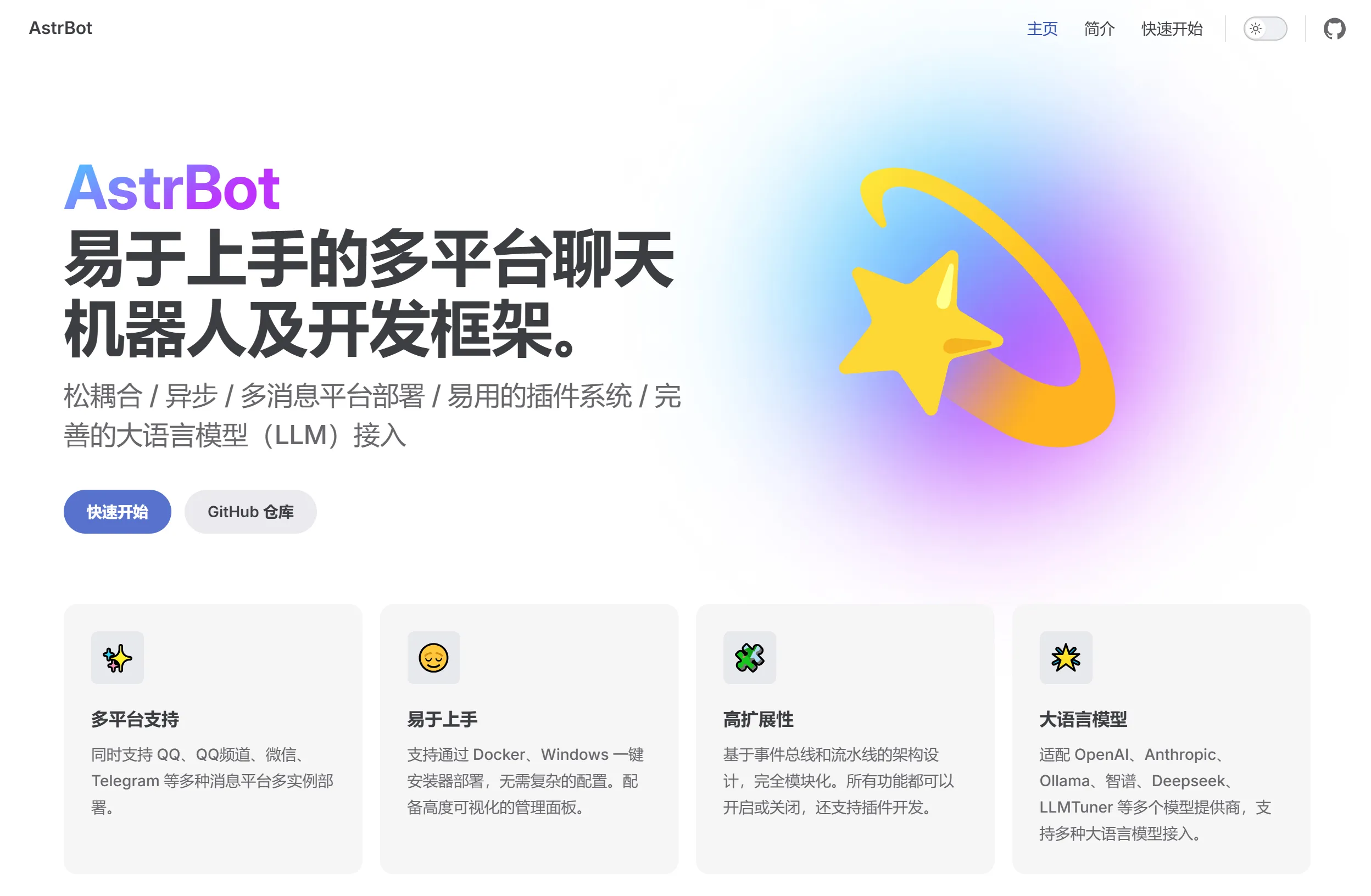
AstrBot Features:
Large Language Model Conversations: AstrBot can connect to various large language models, such as OpenAI API, Google Gemini, Llama, Deepseek, ChatGLM, etc. It also supports locally deployed large models through Ollama or LLMTuner. It has multi-turn conversation capabilities, understands context, and supports image understanding and speech-to-text (via Whisper).
Multi-Message Platform Integration: It supports QQ, QQ Channels, WeChat, Telegram, and plans to extend support to DingTalk, Feishu, Discord, WhatsApp, Xiaoai Speaker, and more platforms. AstrBot also integrates rate limiting, whitelisting, keyword filtering, and Baidu content moderation to ensure compliance.
Agent Features: Native support for code executors, natural language to-do processing, web search, etc. Through the Dify platform, you can easily access more intelligent assistants, knowledge bases, and workflows.
Plugin System: Features a deeply optimized plugin mechanism that allows users to develop and install plugins to extend bot functionality, simplifying the development process.
Visual Management Dashboard: Provides a user-friendly interface for configuration modifications, plugin management, log viewing, etc. It integrates WebChat functionality, allowing you to chat with the large model directly on the dashboard.
High Stability and Modularity: Built on an event bus and pipeline architecture, achieving high modularity and low coupling, ensuring system stability and scalability.
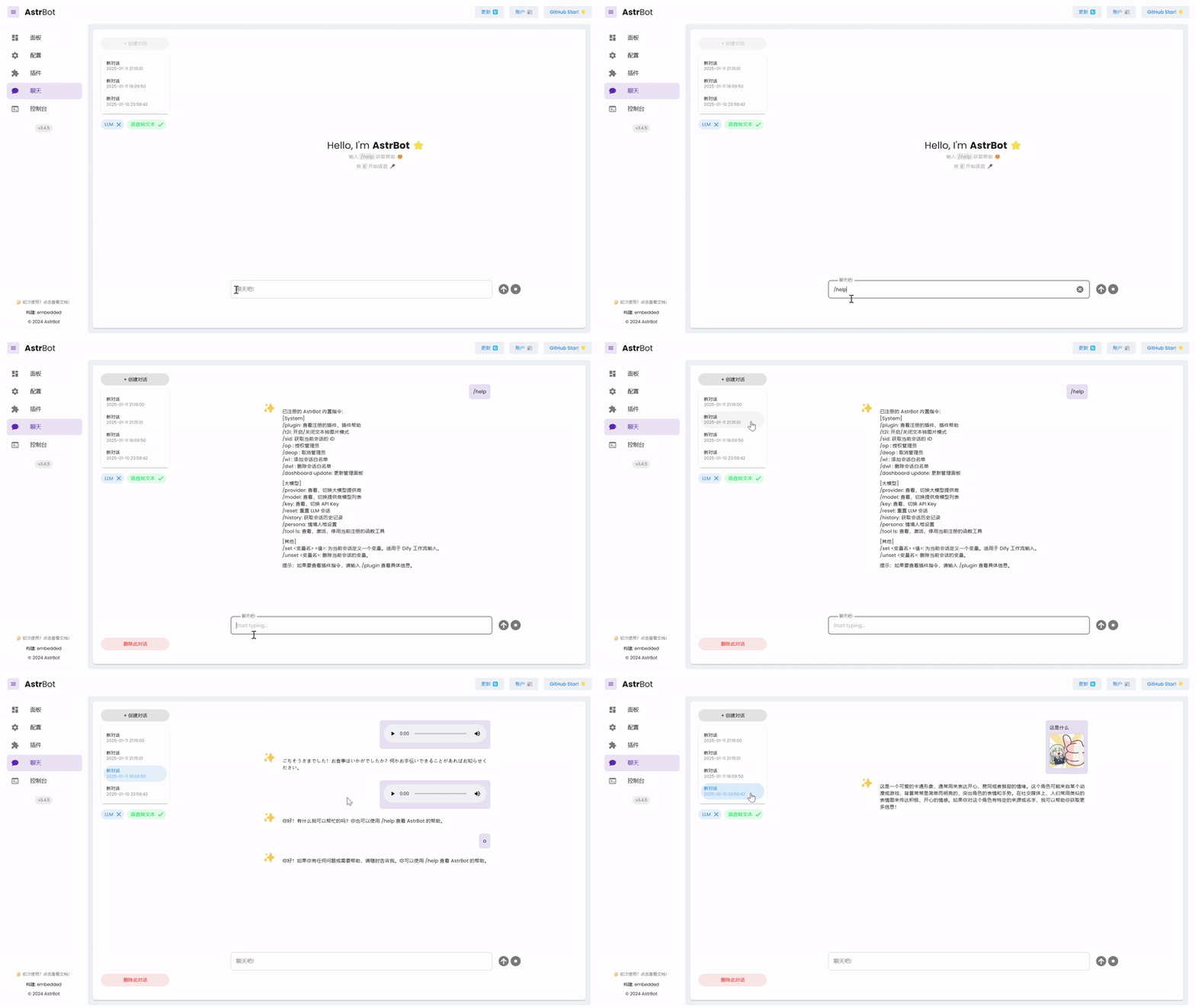
AstrBot Use Cases:
Customer Service: Automatically handle common questions, available 24/7, reducing human workload.
Smart Home: Integrate with IoT devices to serve as the voice hub for home automation.
Educational Tutoring: Provide personalized learning suggestions and offer students learning support anytime.
Entertainment and Gaming: Enhance game immersion and fun.
AstrBot Deployment:
AstrBot supports multiple deployment methods, including Docker deployment, Windows one-click installer, Replit deployment, etc. Docker deployment is recommended, and the official documentation provides detailed guidance. Users can quickly deploy through Docker Compose on NAS or other environments by simply modifying the configuration file and starting the service. The default account password is "astrbot".
For example, when deploying with Docker, you can refer to the following steps:
# 构建Docker镜像
docker build -t astrbot .
# 运行Docker容器
docker run -d -p 6180-6200:6180-6200 -p 11451:11451 -v /path/to/data:/astrbot/data -v /var/run/docker.sock:/var/run/docker.sock --name astrbot astrbot
Make sure you have Docker installed and have sufficient permissions to run Docker commands.
Configuring AstrBot:
After starting AstrBot, you can access the management dashboard through your browser (default address is http://ip:6185, default password is astrbot/astrbot).
In the management dashboard, you can perform simple configurations, such as setting administrator permissions and configuring AI models.
For the WeChat bot, you need to configure WeChat login in Gewechat and ensure that the server IP is consistent with the geographical location of the WeChat account.
Using AstrBot:
After configuration is complete, you can interact with the bot through the interfaces provided by AstrBot. AstrBot supports multiple messaging platforms, such as QQ, WeChat, Telegram, etc.
You can write plugins to extend AstrBot's functionality, or use its built-in Agent capabilities, such as code executors, natural language to-dos, web search, etc.
GitHub:https://github.com/Soulter/AstrBot














