
 Script Planner Assistant▸
 AI Apps
 AI News

LibreChat: An Open-Source Multi-Modal AI Chat Platform
LibreChat: An Open-Source Multi-Modal AI Chat PlatformIntroduction
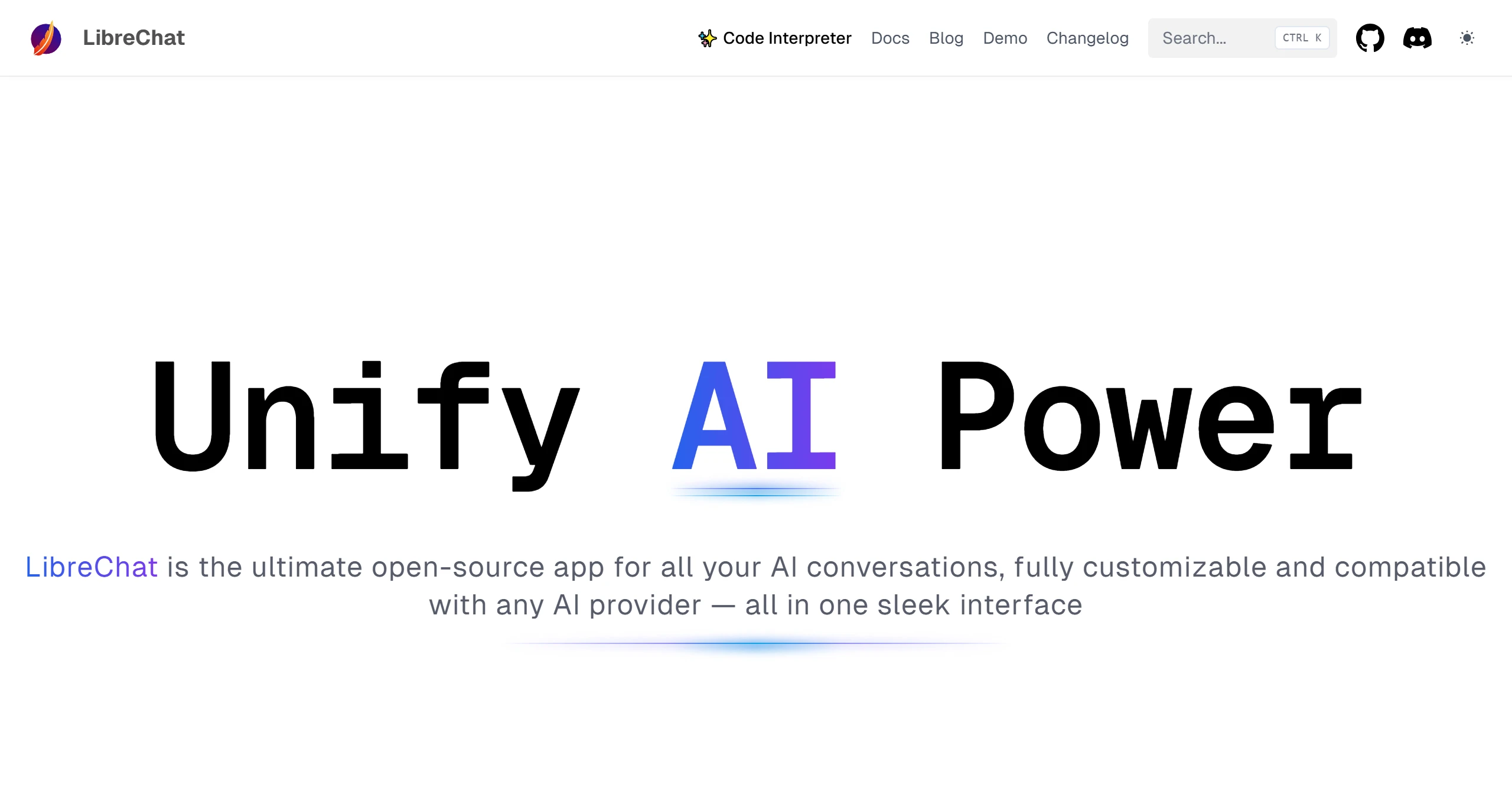
LibreChat is an open-source multimodal ai conversation platform that supports integration with multiple AI model services, including OpenAI, Azure, Anthropic, and Google. LibreChat's distinguishing feature is its multimodal interaction capability, which enables it to handle various input types such as images and files.
LibreChat Features:
AI Model Switching: LibreChat allows users to choose among multiple AI models, including OpenAI's GPT, Anthropic's Claude, Google PaLM 2, and more. This flexibility enables users to select the most suitable model for their needs.
Enhanced Search Capabilities: Users can efficiently search through conversations using the advanced search functionality powered by Meilisearch. This includes searching for specific messages or entire conversations.
Customizable and User-Friendly Interface: The interface, inspired by ChatGPT, offers a clean and intuitive layout. It includes features such as message editing, voice input, and the familiar chat input box for ease of use.
Plugins and Extensions: LibreChat supports plugins for advanced functionality, such as Retrieval-Augmented Generation (RAG), enhancing the chat bot's ability to provide contextually relevant responses.
Prompt Templates and Conversation Management: It integrates features like prompt templates and conversation management, allowing users to streamline their interactions with AI.
Self-Hosting and Offline Deployment: LibreChat can be deployed locally, enabling users to run AI services completely offline. This is particularly useful for privacy-conscious users or those in corporate environments.
Secure Multi-User Authentication: The platform includes robust user management features, such as secure authentication controls and tools for managing token expenditure, making it suitable for multi-user environments.
Free or Pay-Per-Use: LibreChat eliminates the need for subscriptions like ChatGPT Plus by allowing users to leverage free or pay-per-use APIs, making it a cost-effective alternative.
Support for Advanced AI Features: It includes advanced tools such as Langchain plugins, Code Interpreter, DALL-E 3 integration, OpenAPI actions, and more, extending its functionality beyond standard chatbots.
LibreChat Advantages:
Multimodal Interaction: LibreChat can handle various input types such as images and files, providing a cross-media interactive experience.
Multilingual Support: Supports 20+ languages including Chinese and English, meeting the needs of global users.
Advanced Features: Supports creating, saving, and sharing custom prompts; switching between AI models and presets within chats; editing and resubmitting messages, as well as implementing conversation branching; and multimodal chat, including uploading and analyzing images, as well as chatting with files.
High Customizability: Users can adjust AI model selections, including the latest models such as GPT-4o, and supports multiple AI providers such as OpenAI, Gemini, Anthropic, and Ollama.
Multilingual Support: Covers multiple languages including English, Chinese, German, Spanish, and French, making it a choice for international users.
Feature-Rich: In addition to text conversations, it also supports paper generation, image understanding, conversation presets, voice input and output (via settings such as OpenAI's Whisper and TTS models), and generating Artifacts such as React, HTML, and charts.
Custom AI Providers: Allows users to connect to different AI services or even customize AI providers through API Key configuration.
Flexible Installation: Users can choose between NPM or Docker installation methods, with Docker being recommended for its convenience. Technical users can install and configure via the official repository on GitHub.
LibreChat Usage Guide:
Create an Account and Log In: Register an account.
API-Key Setup: Ensure access to AI services; it is recommended to set an API Key with a 30-day validity period.
Conversation Presets: By adjusting conversation presets, you can customize the AI assistant's personality and knowledge domain to suit different scenarios.
Image Understanding: After uploading an image, LibreChat can extract content and answer related questions.
Voice Features: Enable voice input and output in settings to enhance the interaction experience.
Multi-Model Selection: Choose the most suitable AI model based on task requirements, such as different versions of the GPT series.
GitHub:https://github.com/danny-avila/LibreChat















