Script Planner Assistant▸
 AI Apps
 AI News

Curator: An AI Q&A Assistant for Your Knowledge Base
Curator: An AI Q&A Assistant for Your Knowledge BaseIntroduction
Curator, a one-stop AI knowledge base Q&A assistant that helps you organize and analyze knowledge with AI. Users can create a local knowledge base by importing local files or configuring URLs. Based on semantic and keyword search technologies, Curator intelligently analyzes your queries and retrieves the most relevant information from your knowledge base. This intelligent assistant not only improves the efficiency of information management but also provides users with a convenient way to access knowledge.
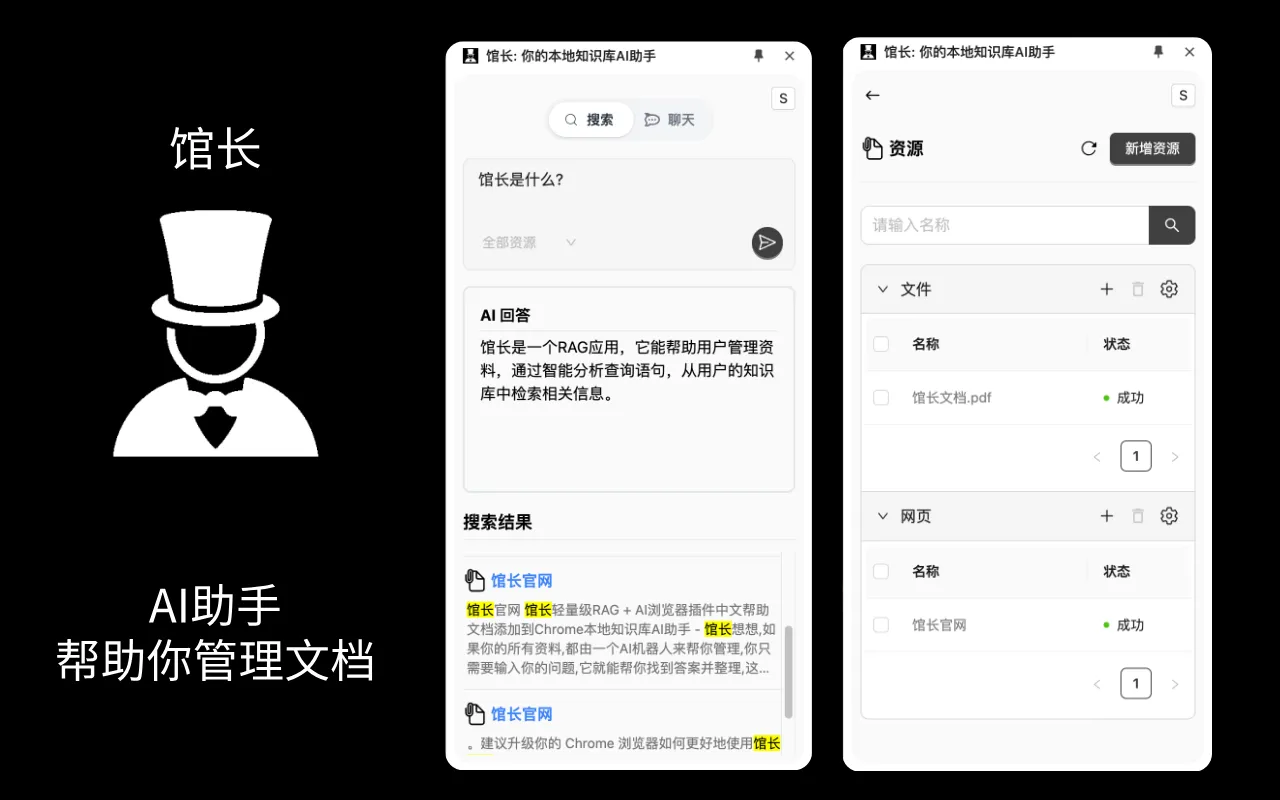
What can Curator do?
Import local files to build your local knowledge base.
Configure URLs and crawl web pages to build your local knowledge base.
Based on your local knowledge base, perform precise semantic searches for relevant documents.
Based on your documents and questions, AI helps you analyze and organize answers.
Main Features of Curator:
Knowledge Base Management: Users can import local files to build their own knowledge base. It also supports web crawling through configured URLs, thereby enriching the content of the local knowledge base.
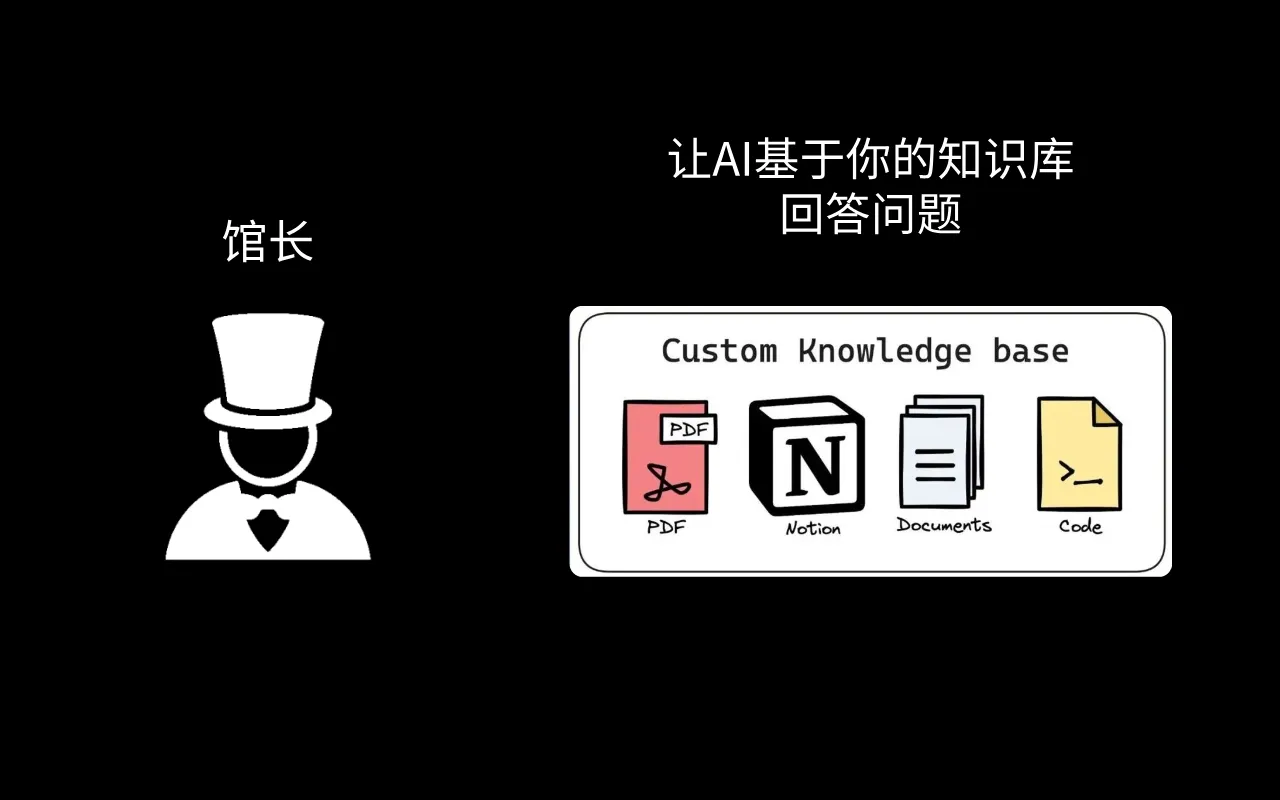
Local Knowledge Base Integration: Curator can connect with users' personal or professional knowledge bases. Whether locally stored documents, project materials, or online resources, all can serve as sources for answering questions.
Intelligent Q&A: Users only need to input a question, and the AI assistant can quickly retrieve relevant information from the knowledge base and provide accurate answers.
Data Analysis: The Curator assistant can not only answer questions but also analyze knowledge, helping users better understand and utilize information.
Integration with Other Tools: The Curator assistant can connect with tools such as Notion, Gmail, and Google Drive to further improve work efficiency.
Curator Advantages:
Easy to Get Started: No complex setup required, ready to use right after download
Data Security Guaranteed: All data is stored only on your computer
Free AI: Choose a local LLM model and use AI for free
Works Better with Browsers: Enjoy more convenient browser functionality
Unlimited Documents: Unlimited number of documents, with the upper limit depending on your personal computer
Offline Use: Fully usable offline after downloading the model
Curator Use Cases
Personal Knowledge Management: Helps users manage personal documents and quickly find needed information.
Enterprise Internal Knowledge Base: In an enterprise environment, serves as a tool for internal knowledge sharing and querying.
Library Services: Provides library users with instant book queries, borrowing guides, and other services.
Online Learning Assistance: In the education field, serves as an auxiliary tool for students and teachers to quickly access learning resources and resolve academic questions.