
 Script Planner Assistant▸
 AI Apps
 AI News

Erase.Video: Remove Watermarks, Subtitles, Text, and Unwanted Elements from Videos
Erase.Video: Remove Watermarks, Subtitles, Text, and Unwanted Elements from VideosIntroduction
Erase.Video is an online tool based on ai specifically designed to remove watermarks, text, and other unwanted elements from videos. Users only need to upload a video file, specify the area to be removed, and then they can download the processed video. Erase.Video maintains video quality while removing objects.
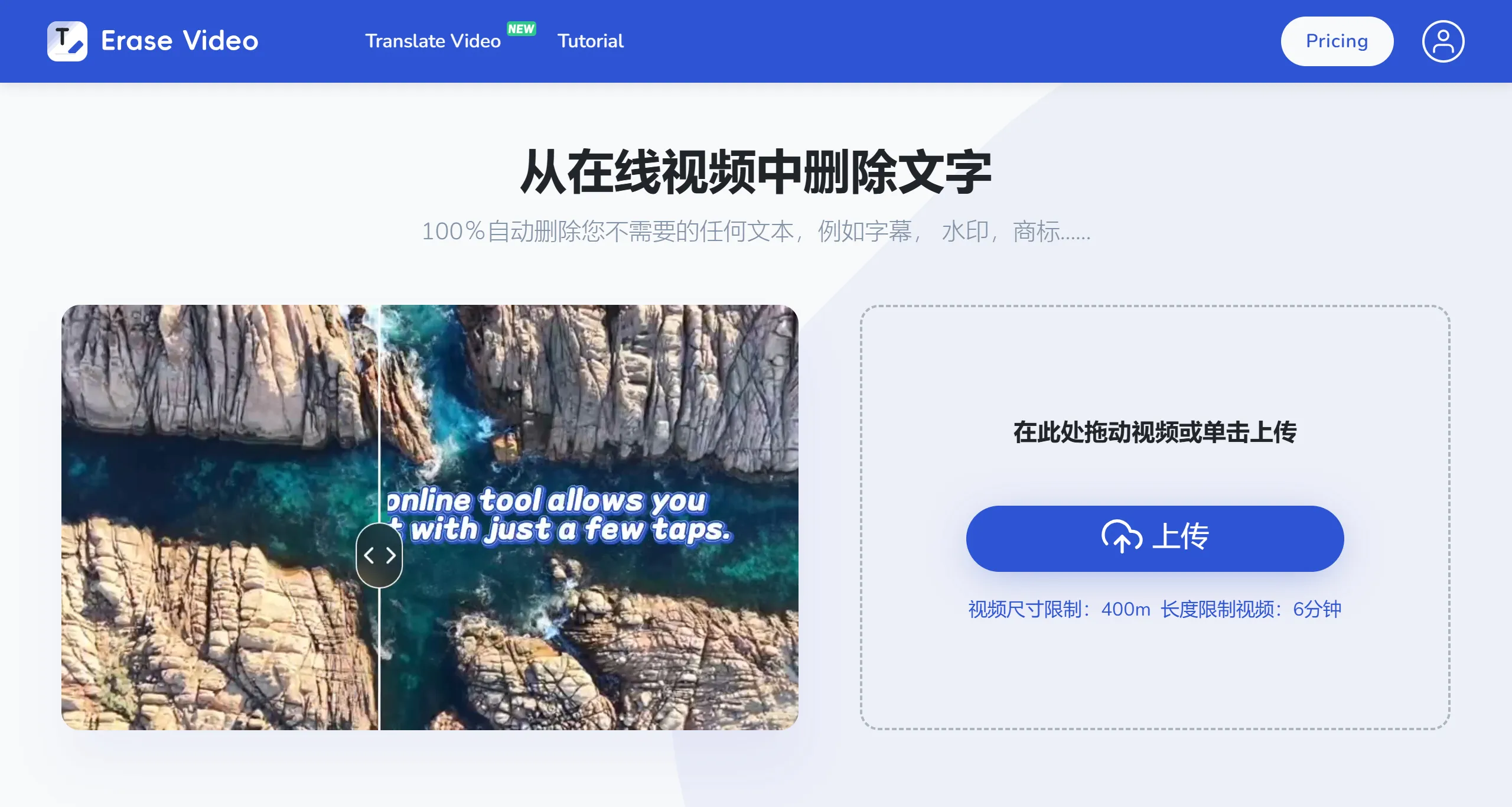
Erase.Video Core Features
Automatic OCR Recognition and Erasure: Capable of automatically identifying text content in videos, whether it's watermarks, subtitles, or other text, and precisely removing them without leaving any traces.
Intelligent Object Removal: Not limited to text, erase.video can also remove various objects from videos, such as logos, date stamps, and even more complex background elements like wires, people, or clutter, without compromising the original quality of the video.
Multiple Format Support: Compatible with various video formats including MP4, AVI, 3GP, and more, meeting the needs of different users.
Efficient Processing: Leveraging AI technology, erase.video can process videos quickly, significantly reducing editing time. Users can obtain the processed video within a short period.
Online Service and API Access: As an online tool, users do not need to install any software to use it. Additionally, for enterprise users, an API interface may be provided for integration into automated workflows.
Erase.Video Usage Steps
Upload Video File: Users can directly upload the video file to be processed on the platform (Maximum upload limit: Video length up to 6 minutes, file size no more than 400MB.).
Specify Removal Area: After uploading, users can select the specific area in the video that needs to be removed, ensuring only the unwanted parts are eliminated.
Process and Download: After selecting the area, users can click the remove button, and the system will automatically process the video. Once complete, users can download the cleaned version.
Erase.Video Applicable Scenarios
Content Creators: Helps YouTube bloggers and social media influencers remove copyright watermarks or clean up backgrounds, making videos more professional.
Marketing: Companies can use this service to remove competitor logos, legally use materials, or remove watermarks from product videos to enhance brand consistency.
Personal Users: When sharing personal videos, ordinary users can remove unwanted personal information or distracting elements to protect privacy or improve viewing experience.
Erase.video supports uploads of multiple video formats, including MP4 and MOV, with maximum support for 4K resolution and files up to 500MB. When processing videos, users can choose the type of object to remove, such as text, logos, or watermarks, ensuring flexibility and targeted processing. Additionally, Erase.video offers fast processing speeds, allowing users to complete video cleaning and download within minutes, making it suitable for users who need quick video processing.
Related News:
Sharing 7 Truly Free Online Video Watermark Removal Websites















