Script Planner Assistant▸
 AI Apps
 AI News

Chatbox AI – Smart Assistant for Work & Study
Chatbox AI – Smart Assistant for Work & StudyIntroduction
Chatbox ai is a powerful AI client application that supports platforms including Windows, MacOS, Linux, Android, iOS, and the web version. It provides users with efficient office and learning assistance, helping users complete writing, summarization, quickly retrieving information, and solving problems. Chatbox AI offers local data storage, ensuring user privacy and enabling fast access. Whether for work or educational purposes, Chatbox AI is your ideal companion for office and learning.
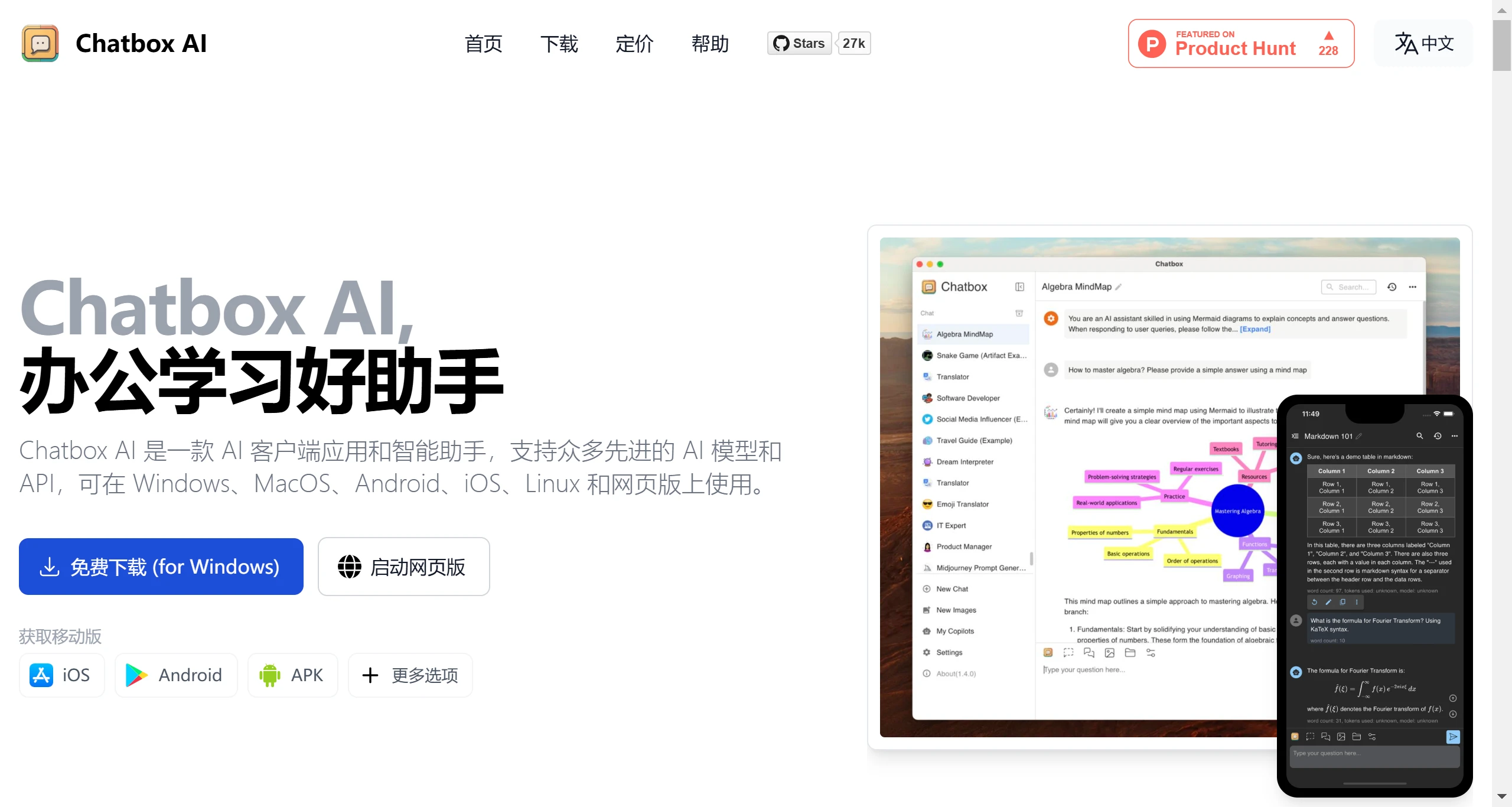
Chatbox AI Main Features:
Document and Image Interaction: Supports interaction with various types of files, including PDF, Word, Excel, TXT, and even code files.
Code Generation and Assistance: Provides code generation, preview, syntax highlighting, code review, refactoring, intelligent documentation, debugging assistance, optimization, and security checks.
Real-time Web Search: Supports real-time web search, enabling quick access to the latest facts, news, and internet data.
AI Image Generation: Simply input a text description to turn your ideas into visual effects.
LaTeX and Markdown Rendering: Provides LaTeX and Markdown rendering features, suitable for academic research and writing.
Privacy Protection: All chat history and settings data are stored on local devices, ensuring absolute security and privacy of user data.
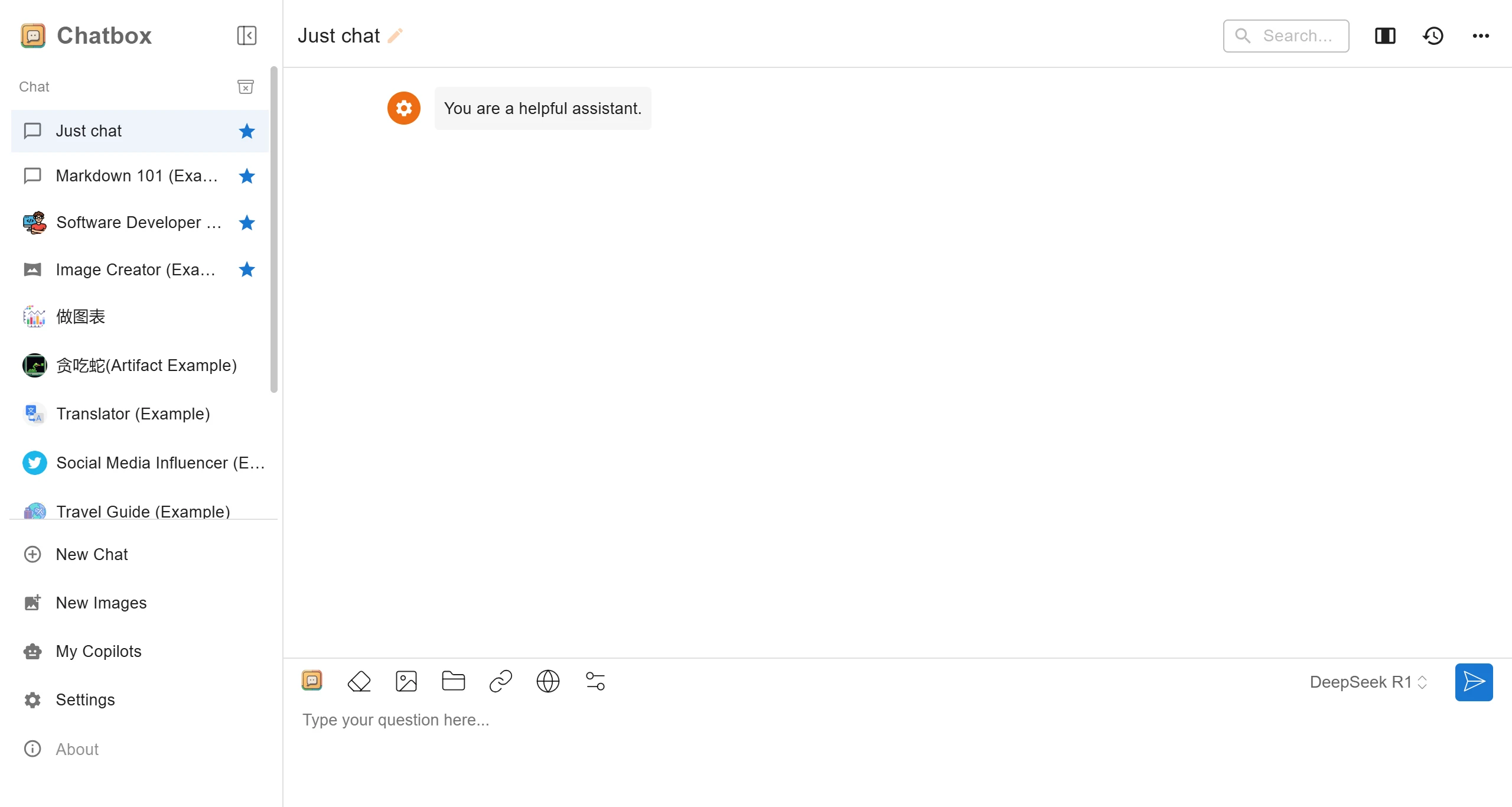
How to Use Chatbox AI:
Register an Account: Visit the official Chatbox AI website, fill in the required details as instructed on the page, and complete the account registration.
Download and Install: Based on your operating system, download the corresponding Chatbox AI installation package and follow the prompts to complete the installation.
Configure API Key: Go to the Chatbox AI settings interface, log in to your account, obtain your exclusive API key, and configure the API domain.
Get Started: Once configured, you can enter your questions or needs through the Chatbox AI interface and start interacting with the AI.
Chatbox AI Use Cases:
Chatbox AI is suitable for all kinds of users, including students, professionals, and enterprise users. Whether it's for everyday conversation, writing articles, or code assistance, Chatbox AI provides effective support.
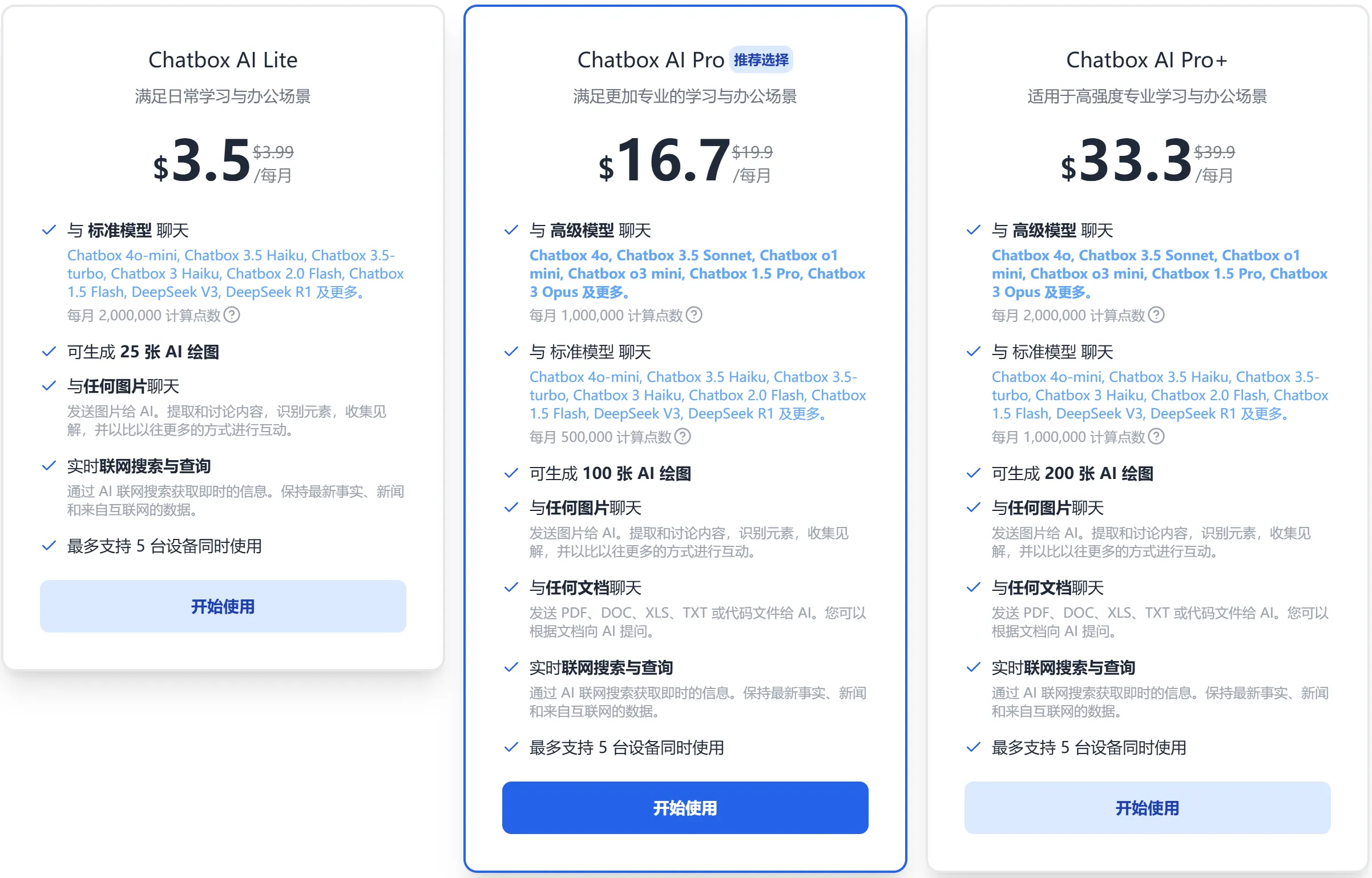
Chatbox AI Pricing Plan:
Chatbox will adopt a token billing algorithm that is fully consistent with the underlying model. For each generation, Chatbox will count the total number of tokens from the historical messages in the current context and the newly generated message replies. Statistically, an average English word equals about 1.4 tokens, and a Chinese character equals about 3.5 tokens.
Whether it's boosting efficiency at work or getting help in daily life, ChatBox can become an indispensable intelligent assistant by your side. Come join the ChatBox family and embark on your journey of intelligent living and highly efficient work!