
 Script Planner Assistant▸
 AI Apps
 AI News
TeXstudio: A Cross-Platform LaTeX Editor
TeXstudio: A Cross-Platform LaTeX EditorIntroduction
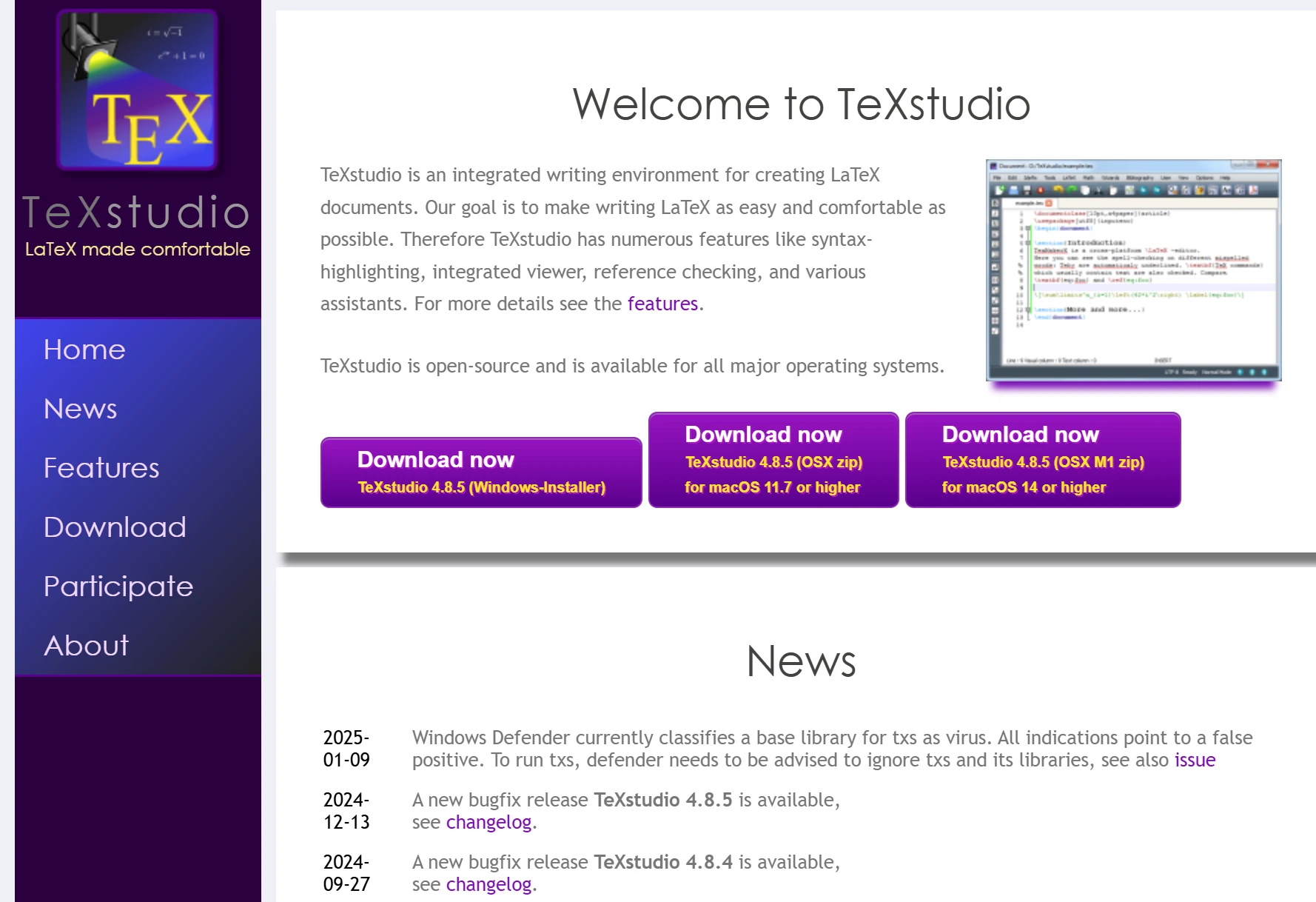
TeXstudio, originally named TexMakerX. A cross-platform LaTeX editor that supports multiple operating systems including Windows, Unix, BSD, Linux, and Mac OS. It provides features such as syntax highlighting, built-in viewer, reference checking, auto-completion, code folding, spell checking, and clear display of errors and warnings, making it convenient to write LaTeX documents.
TeXstudio Main Features:
Syntax Highlighting: Provides syntax highlighting to help users more easily identify different elements in the code.
Auto-completion: Supports auto-completion to improve coding efficiency.
Code Folding: Allows users to fold and expand code blocks, making it easier to manage complex document structures.
Spell Check: Built-in spell checker to ensure document accuracy.
Error and Warning Prompts: Displays LaTeX errors and warnings in real time, helping users quickly locate and resolve issues.
Built-in PDF Viewer: Supports quick preview and update of PDF documents.
Multi-line Editing: Supports multi-line editing to improve editing efficiency.
Over 1000 Math Symbols: Built-in rich set of math symbols, convenient for inputting mathematical formulas.
Bookmarks, Images, Tables, and Formula Assistance Tools: Provides various auxiliary tools, supporting the insertion and editing of images, tables, and formulas.
Drag and Drop Support: Supports drag-and-drop functionality for easy file import and management.
Table Formatting: Provides table formatting tools to simplify the table editing process.
Advanced Build System: Supports multiple build systems to accommodate different compilation needs.
AI Integration: Provides an artificial intelligence chat assistant, supporting Mistral AI, ChatGPT, or local language models.
Git/SVN Support: Supports version control management for convenient team collaboration.
TeXstudio Installation and Configuration
TeXstudio Download and Installation
Open TeXstudio's official website http://texstudio.sourceforge.net/ and download the installation package for your operating system.
For Linux systems, you can download the .deb file and install it by double-clicking. It is recommended not to use a Chinese path.
Configure the LaTeX Compiler
TeXstudio itself does not provide LaTeX compilation functionality. Users need to separately install a TeX distribution, such as TeX Live or MiKTeX.
In TeXstudio, configure the compiler via Options -> Configure TeXstudio.
Configure options such as latex, pdflatex, DVI viewer, and PS viewer, specifying their paths (usually /usr/bin/latex and /usr/bin/pdflatex).
Test Compilation
Create a simple LaTeX document, for example:
\documentclass{article}
\begin{document}
Hello LaTeX!
\end{document}
Click the compile button (usually a green arrow). If configured correctly, you can see the preview result in the built-in PDF viewer after compilation.
How to Use TeXstudio?
Launch TeXstudio
On Fedora Workstation, you can search and install TeXstudio through the software manager.
You can also start it by typing the texstudio command in the terminal.
Write your first document. Enter the following content in the editing box:
\documentclass{article}
\begin{document}
The Fedora Project is a project sponsored by Red Hat primarily to co-ordinate the development of the Linux-based Fedora operating system, operating with the vision that the project "creates a world where free culture is welcoming and widespread, collaboration is commonplace, and people control their content and devices".
\end{document}
Click the compile button to view the preview effect.
TeXstudio Use Cases:
Academic Papers: TeXstudio is a widely used tool in the academic community, especially suitable for writing scientific papers containing complex mathematical formulas.
Technical Documentation: Due to its powerful typesetting capabilities, TeXstudio is also commonly used for writing technical manuals and user guides.
Books and Reports: TeXstudio supports all document types from simple letters to complete books, suitable for occasions requiring high-quality typesetting.
TeXstudio Software Download Address:
TeXstudio Official Website: https://texstudio.sourceforge.net/
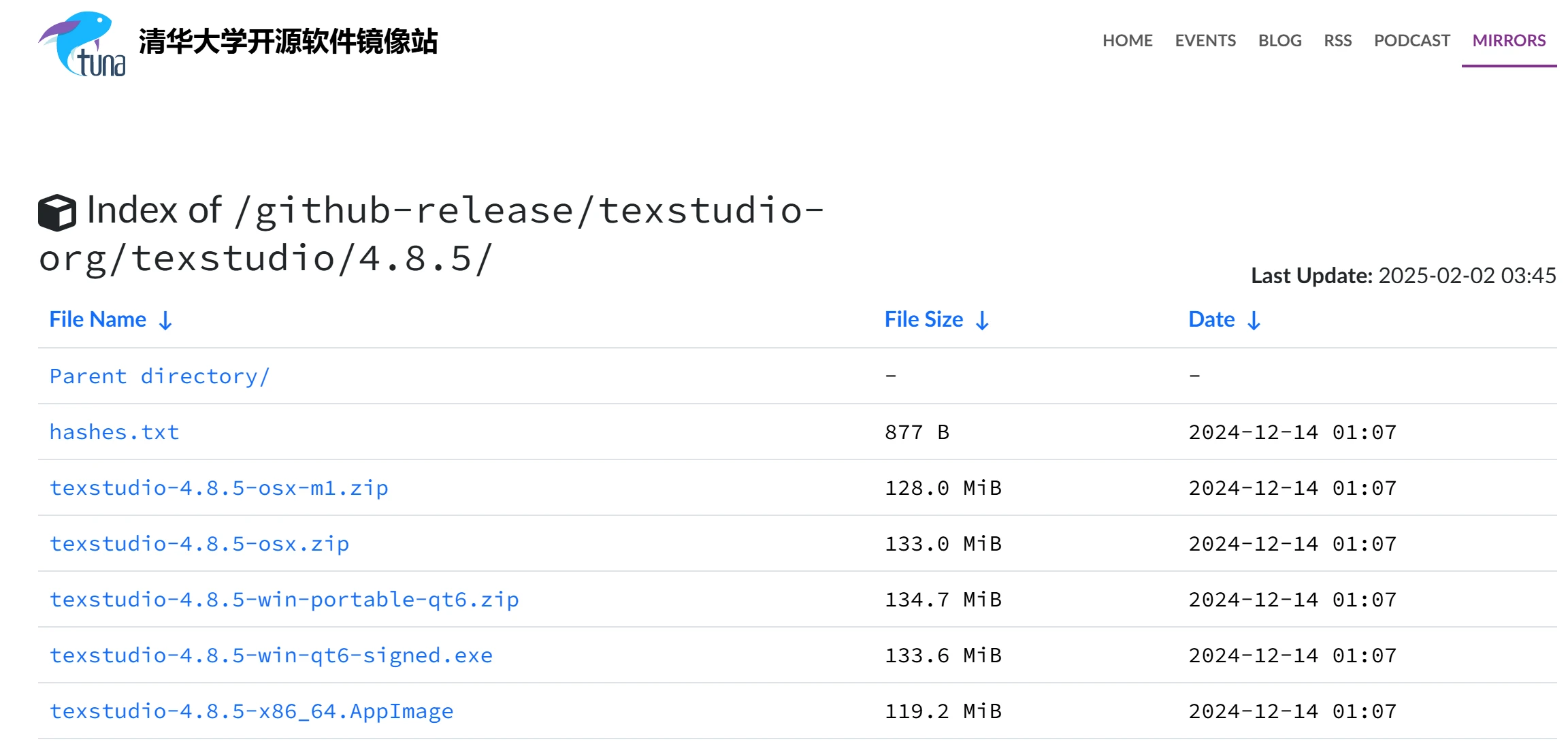
Tsinghua University Open Source Software Mirror: https://mirrors.tuna.tsinghua.edu.cn/github-release/texstudio-org/texstudio/4.8.5/
Related Information:
60 Essential and Useful Academic Research Tools for Researchers















