
 Script Planner Assistant▸
 AI Apps
 AI News

MyMood AI: Create Personalized, High-Quality Avatar Photos
MyMood AI: Create Personalized, High-Quality Avatar PhotosIntroduction
MyMood ai is an AI image editing tool that can transform users' selfies into highly realistic, personalized virtual avatar images. It integrates multiple functions including photography, art generation, avatar creation, and photo editing. MyMood AI offers over 2,000 style options, ranging from "Billionaire" to "Spa Day," to meet the needs of different users. In addition, MyMood AI also provides photo enhancement and editing features.
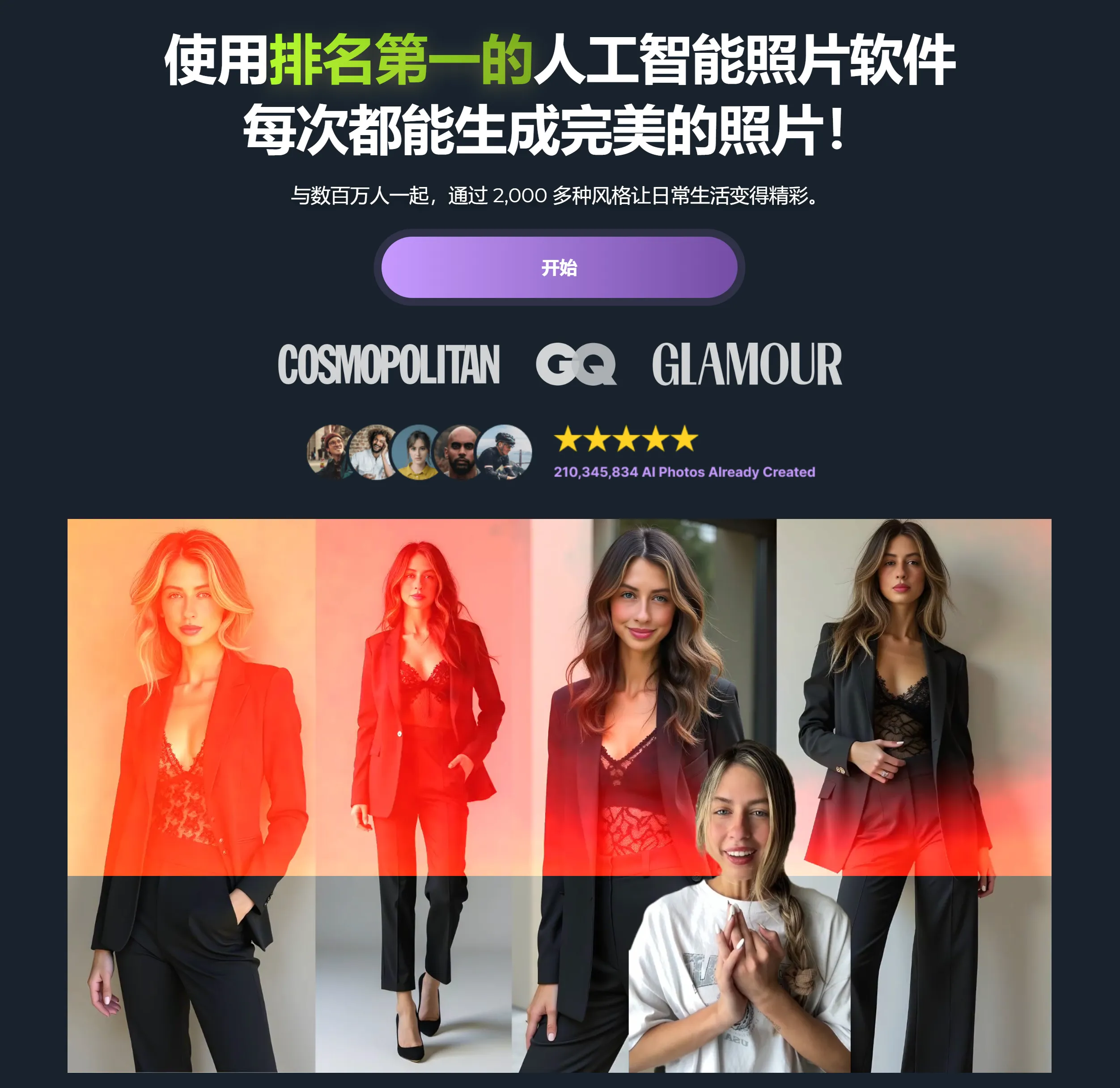
Key Features of MyMood AI:
AI Virtual Avatar Generation
Users can generate highly realistic virtual images by uploading selfies. MyMood AI uses the V5 AI algorithm to deliver unmatched photo realism, supporting adjustments to hair color, body type, eye color, facial expression, and many other details.
Offers over 1,000 style options, covering various themes from "Billionaire" to "Spa Day," to meet different scenarios and mood requirements.
AI Photo Enhancement & Editing
Provides one-tap AI face filters, Face Tune, Cartoon Yourself, and Face Swap features, helping users effortlessly improve their photos.
The newly added AI-driven photo editor supports more refined adjustments, such as age simulation and clothing styles.
Diverse Styles & Updates
New styles added daily, including professional avatars, trendy outfits, and world-famous city themes, ensuring users always have fresh options.
Supports generating high-definition virtual images that can be directly downloaded for social media sharing.
How to Use MyMood AI
Download & Install: First, download the MyMood AI app from the App Store or the corresponding app marketplace to your iPhone, iPad, or compatible device.
Register & Login: After opening the app, register an account or log in directly to keep your creations and settings saved.
Take or Select a Photo: Once the app is launched, you will see options to take a new photo or select an existing selfie from your album. Choose the photo you want to transform or edit.
AI Avatar Generation:
After uploading the photo, the app will use AI technology to analyze your facial features.
Select the "Create Avatar" feature, and the system will automatically generate a basic virtual image for you.
Style Selection:
Browse over 1,000 (or updated to 2,000) style templates, including but not limited to "Billionaire" and "Spa Day."
Tap on the style you like, and the app will apply that style to your avatar, creating a personalized image with a specific mood or scene.
Editing & Adjustments:
Use the one-tap AI face filters within the app to further beautify or adjust photo details.
Some apps may allow fine-tuning, such as changing the background, adjusting color saturation or brightness, etc.
Save & Share:
After completing the edits, save your work to your device, or share it directly on social media platforms to showcase your new avatar or edited photo.
Note that some premium styles or filters may require a subscription to unlock.
MyMood AI Subscription Pricing
Weekly Membership: $4.99–$19.99/week, with cancellation available at any time.
VIP Membership: Provides 100 high-definition virtual avatar generation services, priced from $8.99 to $199.99.
Discount Service: Subscribers can enjoy a 50% discount on avatar styles.
Users can purchase subscriptions through in-app purchases and manage auto-renewal settings.
If you want to showcase a unique self on social media, or need high-quality virtual images, MyMood AI is a choice worth trying!














