Script Planner Assistant▸
 AI Apps
 AI News

Iconbuddy: Free Open-Source SVG Icon Search Engine
Iconbuddy: Free Open-Source SVG Icon Search EngineIntroduction
Iconbuddy, a powerful icon search engine, offers over 200,000 open-source SVG icons that users can search, download, customize, and edit for free. It supports multiple platforms, including Figma and Visual Studio Marketplace, making it convenient for UI designers and front-end developers to use in different environments.
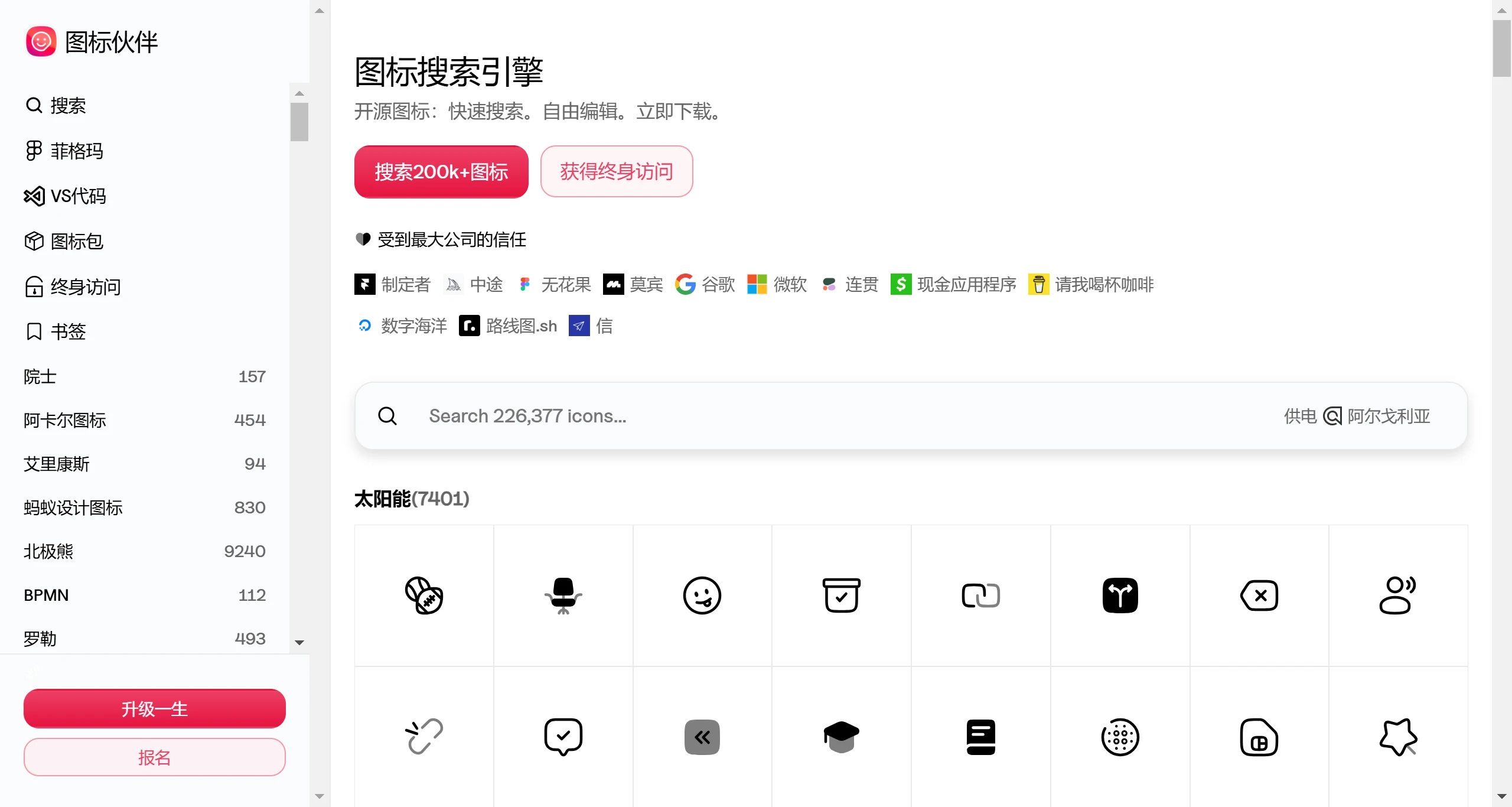
Key Features of Iconbuddy:
Massive Icon Library: Iconbuddy hosts over 180,000 icons, and this number keeps growing to over 200,000, sourced from more than 150 open-source icon libraries.
Multiple Download Formats: Users are free to choose the format for downloading icons, including SVG, PNG, WebP, and more, meeting the needs of different projects, whether for web design, mobile apps, or graphic design projects.
Direct Code Copy: In addition to downloading, Iconbuddy also allows users to copy icon code directly, making it easy to quickly insert icons during web development.
Figma Plugin: Iconbuddy offers a plugin that integrates with Figma, enabling designers to search for, download, and edit icons directly within the Figma design software without leaving the design environment, greatly enhancing the convenience of the design workflow.
Icon Editing Features: Users can not only download icons but also edit them directly on the platform, including color and size, to meet personalized needs.
Efficient Search and Filtering: Iconbuddy's search function is powerful, supporting keyword searches while also offering filtering by category, style, theme, color, and other conditions, helping users quickly find the right icon.
Enterprise-Grade Trust: Trusted by major companies like Google, Microsoft, and Framer, Iconbuddy offers a lifetime subscription service, ensuring users get unlimited access to and use of the icon library, along with future updates.
Improved Design Efficiency: With its ai-powered search engine and one-click operations, Iconbuddy significantly reduces the time spent finding and applying icons, making it a powerful tool for boosting design and development efficiency.
Open-Source Icon Management: As an icon manager, Iconbuddy lets users easily manage their icon collections, whether online or through its provided tools, making icon organization simple.
How to Use Iconbuddy:
Visit the Iconbuddy website (https://iconbuddy.app/).
Use the search bar to enter keywords or filter by category, style, etc.
Once you've found the icon you need, click to download, supporting formats like SVG, PNG, WebP, and more.
Iconbuddy is more than just an icon library—it's a multifunctional platform that integrates search, download, editing, and management, greatly facilitating the workflow of programmers and UI designers.