
 Script Planner Assistant▸
 AI Apps
 AI News
Taja AI: AI-Driven YouTube Content Creation & Optimization Tool
Taja AI: AI-Driven YouTube Content Creation & Optimization ToolIntroduction
Taja ai, an AI-driven YouTube content creation and optimization tool, offers features such as generating thumbnails, writing video descriptions, creating chapters, and optimizing video SEO. It is especially well-suited for small businesses looking to automate their content workflow.
Taja AI Features:
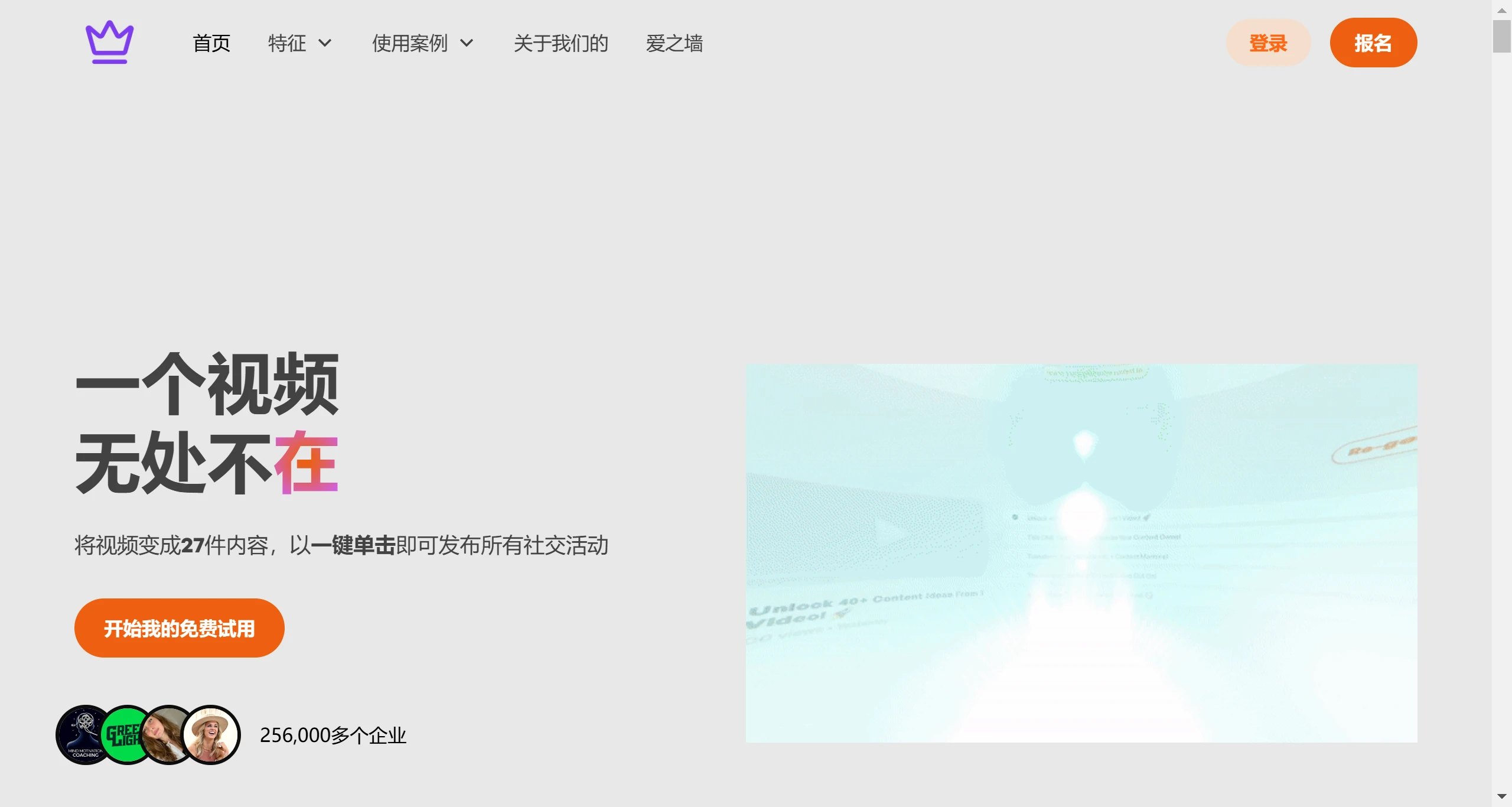
Automated social media content creation: Taja AI can convert long-form videos into more than 27 optimized social media posts, saving time—2 to 3 hours per video.
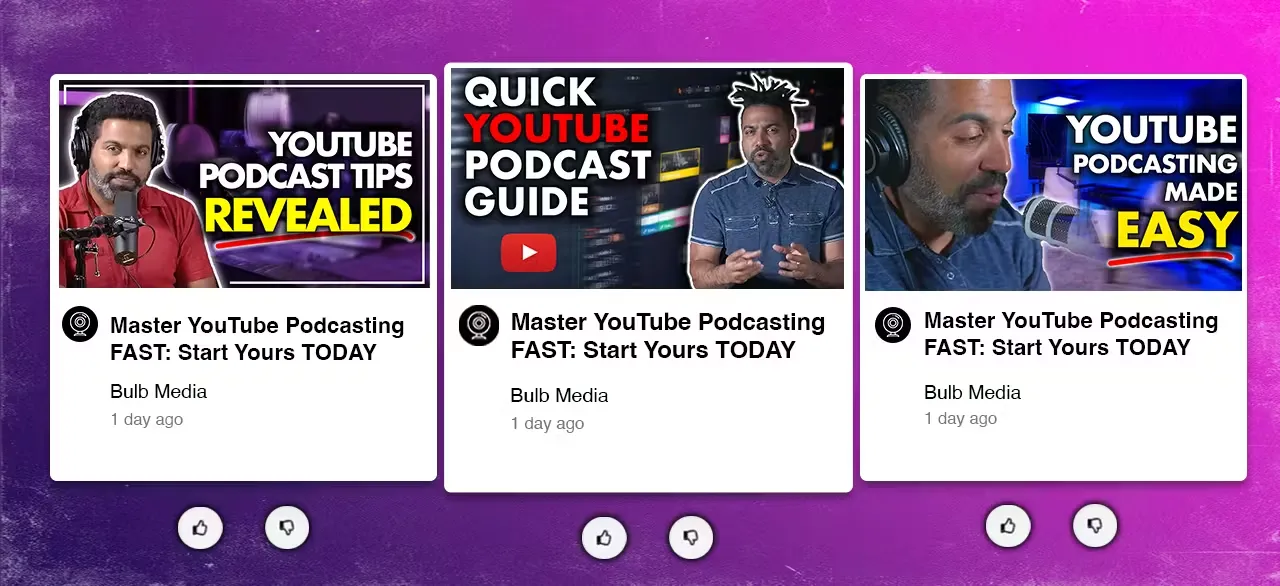
Video optimization tools: The platform provides instant title and description generation tools, ensuring that they are SEO-ready and tailored for maximum visibility and engagement.
Thumbnail generation: Taja AI includes a thumbnail generator that helps creators design eye-catching thumbnails capable of attracting more viewers.
Smart chapter creation: Automatically splits videos into chapters, making it easier for viewers to access and navigate the content.
Video clip editing: Quickly edit longer videos into shorter clips, ideal for sharing on social media or using as video highlights.
Optimized titles and tags: Uses AI to generate compelling titles and relevant tags, enhancing the reach and searchability of your videos on YouTube.
SEO optimization: Provides keyword suggestions and other SEO tools. Through AI algorithms, Taja AI ensures that video metadata aligns with YouTube's search algorithm, helping content get discovered more easily by target audiences.
Audience understanding and strategy: Taja AI emphasizes a deep understanding of the target audience, enabling creators to develop personalized content strategies that resonate with viewers while maintaining their unique voice.
How to Use Taja AI?
Sign up for free: First, register on the Taja AI website for a 7-day free trial.
Upload your video: After logging in, upload your long-form YouTube video to the Taja AI platform.
Optimize your content: Taja AI will automatically generate SEO-friendly titles, descriptions, chapters, hashtags, and thumbnails for your video. This process usually takes less than 8 minutes.
Repurpose content for social media: After optimizing your video, short videos and text outputs suitable for social media are generated automatically. Taja AI can even create more than 27 social media posts based on your video content, allowing you to share clips and highlights across different platforms and saving you a great deal of time.
Analyze performance: Leverage the analytics tools provided by Taja AI to track the performance of your videos and social media posts. This data can help you refine your content strategy over time.
Additional features: Take advantage of other features such as thumbnail generation and audience insights to further enhance your content and engagement strategy.
Unlike other video editing tools or social media video generation tools, Taja AI combines AI technology with content optimization. Taja AI doesn't just edit videos—it also analyzes your content and optimizes it for search engines, then converts it into multiple formats to maximize your reach across different media platforms.
Taja AI lets you focus more on content creation, saving you a great deal of time. Sign up now to enjoy a 7-day free trial.












