Script Planner Assistant▸
 AI Apps
 AI News

Firecrawl Extract: Scrape Any Web Data with a Simple Prompt
Firecrawl Extract: Scrape Any Web Data with a Simple PromptIntroduction
Firecrawl Extract combines the power of large language models (LLMs) to intelligently extract data from web content and convert it into formats suitable for further processing, such as Markdown or structured JSON data. This is especially useful for scenarios that require large amounts of web data for training AI models or conducting data analysis.

Key Features of Firecrawl Extract:
Intelligent Extraction: By defining data extraction patterns or using JSON Schema, users can specify the required data structure, and Firecrawl Extract will automatically scrape and parse data based on these instructions.
No Coding Required: Users can complete data extraction through simple API calls or a graphical interface configuration, without writing complex crawler code.
Dynamic Content Handling: Even if websites use JavaScript to dynamically load content, Firecrawl can capture this data, ensuring data completeness.
Large-Scale Scraping: Supports scraping multiple URLs simultaneously, suitable for projects that require large amounts of data.
API and SDK Integration: Provides Python SDK, Node SDK, etc., making it convenient for developers to integrate Firecrawl Extract functionality into their own applications.
LLM Assistance: Leverages LLMs to understand web page context and more accurately identify and extract key information from unstructured data.
Ease of Use: The data extraction process can be initiated with a simple command or call, such as the API call in the example.
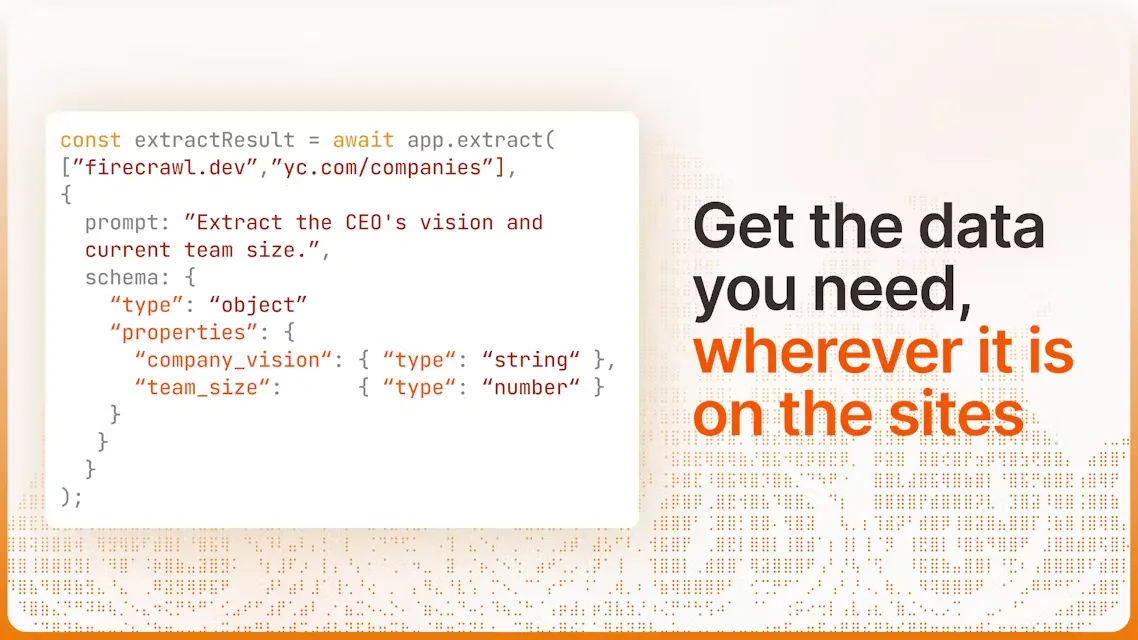
Steps to Use Firecrawl Extract:
1. Define Data Requirements: Clearly identify what data you need to extract from web pages, and prepare the corresponding data patterns or use predefined templates.
2. API Call or SDK Integration:
When using the API, construct a request specifying the target URL and data extraction patterns.
If using the Python SDK, initialize a FirecrawlApp object and call the corresponding extraction method, passing in the URL and extraction instructions.
Sample Code (Python SDK):
from firecrawl.firecrawl import FirecrawlApp
app = FirecrawlApp(api_key="YOUR_API_KEY")
result = app.extract([ '你的网站地址URL'], {
prompt: "提取特定数据",
schema: { /* 定义你的数据结构 */ }
})
3. Get Results: After extraction is complete, Firecrawl will return processed data that can be directly used for subsequent data analysis or model training.
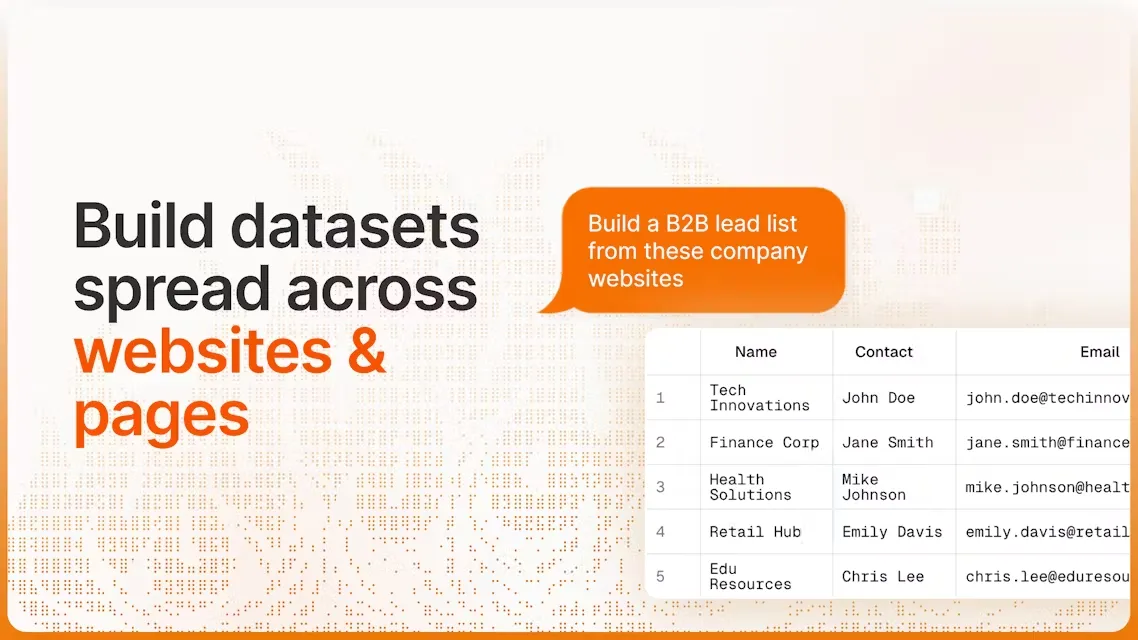
Application Scenarios of Firecrawl Extract:
Firecrawl is suitable for various application scenarios, such as lead information enrichment, KYB automation, and no-code workflows. The services provided by Firecrawl make it simple and efficient to convert website data into formats suitable for use with large language models (LLMs):
AI Model Training: Provides rich training data for large language models.
Content Aggregation: Quickly build content summaries or news aggregation services.
Market Analysis: Extract pricing or product information from competitor websites.
Data Research: Collect publicly available data from the web for academic or commercial research.
Firecrawl's /extract endpoint is a powerful tool capable of extracting structured data from any website. Users only need to make simple API calls to obtain the data they need, without manual scraping. With Firecrawl's Extract feature, users can easily handle common web scraping challenges, such as stealth proxies and rate limits, ensuring smooth data extraction.