
 Script Planner Assistant▸
 AI Apps
 AI News

Sourcetable: AI-Powered Spreadsheet and Data Analysis Tool
Sourcetable: AI-Powered Spreadsheet and Data Analysis ToolIntroduction
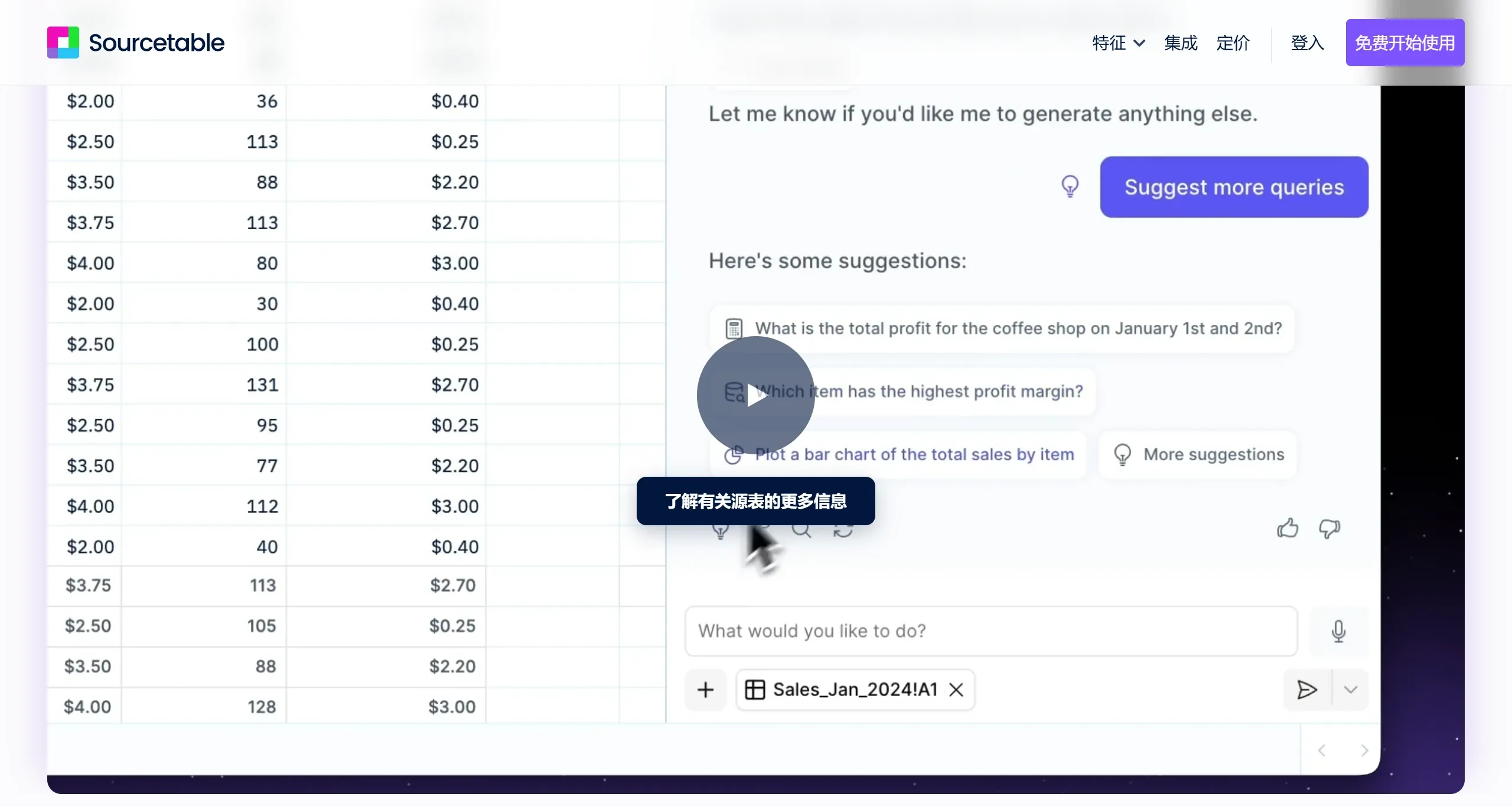
Sourcetable is an AI-based spreadsheet and data analysis tool that can quickly complete data cleaning, automated research, and file analysis. Sourcetable supports real-time data synchronization with over 100 databases and SaaS applications, allowing users to connect data sources without code. Sourcetable also offers an AI formula assistant, AI chart generator, SQL generator, and other features to help users quickly generate the analyses and reports they need. Additionally, users can interact with data through voice for hands-free operation.
Sourcetable Key Features:
AI Data Cleaning and Analysis: Sourcetable can quickly clean data and automate the data analysis process, allowing users to complete complex data processing tasks with simple operations.
Synchronization with Databases and SaaS Applications: Supports data synchronization with various databases (such as Postgres, MySQL) and SaaS applications (such as Stripe, Hubspot), connecting and syncing data without code, suitable for non-technical users.
Dynamic Workflow Building: Users can leverage Sourcetable to build dynamic workflows, set up triggers and notifications to automatically perform specific actions when data changes.
AI-Driven Intelligent Assistant: Utilizing the AI features in Sourcetable, you can chat with your data, ask questions, and gain insights. For example, you can describe the type of chart you want, and the AI will generate it for you.
AI Chart Generation: Users simply select the data and describe the desired chart type, and Sourcetable can automatically generate the corresponding chart, simplifying the data visualization process.
AI Formula Assistant: Sourcetable can automatically generate complex spreadsheet formulas, such as SUM, SUMIF, VLOOKUP, etc.
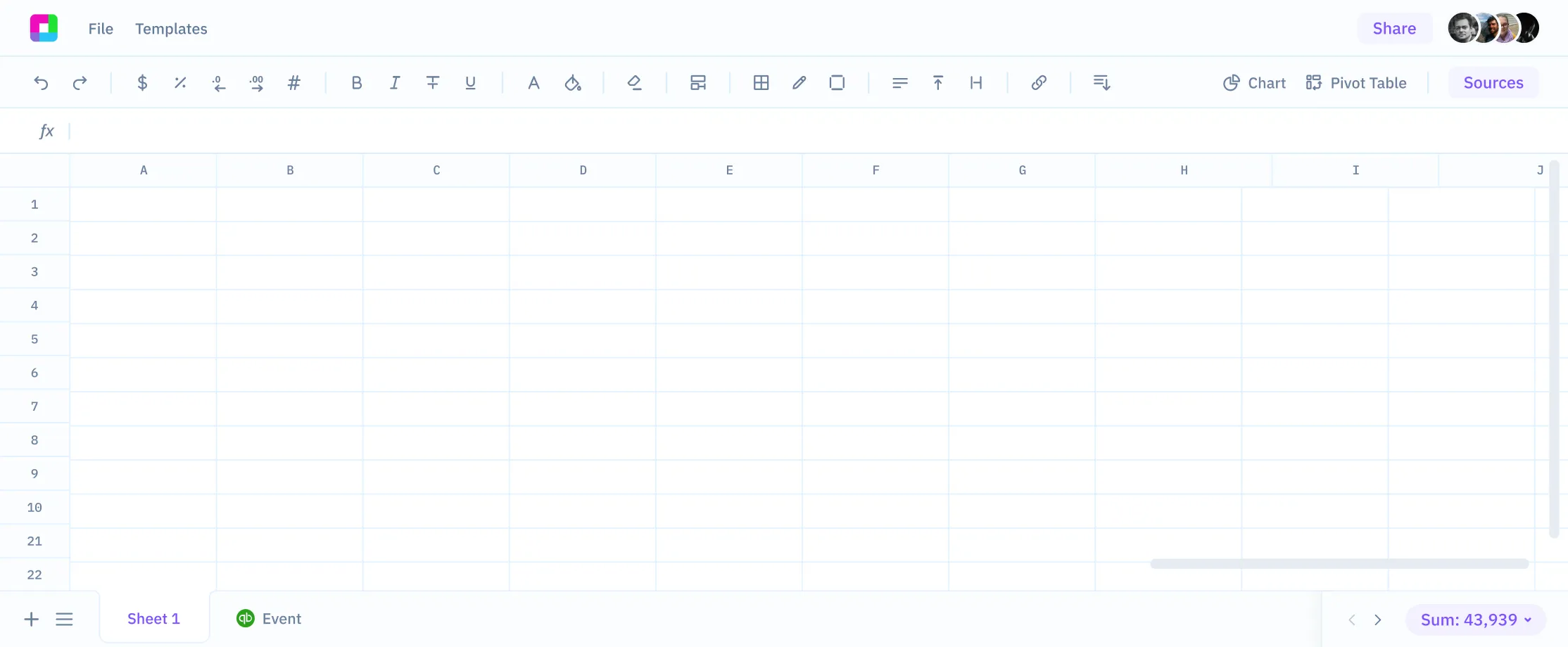
Real-Time Data Integration: Supports real-time connection with over 100 different databases and applications, allowing users to manage all data on a single platform, avoiding data silos.
Voice-Driven Operations: Sourcetable is developing voice-driven spreadsheet features, allowing users to interact with data through voice for hands-free operation.
Formulas and Queries: Use Excel-like formulas to query data. This enables you to perform complex calculations and analyses directly in the spreadsheet.
Sourcetable Use Cases:
Enterprise Data Analysis: Helps enterprises quickly analyze market trends, customer behavior, and more, supporting decision-making.
Project Management: Track project progress, automatically aggregate reports, and manage resources.
Financial Planning: Automatically process financial data, perform budget analysis, and forecasting.
Market Research: Integrate and analyze market data to provide insights.
Personal Data Management: Suitable for individual users to manage everyday data, such as financial records and health data.
How to Use Sourcetable?
Data Import: Sign up for Sourcetable and import your data into Sourcetable.
Analyze Data: Use the AI features to ask questions about your data.
Create Reports: Leverage Sourcetable's tools to create visual representations of your data, such as charts and graphs.
Automate Tasks: Utilize Sourcetable's automation features to streamline your reporting workflow.
Advanced Features: For advanced users, Sourcetable offers code-driven analysis capabilities, enabling deeper data manipulation and insights.
Sourcetable is not only suitable for data analysis and report generation, but also provides powerful support in data cleaning, formula generation, and chart creation, making it suitable for various types of users and teams.















