
 Script Planner Assistant▸
 AI Apps
 AI News

Choppity: AI Video Editor That Auto-Trim Long Videos Into Short Clips
Choppity: AI Video Editor That Auto-Trim Long Videos Into Short ClipsIntroduction
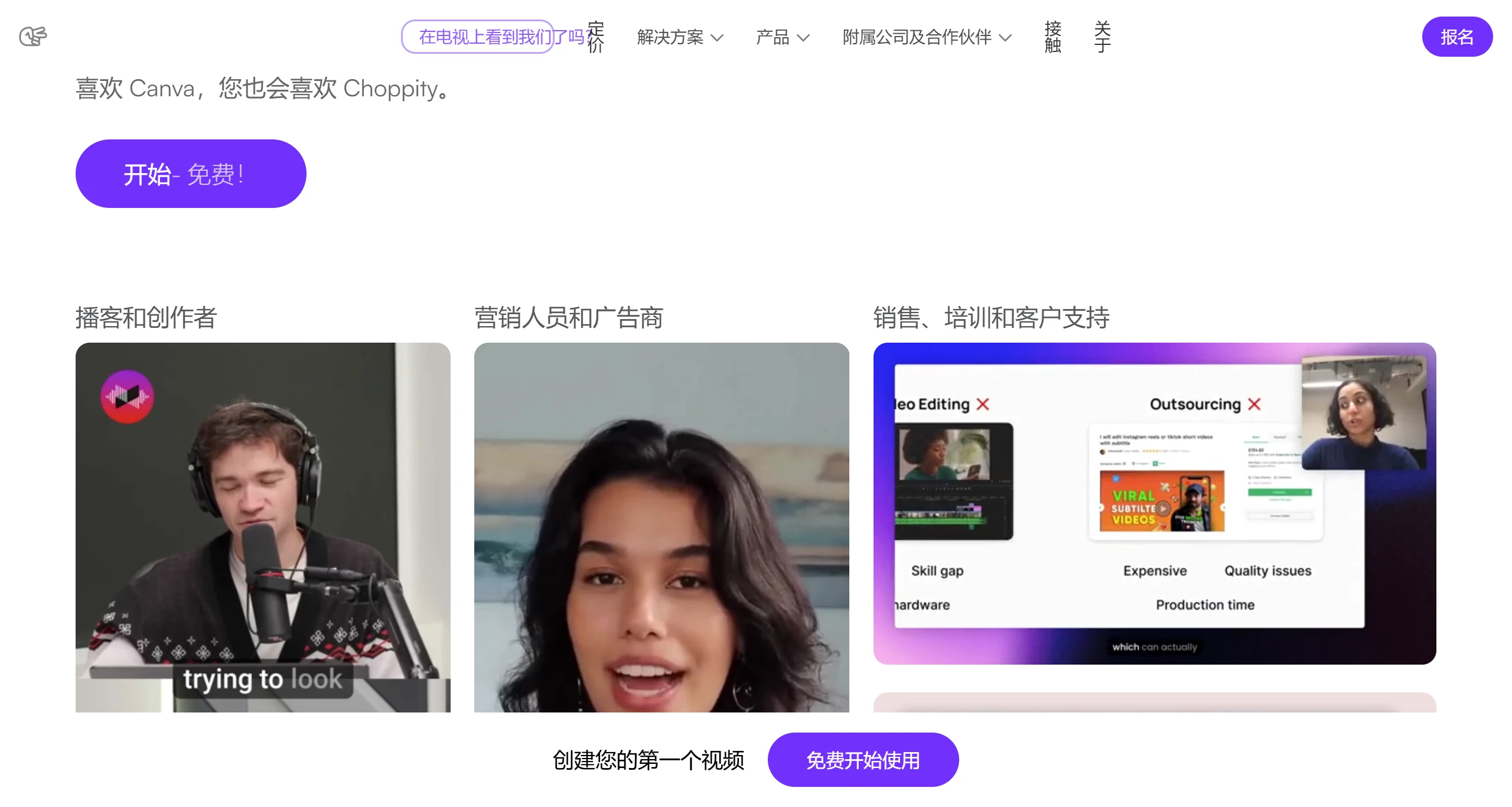
Choppity is a video clip tool that can quickly and easily convert long videos into short video clips suitable for social media platforms such as TikTok and LinkedIn.
Key Features of Choppity
AI-driven video clipping: Choppity uses AI to automatically identify key moments in videos, such as emotional highlights, important dialogues, or visual highlights, helping users quickly locate and clip short videos suitable for social media.
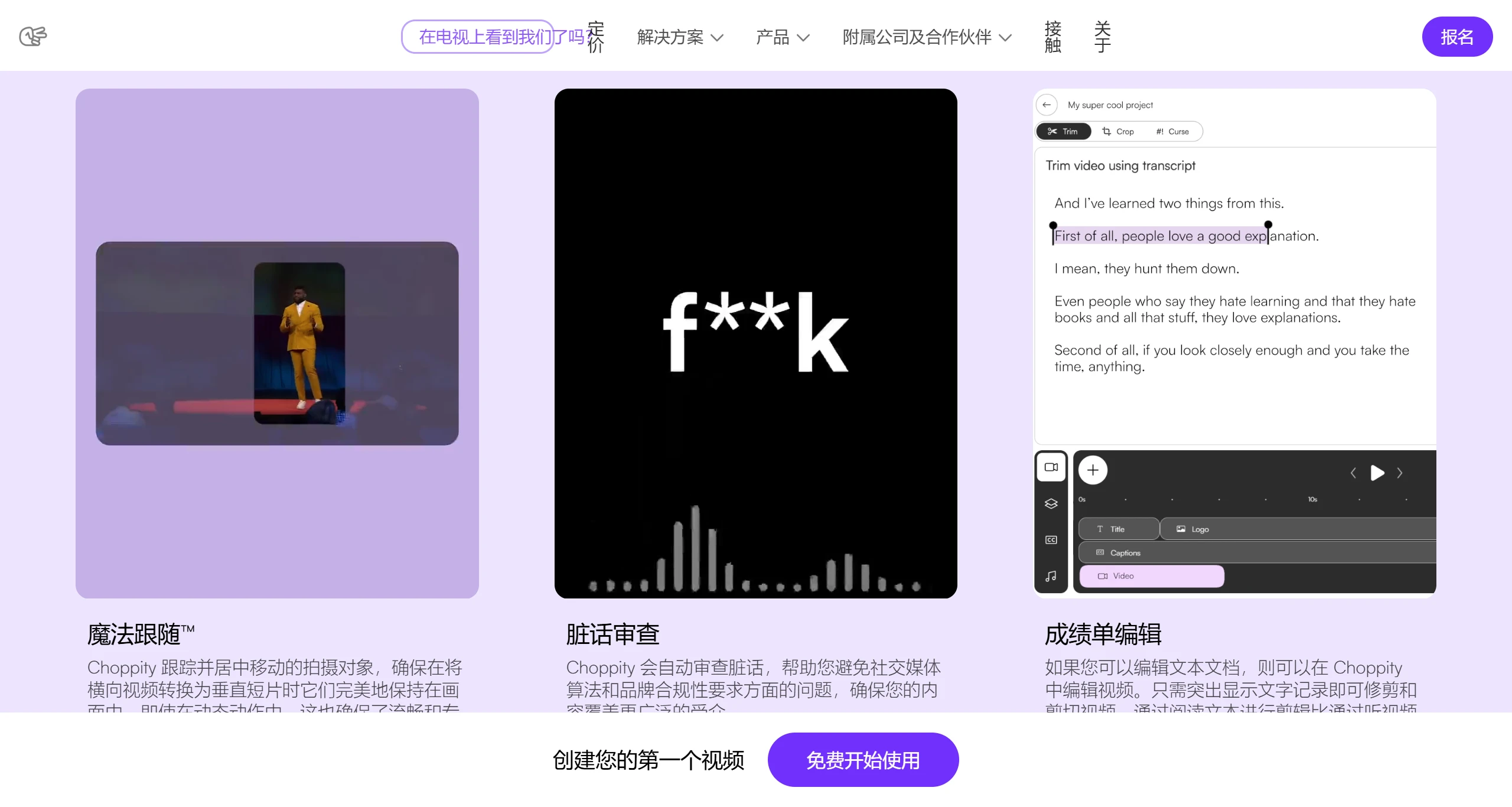
Smart transcription and editing: Choppity is capable of transcribing video content word by word, providing a text-based editing experience where users can edit videos directly by highlighting the text transcript.
Custom editing tools: Provides a flexible video editing interface where you can easily add or edit subtitles, adjust frame rates, select music, insert images, and rearrange video clip segments.
ClipAnything feature: Users only need to enter keywords or prompts, and Choppity can locate specific moments in videos—a feature that greatly facilitates editing.
Social platform optimization: Choppity supports directly publishing edited videos to different social media platforms, ensuring video format, size, and content meet the standards of each social platform.
Enhanced video quality: In addition to clipping, Choppity also provides tools to improve the visual and auditory effects of videos, such as auto-cropping, profanity masking, and music matching.
Magic Clips™ detection: Automatically identifies and extracts the most engaging segments from videos.
Background visual effect enhancement: Enhances video backgrounds with professional visual effects.
Magic follow™ tracking: Utilizes advanced artificial intelligence to seamlessly track moving subjects throughout the video.
Text-based editing: Supports editing through text in 97 languages, enabling precise editing and easy content repurposing on global platforms.
Customizable visual content: Offers a range of customizable options, including subtitles, behind-the-scenes footage, text overlays, music, sound effects, and more, to enhance video storytelling capabilities.
Choppity Advantages
Adaptive resolution scaling: Dynamically adjusts video resolution based on network bandwidth, ensuring smooth playback without buffering across various devices.
Real-time collaboration: Multiple users can simultaneously edit and review video projects, enhancing teamwork and accelerating project completion.
Automatic color grading: Applies AI-driven color correction to videos, providing a professional look by balancing tones and enhancing visual consistency.
Scene transition wizard: Provides intelligent suggestions for scene transitions, helping editors create seamless and creative video narratives.
Audio enhancement tools: Automatically improves audio quality by reducing background noise and normalizing sound levels.
Choppity Disadvantages
Resource-intensive processing: Advanced features such as Magic follow™ tracking require significant computational power and may slow down older or less capable devices.
Limited manual control: Users seeking more personalized editing decisions may find automated features such as Magic Clips™ detection to be restrictive.
Over-reliance on AI: Heavy reliance on AI for tasks such as profanity review and background visual effect enhancement may reduce creative control and uniqueness in videos.
Potential privacy concerns: The extensive use of AI, particularly in transcription-based editing and subject tracking, may raise data privacy concerns for users.
Complex user interface: Due to the abundance of customizable options and advanced features, new users may experience a steep learning curve.
Choppity Use Cases
Content creators: Quickly produce short video content that engages audiences and boost social media interaction rates.
Marketing teams: Create rapid-response video advertisements for product promotions and event campaigns.
Personal bloggers: Transform long-form interview or documentary videos into easily shareable highlight clips.
Education sector: Extract critical teaching points from course videos for easy student review.
How to Use Choppity:
Register and log in: Visit the Choppity website, create an account, and log in.
Upload video: Upload your long-form podcast video. Choppity's AI will automatically perform editing.
Generate short video clips: The AI automatically clips the video and generates short video clips suitable for social media publishing.
Edit and publish: Use the timeline editor to further refine the video, and publish directly to major social media platforms.
Choppity offers a free version that allows users to experience its features within limited usage scope, while paid plans provide more advanced features and watermark-free exports.











