Script Planner Assistant▸
 AI Apps
 AI News

Zotero – Free & Open-Source Reference Management Tool
Zotero – Free & Open-Source Reference Management ToolIntroduction
Zotero is a free, open-source reference management tool. As a powerful tool for collecting and organizing research information and resources, Zotero can help researchers gather, manage, and cite references more efficiently.
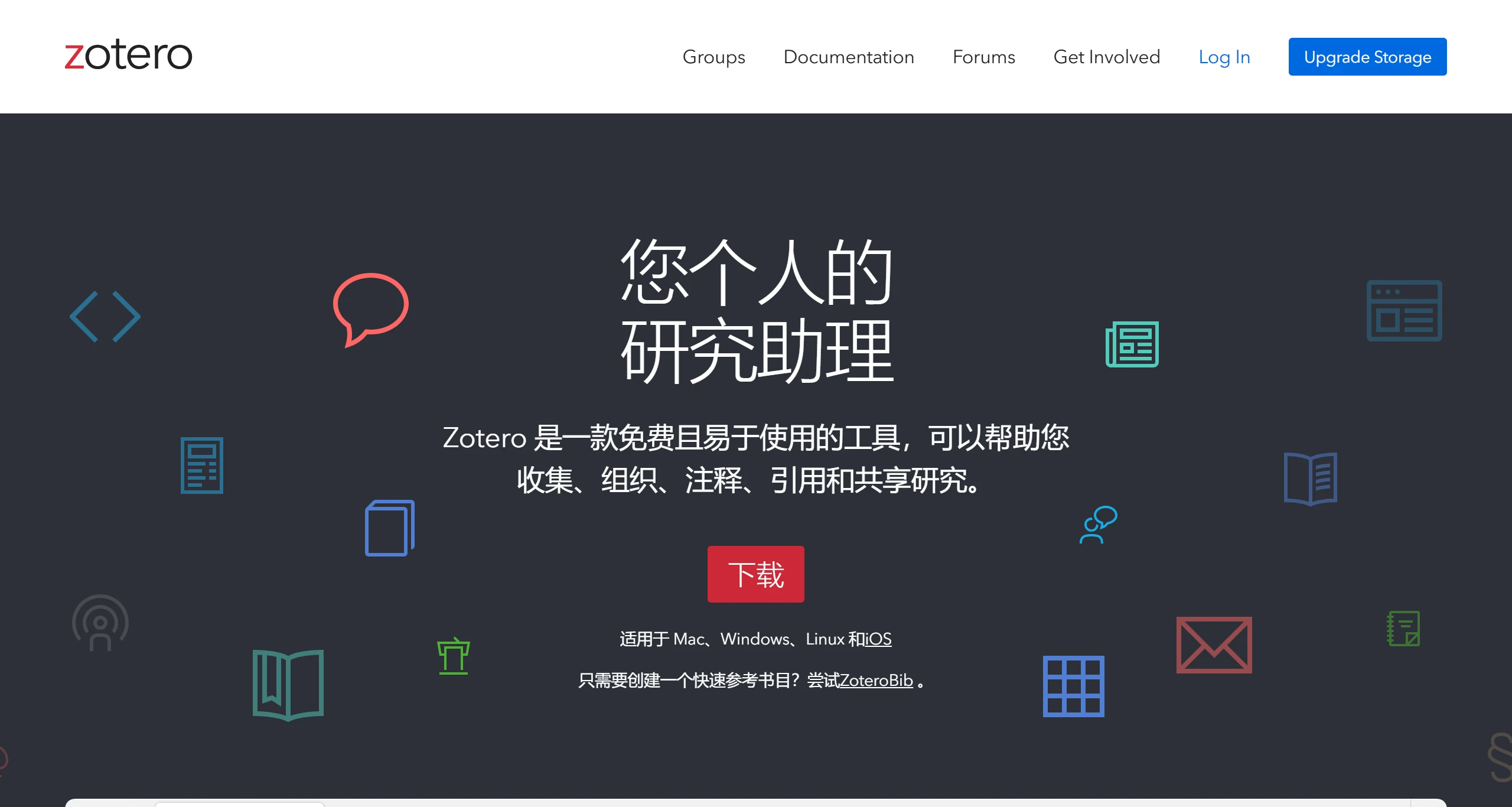
Key Features of Zotero:
Reference Collection and Organization: Zotero supports automatic downloading and importing of references, automatic extraction of reference metadata, and management of references through categories, tags, and other methods. It also offers flexible cloud storage and synchronization, helping you organize, tag, and manage large volumes of reference materials. Zotero supports automatic capture of reference metadata via browser plugins.
Citation Management and Formatting: Zotero can quickly generate citations and bibliographies in a wide variety of citation styles, supporting multiple reference formats. It enables you to effortlessly generate citations and reference lists, which can be updated in real time as needed.
Cross-Platform Support: Zotero runs on multiple operating systems including Windows, Mac, and Linux, and offers plugins and extensions that integrate seamlessly with major browsers.
Collaboration and Sharing: Zotero allows you to co-author papers with colleagues, distribute course materials to students, or build collaborative bibliographies. You can co-manage Zotero libraries with others.
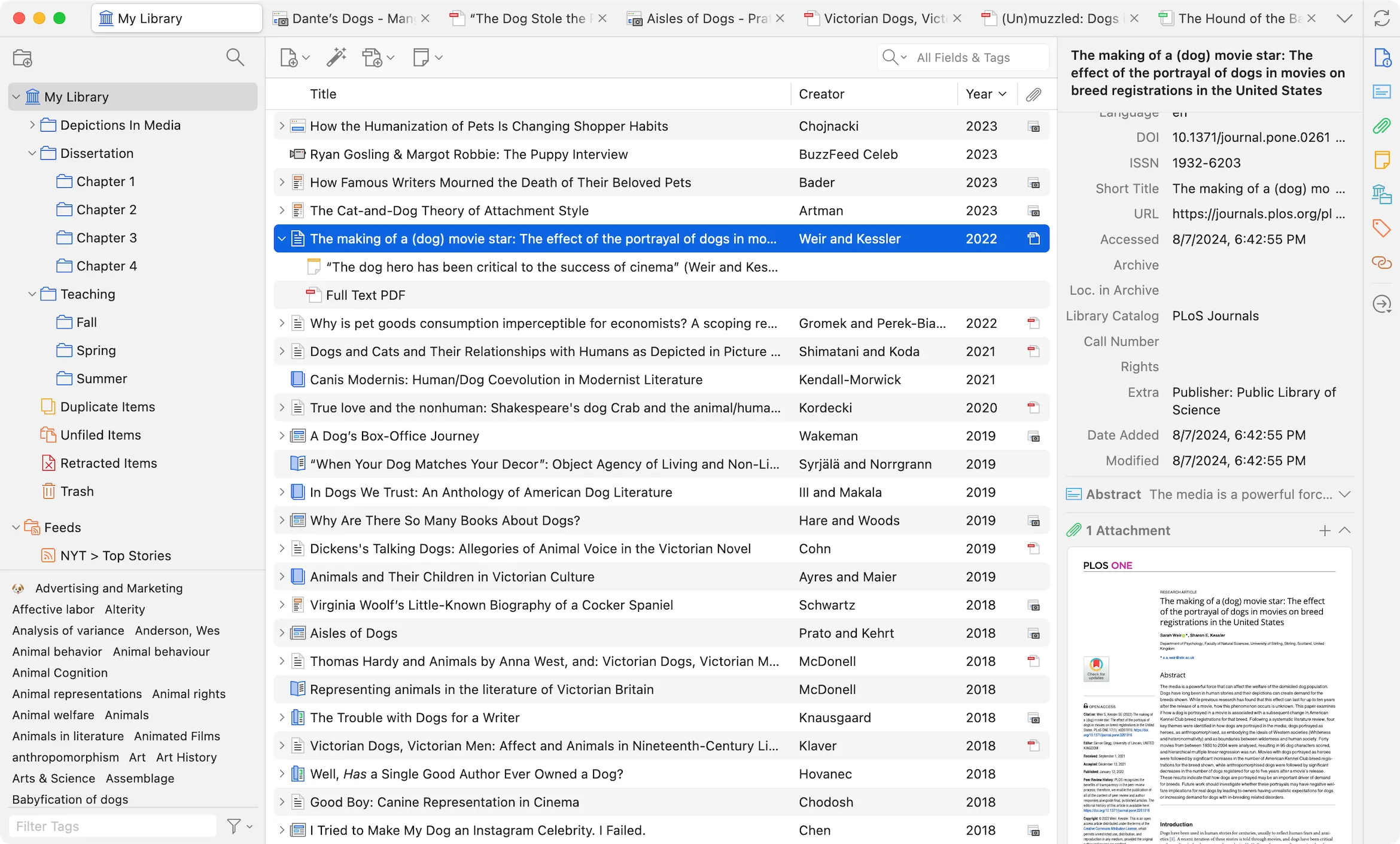
How to Use Zotero:
Installation: Visit the official Zotero website to download the Zotero software and the latest version of the Zotero browser plugin, Zotero Connector for installation.
Reference Capturing: Once installed, use the Zotero Connector plugin to search for references in your browser. Click the Zotero plugin icon in the upper right corner, and it will automatically save the reference data and PDF files to the corresponding folder in Zotero. For example, after opening CNKI, click the Zotero Connector icon in the upper right corner of Chrome, and the page data will be saved to Zotero automatically. If you have permission to download the full text, the PDF attachment will also be saved along with it.
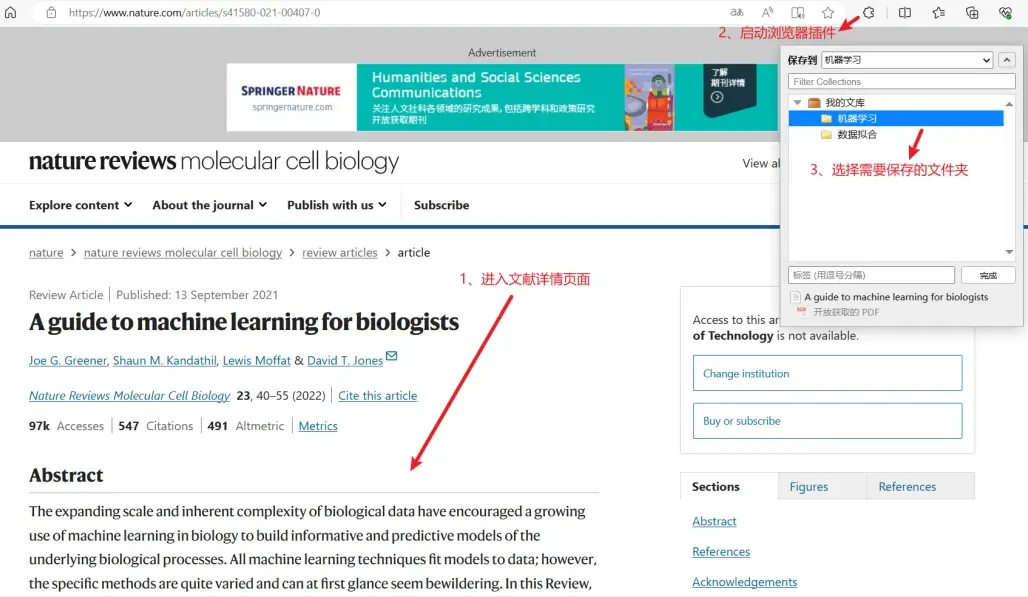
Reference Management: Through the categories and tags features, users can create multiple libraries to systematically classify research content.
Citation Formatting: In academic writing, users can generate reference lists in various required styles through simple operations.
One major advantage of Zotero is its rich plugin ecosystem, allowing users to install plugins to extend Zotero's functionality based on their own needs.
Below are 8 excellent Zotero plugins we recommend for you:
1. Scholaread: The Scholaread plugin supports reference translation and mobile reading, making it convenient for users to view references on mobile devices.
2. Jasminum (Molly) Plugin: Focused on capturing and managing Chinese-language references, suitable for users who need to handle Chinese materials.
3. Zotero Scihub: The Zotero Scihub plugin helps users download English-language references, especially those available on Sci-Hub.
4. Zotfile: Zotfile is used for managing PDF files, supporting PDF renaming, moving, and extracting annotations.
5. Zotero Style: Provides support for multiple citation formats, allowing users to choose the appropriate citation style as needed.
6. Zotero Connector: Integrates with browsers, allowing users to directly capture reference metadata from web pages, greatly improving the efficiency of reference collection.
7. PDF Figure: A plugin based on PDFFigure2, used to parse figures and charts within PDFs, making it easy for users to extract data.
8. Zotero IF: Provides impact factor information for references, helping users evaluate the academic value of literature.
The above plugins can be selected and installed according to your specific needs, and they will greatly enhance your efficiency in using Zotero.
If you want to further learn more about Zotero, you can visit the unofficial Zotero Chinese community at: https://zotero-chinese.com
Related News:
PapersGPT For Zotero: An Open-Source Power Tool for Academic Research Efficiency
Zotero PDF2zh: Using PDF2zh in Zotero for PDF File Translation