
 Script Planner Assistant▸
 AI Apps
 AI News

OriginPro: Scientific Graphing and Data Analysis Software
OriginPro: Scientific Graphing and Data Analysis SoftwareIntroduction
OriginPro is a comprehensive and powerful scientific charting software developed by OriginLab. It offers robust data processing, statistical analysis, and graphics visualization capabilities, supports multiple data formats, and is almost an essential research tool for researchers, graduate students, and doctoral students.
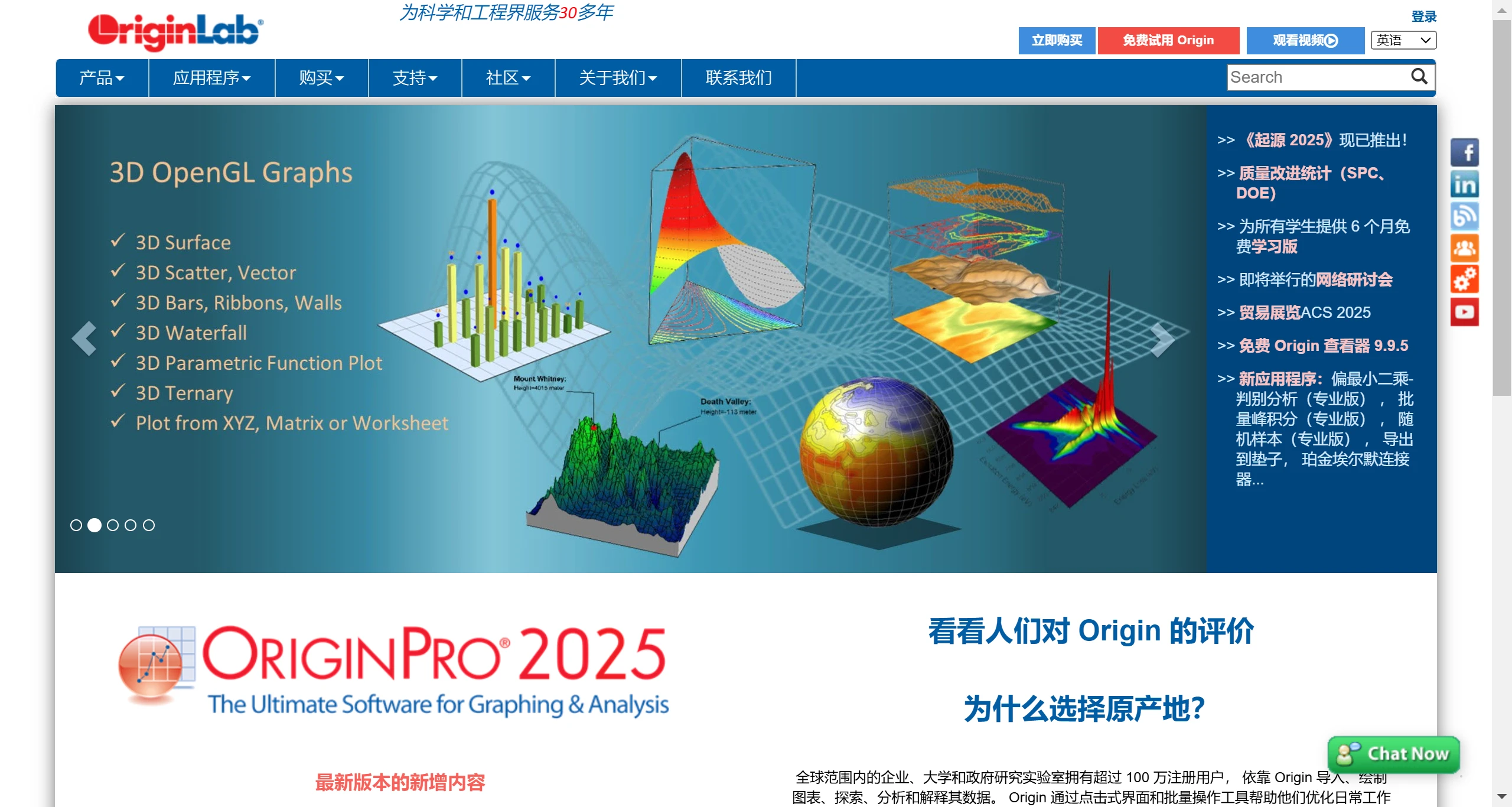
OriginPro Core Features
Advanced Data Analysis: OriginPro includes complex statistical analysis, signal processing, peak fitting, surface fitting, and more, suitable for in-depth data mining and complex model building.
Custom Scripts and Functions: Supports LabTalk scripting language, allowing users to write scripts to automate repetitive tasks or create custom functions, enhancing the software's flexibility and adaptability.
Graphics Plotting: Provides highly customizable graphics design tools, including colors, styles, labels, etc. Users can create 2D and 3D graphics, contour charts, and statistical charts, guaranteeing publication-level display of research results.
Data Import and Export: Supports multiple data formats for convenient data import and export, including Excel, ASCII, CSV, etc., as well as the ability to collect data directly from instruments.
Multi-Window Interactive Interface: Users can freely switch between multiple workbooks, graphics, and matrix windows for data management and analysis.
Customization Features: Users can customize analysis workflows and graphic styles through scripts and templates, improving work efficiency.
Data Import and Export: OriginPro supports the import and export of multiple data formats, including Excel, CSV, text files, etc., facilitating data exchange with other software.
How to Obtain OriginPro:
Official Purchase: You can purchase directly through the OriginLab official website or authorized agents (such as RuiChi Technology), suitable for users who need full functionality and commercial use.
Education Version Application: For current students and teachers, OriginLab provides a free educational version of OriginPro, typically valid for 6 months and renewable indefinitely. The application process involves registering with an edu email address and completing the application and activation through the link provided by the official website.
OriginPro Education Version Application Process
1. Visit the Official Website:Visit the OriginLab education version application page.Click OriginPro Student 6-Month Free Version Official Website Application Link.
2. Fill Out the Application Form: On the application page, fill in your personal information, especially using the school-provided email address ending with edu.cn.
3. Register and Confirm: After submitting the application, check your school email. OriginLab will send an email with installation instructions. Please follow the prompts in the email to complete registration and installation.
4. Download and Install: Follow the instructions in the email to download the OriginPro learning version installation package and install it. OriginPro Installation Tutorial.
5. Activate the Software: After installation is complete, use the email and password used during registration to activate the software.
Important Notes
When applying, make sure to use the school-provided edu email for registration. A confirmation email will be sent upon successful registration.
Activation and Download: After receiving the activation email, follow the instructions to download the installation package and activate the software using the provided serial number. Note that you should avoid using a VPN during activation to prevent activation failure.
Renewal and Upgrade: The educational version requires re-applying for an activation code every six months. When updating to a new version, you may need to download the new version and reactivate.
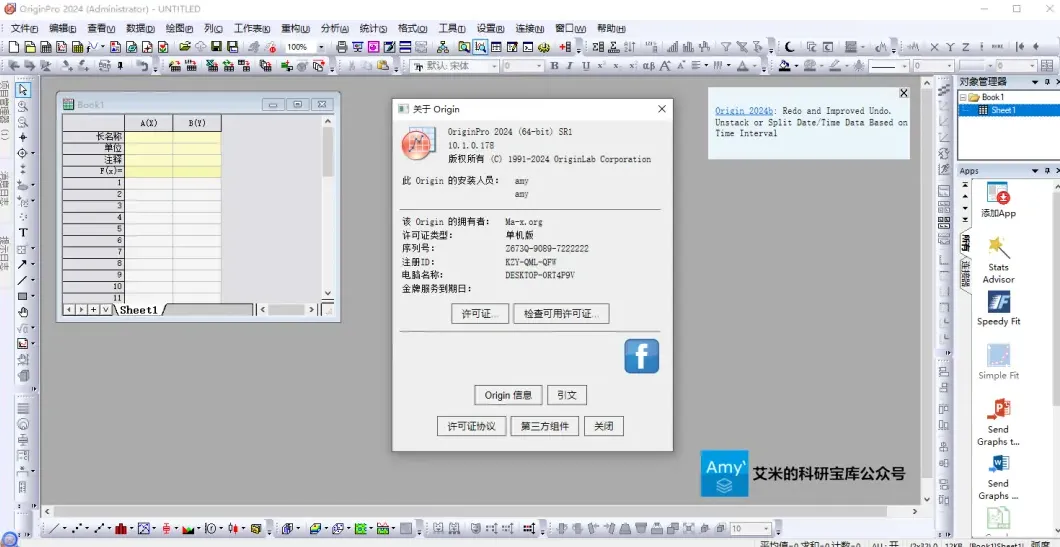
Applications of OriginPro in Scientific Research
OriginPro plays a key role in scientific research, helping researchers quickly and accurately analyze data and generate high-quality charts for paper publication, reports, and presentations. Its powerful data analysis capabilities, such as nonlinear fitting and Fourier transform, make it an indispensable tool for researchers in physics, chemistry, biomedical sciences, and other fields. With OriginPro, researchers can present their research results in a professional manner, increasing the acceptance and impact of their papers.















