
 Script Planner Assistant▸
 AI Apps
 AI News

PPTalker: PPT-to-Video Online Tool
PPTalker: PPT-to-Video Online ToolIntroduction
pptalker is an online tool specifically designed to convert static PPT presentations into high-quality videos. With multilingual AI voice narration and subtitles, users can generate high-quality videos from their PPTs in just a few minutes.
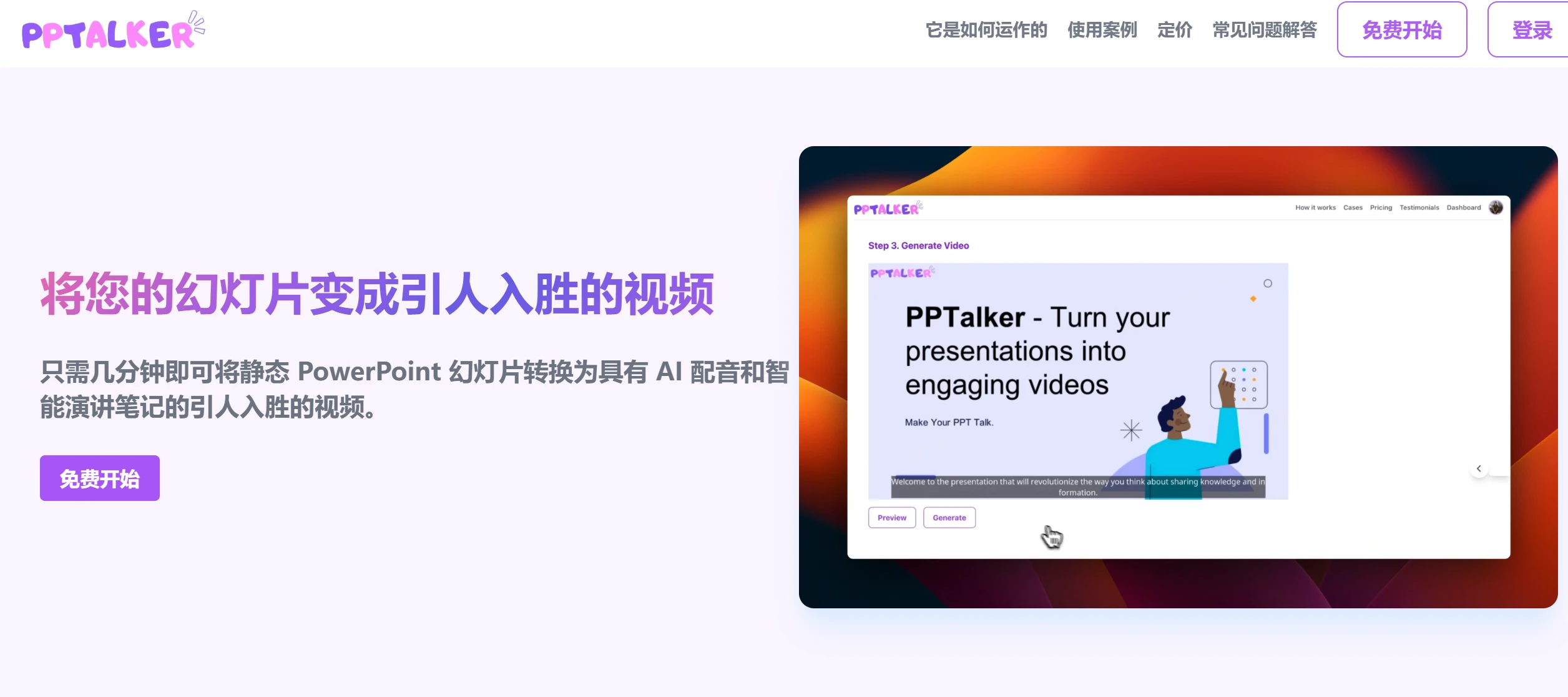
PPTalker Features:
Multilingual AI Voices: Supports AI voice synthesis in multiple languages, allowing users to choose different voices and languages to voice over their presentations.
Subtitle Generation: Automatically adds subtitles to the generated videos, enhancing viewer comprehension and engagement.
High-Quality Video Generation: Capable of quickly producing high-quality videos, ideal for online sharing or presentations.
Smart Speaker Notes: Provides intelligent speaker notes to help users better organize their content during presentations.
Simple Slide Upload and Configuration: Users simply upload their PowerPoint files, configure voice settings, and generate videos.
Support for Multiple File Formats: In addition to PowerPoint files, PPTalker also supports other slide formats, offering greater flexibility for users.
AI Narration Generation: Uses high-quality text-to-speech (TTS) technology to convert the notes from PPT presentations into naturally pronounced narration, and supports multiple languages.
PPTalker Use Cases
Education and Training Applications: PPTalker is particularly suited for educators and trainers, who can use this tool to transform course content into interactive videos, enhancing the teaching experience.
Corporate Presentations: Business users can leverage PPTalker to create professional presentation videos for meetings, seminars, and other occasions.
Marketing: Brands can quickly create product introduction videos.
Training Materials: Trainers and coaches can use PPTalker to create video courses and tutorials.
Personal Creation: Creators can convert speeches or tutorials into video format.
How to Use PPTalker
Upload PPT: Upload your PowerPoint file (PPT or PPTX format) to the PPTalker platform.
Configure Narration: Select or input narration text, and choose the appropriate AI voice, including language and timbre.
Add Subtitles: The system automatically matches subtitles, and users can manually adjust or add them.
Edit and Customize: Further customize the video, such as adjusting slide transitions, adding background music, or effects.
Generate and Download: After completing all settings, PPTalker generates the video, which users can preview and download.
PPTalker Pricing and Features:
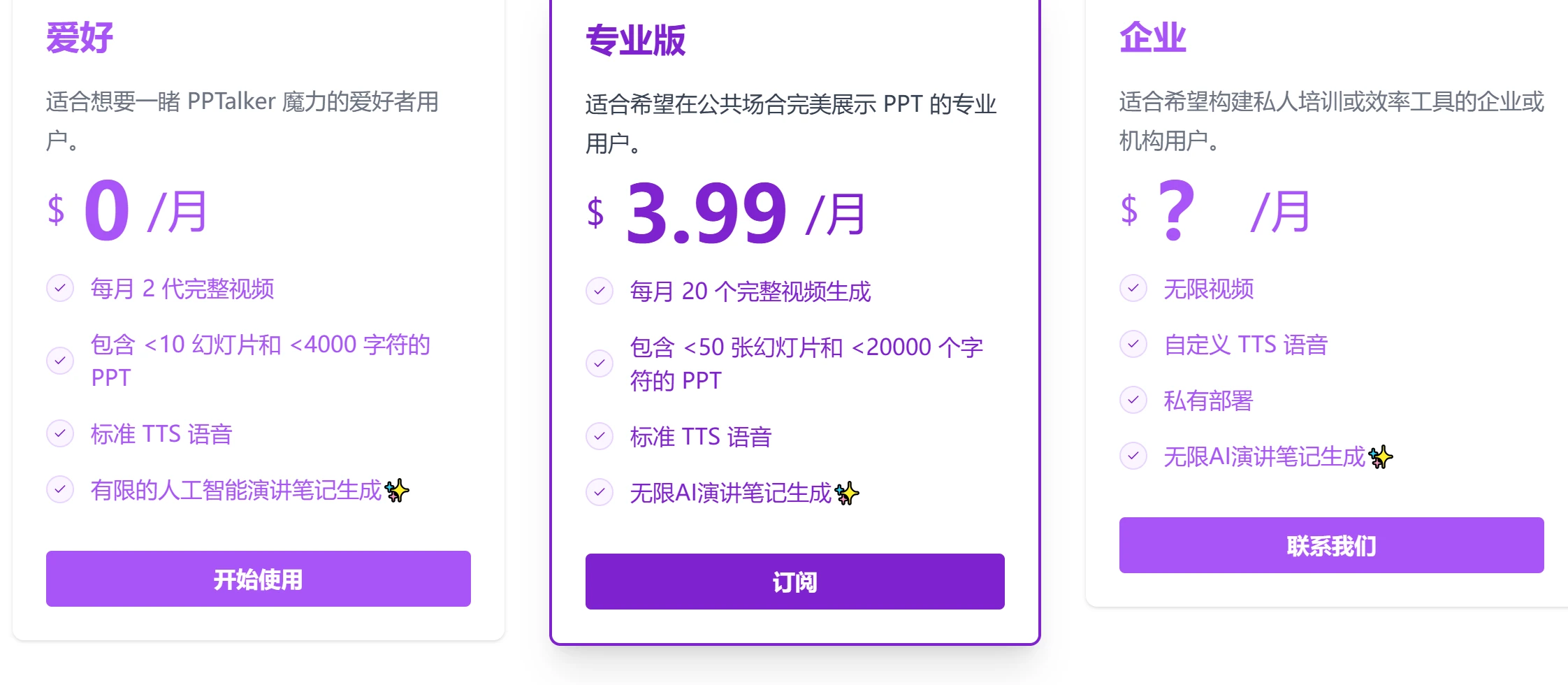
Offers different paid plans ranging from Hobby (2 videos per month, <10 slides) to Professional (20 videos per month, <50 slides) and Enterprise options.
In addition, regarding the security concerns that are very important to everyone, PPTalker places great emphasis on data security and confidentiality. All uploaded PowerPoint files are encrypted using industry-standard encryption protocols during transmission. Access to your files is strictly controlled and limited to authorized personnel only, ensuring that your data is protected.
Related Information:
How to Create Professional PPTs Using the Full Workflow of Deepseek+Kimi















