
 Script Planner Assistant▸
 AI Apps
 AI News

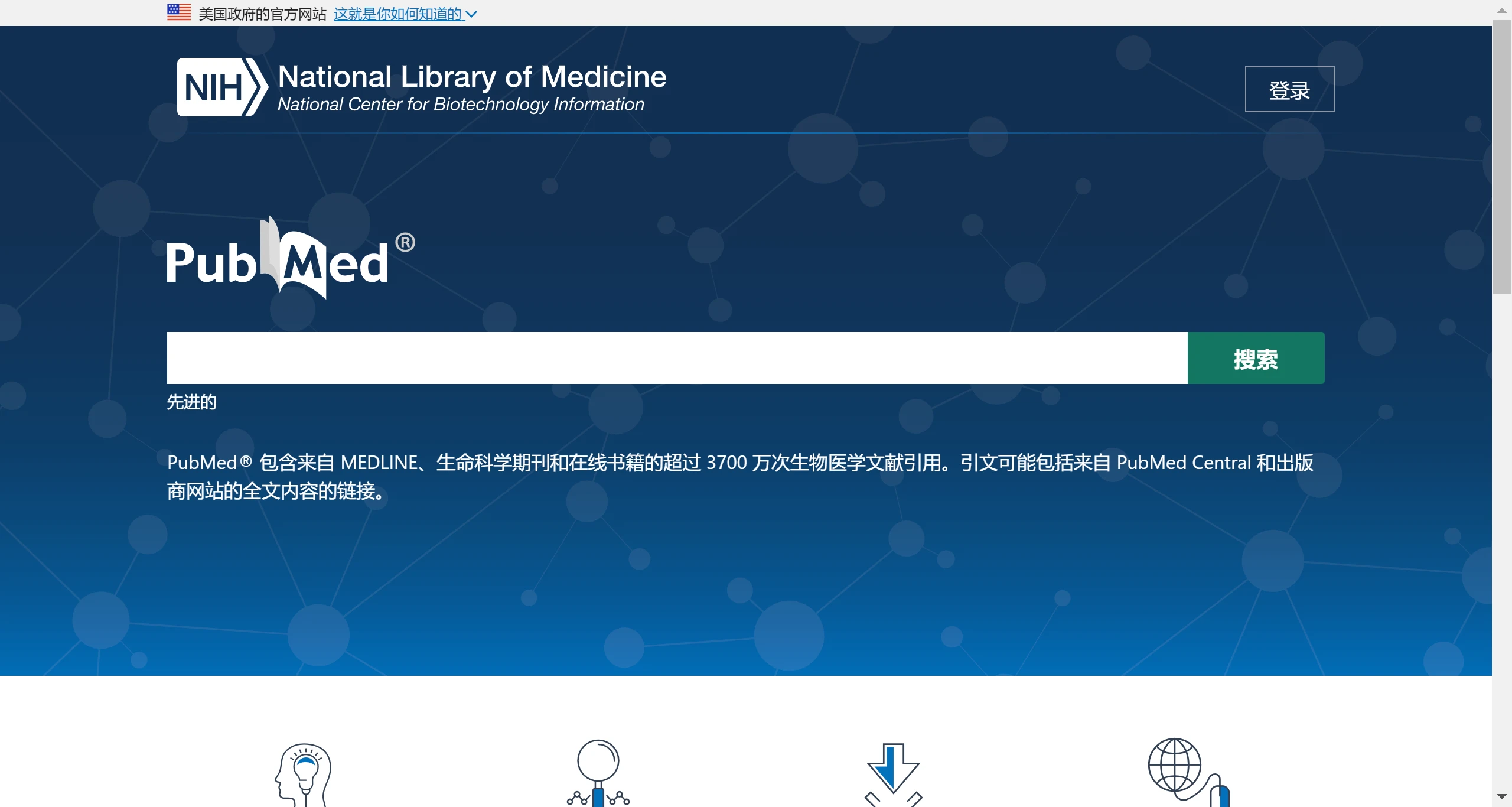
PubMed: A Free Biomedical Literature Database
PubMed: A Free Biomedical Literature DatabaseIntroduction
PubMed is a free online database developed by the National Center for Biotechnology Information (NCBI) of the U.S. National Library of Medicine (NLM), focusing on literature retrieval and abstract services in the biomedical field. PubMed primarily indexes journal articles, conference papers, theses, and dissertations in medicine and life sciences, covering journals such as the New England Journal of Medicine, The Lancet, Nature Medicine, and others.
In addition to literature retrieval, PubMed also supports multiple search options, including advanced search and clinical queries, helping users quickly find relevant research articles. Users can search by keywords, authors, or article titles, and the system provides filters to refine search results.
PubMed Search Tips and Features:
PubMed offers multiple search methods, including basic search, advanced search, and MeSH term search. Users can search by keywords, authors, journal names, publication dates, and other conditions, and can use Boolean logic operators (AND, OR, NOT) and truncation symbols to optimize search results, as detailed below:
Basic Search: Users can quickly find literature by entering keywords. PubMed automatically performs term matching and conversion, but users can also use double quotes to force a phrase search for higher precision.
Advanced Search: For more complex queries, PubMed provides an advanced search interface that allows users to limit search terms to specific parts of an article (such as title, abstract, etc.), combine multiple conditions using logic operators (AND, OR, NOT), and use search history for complex combinations.
Phrase Search: Enclosing keyword groups in double quotes ensures that PubMed searches for them as a single phrase, reducing irrelevant results.
Author and Title Search: Users can search directly by author name or article title, which is very useful for finding specific authors' work or known literature.
PubMed Central (PMC): Although PubMed primarily provides abstracts, by linking to PubMed Central, users can find a large number of free full-text biomedical literature.
Time Filtering: Users can set a time range for literature publication to focus on the latest research results or review historical literature.
Automatic Term Matching and MeSH Terms: PubMed uses the Medical Subject Headings (MeSH) to standardize searches. Even if the input is not a MeSH term, the system will attempt to convert it to a standard term to improve search efficiency.
Plugins and Tools: Experienced users can leverage PubMed's API or third-party plugins (such as new feature testing in PubMed Labs) to customize the search experience.
Export and Save Literature: PubMed offers options to export literature as text files, reference management software formats (such as EndNote, RefWorks), and email. Users can also create their own PubMed accounts to save literature to personal favorites.
How to Use PubMed Plugins to Optimize Your Search?
Scholarscope:
Features: This plugin adds Impact Factor (IF), CAS Zone, citation count, and other information to the PubMed interface, supports one-click full-text download (via SCI-hub), and allows exporting literature to Endnote.
Installation and Use:
Install the plugin in Firefox or Chrome browser.
After installation, the IF of the journal will be displayed next to each article on PubMed. Through settings, JCR zones and citation counts can also be displayed.
SCI-hub addresses can be configured in settings for quick full-text download.
Article abstracts can be loaded directly and literature information can be exported to reference management software.
Tampermonkey (used with Scholarscope):
Assistive Tool: Used to install and manage user scripts such as Scholarscope to enhance browser functionality.
Operation: Install Tampermonkey in the browser extensions, then use it to install and manage scripts such as Scholarscope.
Easy PubMed and easyScholar:
Features: Provide information about literature zones, impact factors, citation counts, etc., support one-click link to SCI-HUB to download PDFs, as well as literature management and citation format generation.
Installation: Supports Edge and Google Chrome browsers, install through the browser's extension store.
Usage: After installation, search results will display more diversified information, facilitating quick screening of important literature, and direct literature management and downloading.
Custom Plugins or Extensions:
For technically skilled users, they can develop or utilize existing JavaScript scripts and integrate them into PubMed through browser developer mode to achieve personalized features, such as automatically loading more results and optimizing interface display.
Since 1997, PubMed has provided services to users worldwide. Its core content comes from MEDLINE, but is not limited to this, also including PreMEDLINE, OldMedline, and citations directly provided by publishers. PubMed's literature coverage is extensive, involving more than 4,000 journals from over 70 countries and regions since 1966, with a total of more than 37 million records.
Related Information:
You should know these useful academic research tools, save them!
60 essential academic research tools for paper writing for researchers















