
 Script Planner Assistant▸
 AI Apps
 AI News

iFlyDoc: AI Document Writing Assistant Powered by Spark LLM
iFlyDoc: AI Document Writing Assistant Powered by Spark LLMIntroduction
讯飞文书 is an AI document writing assistance tool developed by iFlytek based on its advanced Spark large model technology. 讯飞文书 provides features such as material preparation, draft writing, and proofreading review, specially designed for a wide range of document writers, and is simple, convenient, and efficient to use.
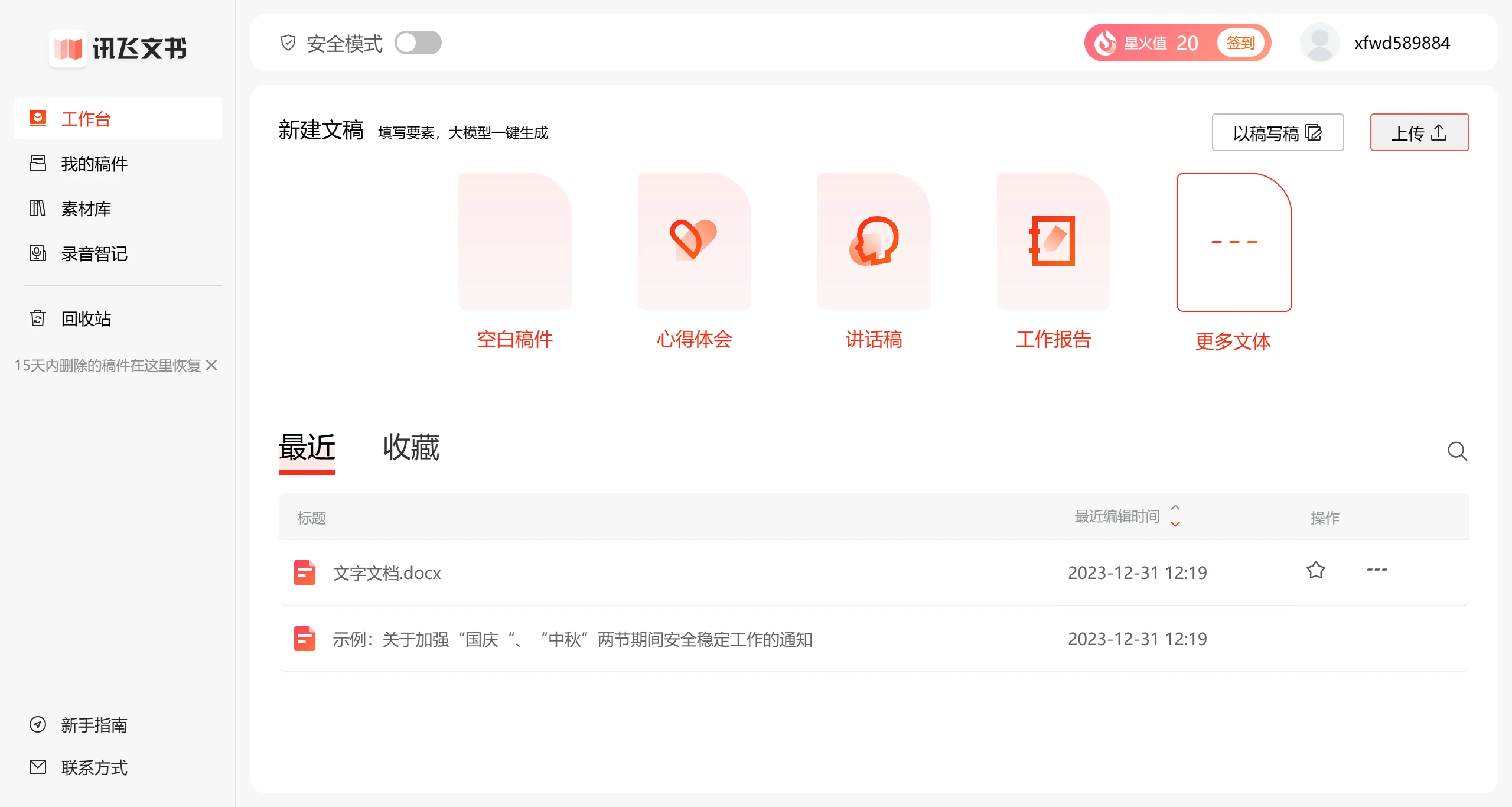
讯飞文书 Core Features:
Full-Process Intelligent Assistance:
Material Preparation: Provides a rich material library to help users quickly find relevant content from historical documents, solving the difficulty of material collection.
Draft Writing: Automatically generates first drafts of work reports,心得体会, notices, announcements, and other writing styles based on user needs, reducing the burden of writing.
Proofreading Review: Built-in intelligent proofreading function ensures the format is correct and the content and logic are clear, reducing errors and omissions.
Personalization and Customization:
Write by Reference: Allows users to cite reference articles and quickly generate documents that match a specific style or format, improving efficiency.
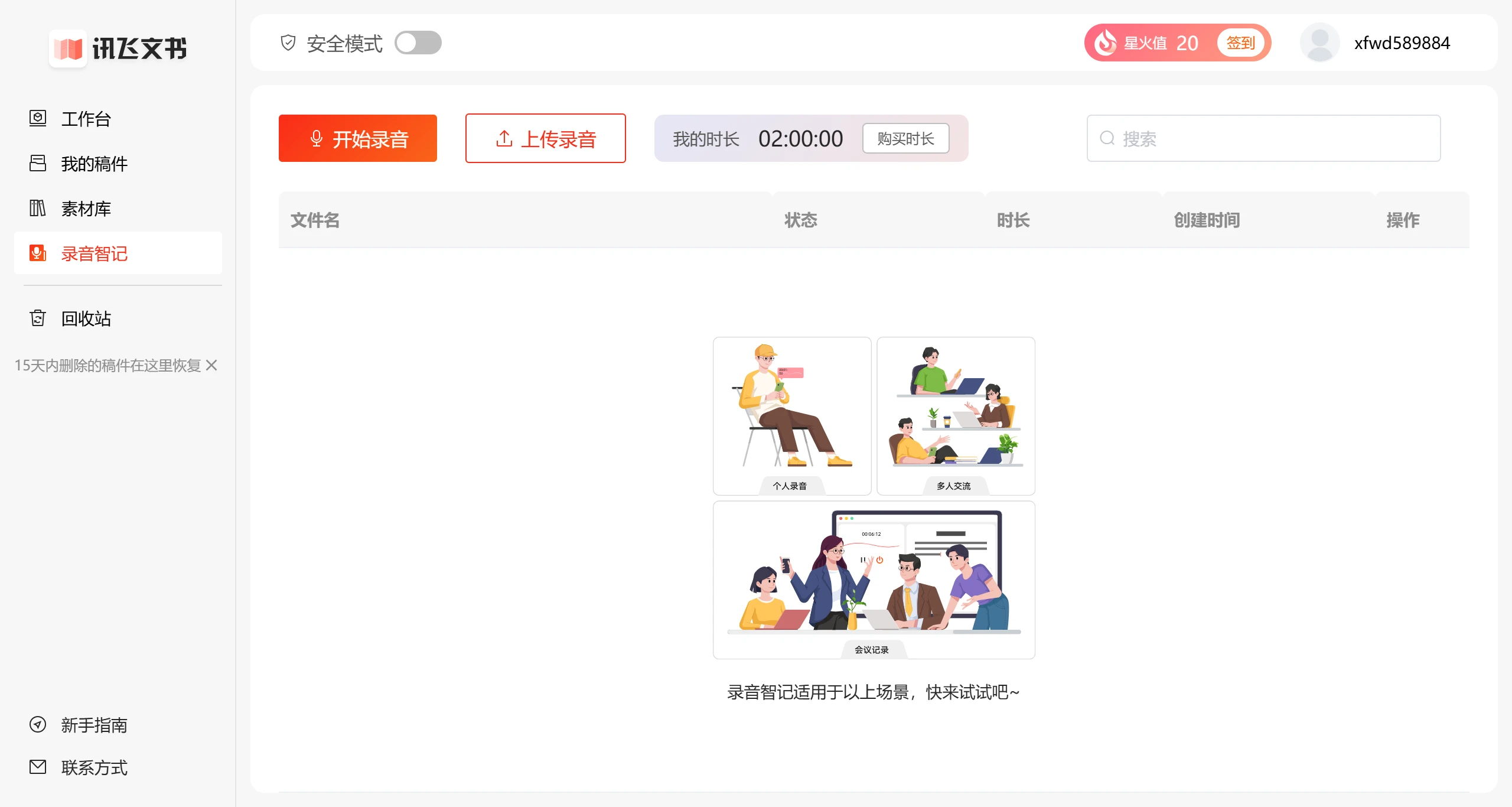
Voice Smart Memo: Supports voice input, converting recordings into text, suitable for quickly recording meetings or inspirations.
Wide Industry Coverage:
Targeting industries such as civil service, education, and finance, 讯飞文书 can understand and meet the high-frequency needs of routine work in these fields, providing professional document support.
讯飞文书 Application Scenarios
Enterprise Office: From PPT production to report writing, 讯飞文书 can provide intelligent support.
Self-Media Creation: Through supporting tools such as 讯飞绘文, creators can quickly generate content and optimize topic selection and content quality.
Personal Writing: For daily writing tasks such as diaries and blogs, it provides an efficient and convenient writing experience.
How to Use 讯飞文书?
1. Register and Log In: Users need to register an account and log in on the 讯飞文书 platform.
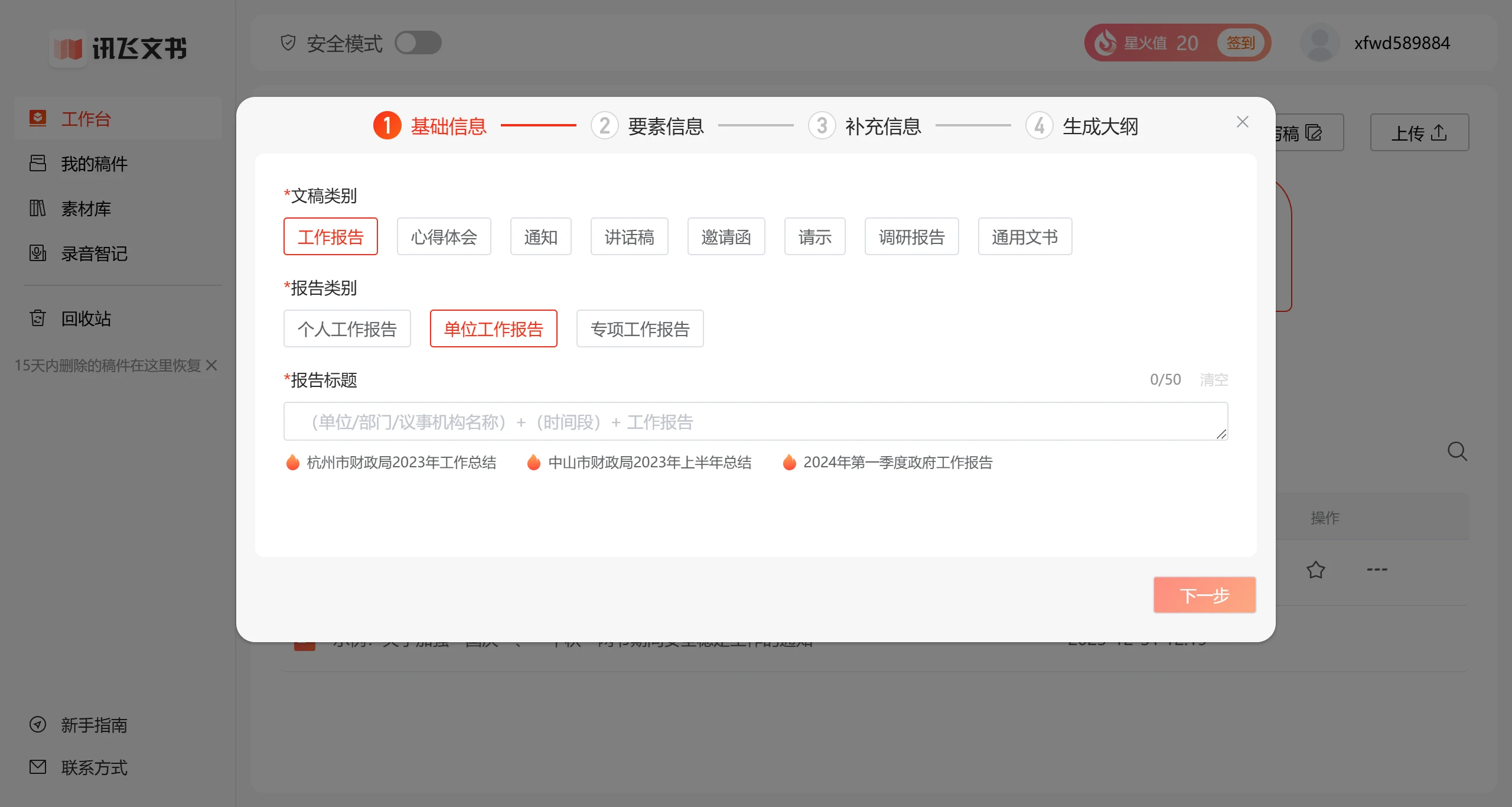
2. Draft Writing: After logging in, click "New" from the homepage to enter the article editing page: On the editing page, you can first select the document category you want to write in the sidebar. There are seven document categories, including notices/announcements, speeches, work reports,心得体会, invitation letters, requests for instructions, and research reports. During the writing process, you can use the one-click fill-in assistant tool.
3. Material Preparation: Before writing, users can browse the massive amount of document templates and materials provided by the platform, supporting free downloads. Click "Material Preparation" on the homepage to reference templates for writing.
4. Content Processing: After a complete template is generated, if you want to refine a specific part, first select the content that needs to be processed, and choose content processing in the floating box or sidebar to provide polishing, expansion, and continuation functions.
5. Proofreading Review: After completing the first draft, you can use the proofreading function to review and check the entire article. We can not only review and correct the entire article, but also screen out sensitive words.















