
 Script Planner Assistant▸
 AI Apps
 AI News
Noty AI: Smart Meeting Assistant for Transcription, Summaries, and AI-Generated To-Dos
Noty AI: Smart Meeting Assistant for Transcription, Summaries, and AI-Generated To-DosIntroduction
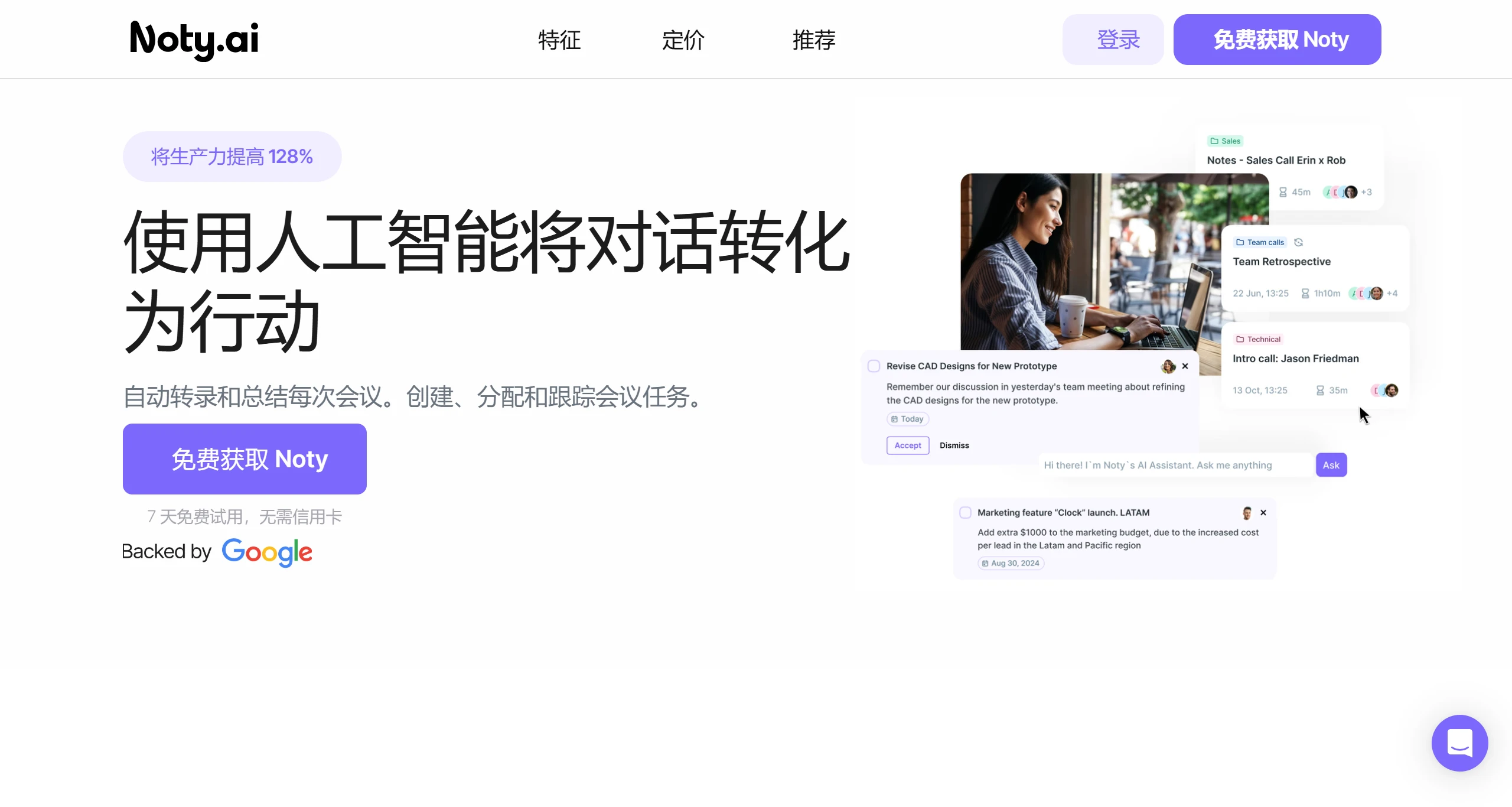
Noty ai is an intelligent meeting assistant that helps teams boost efficiency through meeting transcription, summaries, and AI-generated to-dos. Noty AI can convert meeting content into actionable tasks, thereby enhancing productivity. It also supports transcription in multiple languages and provides real-time meeting recording and summarization features. Users can easily capture meeting conversations through Noty AI and convert them into tasks and action items. At the same time, Noty AI seamlessly integrates with platforms such as Google Meet and Zoom, supporting various meeting types.
Noty AI Key Features:
Real-time Meeting Transcription: Noty AI can convert spoken conversations in meetings into text in real time. Whether it's a Google Meet or Zoom meeting, it accurately captures dialogue content, improving the efficiency of meeting records.
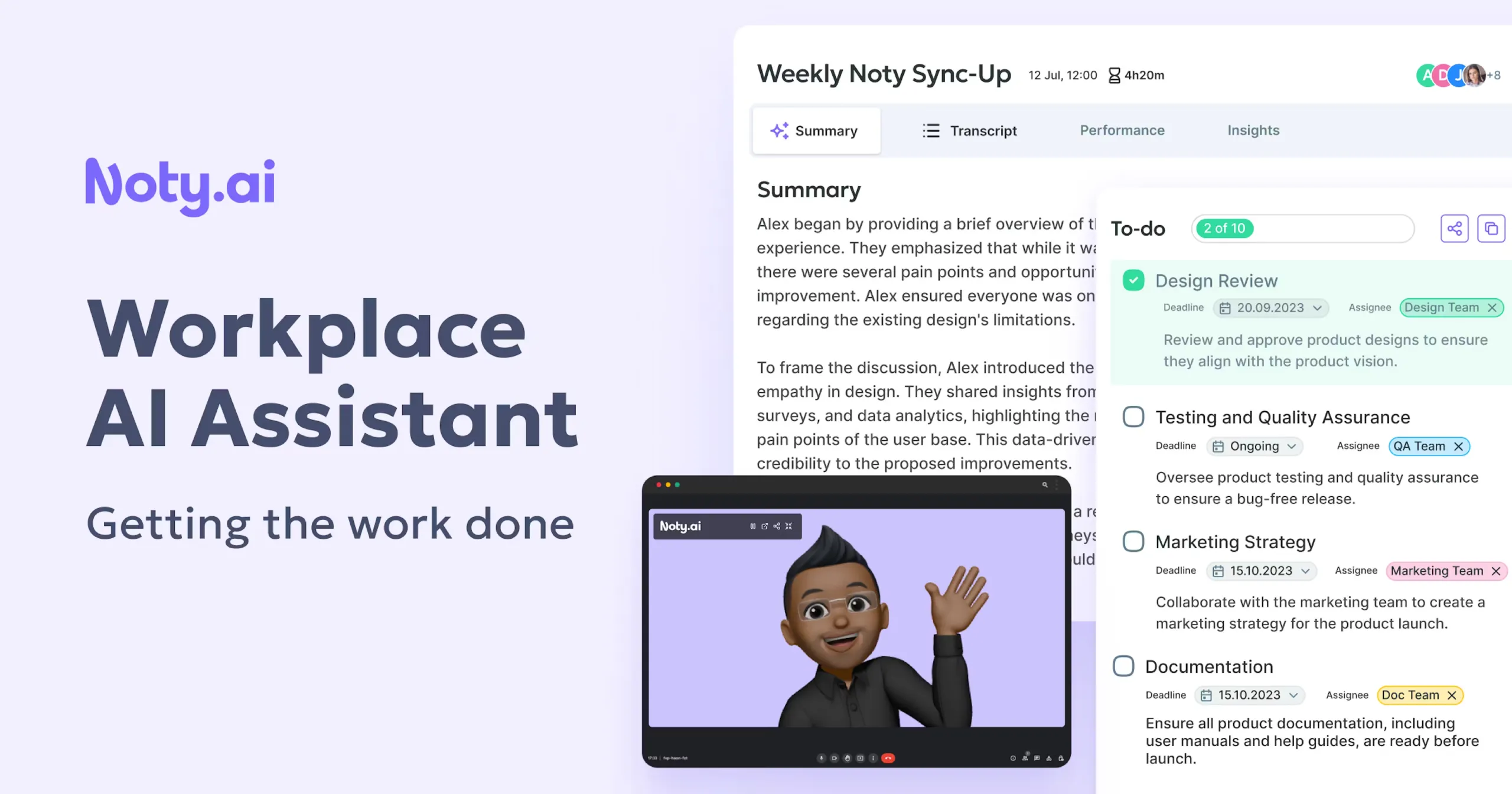
Intelligent Summaries and Action Item Extraction: It not only transcribes meeting content but also intelligently analyzes it, extracting key points and action items, helping users quickly review meeting highlights and ensure the implementation of meeting outcomes.
Multi-platform Integration: Noty AI seamlessly integrates with commonly used tools such as Gmail, Google Calendar, Google Meet, Zoom, and Google Docs.
High Accuracy and Context Awareness: Transcription accuracy reaches up to 95%, while featuring context awareness capabilities to ensure contextual accuracy of transcribed content and reduce misunderstandings.
ChatGPT Technology Support: Noty AI leverages ChatGPT-like AI technology to provide more natural language processing functions, such as generating meeting summaries, task assignment suggestions, and even supporting a certain level of conversational interaction.
Automated Follow-up: By identifying action items in meetings, Noty AI can automatically generate task lists and may provide reminders or directly integrate into users' task management tools.
Security and Privacy Protection: Considering the sensitivity of meeting content, Noty AI emphasizes data security, ensuring that the privacy of meeting records is properly handled.
Noty AI Application User Groups:
Engineering Teams: Developers, project managers, and others can use Noty AI to improve meeting efficiency.
Sales Teams: Sales representatives and managers can better manage client meetings through Noty AI.
Freelancers: Noty AI helps freelancers efficiently manage meetings and tasks.
HR and Recruitment: Recruiters can use Noty AI to record and summarize interviews.
Mid-to-Senior Managers: Noty AI provides managers with efficient meeting management tools.
How to Use Noty.ai?
Step 1: Register a Noty.ai account.
Step 2: Integrate Noty.ai with your preferred communication platform, such as Google Meet, Zoom, or Microsoft Teams.
Step 3: Start or join a meeting through your platform of choice.
Step 4: Allow Noty.ai to record the meeting and generate actionable items, notes, and summaries.
Step 5: Review and edit the notes if needed.
Step 6: Use the generated to-dos and follow-ups to manage your tasks more effectively.















