
 Script Planner Assistant▸
 AI Apps
 AI News

BoloForms: An E-Signature Platform Built for SMBs
BoloForms: An E-Signature Platform Built for SMBsIntroduction
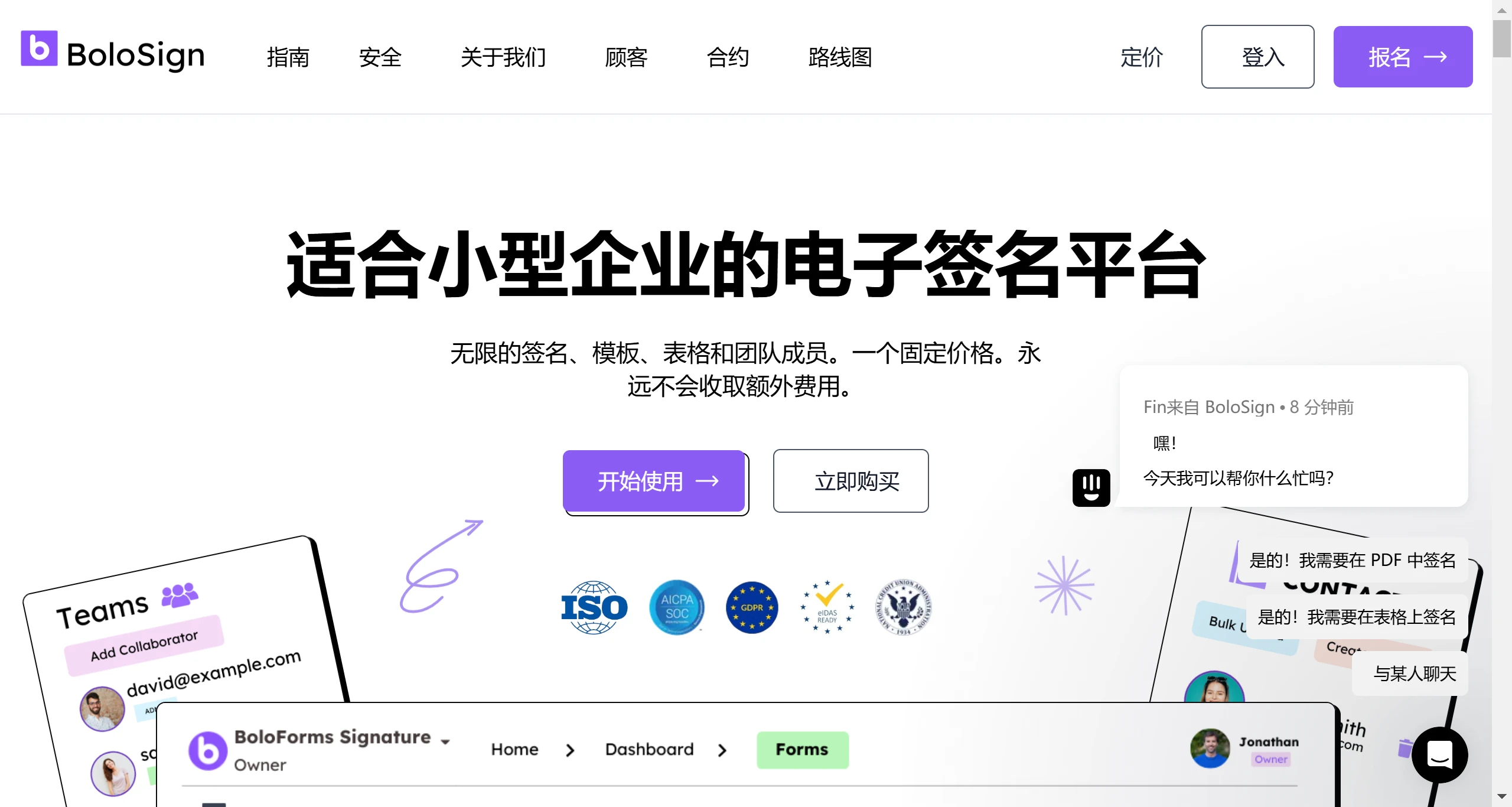
BoloForms is an electronic signature platform designed specifically for small and medium-sized businesses, offering unlimited signatures, templates, and forms. Users can create signable documents, collect electronic signatures, and organize everything in one place through a simple interface. BoloForms supports multiple signature methods, including hand-drawn signatures and uploaded signature images.
BoloForms Main Features:
Smart Form Processing:
BoloForms provides a user-friendly interface that makes creating and managing tests and exams simple and efficient.
BoloForms supports converting text instructions into Excel formulas, automatically analyzing data and generating corresponding formulas through ai technology, improving data processing efficiency.
Approval Workflow Management:
The BoloForms Approvals feature allows users to create complex approval processes, including electronic signature requests, customized email notifications, conditional logic settings, and more.
Users can easily monitor the entire approval process, whether through email, the BoloForms dashboard, Notion, or Google Sheets.
Document Processing and Electronic Signatures:
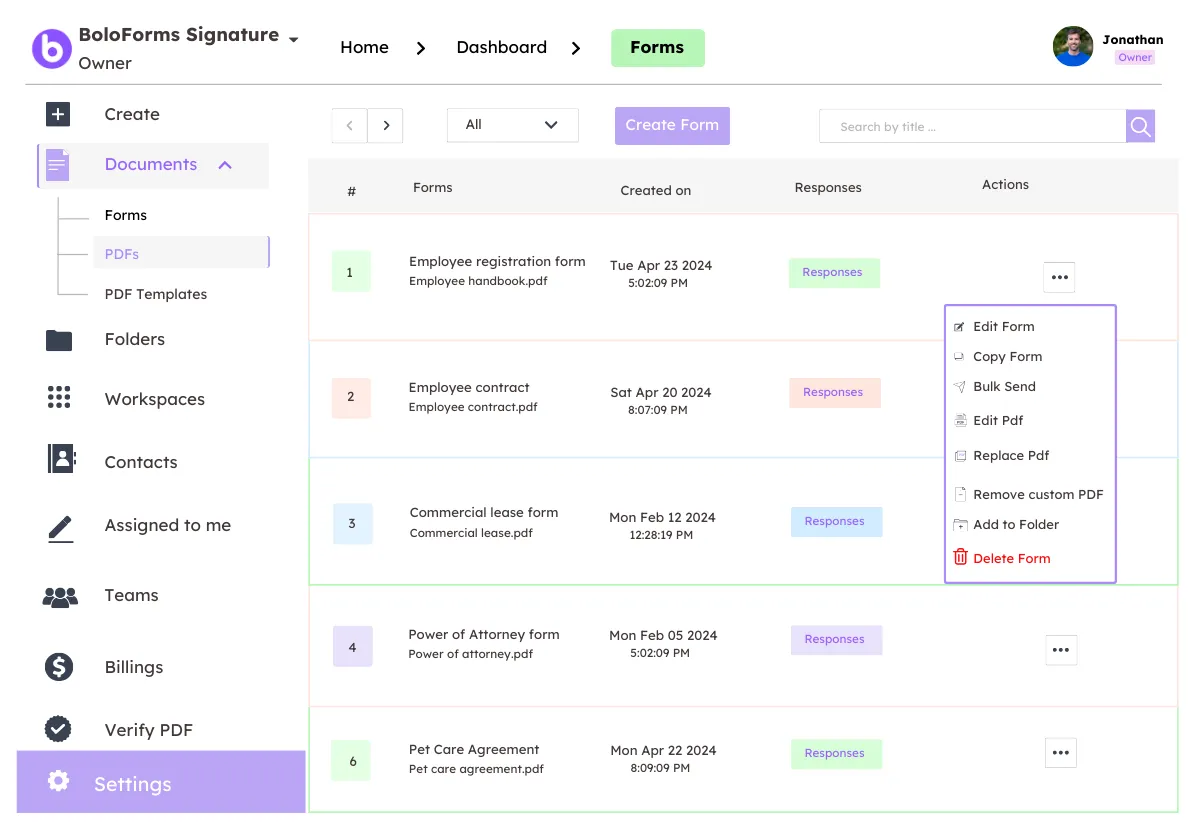
Introduces BoloSign, an integrated electronic signature solution that offers template customization, multi-recipient requests, audit trails, and integration with popular applications.
Users can download, modify legal documents, and send them through BoloForms for signing, suitable for processing important documents for individuals, families, and businesses.
Legal Document Templates:
BoloForms offers a range of legal document templates covering various needs from family agreements to business contracts, such as wills, custody arrangements, etc., making it easy for users to download, adjust, and formalize important legal documents.
Integration and Compatibility:
BoloForms is designed with an interface similar to Google Forms, ensuring user familiarity, while its approval workflow and document management features seamlessly integrate with tools like Notion and Google Sheets.
BoloForms Applications:
Internal Enterprise Management: Used for leave requests, budget approvals, contract signing, etc., improving office efficiency.
Educational Testing and Assessment: Helps educational institutions quickly create and grade online tests.
Legal Document Management: Individuals and legal professionals can use it to efficiently handle legal documents.
Project Collaboration: Teams can manage project documents and decision-making processes through approval workflows.
Pros
BoloForms can create online forms and convert them into automated approval workflows without coding.
Integration with Google Forms, Google Sheets, and Google Meet makes it easy to use and compatible with your existing tools.
Provides email notifications, dashboard tracking, and document merging features to streamline your approval process and keep everyone informed.
BoloForms is built with compliance and security in mind, supporting standards such as SOC 2, HIPAA, GDPR, and ISO.
Cons
A paid subscription is required to access all features.
Does not work well with other platforms or applications outside the Google ecosystem.
BoloForms is a tool for creating online forms and approval workflows. Whether you are a teacher, business manager, HR professional, or IT expert, you can use BoloForms to streamline your workflow and save time and money.















