Script Planner Assistant▸
 AI Apps
 AI News
TravelMap.Video: Turn Your Travel Route into a Video
TravelMap.Video: Turn Your Travel Route into a VideoIntroduction
Travel Map Video is an application designed specifically for travel enthusiasts to turn their travel routes into videos. It not only records travel footprints but also makes travel memories more dynamic and fun. It is ideal for individual travelers, travel bloggers, photography lovers, family users, and business users, helping them document and share their travel experiences.
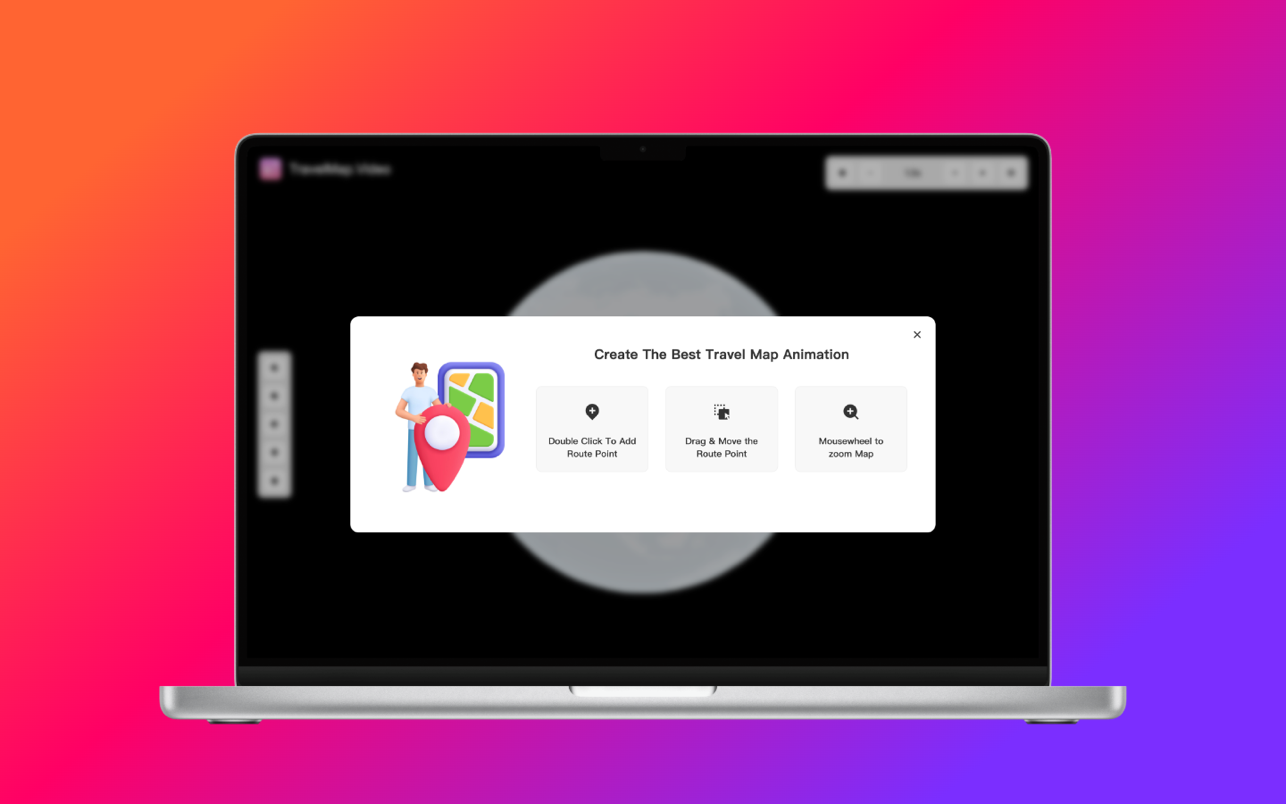
TravelMap.Video Main Features:
Travel Route Recording: Automatically records and displays travel routes, supporting multiple modes of transportation.
Video Generation: Integrates travel routes with user-uploaded multimedia content into a complete video.
Map Style Selection: Offers multiple map styles, allowing users to select different map backgrounds as needed.
Multimedia Editing: Supports adding photos, video clips, music, and text descriptions.
Personalized Settings: Users can adjust video resolution, format, and export options.
Sharing and Saving: Supports sharing videos to social media platforms, or saving them as local files.
How to Use TravelMap.Video?
User Registration and Login: Users can create an account and log in to save and manage their travel video projects.
Project Creation: Users can create new travel projects, enter the starting point and destination, and choose the route type (such as self-driving, hiking, etc.).
Map Selection: Users can choose different map styles, such as satellite maps, street maps, etc.
Video Editing: Users can add photos, video clips, music, and text descriptions to edit their travel videos.
Preview and Export: Preview the video effect and choose different resolutions and formats for export.
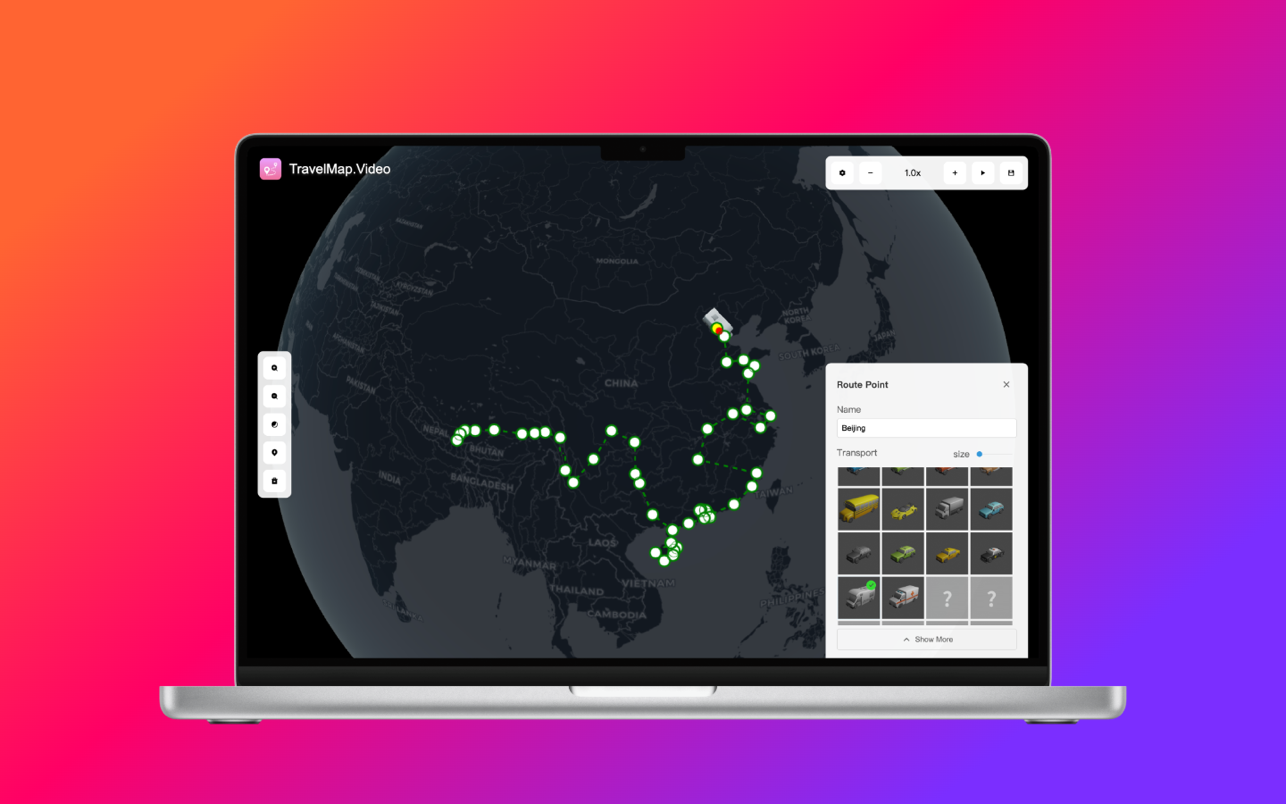
TravelMap.Video Applications:
Recording and Review:
Travel Footprints: Users can thoroughly record the route of each trip, including starting points, waypoints, and destinations, making it easy to revisit and share in the future.
Multimedia Integration: Supports integrating photos, video clips, music, and text descriptions into videos, making travel memories more vivid and complete.
Sharing and Display: Social Media Sharing: Users can easily share the created travel videos on social media platforms such as WeChat, Weibo, and Douyin, sharing the joy of travel with friends and family.
Personal Blog or Website: Travel bloggers and photography enthusiasts can embed videos into their personal blogs or websites to enhance content appeal and professionalism.
Creativity and Personalization:
Map Style Selection: Offers multiple map styles, allowing users to choose different map backgrounds according to their preferences, such as satellite maps, street maps, etc.
Video Editing Features: Supports a variety of video editing functions, such as adjusting video resolution, adding effects, and adjusting colors, enabling users to create personalized travel videos.
Education and Inspiration:
Educational Use: Schools and training institutions can use this tool to record outdoor teaching and travel activities, creating educational videos that enhance teaching effectiveness and student interest in learning.
Inspiration: Users can watch travel videos from other users to gain travel inspiration and ideas for planning their own travel routes. Emotional Connection:
Family Memories: Family users can record the happy moments of parent-child trips and make them into videos as keepsakes, strengthening the emotional connection among family members.
Nostalgia for Seniors: Seniors can revisit and share their travel experiences from their younger days, reminiscing about wonderful times with family and friends.
Don't let your travel memories fade—use our Travel Map Animation Video Creator to bring them to life. Download now and start creating stunning videos that highlight your adventures. Experience the joy of storytelling like never before!