
 Script Planner Assistant▸
 AI Apps
 AI News
Smart Translator: AI-Powered Translation Engine
Smart Translator: AI-Powered Translation EngineIntroduction
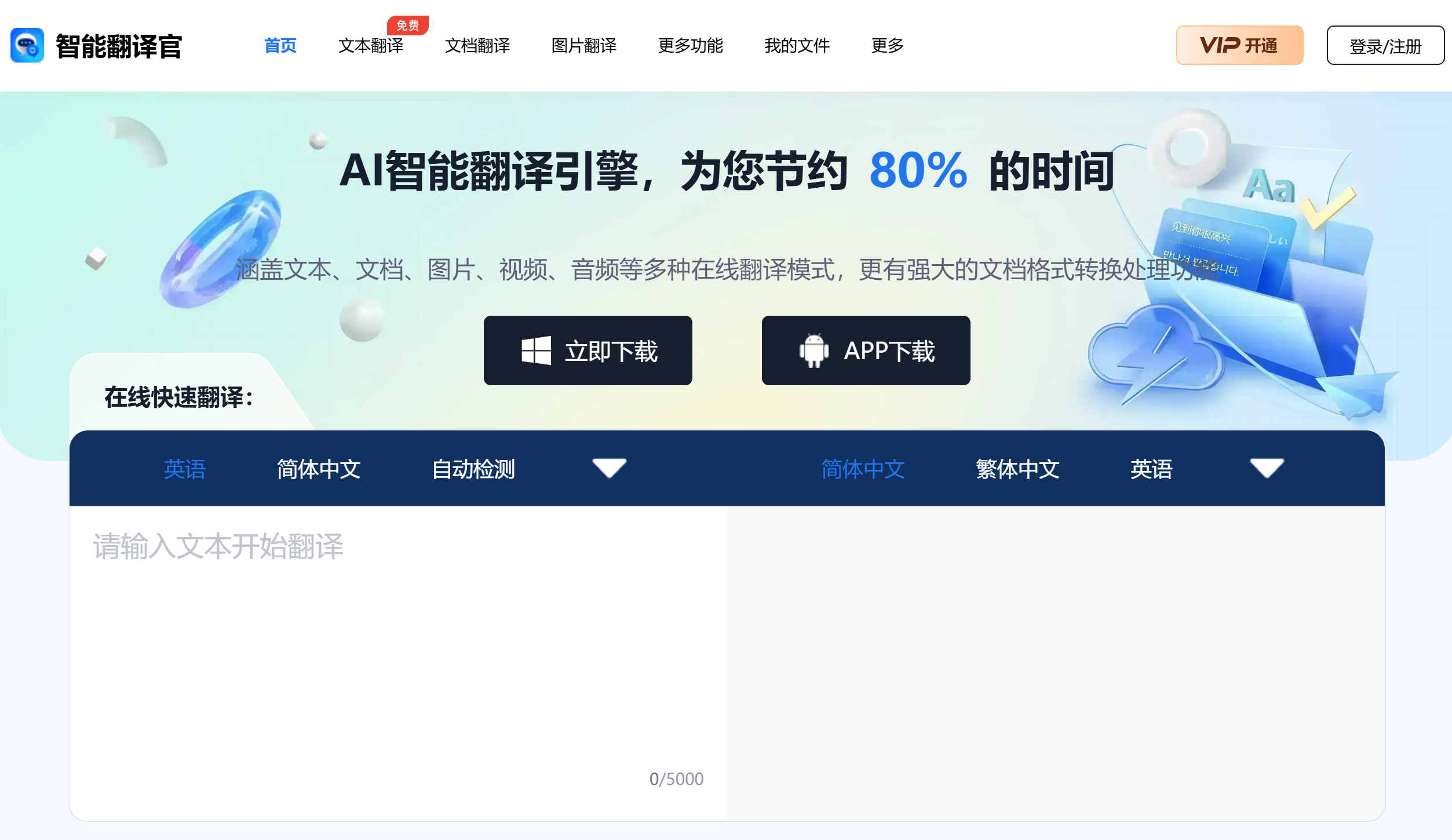
Smart Translation Master, an AI intelligent translation engine, covers multiple translation modes including text translation, document translation, image translation, video translation, and audio translation. It also features powerful document format conversion and processing capabilities, saving you 80% of your time. Users can access Smart Translation Master through various platforms such as web pages and mobile applications. Its voice recognition system and real-time simultaneous interpretation function are extremely practical in daily communication and work.
Main Features of Smart Translation Master:
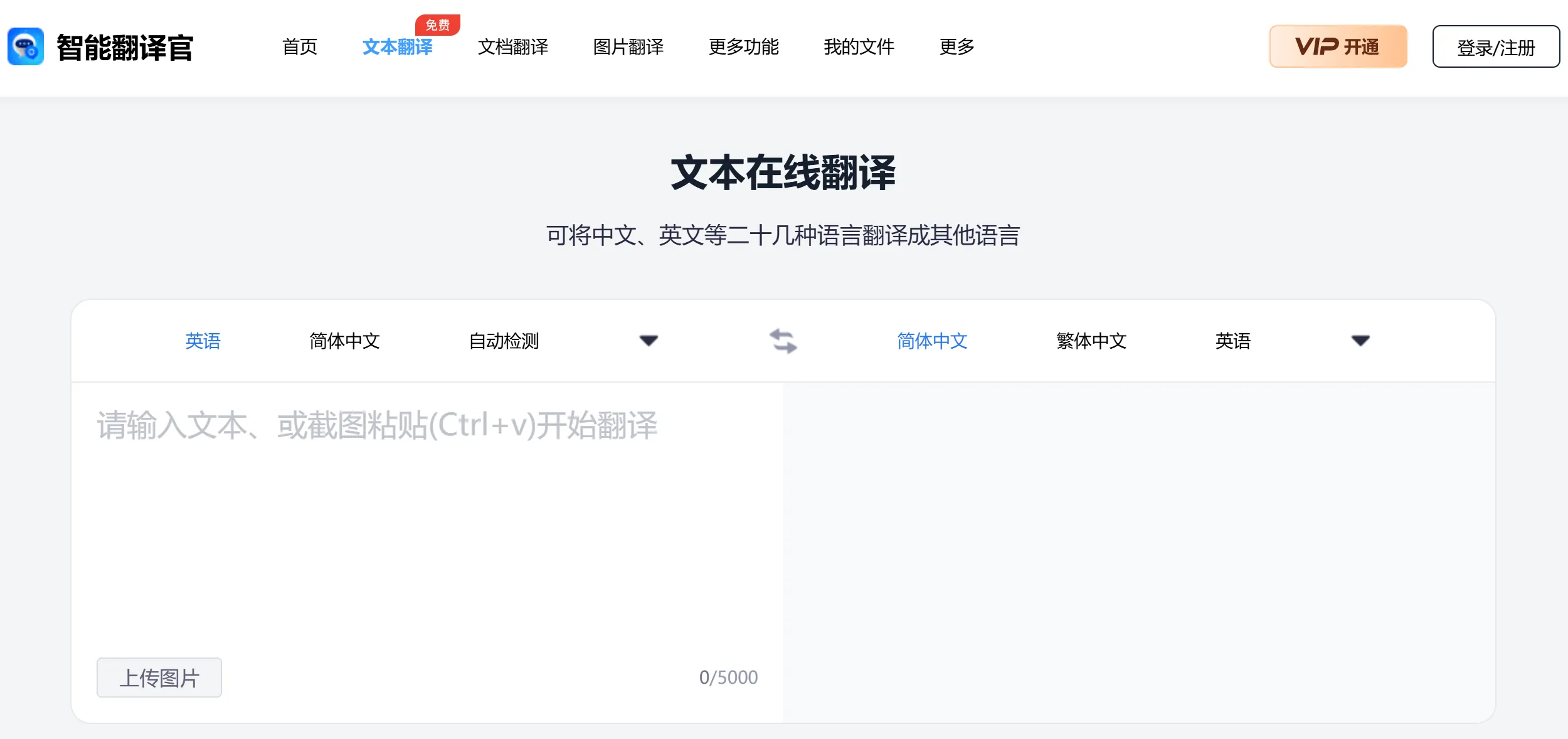
Text Translation: Supports text translation between multiple languages, including Chinese, English, Japanese, Korean, and more. Users can simply input or paste text to quickly obtain translation results.
Voice Translation: Users can translate through voice input, and the software can quickly recognize and translate into the target language.
Video Translation: Smart Translation Master supports importing video files, extracting the audio and text within videos, and translating the audio in the videos.
Image Translation: By taking photos or uploading images, Smart Translation Master can recognize the text in images and translate it. Combining machine translation with OCR recognition ensures translation quality, supports batch translation of document images, and supports jpg, jpeg, and png formats.
Document Translation: Supports translation of more than 10 document formats including .doc and .png. Users can upload documents up to 50M directly, and the software will automatically recognize and translate the content, producing high-fidelity layout effects for translated documents.
Simultaneous Interpretation: In meetings or multilingual communication, Smart Translation Master provides real-time translation services to help users better understand and participate in discussions.
Multilingual Support: Smart Translation Master supports mutual translation of more than 10 languages, including English, Japanese, French, and more.
Applicable Scenarios for Smart Translation Master:
Travel: When traveling abroad, Smart Translation Master helps users overcome language barriers and communicate conveniently with locals.
Learning: Students can use this software for language learning.
Work: In international business, Translation Master helps users handle multilingual emails and documents.
Academic Papers and Documents: Rapidly comprehend foreign literature and easily complete academic paper writing.
Business Documents: Translate multilingual documents to help you complete international business.
Foreign Language Courses: Upload course documents and complete mutual translation between two languages with one click.
Features of Smart Translation Master:
Accurate Translation: Intelligent translation engine delivers high-accuracy translation outputs.
Online Usage: Translation results are presented online.
Original Layout: Preserves the original document layout style for better comparison with the translation.
Professional Terminology: Covers 850+ disciplines and 2.3 billion terminology entries, ensuring consistency of terms before and after translation.
Security and Confidentiality: Bank-grade encryption technology ensures document security.
File Management: Saves document translation records for one-click access to translated documents.
How to Use Smart Translation Master:
1. Go to the online document translation page, click the [Select Document] button to add documents, images, audio, and video files in formats such as Word, PPT, PDF, JPG, JPEG, and PNG to the translation interface.
2. Set the language parameters for "Source Language" and "Target Language".
3. Click the [Translate Now] button to process the document translation.
4. Once the translation is complete, you can download and save it locally. If it is difficult to determine the language of the text within the document, you can also try using the "Auto Detect" function to recognize and translate.
Smart Translation Master not only provides web-based upload translation and desktop versions, but has also launched a mobile application, allowing users to access translation features anytime, anywhere on their phones.
Related Information:
How to Translate Videos? 9 Video Translation Software Recommendations for You!















