
 Script Planner Assistant▸
 AI Apps
 AI News

Doc2Lang: Fast and Accurate Document Translation
Doc2Lang: Fast and Accurate Document TranslationIntroduction
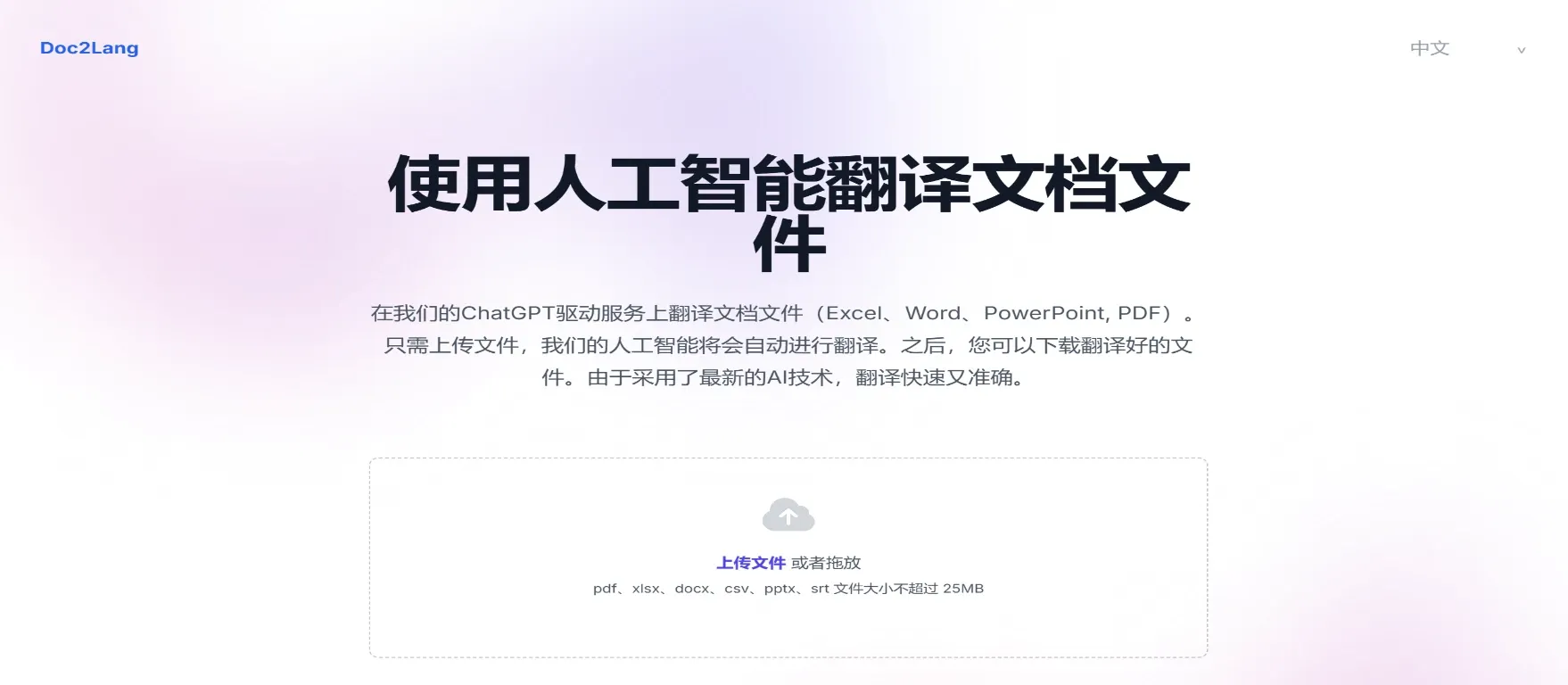
Doc2Lang is an artificial intelligence-based document translation tool that leverages ChatGPT technology to provide users with efficient document translation services. It supports multiple document formats, including Excel, Word, PDF, and PowerPoint. Users only need to upload their files, and the AI will automatically perform the translation. Once the translation is complete, the translated file can be downloaded directly.
Doc2Lang Key Features
Multi-format Support: Doc2Lang supports translation of multiple document formats, including xlsm, xlsx, docx, csv, and pptx.
Automatic Translation: Users only need to upload the files that need to be translated, and the system will automatically perform the translation, eliminating the tedious steps of manual translation.
High Accuracy: Doc2Lang employs advanced AI technology, offering translation accuracy higher than traditional translation tools, such as built-in translation features and other online translation services.
Fast Translation: AI technology makes the translation process fast and efficient, allowing users to obtain translation results in a short period.
Pay-as-you-go Model: Doc2Lang adopts a usage-based billing model. Users do not need to pay monthly fees or commit to long-term subscriptions; they only pay for the content actually translated.
Multi-language Support: Doc2Lang supports translation in over 100 languages, allowing users to choose different target languages as needed.
Preserve Original Formatting: Translated documents retain their original formatting, reducing post-editing workload.
Industry-specific Translation: The AI translation engine of this platform is trained on industry-specific data, enabling it to deliver translation results that better meet professional needs, making it suitable for enterprises and professionals.
No Registration Required: Users can use Doc2Lang without registering or creating an account, further simplifying the workflow.
How to Use Doc2Lang
Visit the Website: Go to Doc2Lang's official website.
Upload File: On the translation page, users can select the document to be translated, with drag-and-drop upload supported.
Select Language: Users can choose the source language and target language to ensure the translation meets their needs.
Start Translation: Click the translate button, and the system will automatically begin the translation process.
Download Translation Result: Once the translation is complete, users can download the translated file for subsequent use.
Doc2Lang Use Cases:
Enterprise Document Translation: Rapid translation of internal documents, contracts, and market reports for multinational corporations.
Academic Research: Helps researchers overcome language barriers to read and cite international academic papers.
Personal Use: Creating multilingual versions of travel guides, personal resumes, and study materials.
Educational Materials: Translating teaching materials into different languages to facilitate international educational exchange.
As a tool focused on professional document translation, Doc2Lang is particularly well-suited for users who need to handle complex documents such as legal contracts and technical manuals. It preserves the original document's formatting and layout during translation while accurately translating professional terminology, thereby ensuring the accuracy and consistency of translation results.















