
 Script Planner Assistant▸
 AI Apps
 AI News

Gaoding PPT Plugin: Design, Edit & Download — All in One
Gaoding PPT Plugin: Design, Edit & Download — All in OneIntroduction
稿定pptplugin is a PPT-based plugin efficiencytool that enables anyone to easily create stunning PPTs! It supports both Windows and Mac systems and offersthousands of templates to choose from, with massive assets continuously updated, allowing you to create professional PPT designs in less time.
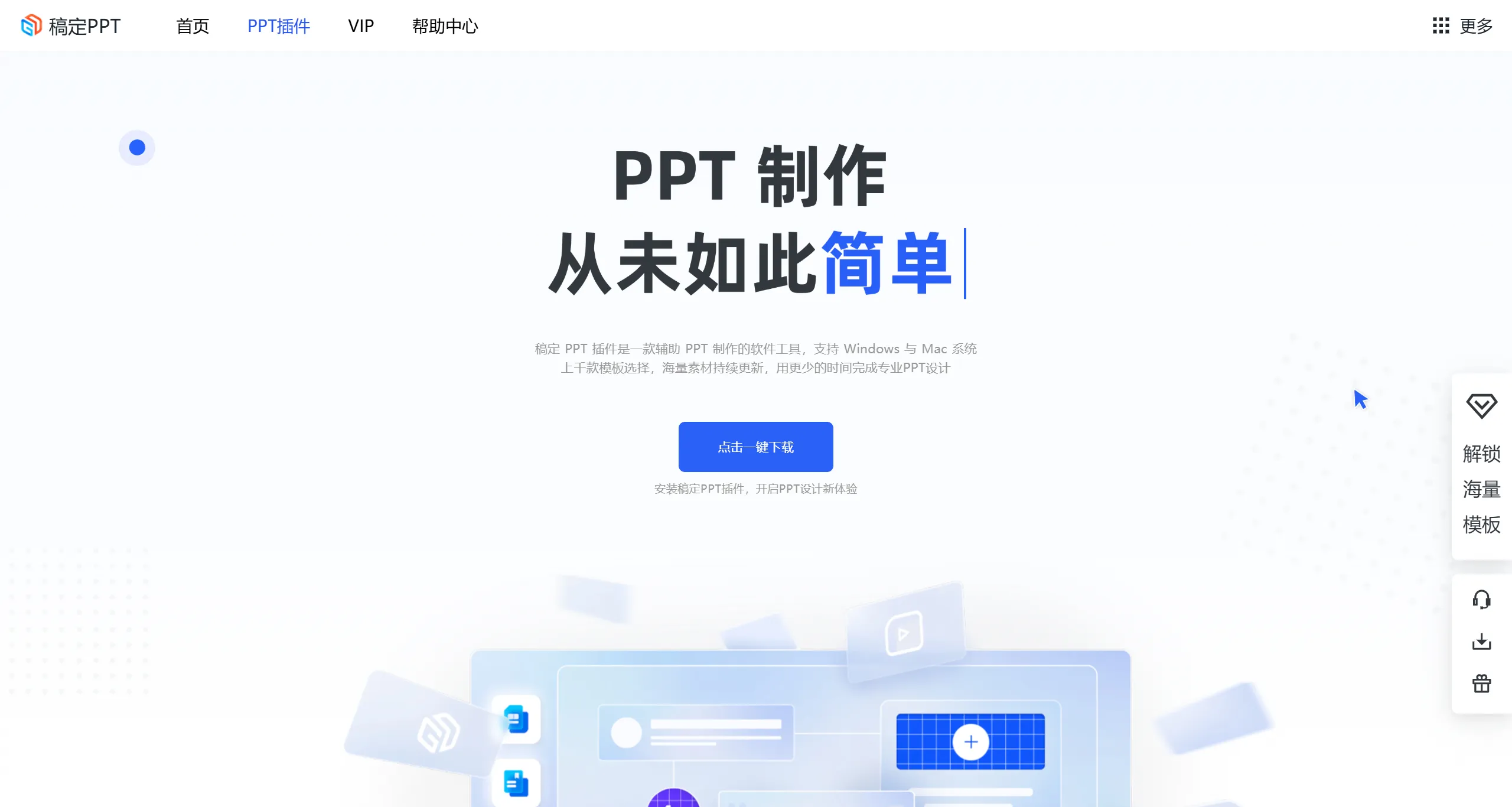
稿定PPT Features:
Massive Template Resources: 稿定PPT offers a large collection of PPT templates covering a wide range of uses, such as summary reports, company introductions, training and teaching, roadshows, thesis defenses, and more. With diverse styles ranging from business to creative, it meets the needs of different scenarios.
Online Editing: Users can directly edit templates online without downloading any software. Simply drag, replace text and images to complete a PPT, including alignment, guides, rotation, and other layout functions, smart selection and deletion, batch copy of layouts, and more.
Personalized Customization: In addition to ready-made templates, 稿定PPT also supports a certain degree of personalization. Users can adjust templates according to their specific needs or seek more professional customization services.
One-Click Color Replacement: Quickly extract colors with the color picker and replace the PPT theme colors with a single click.
Rich Assets: Provides a variety of design elements including icons, backgrounds, text styles, and charts.
Compatibility: After completing the design, users can download the PPT in different formats. The PPT file format is usually recommended for future modifications.
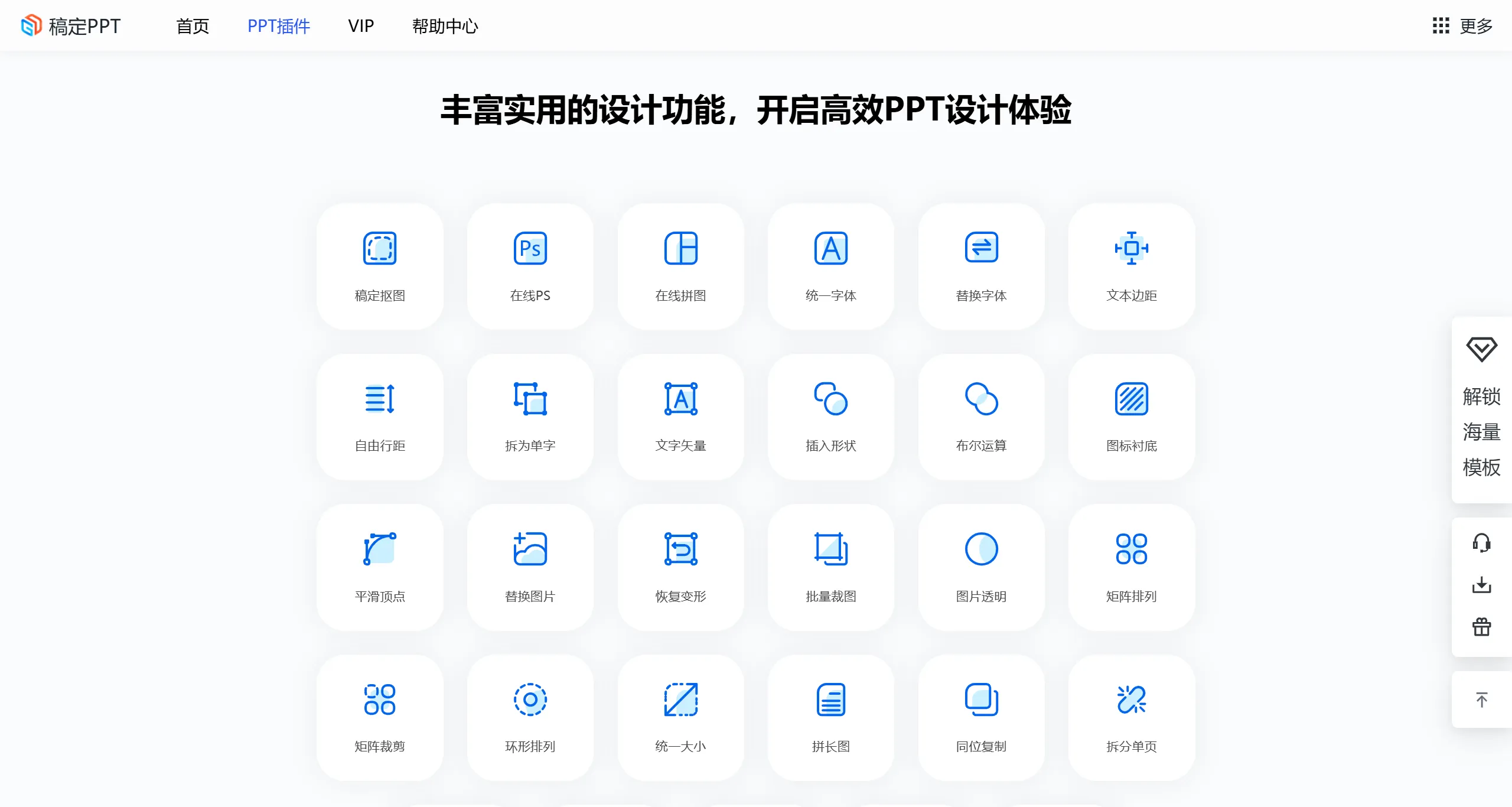
稿定PPT Characteristics:
High-Quality PPT Templates & Assets: 20,000+ high-quality professional PPT template sets/single pages for you to choose from freely, meeting all kinds of uses. Massive icons/image assets can be inserted with one click and replaced at will.
Easy-to-Edit Source Files: Custom-designed templates by professional PPT designers. PPTX format source files are 100% freely editable. Adaptive PPT theme colors make editing convenient.
Practical and Rich Features: Focused on solving PPT pain points and improving the many shortcomings of the native PPT software, changing your PPT creation experience in a simple, efficient, and direct way.
Windows/Mac Dual-Platform Support: Available for both Windows and Mac systems. The Windows version is integrated into the PPT software menu, while the Mac version runs as a standalone APP, supporting both PowerPoint and Keynote.
How to Use 稿定PPT:
Install the 稿定PPT Plugin: Download and install the 稿定PPT plugin. Once installed, load the plugin in PowerPoint.
Access the Template Library: Find the "稿定PPT" tab in the PowerPoint menu bar, click to enter the template library, and select the desired template to download and apply.
Use Design Features: When editing slides, you can use the layout, element adjustment, color replacement, and other features provided by 稿定PPT to quickly complete the design.
Use Cases for 稿定PPT Plugin:
Business Presentations: 稿定PPT is suitable for all kinds of business presentations, enhancing the delivery effect.
Educational Lectures: Provides educational templates, suitable for teaching and training occasions.
Product Promotion: Helps users create PPTs for product launches and promotional events.
Job Interviews: Provides self-introduction templates, suitable for job seeking and interview occasions.
稿定PPT Plugin Pricing:
The individual membership of 稿定PPT plugin allows unlimited free downloads of massive templates and assets, starting as low as 4.9 yuan per month.
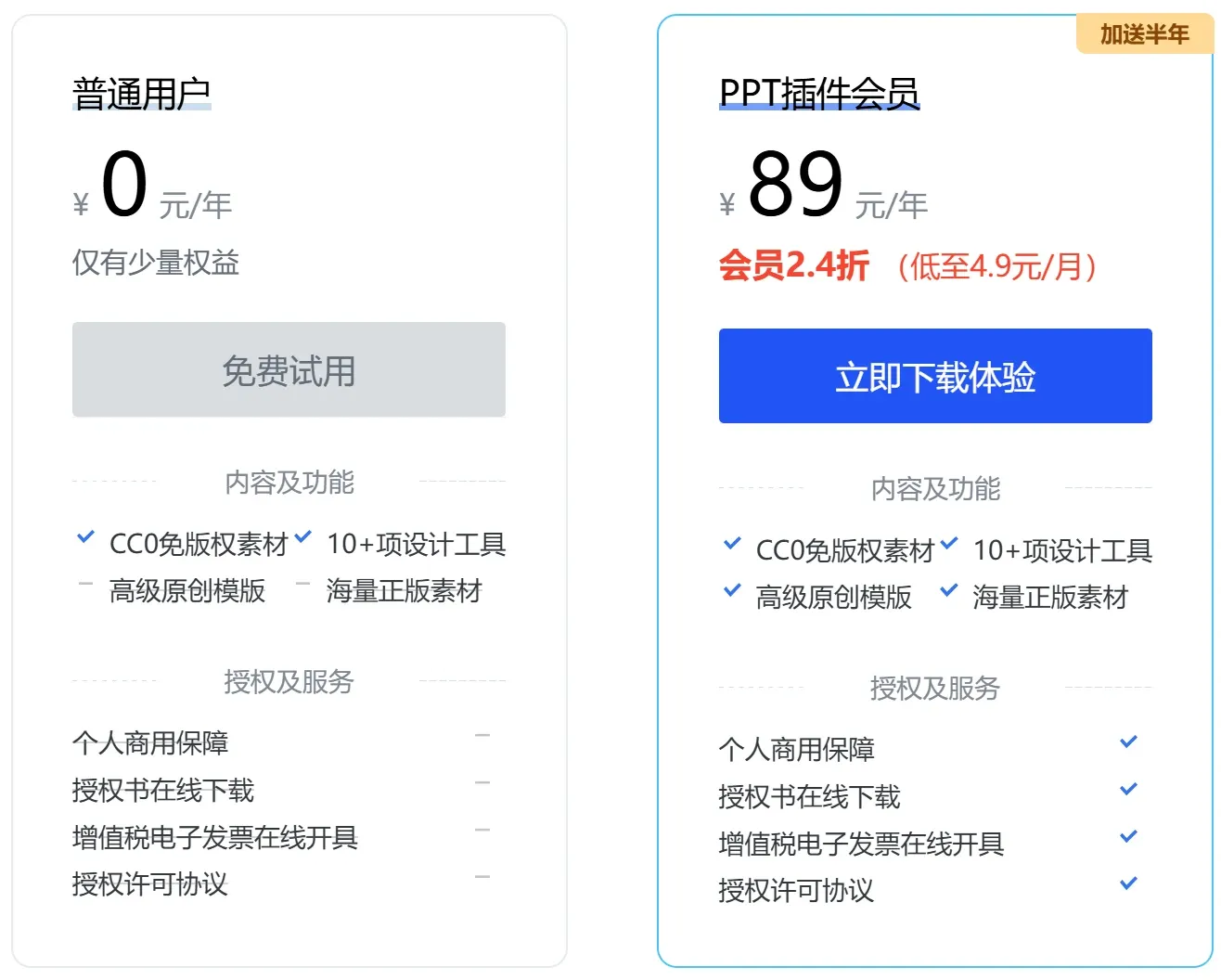
The 稿定PPT plugin provides 3,000+ high-quality PPT templates, 6,000+ professional diagrams, 80,000,000+ high-quality images, 70,000+ high-quality ICONS, 3,000+ original illustrations, and other template assets.All of this is designed to help you easily create PPTs and make your presentations more vivid and engaging.
Related Information:
How to Use Deepseek+Kimi to Create Professional PPTs: The Complete Workflow















