Script Planner Assistant▸
 AI Apps
 AI News

RecordScreen: A No-Install Online Browser Screen Recorder
RecordScreen: A No-Install Online Browser Screen RecorderIntroduction
RecordScreen.io is a browser-based online screen recording tool that requires no installation, allowing users to record their screen directly through the browser. It supports recording the entire screen, a browser window, or a specific tab, and offers the option to simultaneously record from the webcam. RecordScreen is simple to operate—users just need to click the "Record" button to start. The recorded video is processed in the browser and is not uploaded to a server, ensuring privacy and security. RecordScreen is ideal for users who need to quickly share operational demonstrations.
Key Features of RecordScreen:
No Installation Required: Users simply visit the RecordScreen.io website to start recording, with no additional installation packages or plugins needed.
Multiple Recording Options: Supports recording the entire screen, a specific window, or a tab, allowing users to choose the recording mode that suits their needs.
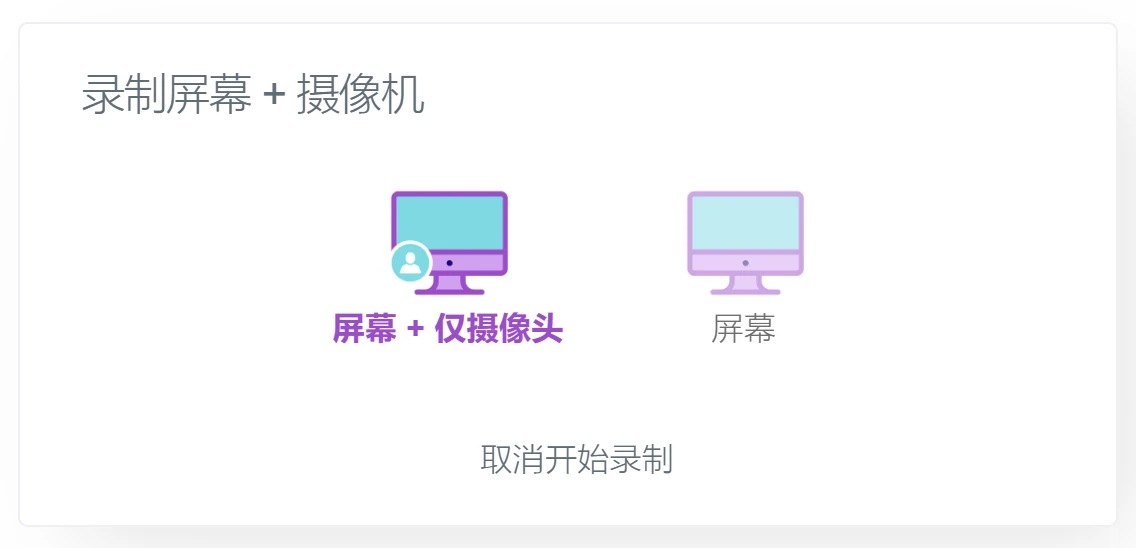
Simultaneous Webcam Recording: In addition to screen recording, RecordScreen also supports recording from the front-facing camera at the same time, making it suitable for presentations or demonstrations.
Privacy Protection: All recorded videos are processed in the user's browser and will not be uploaded to a server, ensuring user privacy and security.
Use Cases for RecordScreen:
Online Teaching: Teachers can use RecordScreen to create instructional videos, making it convenient for students to watch anytime.
Product Demonstrations: Businesses can record product usage tutorials to enhance the customer experience.
How to Use RecordScreen:
Visit the RecordScreen.io website through your browser.
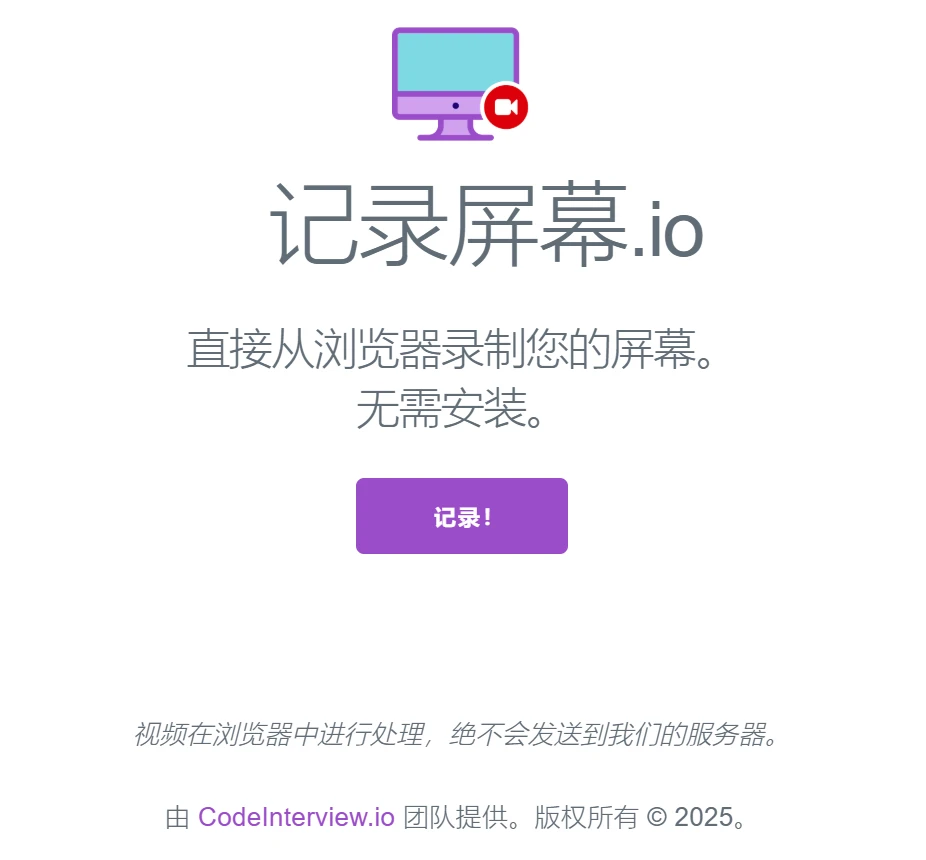
Click the "Record!" button in the center of the page to launch the recording function.
Select the recording mode (screen + webcam or screen only).
Select the area to be recorded (entire screen, application window, or specific tab).
Click "Start Recording" to begin recording.
When finished, click the stop button to download the recorded video.
RecordScreen.io also supports audio recording, including system sound and microphone input. Users can choose to capture audio simultaneously while recording, which is essential for creating instructional videos or demonstrations. Once recording is complete, users can directly download the video file in .webm format, suitable for uploading to YouTube or other video platforms for sharing.
RecordScreen has no watermark and no time limit, allowing users to record anytime without worrying about these common restrictions.