Script Planner Assistant▸
 AI Apps
 AI News
OpenDoodles: Free Open-Source Hand-Drawn Character Vector Illustrations
OpenDoodles: Free Open-Source Hand-Drawn Character Vector IllustrationsIntroduction
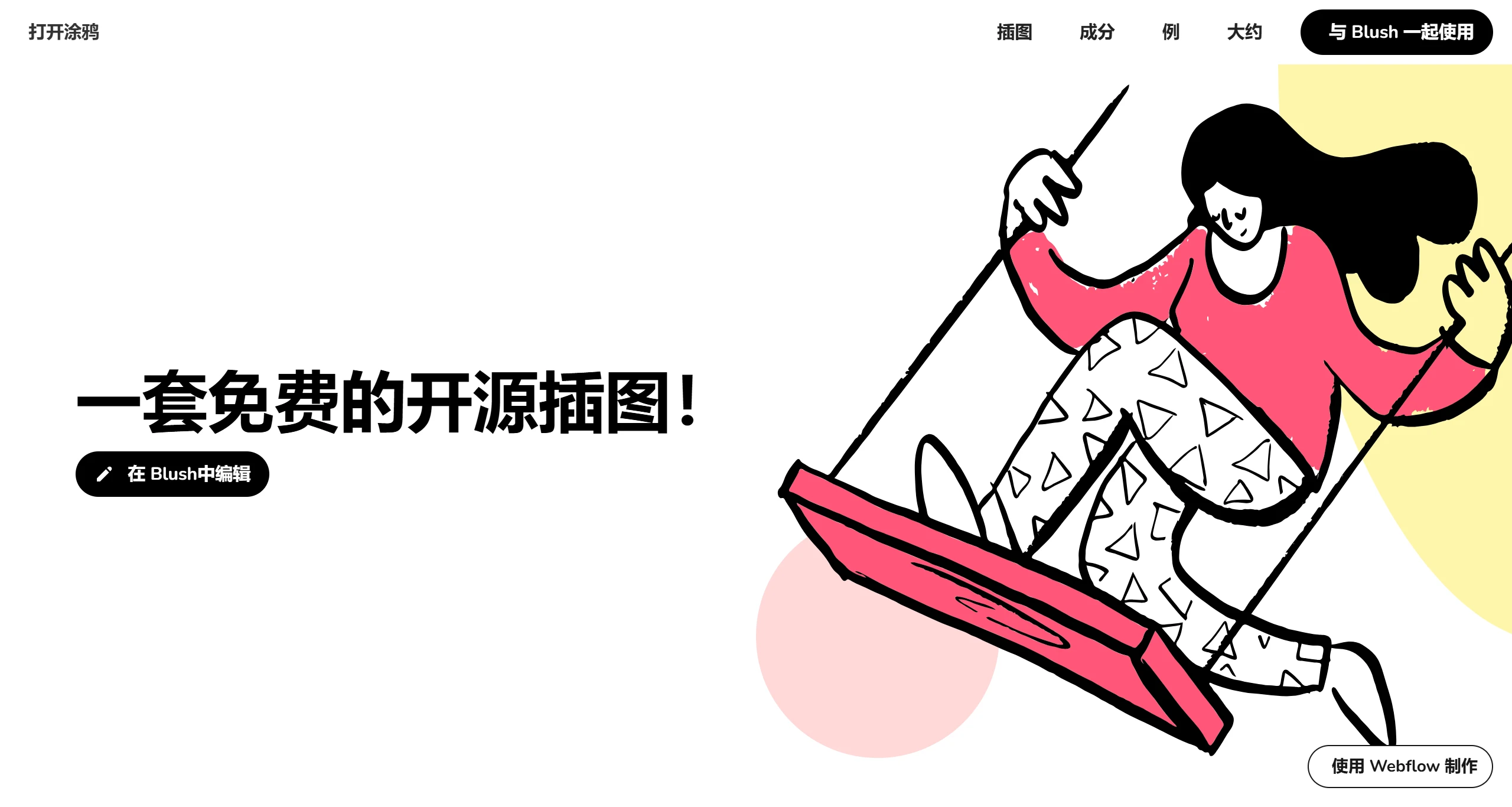
OpenDoodles is a website that offers free hand-drawn-style character vector illustration assets. Users are free to use, edit, mix, and share the illustrations without worrying about copyright issues. It supports downloads in both SVG and PNG formats, and can be used in scenarios such as product illustrations, marketing, comics, and user flows.
Main Features of OpenDoodles:
Free for Commercial Use: All illustrations can be used for both commercial and personal projects without paying any copyright fees.
Unique Style: Open Doodles features a hand-drawn illustration style with a distinctive personality and a relaxed, cheerful vibe, suitable for a variety of application scenarios.
Customizability: Users can freely edit these illustrations, including customizing colors and editing details such as eyes, hair, clothing, and more.
Multiple Formats: Downloads are available in SVG, PNG, and even GIF formats. The SVG format is ideal for users who need to make further edits.
No Registration Required: Users can directly access the website and download the illustrations they need without registering, making it very convenient.
How to Use OpenDoodles Illustrations for Design on the Blush Platform?
Blush is a powerful online design platform where users can create and customize illustrations. Below is how to use OpenDoodles with the Blush platform for editing:
1. Visit the Blush Website
Open Blush's official site and go to the OpenDoodles platform.
2. Select Open Doodles Illustrations
On Blush's homepage, you can find multiple illustration collections. Select the Open Doodles illustration collection.
3. Modify the Illustration
After selecting an OpenDoodles illustration, customize it as needed. You can change the colors, background, and other elements of the illustration. You can also drag and adjust various parts of the illustration to bring your ideas to life.
4. Download the Illustration
Once your design is complete, you can choose to download the illustration. Blush supports downloads in multiple formats, including PNG and SVG.
5. Use It
After downloading, you can apply the illustration to your projects, such as web design, ppt presentations, and more.
6. Further Editing
If needed, you can also use other design tools to further edit the downloaded illustrations.
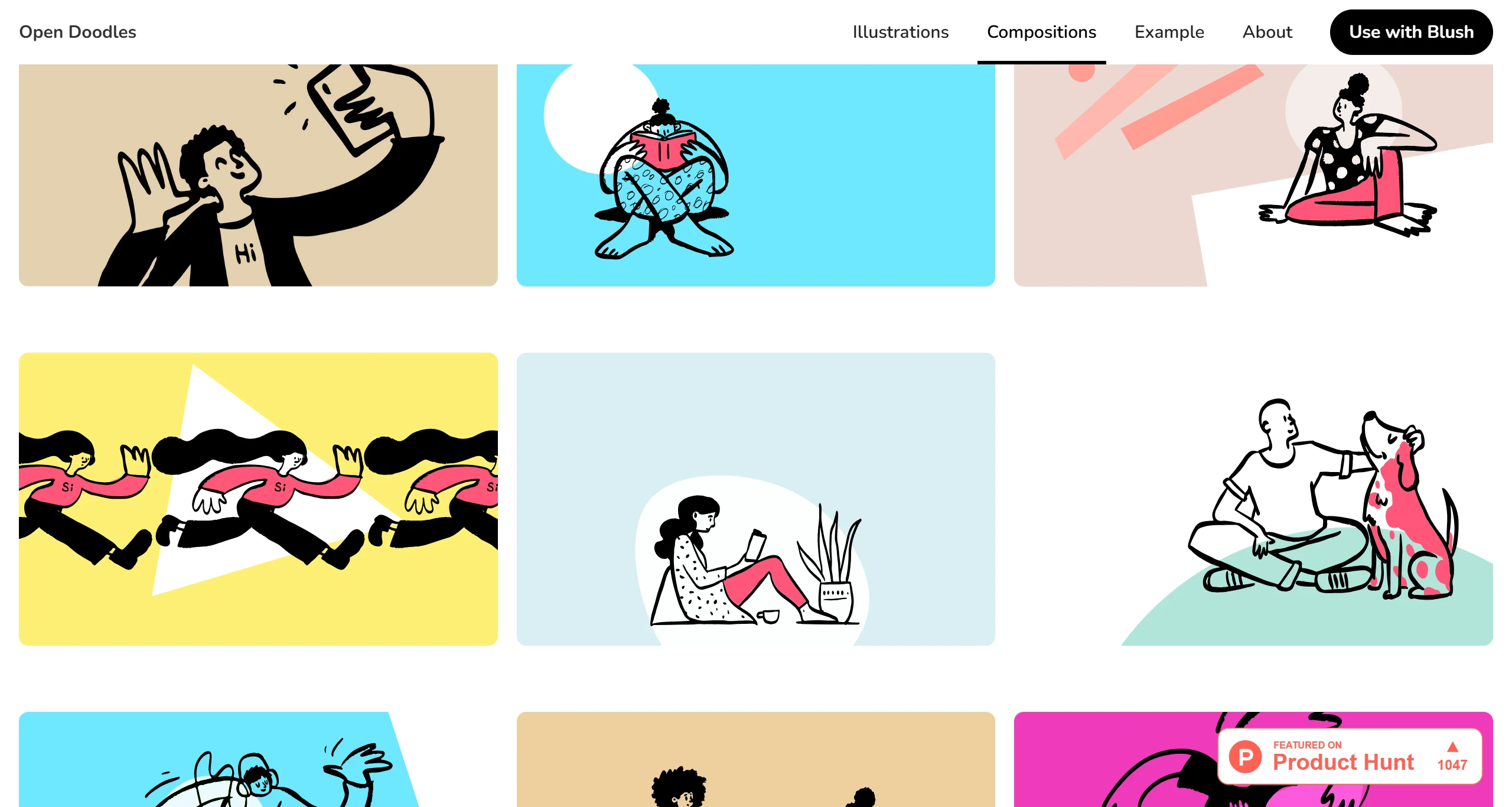
OpenDoodles Application Scenarios:
Website and application interface design
Marketing materials, such as social media posts and advertisements
Visualization of educational content
Personal blog and article illustrations
Product demos and instructions
Promotional materials for conferences and events
All OpenDoodles assets are released under the CC0 license, so users don't need to worry about copyright issues when using them. However, it is recommended to respect the original creator's work and properly credit the source where appropriate. OpenDoodles is designed and maintained by Pablo Stanley, with some illustrations derived from his personal sketches. Users should respect and protect the original creator's intellectual property when using them.