
 Script Planner Assistant▸
 AI Apps
 AI News

Photor: An Online Screenshot Beautifier
Photor: An Online Screenshot BeautifierIntroduction
Photor is a simple yet powerful online screenshot beautification tool that allows users to add background colors, shadows, rounded corners, and other elements to screenshots. It supports multiple annotation methods such as text, arrows, shapes, and Emoji, helping users enhance the visual appeal of their screenshots.
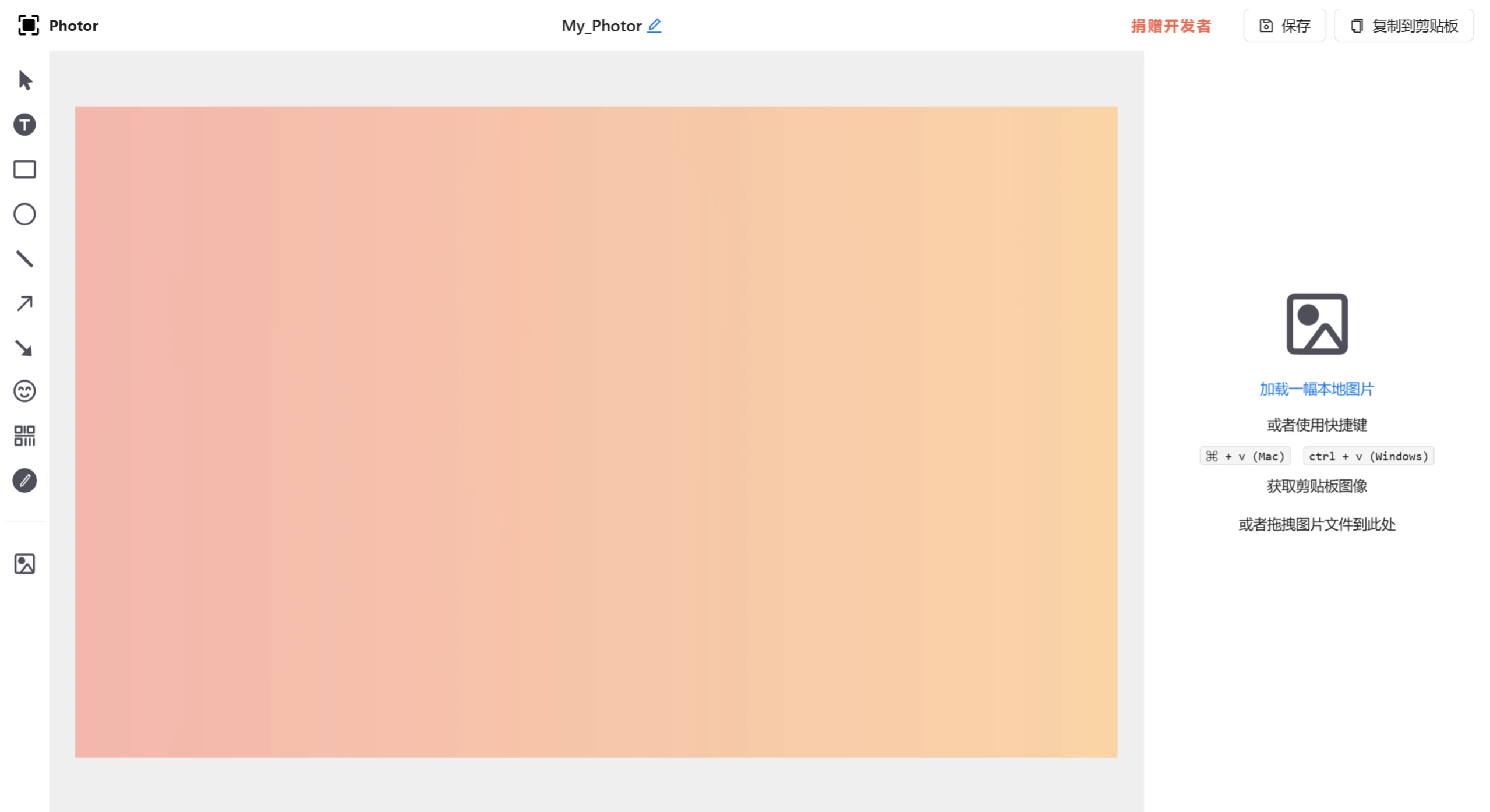
Main Features of Photor:
Background Color: Users can choose different background colors for screenshots to enhance visual appeal.
Annotation Tools: Users can add various annotations on screenshots, including squares, circles, text, and arrows, to highlight important information or provide explanations.
Background Beautification: Supports adding background colors, shadows, and rounded corners, as well as Mac window styles, making screenshots look more three-dimensional and soft.
Watermark Function: Users can add watermarks, including full-screen watermarks and background watermarks. The color, text content, size, and angle of the watermark can all be customized.
Multi-format Export: Supports export in multiple sizes, including jpg and png formats. Users can copy the image to the clipboard or save it locally.
Multiple Templates: Photor offers a variety of beautification templates, allowing users to choose the appropriate template to quickly beautify screenshots as needed.
Use Cases of Photor:
Creating screenshots for social media sharing
Preparing screenshots for ppt presentations
Screenshots for tutorial creation or documentation
How to Get and Use Photor:
Online Application: Users can visit the Photor website to use the online application directly.
Browser Extension: Photor also provides browser extensions for Chrome and Edge, allowing users to install them with one click for convenient and quick screenshot capture and beautification.
Overall, Photor, as a comprehensive and easy-to-use screenshot beautification tool, is ideal for users who need to improve screenshot quality. Whether for personal or professional needs, Photor can deliver.
Photor also supports exporting files in multiple formats, including jpg and png, allowing users to choose based on different needs. In addition, Photor's security is assured, as all operations are completed within the user's browser, ensuring that the user's screenshot data will not be leaked. The tool also provides extensions for Chrome and Edge browsers, enabling users to perform full-screen or region screenshots directly on web pages and enter the editing interface immediately after capturing, further enhancing convenience.
Related Information:















