
 Script Planner Assistant▸
 AI Apps
 AI News

PokeCut – AI Smart Image Editor
PokeCut – AI Smart Image EditorIntroduction
Pokecut is an AI-driven photo editing tool that offers features such as background removal, background replacement, and photo enhancement, with support for batch processing. Users can quickly improve photo quality with Pokecut, turning blurry photos into sharp ones in an instant. In addition, Pokecut provides over 1,000 high-quality templates suitable for Instagram stories, podcast covers, and YouTube content cover designs.
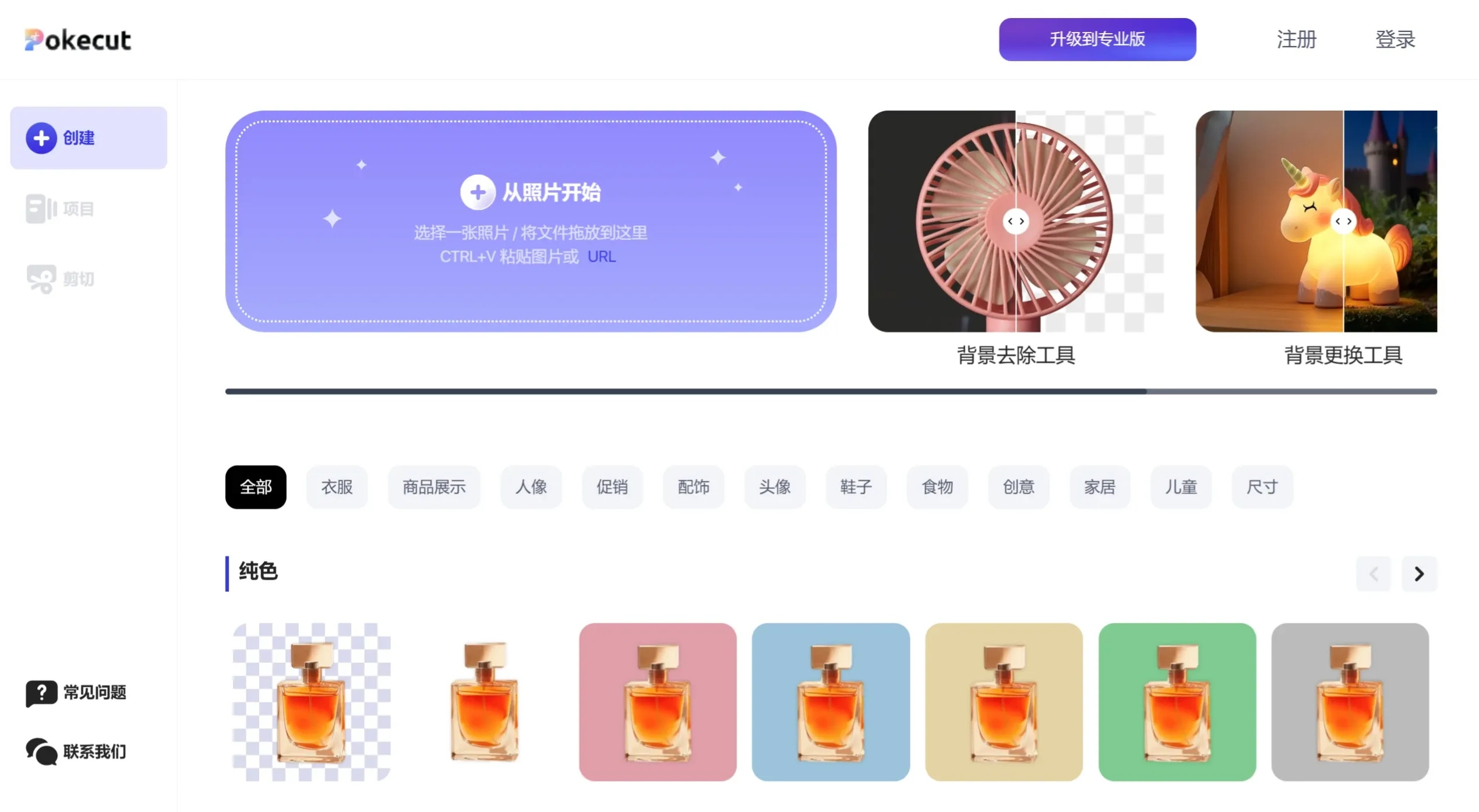
Main Features of Pokecut
Background Removal: Pokecut can quickly remove photo backgrounds, suitable for portraits, products, pets, and many other types of photos.
Background Replacement: Offers over 1,000 background templates and colors to help users effortlessly create professional photos.
Image Enhancement: Converts blurry, low-resolution photos into high-definition images, improving photo quality.
Batch Editing: Supports batch background removal and photo editing, improving work efficiency.
AI Design: Automated AI graphic design features, ideal for e-commerce and social media content creation.
Templates and Design Tools: Provides a wealth of design templates, allowing users to quickly create social media images, posters, and other visual content.
How to Use Pokecut
Visit the Website or Download the App: Users can visit Pokecut's official website or download the Pokecut app from the app store.
Upload Images: On the website or in the app, users can click the "Upload Image" button to select the photo they want to edit, or drag and drop the image into the designated area.
Select a Function: Choose the desired function such as background removal, background replacement, or photo enhancement based on your needs.
Edit and Adjust: Use the provided tools to edit and adjust the details and effects of the image.
Download: After completing the edit, users can download the processed image.
Pokecut's user interface is suitable for users of all skill levels, especially for e-commerce and social media content creators.
Pokecut also includes several other important features:
Smart Object Removal: Users can use the AI tool to easily remove unwanted objects or clutter from photos, enhancing image cleanliness.
Multiple Output Formats: Supports exporting in various image formats, including PNG, JPG, and more, allowing users to choose the appropriate format based on their needs.
Mobile Support: Pokecut is not only available on the web but also offers iOS and Android apps, enabling users to edit images anytime, anywhere.
Use Cases for PokeCut:
E-commerce: Suitable for product photo editing on platforms such as Etsy, eBay, and Shopify.
Social Media: Create social media content such as Instagram stories and YouTube covers.
Personal Use: Ideal for background removal and enhancement of personal photos.
Professional Design: Helps designers improve the quality and efficiency of their work.
Corporate Promotion: Used for creating professional images for corporate products and services.
As a comprehensive intelligent image editor, Pokecut is suitable for all types of users, especially in e-commerce design.














