Script Planner Assistant▸
 AI Apps
 AI News
VidHub: HD Video Player for Cloud Drives and NAS
VidHub: HD Video Player for Cloud Drives and NASIntroduction
VidHub player is a versatile media player for Apple devices that supports more mainstream cloud drives and integrates with platforms like Emby, Jellyfin, and Plex, offering perfect adaptation across all Apple platforms. It enables fast playback of cloud drive and network disk content, serving as a universal home theater library that plays and downloads videos and subtitles from cloud drives, network disks, and NAS. VidHub runs smoothly on iOS, iPadOS, macOS, and Apple TV. Beyond being a player, it also incorporates powerful media management features.
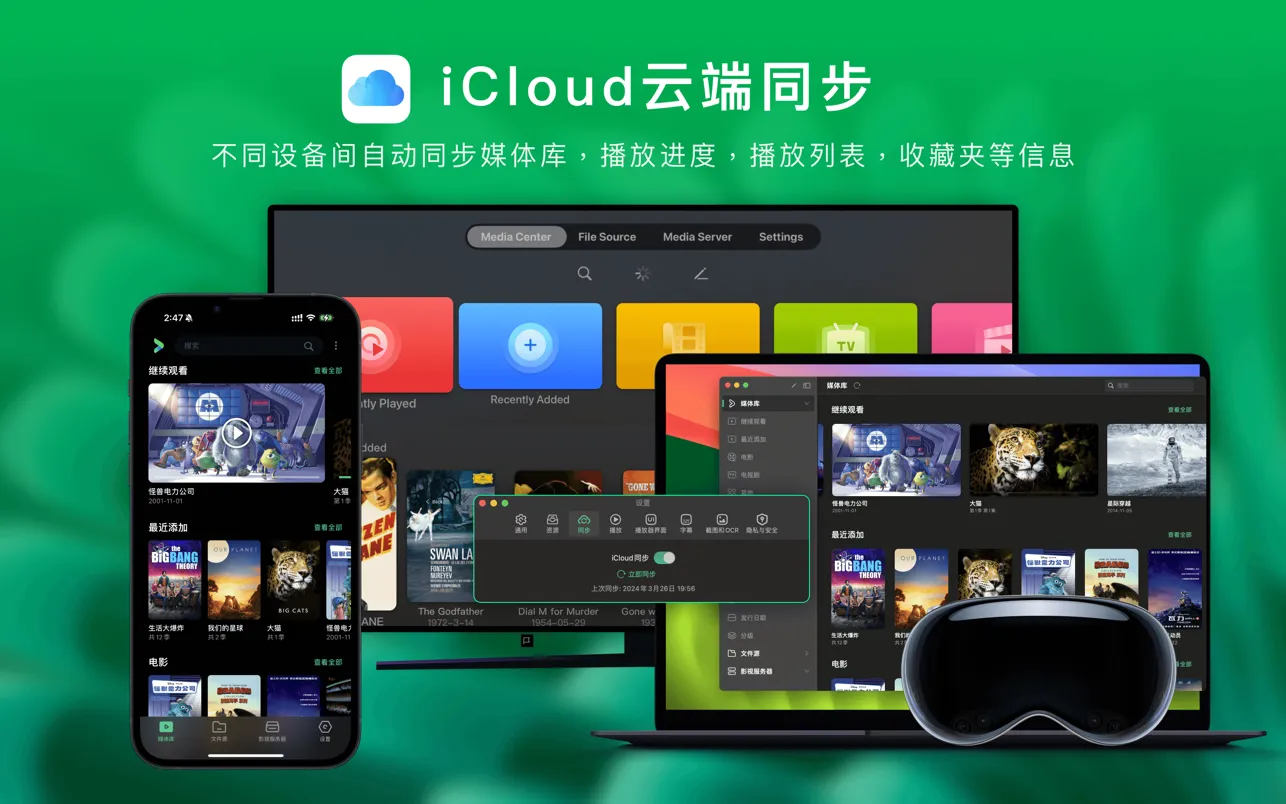
VidHub Player Features:
Multi-platform support: Supports iOS, Mac, and Apple TV platforms, with playback records and settings synced via iCloud.
Cloud drive and server integration: VidHub supports direct connection to mainstream domestic cloud drives such as Alibaba Cloud Drive, Baidu Netdisk, and China Mobile Cloud Drive. After one-click login and authorization, your cloud drive resources can be watched directly. It also supports direct linking to Emby, Jellyfin, and Plex media servers, making it convenient to manage online video resources.
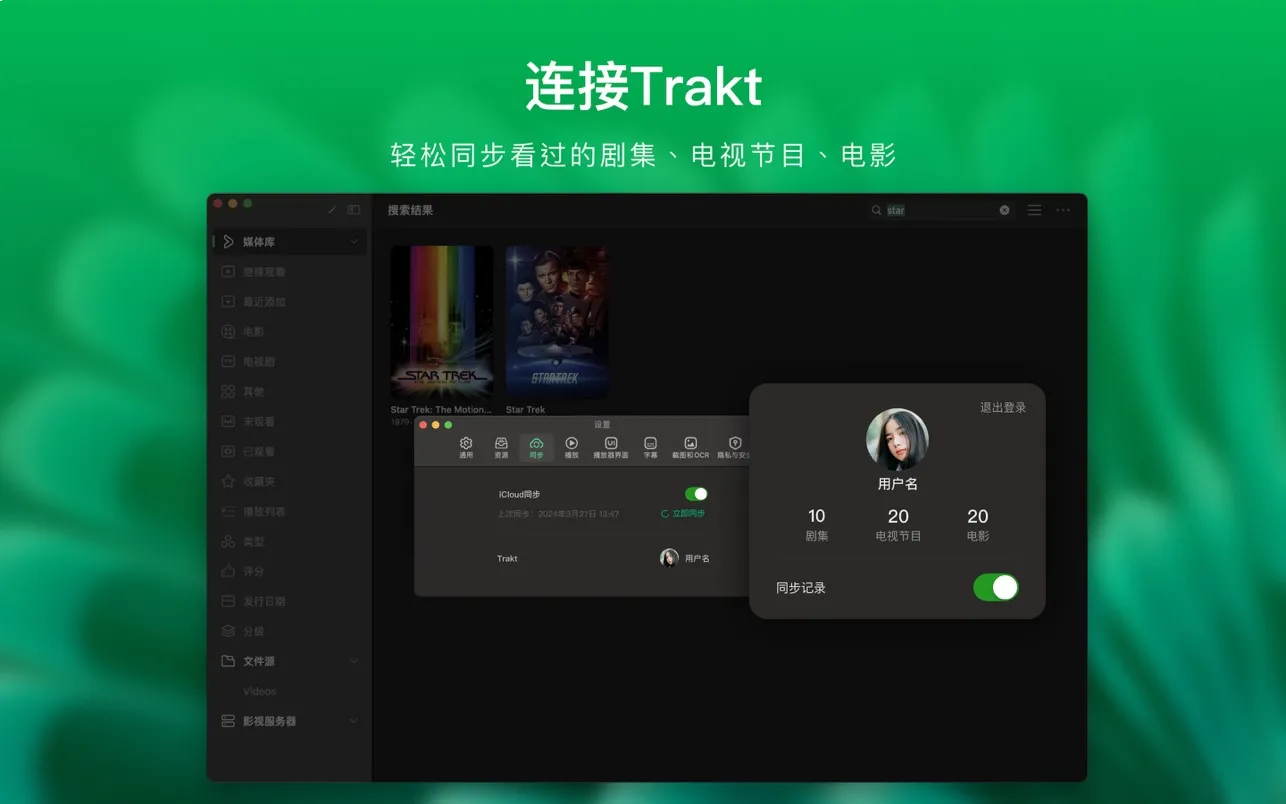
Automatic scraping: It not only automatically fetches and matches movie and TV information for your resource files, but also automatically organizes TV shows by season and episode, helping users automatically sort and classify resources.
Format compatibility: Supports a comprehensive range of video formats, including .mkv, .avi, .mp4, .mov, .rmvb, .wmv, and other HD, 4K, HDR, and various other resolution high-quality video playback.
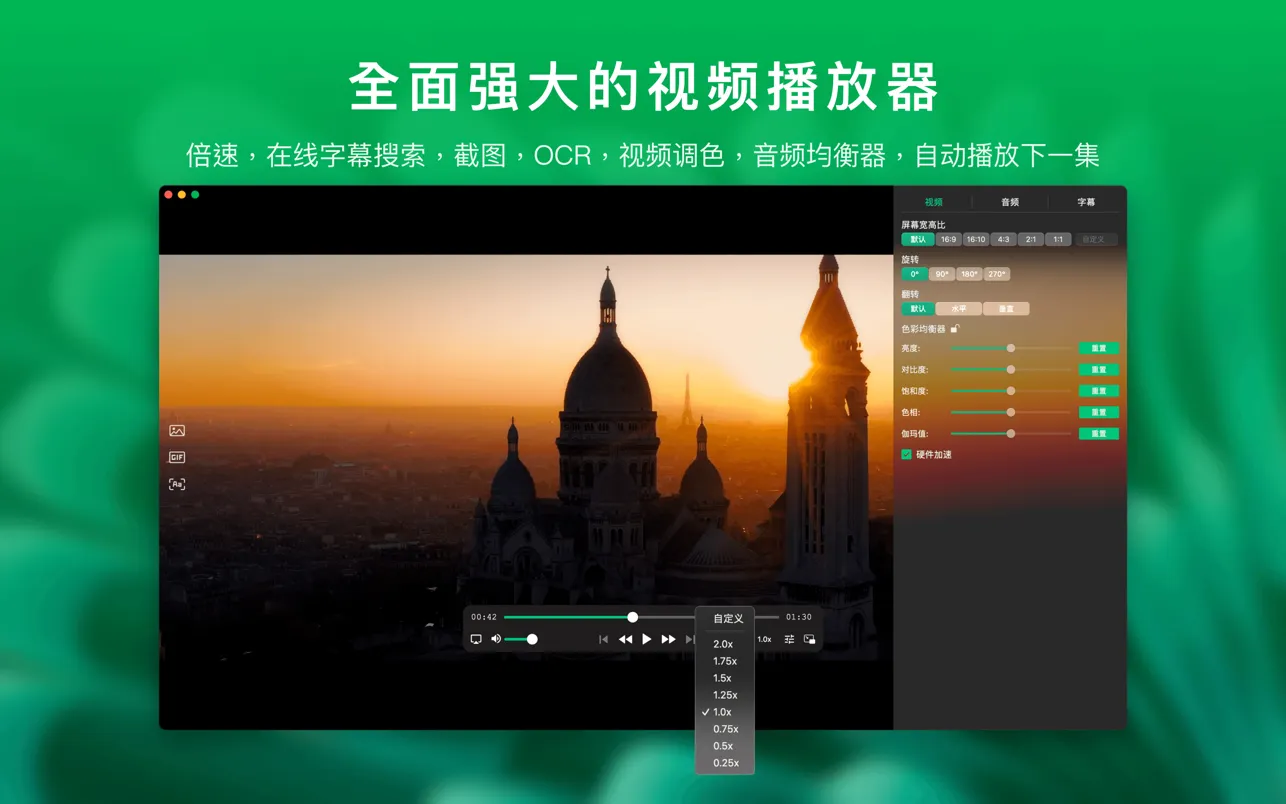
HD playback: Supports HD quality, custom playback speed, multiple file format playback, HDR playback support, and picture equalizer features, ensuring a high-quality viewing experience.
Media library management: Users can create and manage their own media library, supporting batch formatting and modification of file names, including adding characters, replacing characters, and regular expression renaming methods. Features include auto-skipping intros and outros, and a built-in media library management tool with an intuitive interface for displaying videos, as well as customizable sorting options by genre, date, rating, and more.
Privacy protection: With password lock support, VidHub provides a password lock feature to protect your viewing privacy and prevent others from peeking at your player content.
Video casting: Supports video casting and streaming playback, pushing the currently playing video to display devices that support DLNA, Chromecast, ROKU, or AirPlay protocols.
VidHub Video Casting Operation Steps:
VidHub supports multiple casting protocols, such as DLNA, Chromecast, ROKU, and AirPlay, allowing users to cast video content to supported devices. The following are the steps for video casting:
Ensure device connection: Make sure your phone, tablet, or computer is on the same Wi-Fi network as the casting device (such as a smart TV).
Open the VidHub app: Launch the VidHub app on your device, ensuring you are logged in and your media library is set up.
Select a video: Browse and select the video file you want to cast in VidHub's media library.
Launch the casting feature: On the video playback interface, look for the cast icon (usually a rectangle with a triangle inside) and tap it.
Select a casting device: VidHub will automatically search for available casting devices on the same network. Choose the device you want to cast to (such as a smart TV).
Start playback: Once the device is selected, the video will begin playing on the chosen device. You can use VidHub's control features to pause, fast-forward, or adjust the volume.
End casting: If you want to end casting, simply tap the cast icon again and select "Stop Casting."
VidHub Player Application:
VidHub is ideal for home theater users, movie and TV enthusiasts, and those who need to manage large collections of video files. Whether you're watching movies, TV shows, or managing a personal video library, VidHub provides a convenient solution.
In summary, this VidHub player is like your personal theater—it handles everything and lets you watch videos comfortably. Moreover, VidHub updates very frequently, with new versions released almost every week, continuously improving its features.